Results for “iPhone”
54 guides found
How to Merge Duplicate iPhone Photos and Find a Missing Duplicates Album
Review duplicate groups, understand what Merge keeps, and check why Duplicates may be missing after importing a photo library.
Read guide →
How to Fix Apple Notes Not Syncing Between iPhone and Mac
Compare where an Apple Note is stored, check iCloud sync on both devices, and use a test note to isolate the problem.
Read guide →
How to Recover Deleted Apple Notes on iPhone
Find a note in Recently Deleted, move it back to a regular folder, and check the account if it isn’t there.
Read guide →
How to Lock an Apple Note With Your iPhone Passcode
Use your existing device passcode for eligible locked notes, test that they’re closed, and troubleshoot a missing Lock option.
Read guide →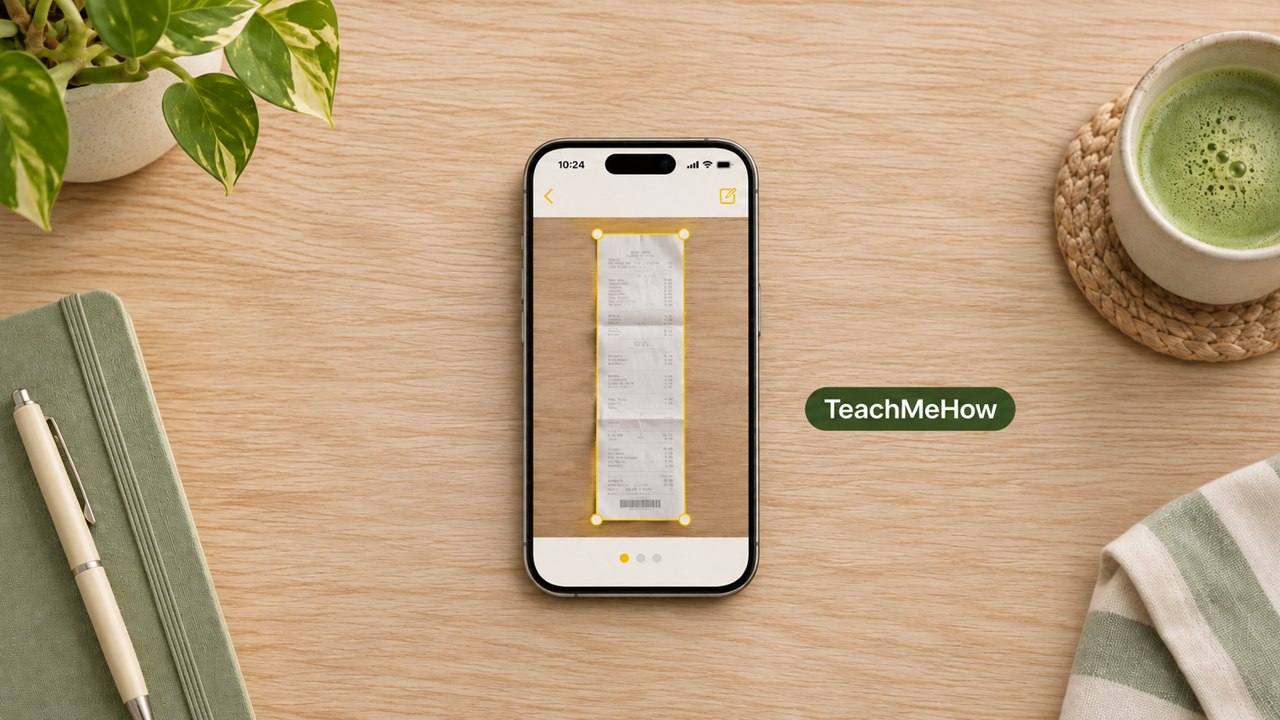
How to Scan Multiple Pages Into One PDF in Apple Notes on iPhone
Scan several sheets in one session, check the page order, and save the finished PDF to Files without sending the entire note.
Read guide →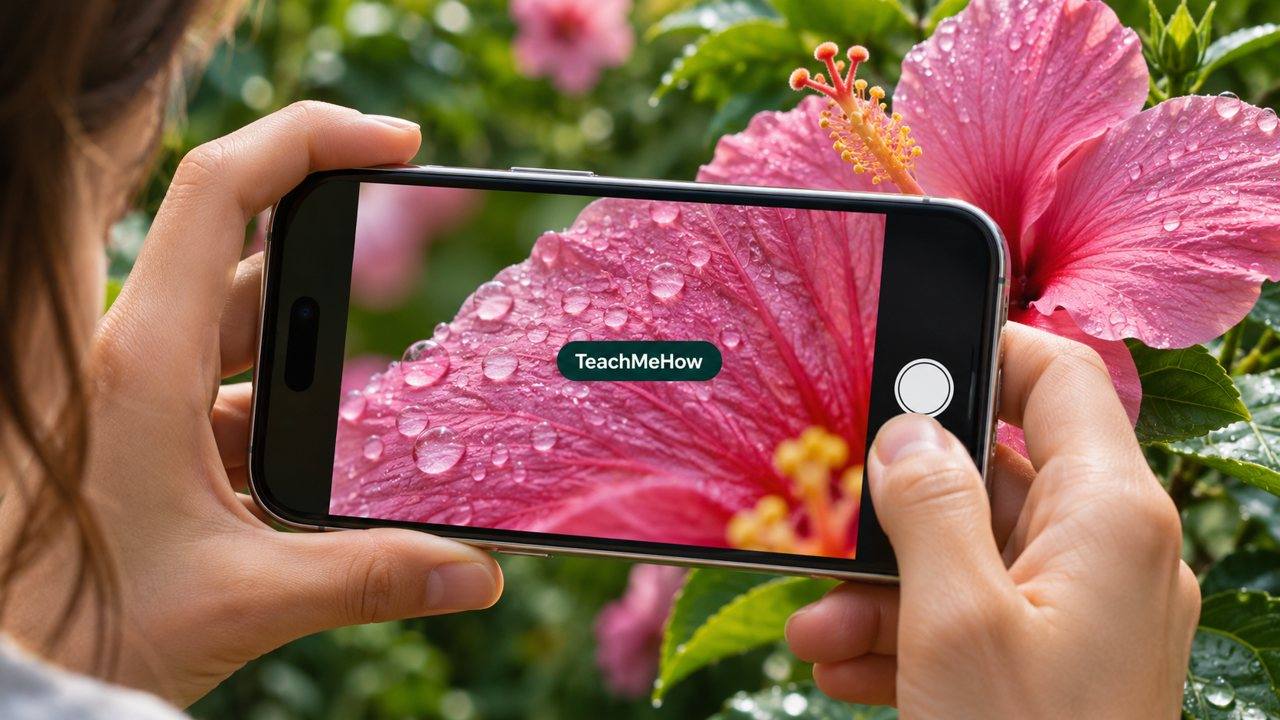
How to Stop an iPhone Camera From Switching Lenses During Close-Ups
Use the flower control on a macro-capable iPhone, compare automatic and manual close-ups, and keep the setting between sessions.
Read guide →
How to Create a Shared iPhone Photo Album That Family Can Add To
Set up a family album, choose who can join, and test whether an invited person can contribute. Includes paths for iOS 26 and 27.
Read guide →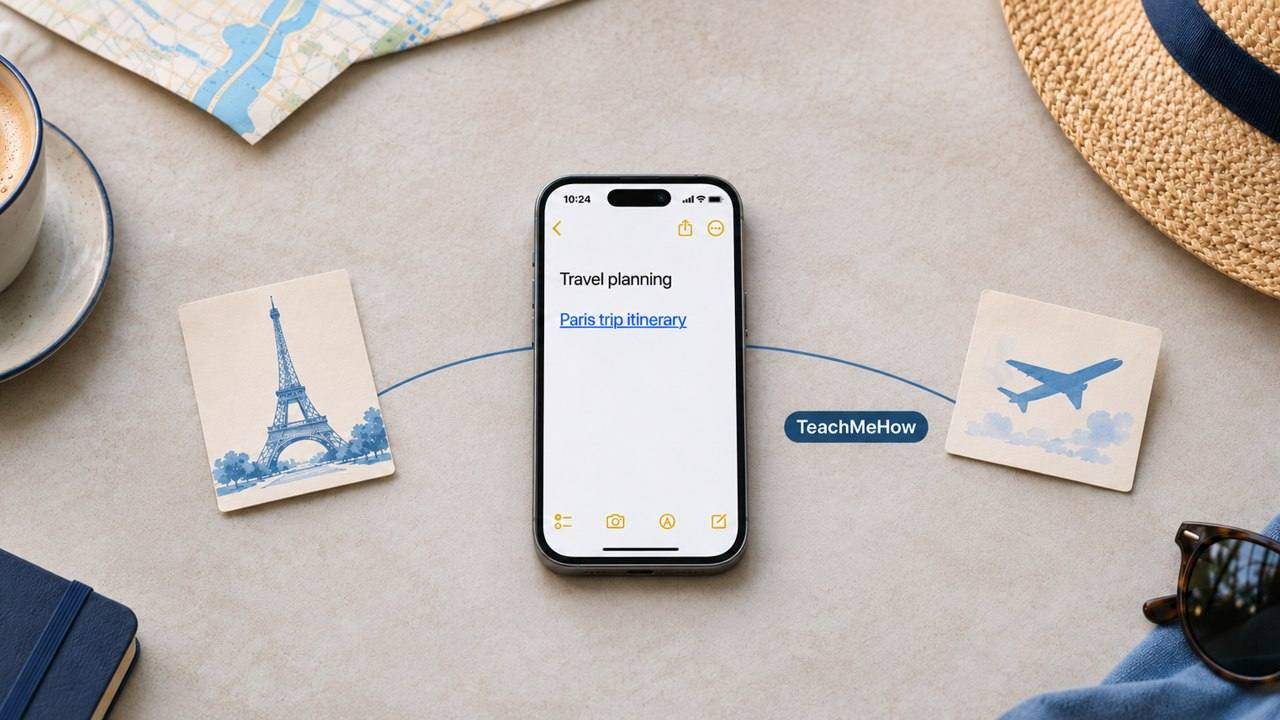
How to Link One Apple Note to Another on iPhone
Make a tappable index of related notes, choose clear link labels, and check that links open the intended destinations.
Read guide →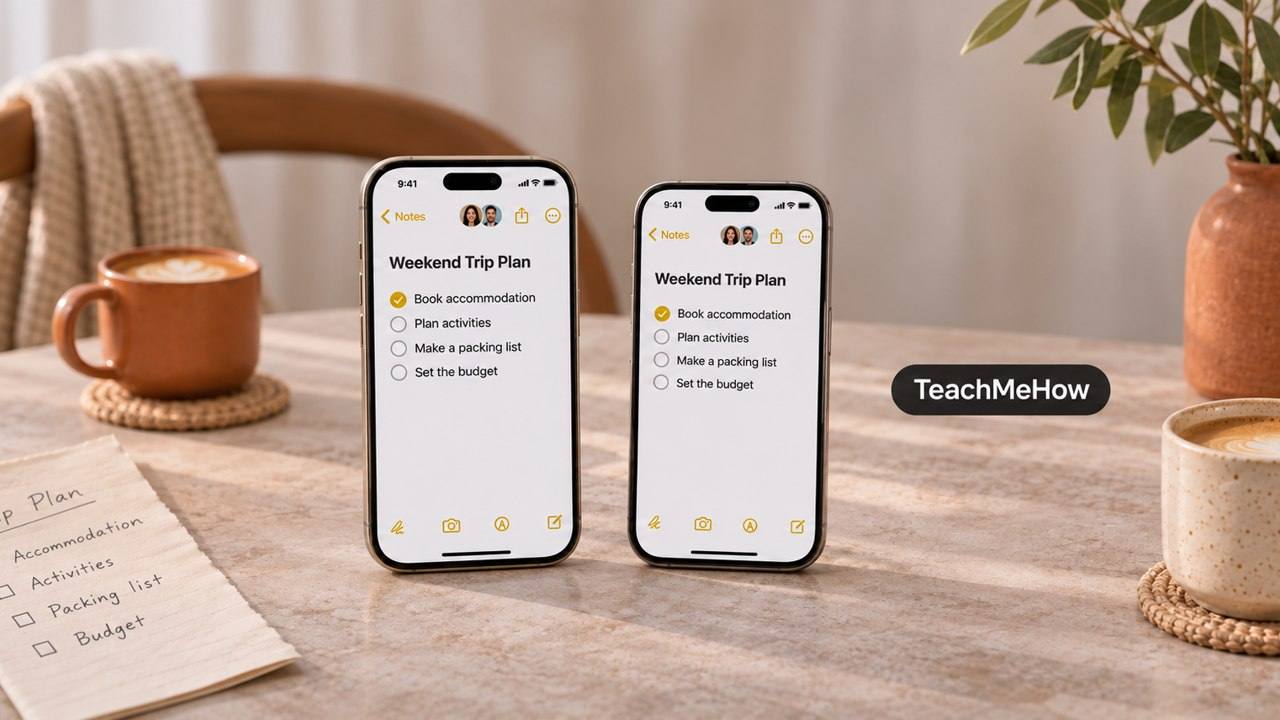
How to Share an Apple Note for Editing or View-Only Access on iPhone
Send a live iCloud note, choose who can edit it, and check what recipients see before sharing it more widely.
Read guide →
How to Copy Text From Paper Into Apple Notes on iPhone
Use the Notes camera to insert editable text from a page, select just the lines you need, and correct recognition mistakes.
Read guide →
How to Organize Apple Notes With Tags and Smart Folders on iPhone
Build a filtered folder that gathers tagged notes across projects and fix the most common reasons a note is left out.
Read guide →
How to Pin Important Apple Notes at the Top on iPhone
Keep a few high-use notes at the top of a folder, unpin old references, and check why a note is missing from Pinned.
Read guide →
How to Combine iPhone Videos Into One Movie in iMovie
Join clips from Photos, put them in the right order, and save a single video that plays cleanly from start to finish.
Read guide →
How to Choose and Reset Photographic Styles on an iPhone
Compare styles against a neutral reference, fine-tune the look on your model, and return to Standard when colors look wrong.
Read guide →
How to Make iPhone Camera Remember Your Last Mode and Settings
Choose which camera controls persist, save your preferred state, and test what happens the next time Camera opens.
Read guide →
How to Record QuickTake Video Without Leaving iPhone Photo Mode
Start a clip from the photo shutter, lock recording, take a still during the clip, and avoid starting Burst by accident.
Read guide →
How to Stop iPhone Selfies From Flipping or Showing Backward Text
Choose whether selfies match the preview or show readable lettering, test the setting, and fix a selfie you already took.
Read guide →
How to Use the iPhone Camera Grid and Level for Straight Photos
Line up a storefront, horizon, or overhead shot before pressing the shutter. Diagnose a tilted frame versus converging verticals.
Read guide →
How to Lock Focus and Exposure on an iPhone Camera
Keep the subject sharp and the brightness steady as you reframe. Learn when to use AE/AF Lock and when to release it.
Read guide →
How to Take Burst Photos on iPhone and Keep the Sharpest Frame
Capture action with the shutter gesture or volume button, compare individual frames, and save the moment you meant to catch.
Read guide →
How to Take an iPhone Panorama Without Bent Lines or Doubled People
Choose a sweep direction, hold a consistent pivot, and spot stitching errors while you can still retake the panorama.
Read guide →
How to Control Background Blur in iPhone Portrait Mode
Set subject distance, adjust Depth Control, and check hair and glasses for blur errors before saving a portrait.
Read guide →
How to Straighten an iPhone Photo and Crop It to a Print Size
Level a tilted horizon, choose a crop ratio for a 4×6 or 5×7 print, and preview what the print lab could trim from the edges.
Read guide →
How to Fix the Wrong Date or Time on an iPhone Photo
Correct a scan, a travel photo, or a batch from a camera with the wrong clock. Check the result in photo information and the library timeline.
Read guide →