Results for “iPhone”
54 guides found
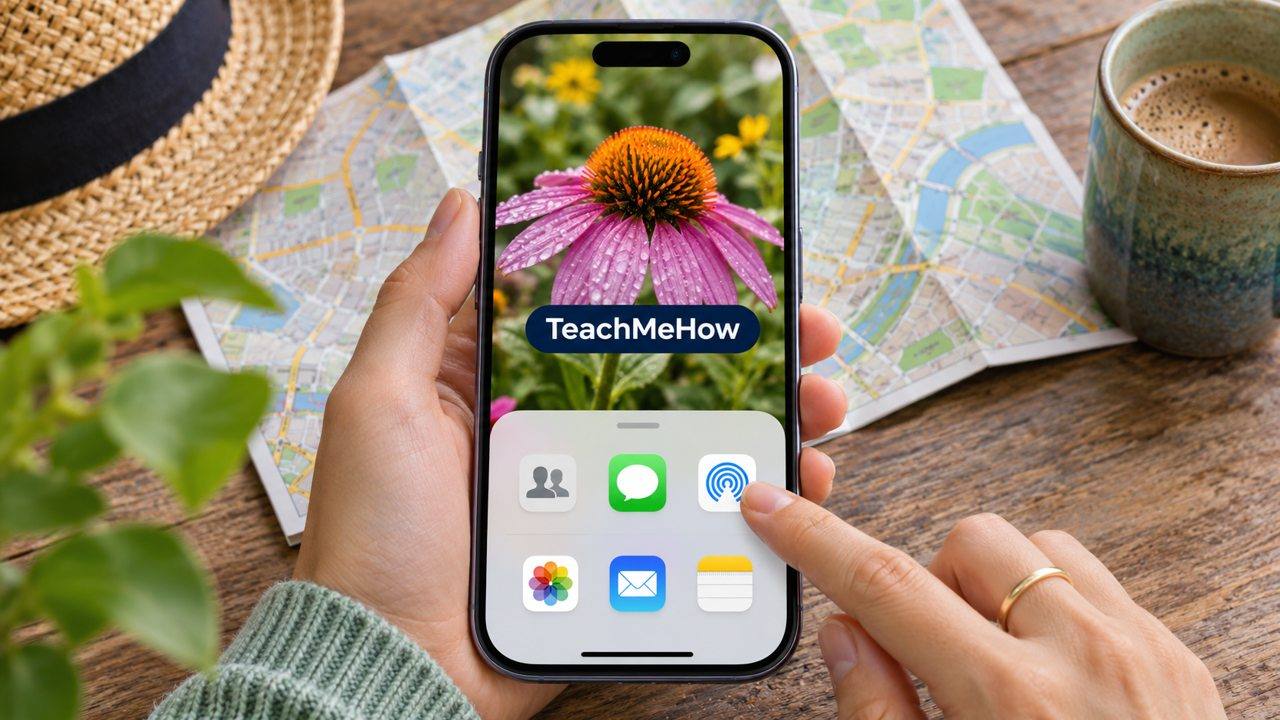
How to Share an iPhone Photo Without Sending Its Location
Turn off location for one outgoing photo or a selection, keep your own map information, and verify the received copy before sharing more.
Read guide →
How to Name People and Pets in iPhone Photos and Fix Wrong Matches
Label a recognized face, bring two groups for the same subject together, and remove a mistaken match without deleting the photograph.
Read guide →
How to Put iPhone Photos in a Custom Order Inside an Album
Arrange photos in a sequence you choose, keep the library timeline intact, and fix thumbnails that jump back when you drag them.
Read guide →
How to Copy Photo Edits to Multiple Pictures on iPhone
Match a series of images with Copy Edits and Paste Edits. Test a sample, choose which adjustments carry over, and fix outliers separately.
Read guide →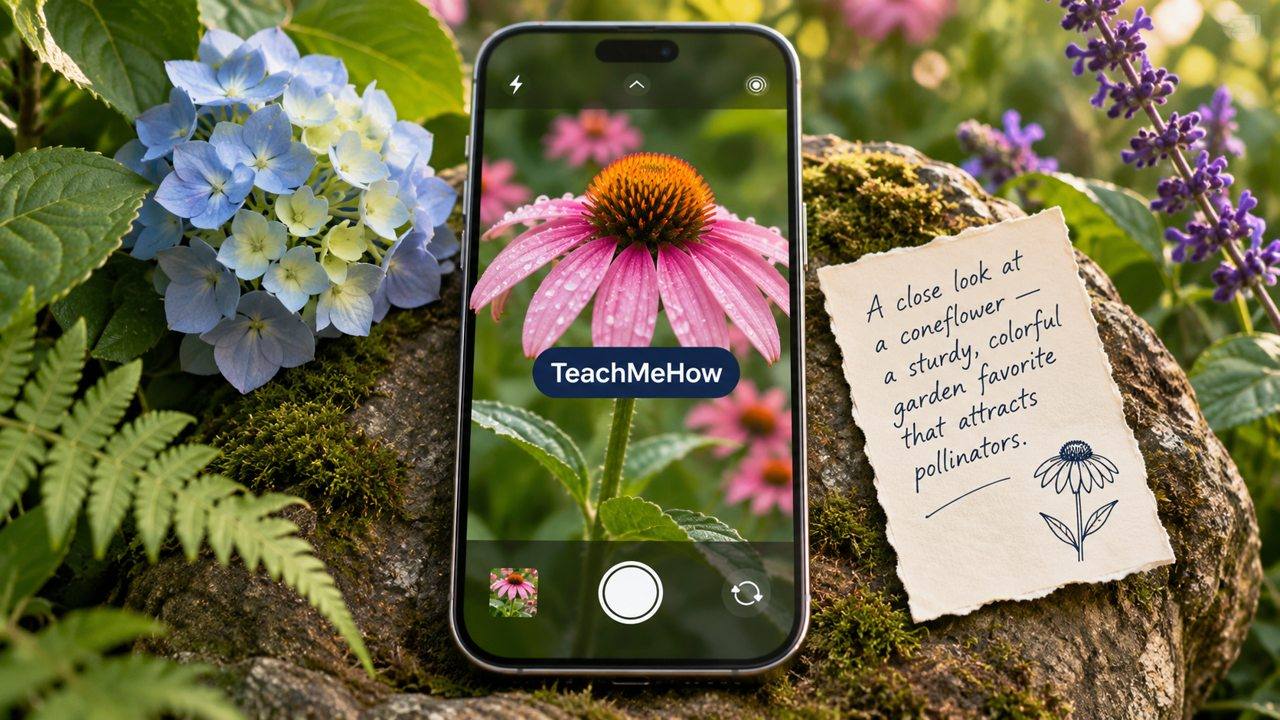
How to Add Searchable Captions to iPhone Photos
Find an image later using words the camera could never capture. Add a caption, test a search, and distinguish captions from text printed on a picture.
Read guide →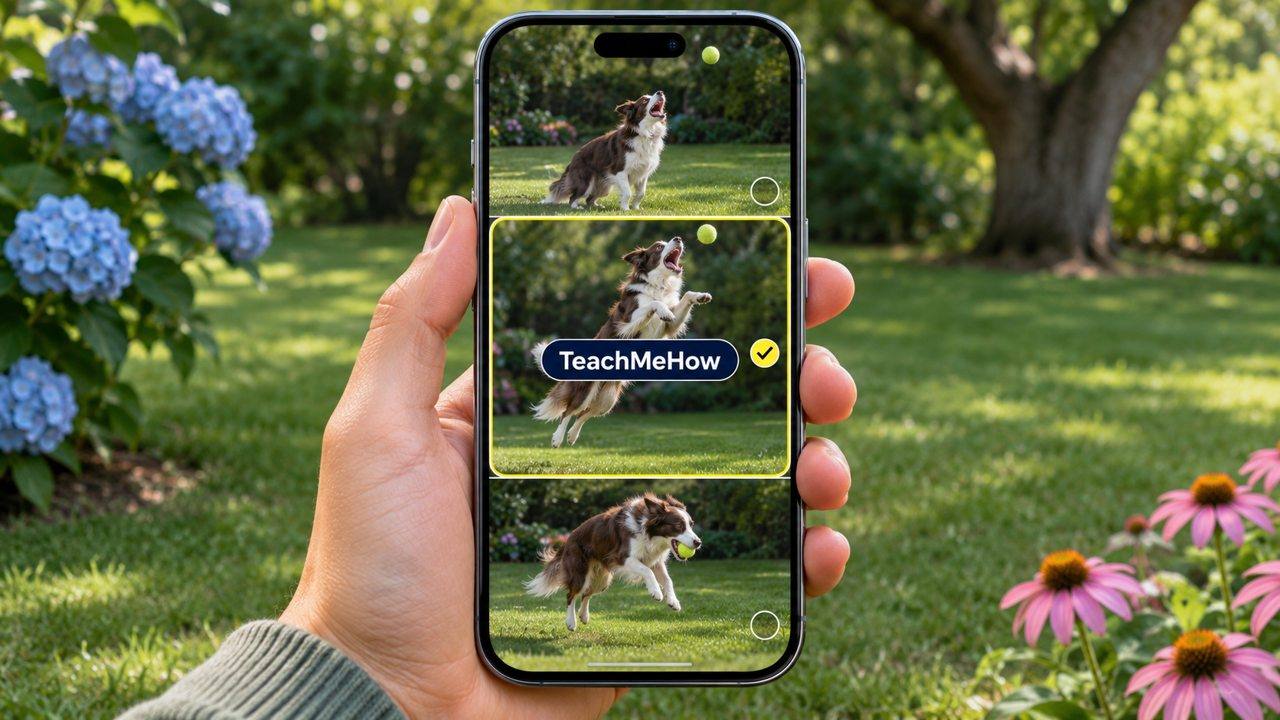
How to Choose a Better Key Photo From an iPhone Live Photo
Rescue a blink or a missed expression using the frames already in a Live Photo. Compare frames, keep the motion, or share just the still.
Read guide →
How to Find Completed Reminders and Mark Them Incomplete on iPhone
Find checked-off tasks in their original list or the Completed view, reopen the right reminder, and check its due date on iPhone.
Read guide →
How to Save and Reuse a Packing List Template in iPhone Reminders
Turn a packing list into a reusable iPhone Reminders template, make a fresh copy for each trip, and update what future lists include.
Read guide →
How to Set an iPhone Reminder for When You Arrive or Leave
Set an arrival or departure alert in Apple Reminders, choose the right address, and adjust the area if alerts fire on the wrong street.
Read guide →
How to Set Up a Recurring Reminder on iPhone
Schedule a task to repeat on iPhone, choose its first due date, and check that the next occurrence lands where you expect.
Read guide →
How to Get an Early Reminder Before a Due Time on iPhone
Keep the real deadline on an iPhone reminder, add an earlier notification, and test when both alerts should appear.
Read guide →
How to Free Up iPhone Storage After Backing Up to Google Photos
Recover iPhone space while keeping backed-up pictures in Google Photos. Check iCloud Photos first and review the items in Apple’s Recently Deleted album.
Read guide →
How to Share an Apple Reminders List and Assign Tasks on iPhone
Invite people to a shared iCloud list, assign individual reminders, and check who is responsible when plans or deadlines change.
Read guide →
How to Organize an iPhone Reminders List Into Sections and Columns
Divide one Reminders list into named sections, switch to a column view, and move tasks between stages without accidentally deleting them.
Read guide →
How to Make an iPhone Grocery List That Sorts Items by Category
Set up a Groceries list in Apple Reminders, correct an item in the wrong aisle, and keep quantities and substitutions with each purchase.
Read guide →
How to Create a Custom Smart List With Tags in iPhone Reminders
Collect tagged reminders from several iCloud lists in one view, choose how filters match, and test why an expected reminder is missing.
Read guide →
How to Create Subtasks in Apple Reminders on iPhone
Turn separate reminders into a checklist under one task, give individual steps deadlines, and avoid checking off unfinished work by mistake.
Read guide →
How to Put One Video Over Another in iMovie on iPhone
Make a picture-in-picture video with two clips, position the inset, sync the action, and choose which audio to keep.
Read guide →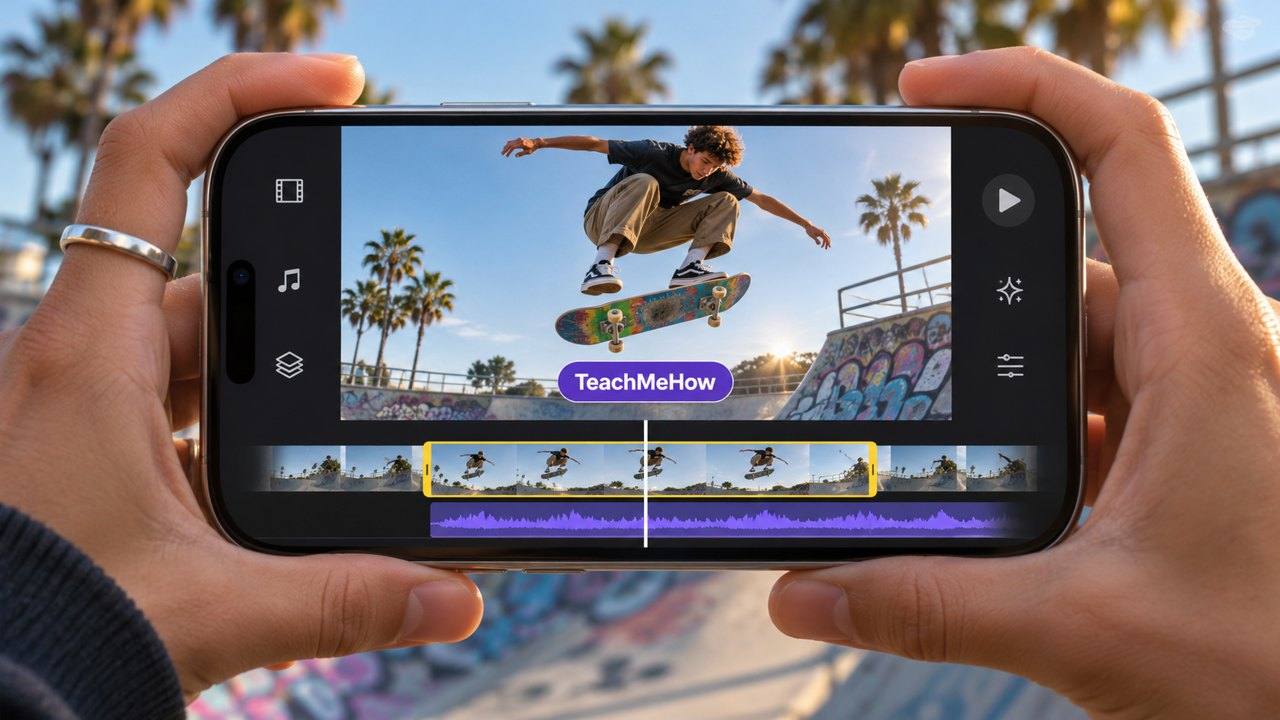
How to Add a Freeze Frame in iMovie on iPhone
Hold a clear frame during a moving shot, adjust how long it stays still, and plan for the silent part of the clip.
Read guide →
How to Add Background Music Under Dialogue in iMovie on iPhone
Choose a built-in soundtrack, lower it beneath speech, and fade the ending so the last sentence stays clear.
Read guide →
How to Speed Up or Slow Down Part of a Video in iMovie on iPhone
Change the speed of one action with range handles while the introduction and ending play at their original pace.
Read guide →
How to Export an iMovie Video to Photos or Files on iPhone
Save a playable copy of your movie, choose resolution and HDR options, and locate the finished export in Photos or Files.
Read guide →
How to Cut Out the Middle of a Video in iMovie on iPhone
Keep the beginning and ending of a recording while removing a mistake, long pause, or unwanted scene between them.
Read guide →
How to Add Text to Only Part of a Video in iMovie on iPhone
Show a name or instruction for a specific interval, adjust title placement, and check that the words stay readable.
Read guide →