How to Add Background Music Under Dialogue in iMovie on iPhone
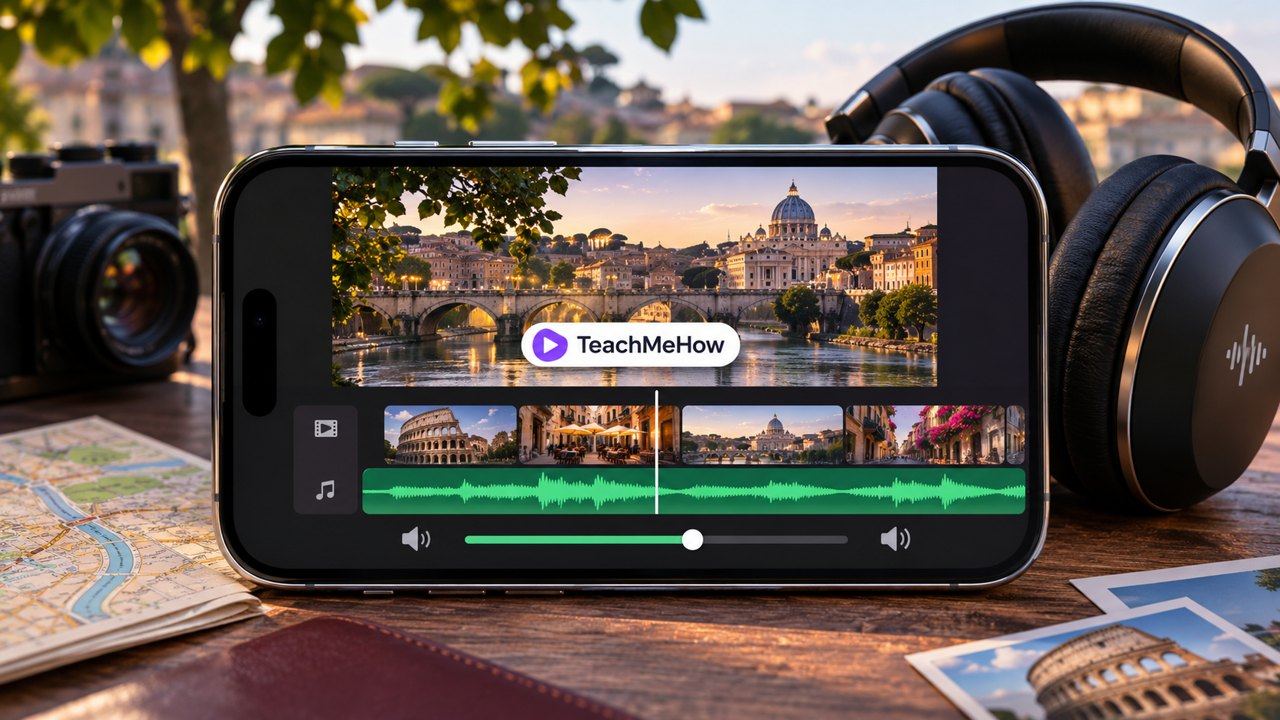
Choose a built-in soundtrack, lower it beneath speech, and fade the ending so the last sentence stays clear.
Follow these steps at your own pace. Check product terms and prices directly with providers before purchasing.
In your iMovie Movie project, choose Add Media, Audio, then Soundtracks. Preview a track and tap Add Audio to put it beneath the video. Select the green music strip, open Audio, and lower its volume until you can understand the quietest sentence. Use Fade to soften the beginning or ending.
Choose music against the hardest sentence
Find the part of the movie where the speaker turns away from the phone, lowers their voice, or says something the viewer must hear precisely. In a travel film, that might be the name of a train station in a noisy street. Use this sentence to set the balance. An instrumental that sounds exciting over scenery can make a place name unintelligible under speech.
Listen for instruments competing with the rhythm of the voice. A sparse track can leave room for speech even when it is audible. If you have to turn a busy track down until it virtually disappears, preview another one. Try this with a built-in soundtrack first so the edit does not depend on whether a song from your music library can be imported.
Add the track and set its level
1. Browse the built-in soundtracks
Open the Movie timeline, tap Add Media, choose Audio, then Soundtracks. A download symbol means the track needs to be downloaded before you can preview it. Tap a track to listen. Pick one with an opening and ending that suit the length and mood of your scene.
2. Add the soundtrack to the movie
Tap the track and its Add Audio button. Look below the pictures for the green background strip. Built-in soundtracks fit themselves to the project length. After changing the order or duration of your video, listen again to the last shot because the musical ending may fall differently.
3. Make dialogue the reference
Play the quietest sentence with the soundtrack present. Select the green strip, tap Audio, and move the volume slider left. Compare the same sentence after each change. iMovie also reduces background music under video clips whose own audio is playing. A muted video clip will not trigger that particular reduction.
4. Fade the ending deliberately
With the audio strip selected, tap Audio and then Fade. Drag the end fade handle toward the left to lengthen the fade-out. The shaded area shows where the volume changes. Play from before the fade through the final frame. If the last word gets lost in a swell, start the fade earlier or lower the overall music level.
Read the timeline when the mix sounds wrong
| What you hear | Where to look |
|---|---|
| The music surges over a quiet-looking shot | Check whether you muted that video clip and changed how background ducking behaves. |
| The slider changes the voice | Select the green music strip before opening Audio. |
| An imported short song behaves like an effect | Select it, open Actions, and choose Background if it belongs underneath the scene. |
| The final note cuts off abruptly | Make sure the fade is on the music itself and audition it from a few seconds earlier. |
Keep useful sound in the foreground
For the station example, try the sequence in three parts. Let the opening platform shot establish the music. Keep the conductor's announcement audible in the middle. Let a short tail of music finish over the departure board. If the camera microphone recorded only wind, you can record a separate voiceover and mix against that. Listen to the result instead of assuming a visible track or volume percentage guarantees intelligible speech.
Play the finished passage on the iPhone speaker at a comfortable everyday volume. Then try headphones if you have them. Ask someone unfamiliar with the place to repeat the station name. If they get it right without straining, listen once more for the start and end of the music. After you save a playable copy to Photos or Files, check the exported version before sending it.
When a song from your library is unavailable
A dimmed track may need to be downloaded to the device. Some protected music cannot be used in iMovie even when you can play it in the Music app. Choose a built-in soundtrack or an eligible recording you have permission to use. For a narration-heavy piece, audition two tracks against the same ten seconds of speech. A quieter arrangement often leaves the important words clearer than repeatedly lowering a busy one.
Comments
Read or join the discussion.