Find the guide you need.
Search by topic, browse categories, use tags, or sort the library.
Browse by topic tag — iMovie
Matching guides
10 found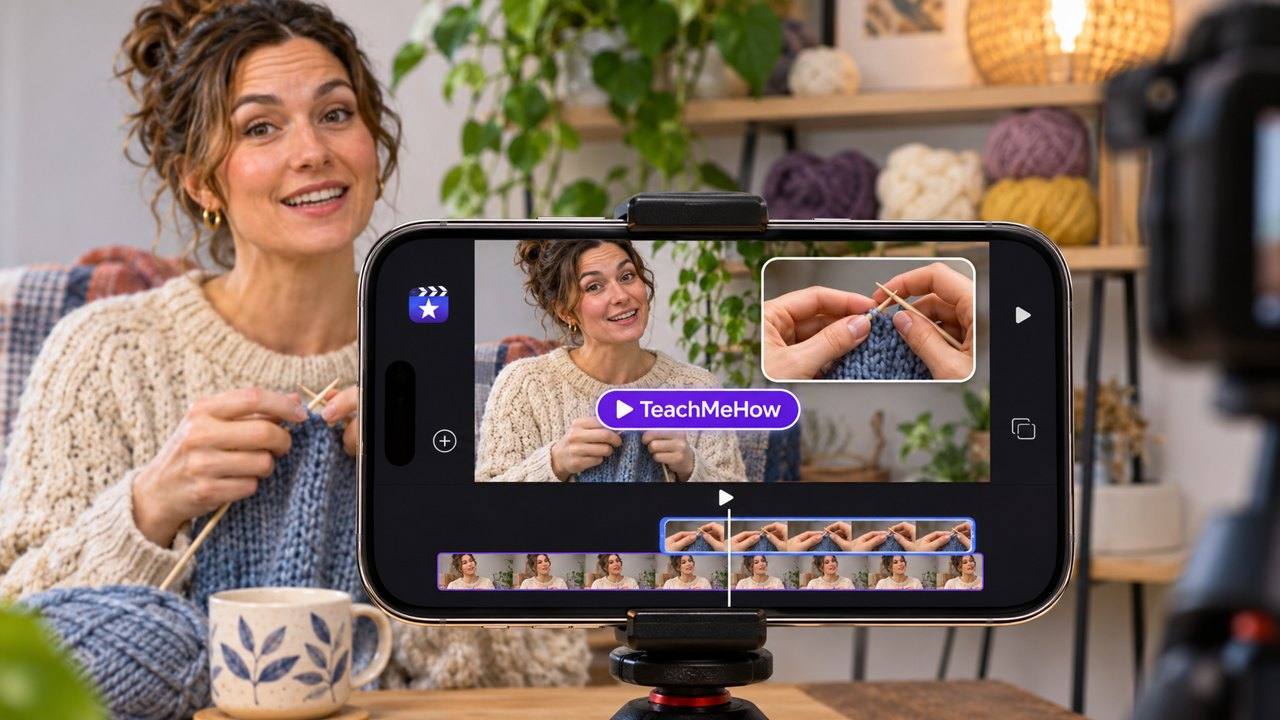
How to Put One Video Over Another in iMovie on iPhone
Make a picture-in-picture video with two clips, position the inset, sync the action, and choose which audio to keep.
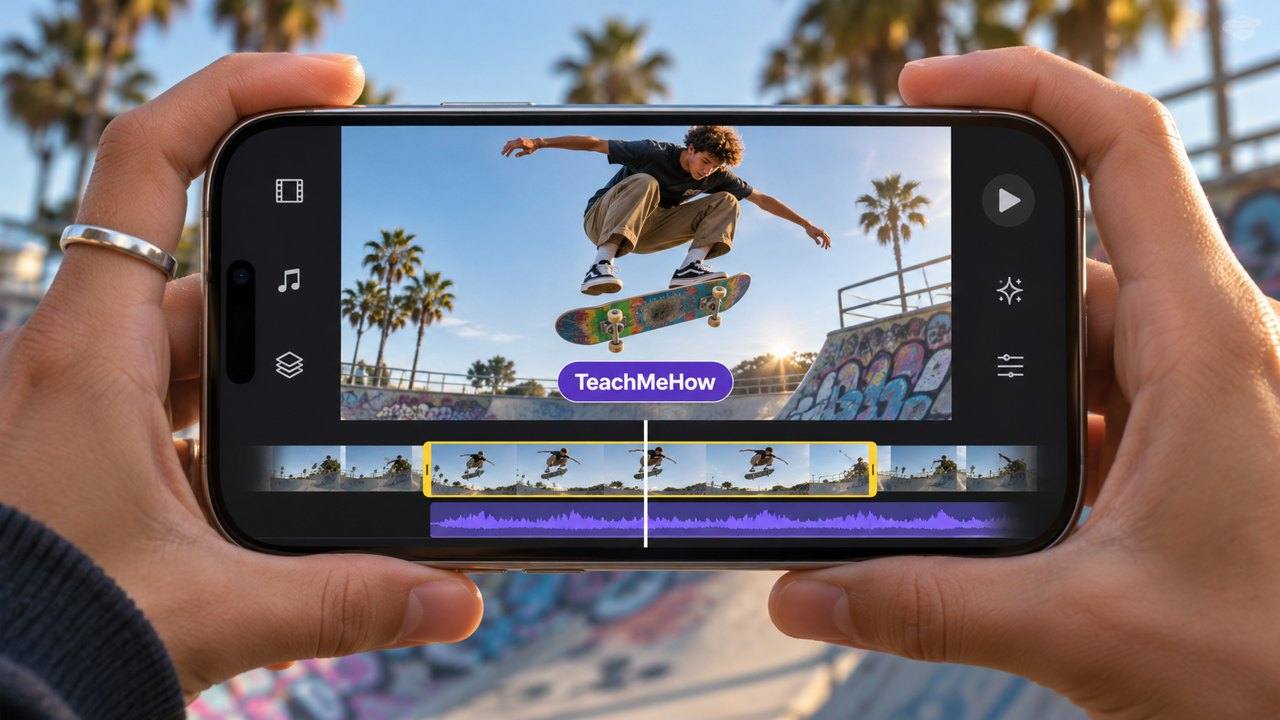
How to Add a Freeze Frame in iMovie on iPhone
Hold a clear frame during a moving shot, adjust how long it stays still, and plan for the silent part of the clip.
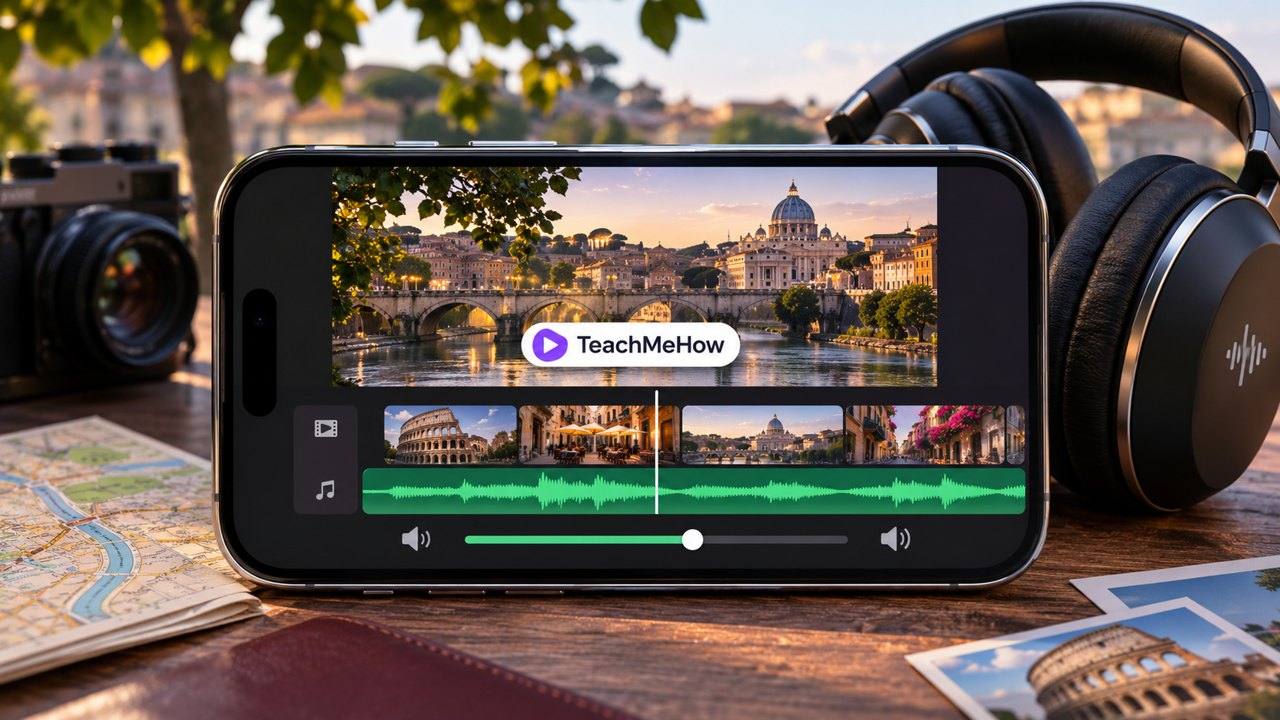
How to Add Background Music Under Dialogue in iMovie on iPhone
Choose a built-in soundtrack, lower it beneath speech, and fade the ending so the last sentence stays clear.
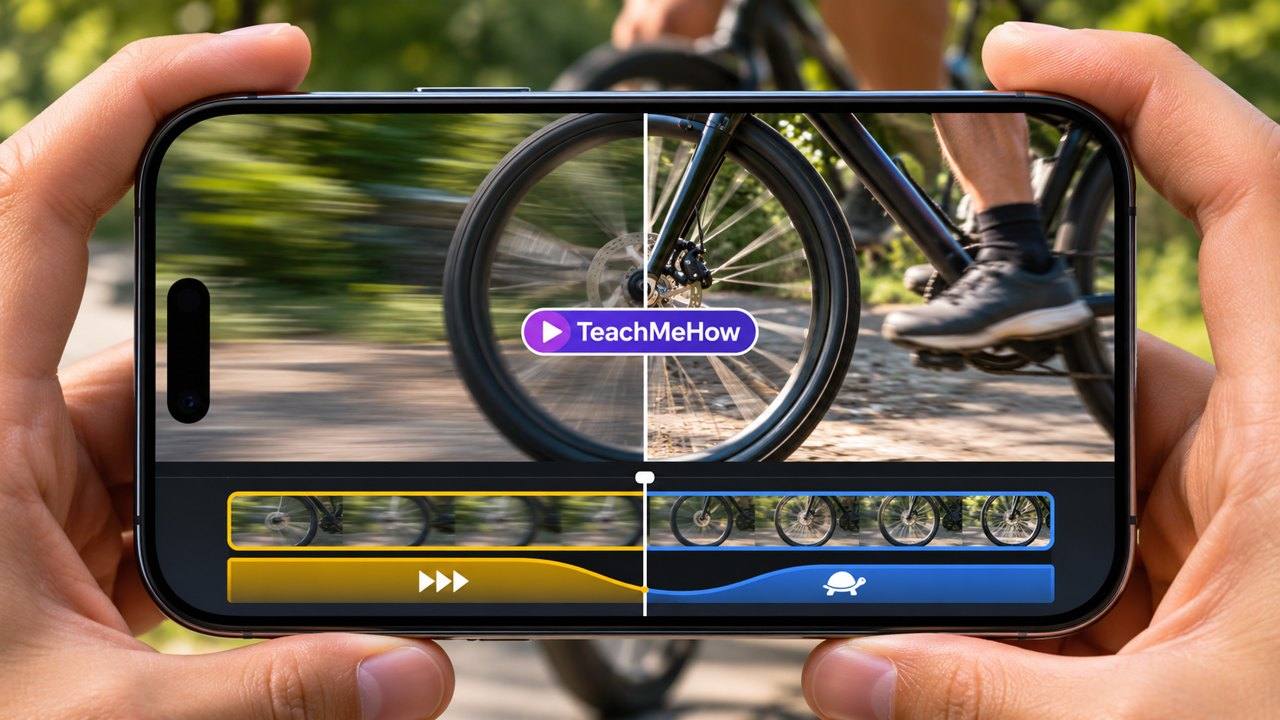
How to Speed Up or Slow Down Part of a Video in iMovie on iPhone
Change the speed of one action with range handles while the introduction and ending play at their original pace.
How to Export an iMovie Video to Photos or Files on iPhone
Save a playable copy of your movie, choose resolution and HDR options, and locate the finished export in Photos or Files.
How to Cut Out the Middle of a Video in iMovie on iPhone
Keep the beginning and ending of a recording while removing a mistake, long pause, or unwanted scene between them.
How to Add Text to Only Part of a Video in iMovie on iPhone
Show a name or instruction for a specific interval, adjust title placement, and check that the words stay readable.
How to Record a Voiceover in iMovie on iPhone
Time narration to an action on screen, compare takes, and balance your voice with the sound already in the clip.
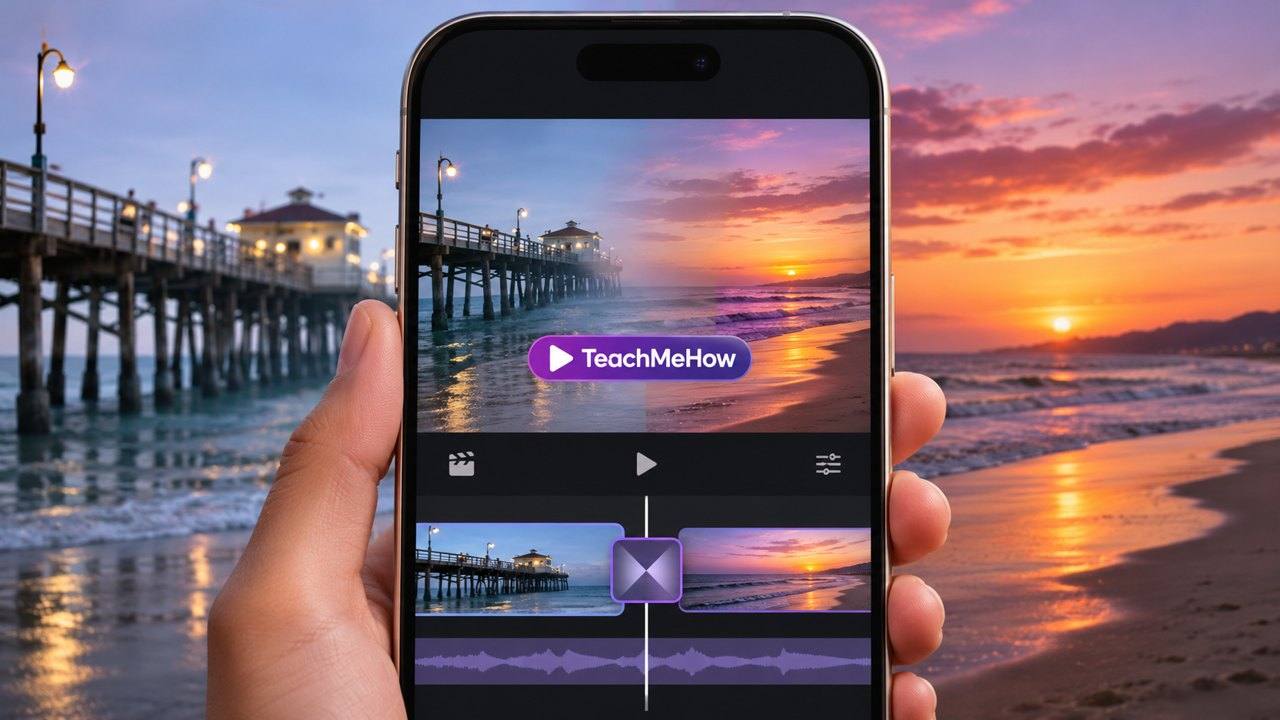
How to Change or Remove Transitions in iMovie on iPhone
Replace an unwanted dissolve with a clean cut, change transition timing, and fix a transition that hides the action.
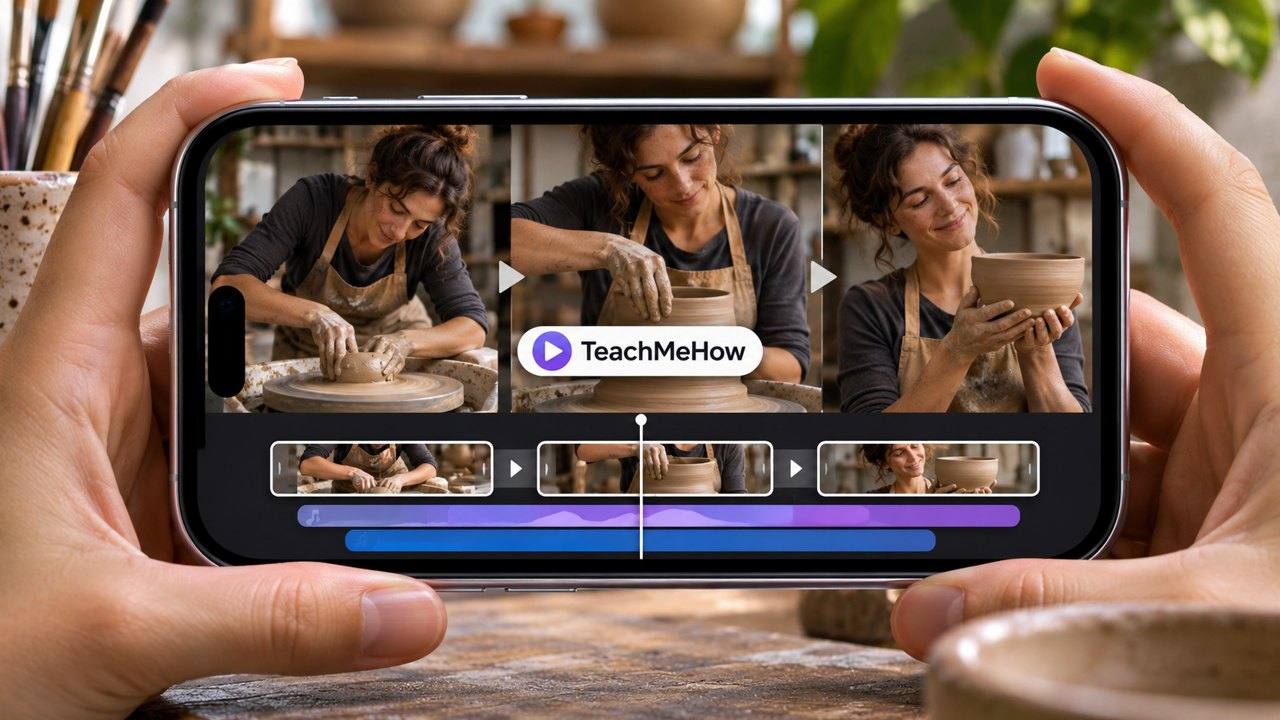
How to Combine iPhone Videos Into One Movie in iMovie
Join clips from Photos, put them in the right order, and save a single video that plays cleanly from start to finish.