Results for “Technology”
348 guides found

How to Store Vinyl Records to Prevent Warping
Store vinyl records upright in clean sleeves with full shelf support. Keep the collection away from heat, sunlight, moisture, and pressure that can contribute to warping.
Read guide →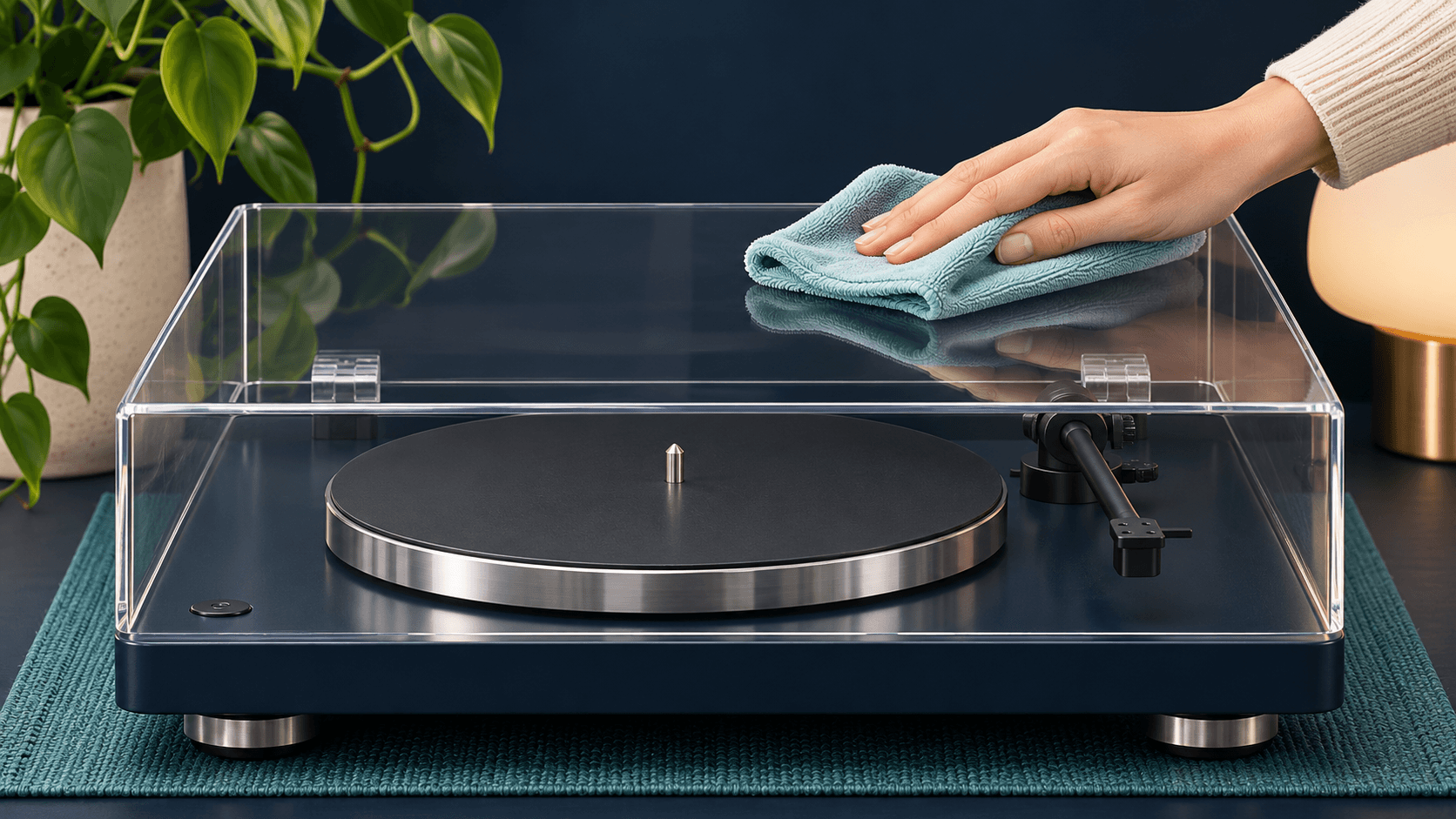
How to Clean a Turntable Dust Cover and Plinth
Clean a turntable dust cover and plinth without scratching acrylic or letting liquid reach the mechanism. Start with a dry microfiber cloth and follow the maker’s finish-specific instructions.
Read guide →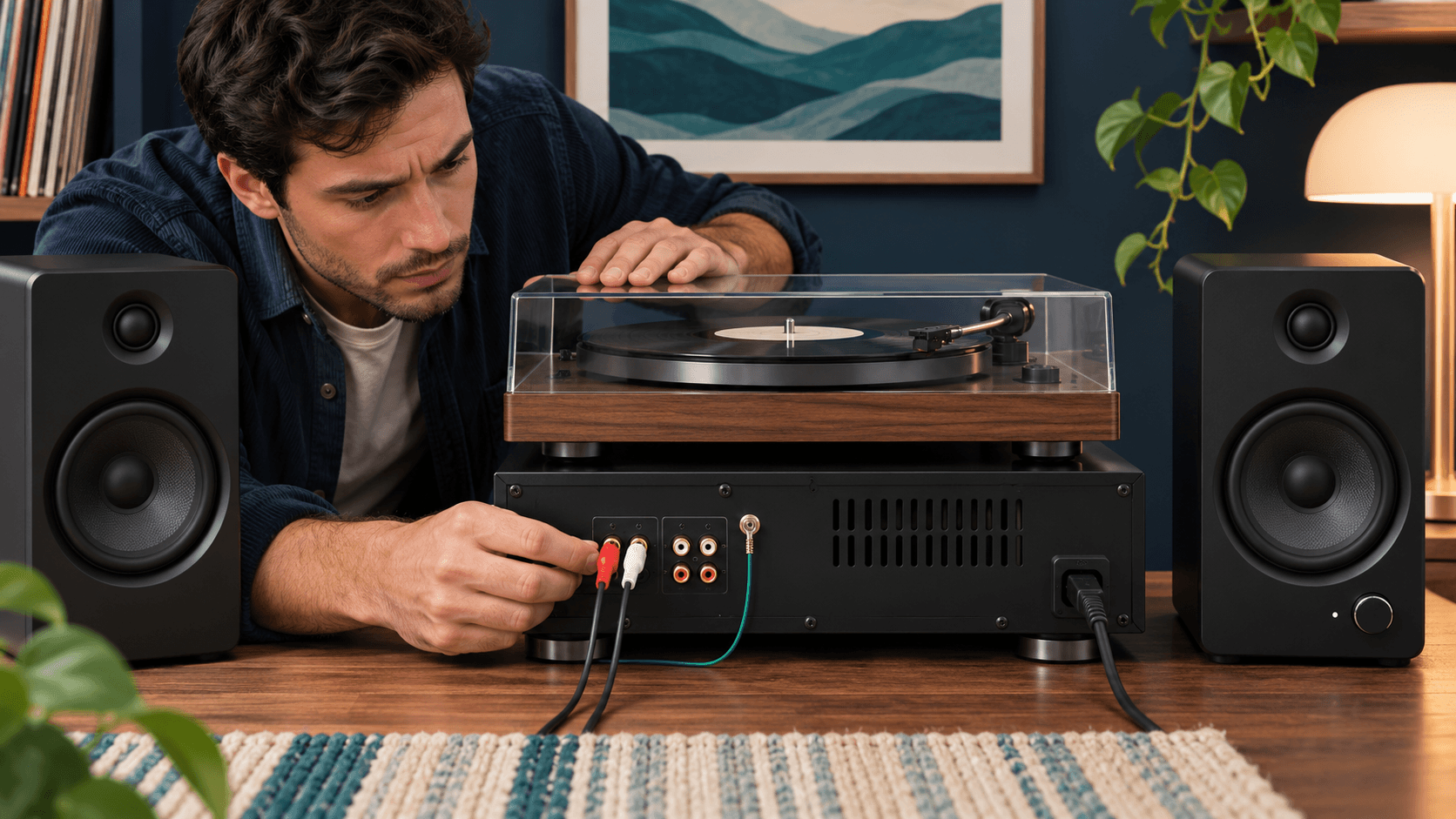
How to Fix a Turntable That Has No Sound
Trace a silent turntable from power and input selection to the PHONO/LINE preamp path, RCA cables, and speaker connections.
Read guide →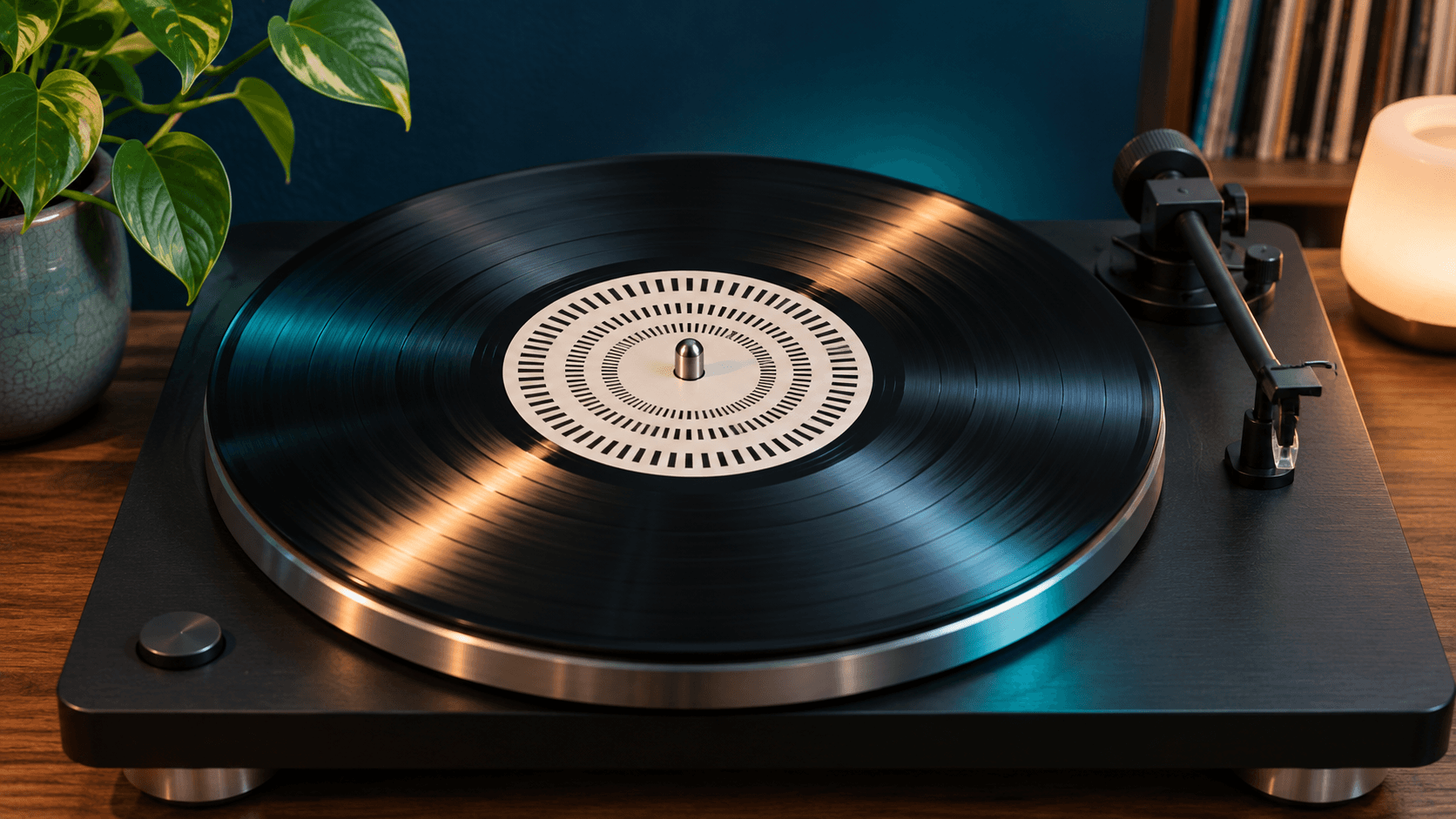
How to Fix a Turntable That Plays Too Fast or Too Slow
Check the selected record speed, measure platter rotation, and inspect the belt when a turntable sounds too fast, too slow, or unstable. Only adjust controls specified by the manufacturer.
Read guide →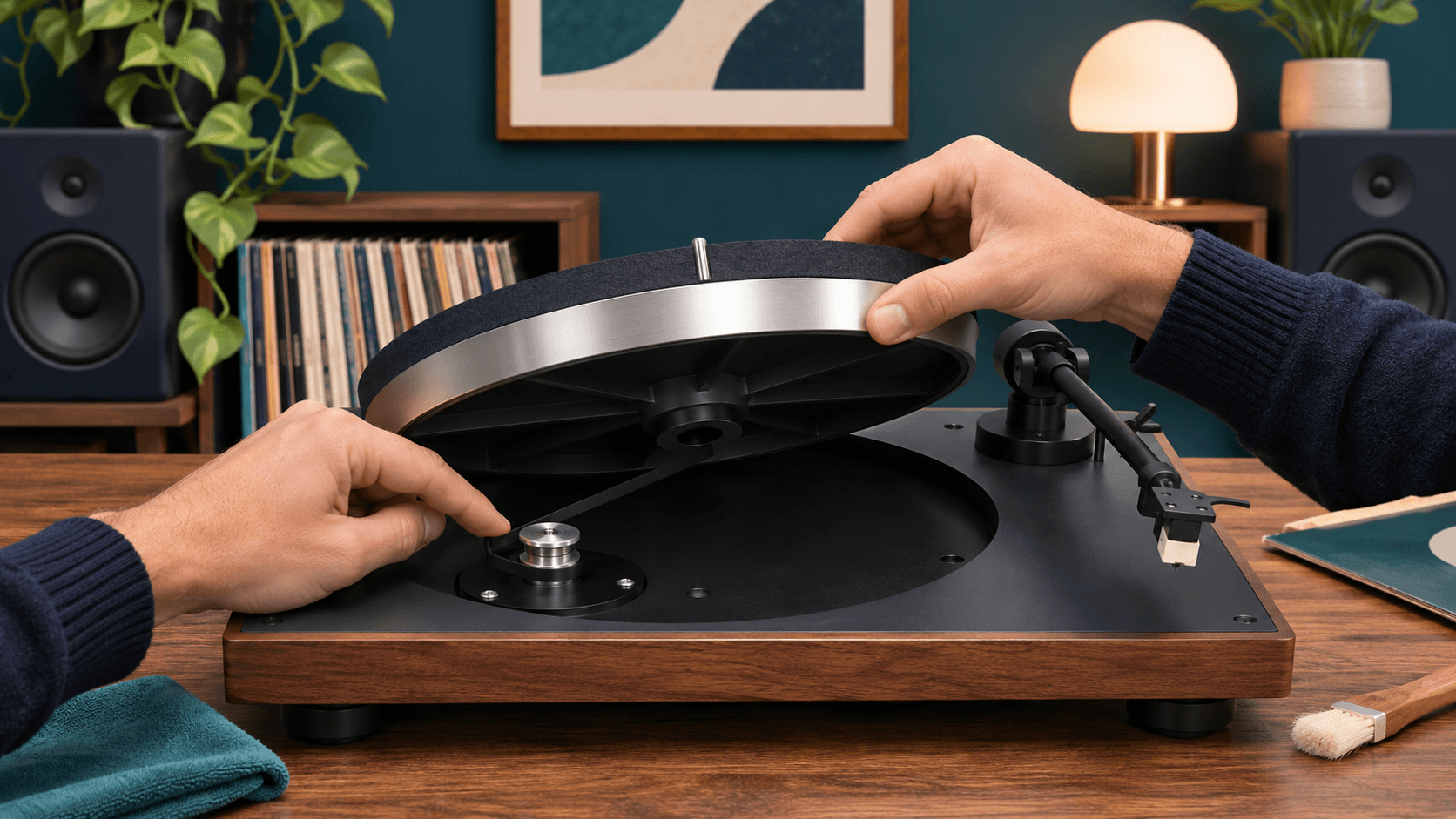
How to Fix a Turntable That Won’t Spin
Check the power, speed selector, platter, and belt on a turntable that will not spin. Follow model-specific reset steps and know when to stop and request service.
Read guide →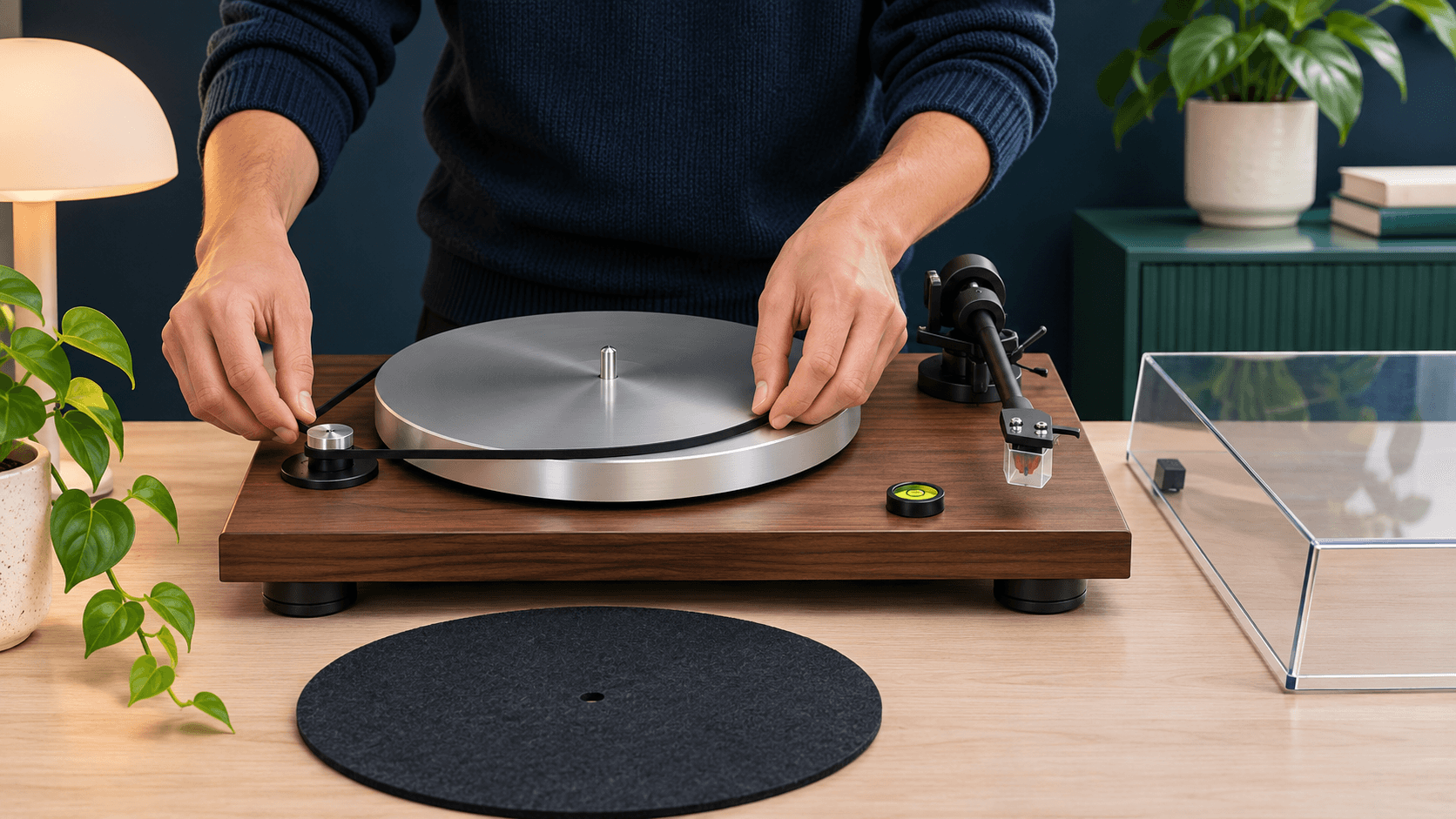
How to Set Up a Belt-Drive Turntable for the First Time
Assemble and level a new belt-drive turntable, set up the tonearm, and connect the right phono or line-level audio path before playing a record.
Read guide →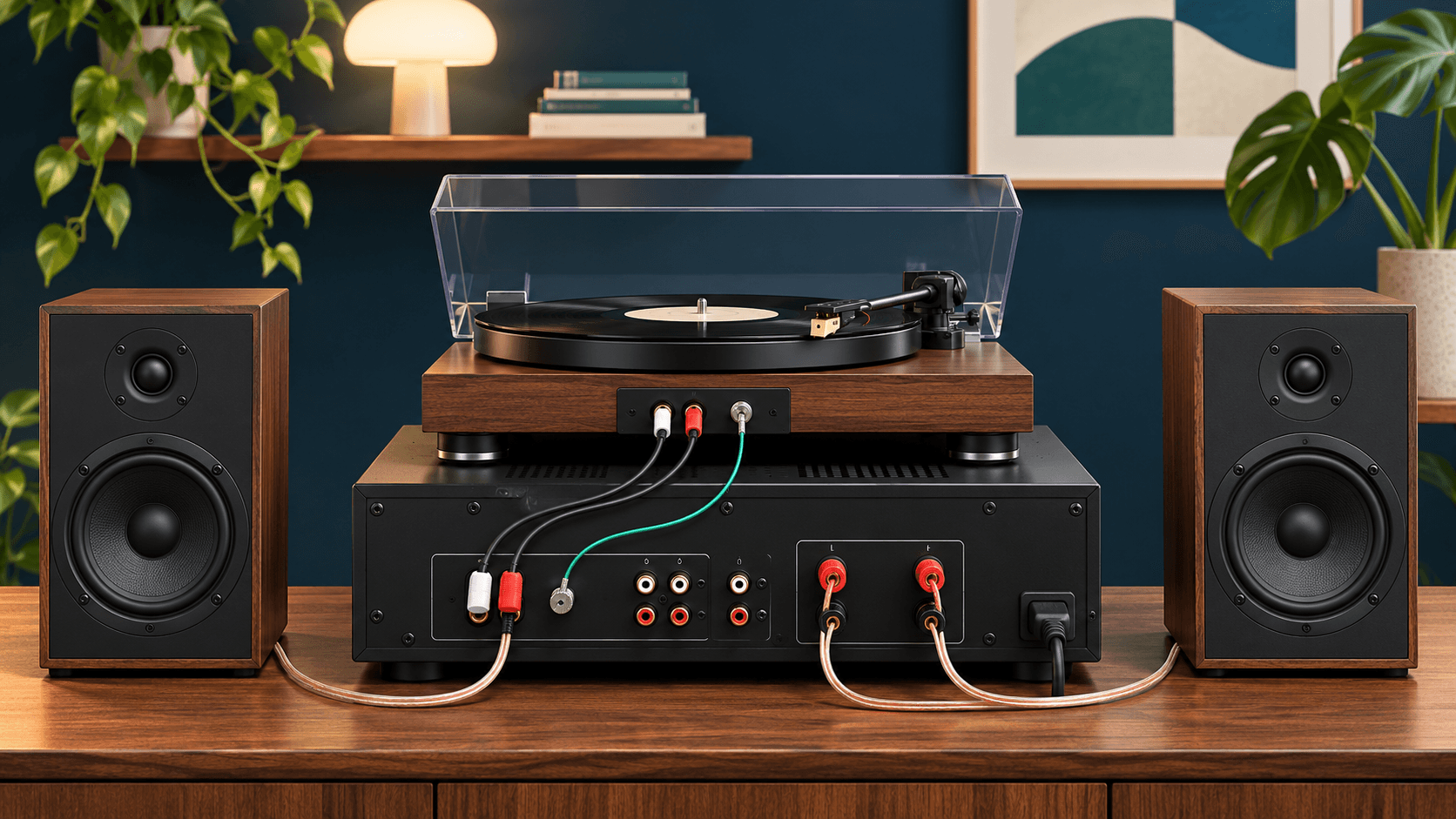
How to Connect a Turntable to a Receiver
Connect a turntable to a stereo receiver by matching PHONO and LINE levels, choosing the right input, and attaching the ground wire when needed.
Read guide →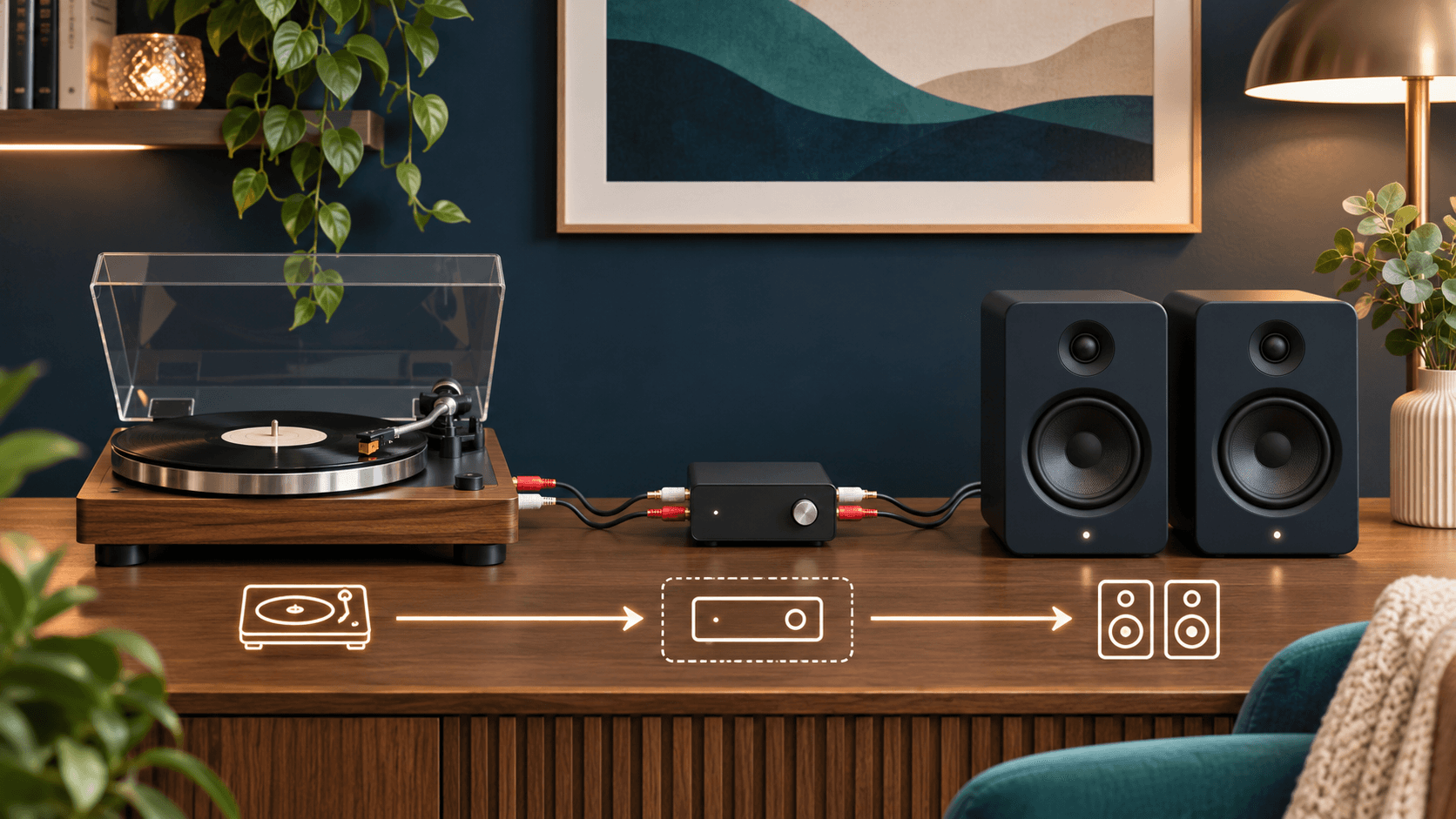
How to Connect a Turntable to Powered Speakers
Choose the correct PHONO or LINE signal path, add a preamp if needed, and connect a turntable to powered speakers without quiet or distorted audio.
Read guide →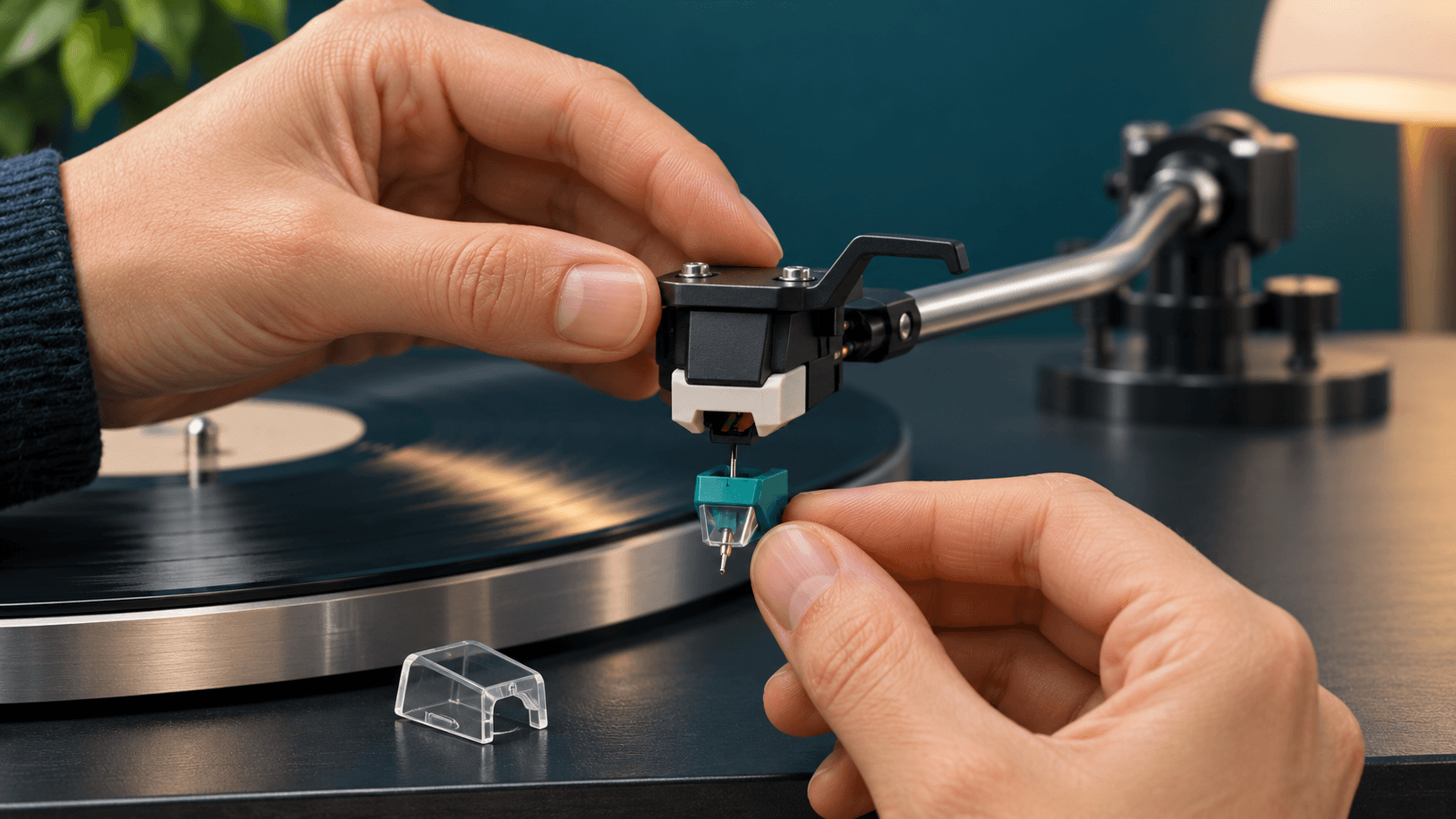
How to Replace a Turntable Stylus
Find a replacement stylus that fits your exact cartridge, remove the old assembly safely, and check that the new one is seated before resetting tracking force.
Read guide →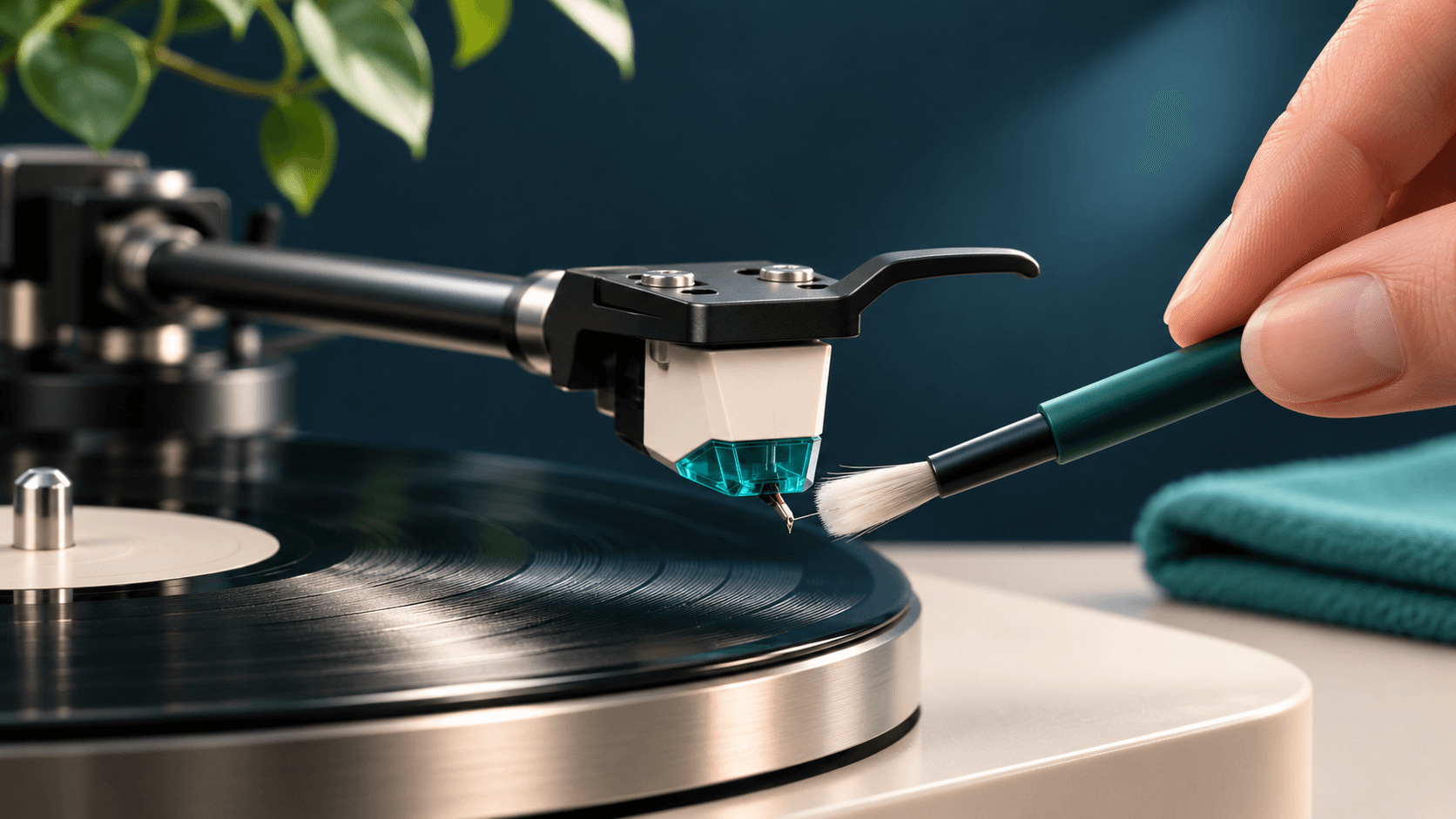
How to Clean a Turntable Stylus Safely
Remove loose dust from a turntable stylus with a gentle, model-appropriate brush stroke. Learn the safe direction, what to avoid, and when to stop and inspect the cartridge.
Read guide →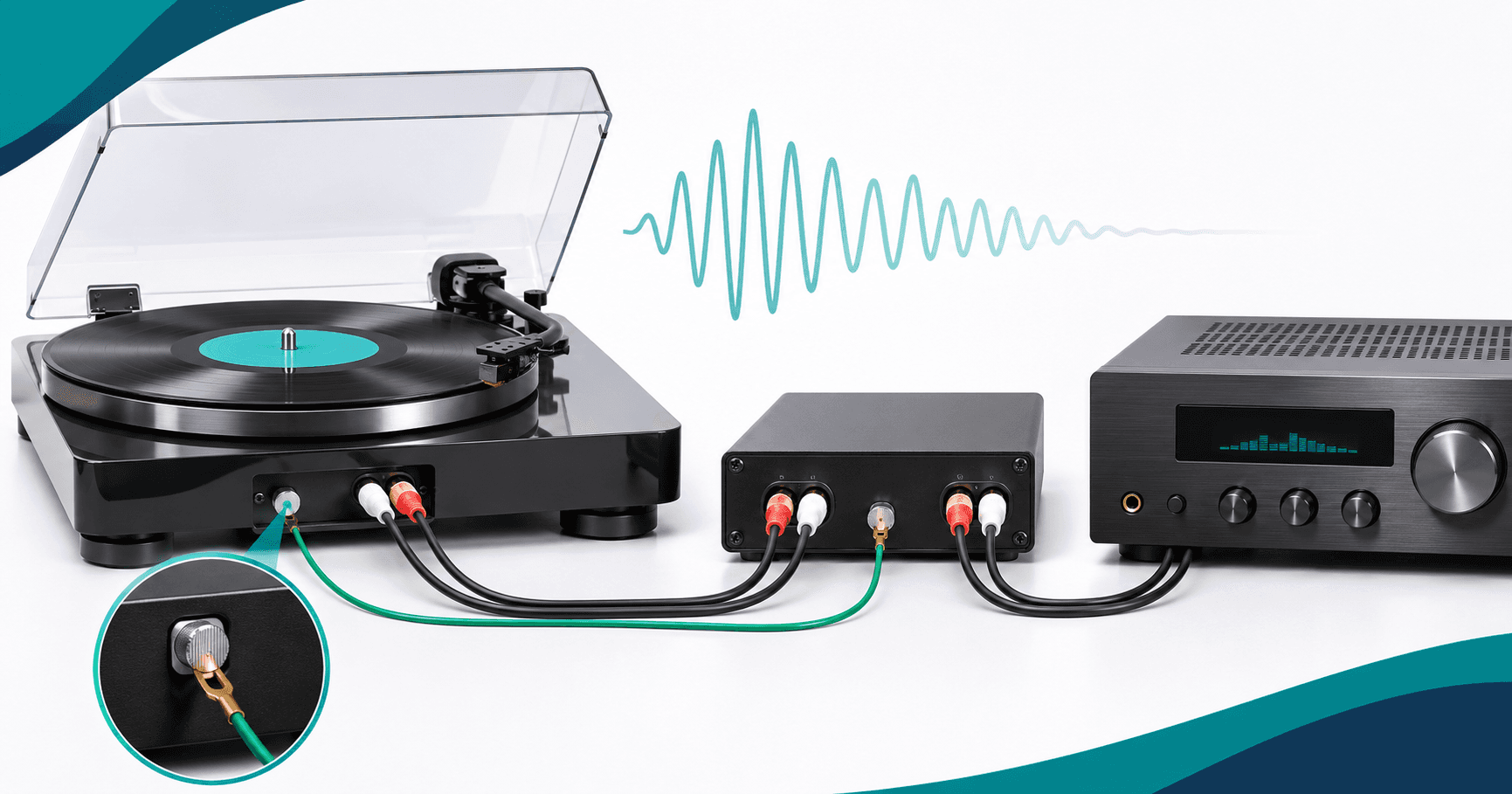
How to Fix a Turntable That Hums or Buzzes
Trace a turntable hum or buzz to grounding, input settings, cables, or speaker vibration. Start with simple connection checks and follow your turntable and preamp manuals.
Read guide →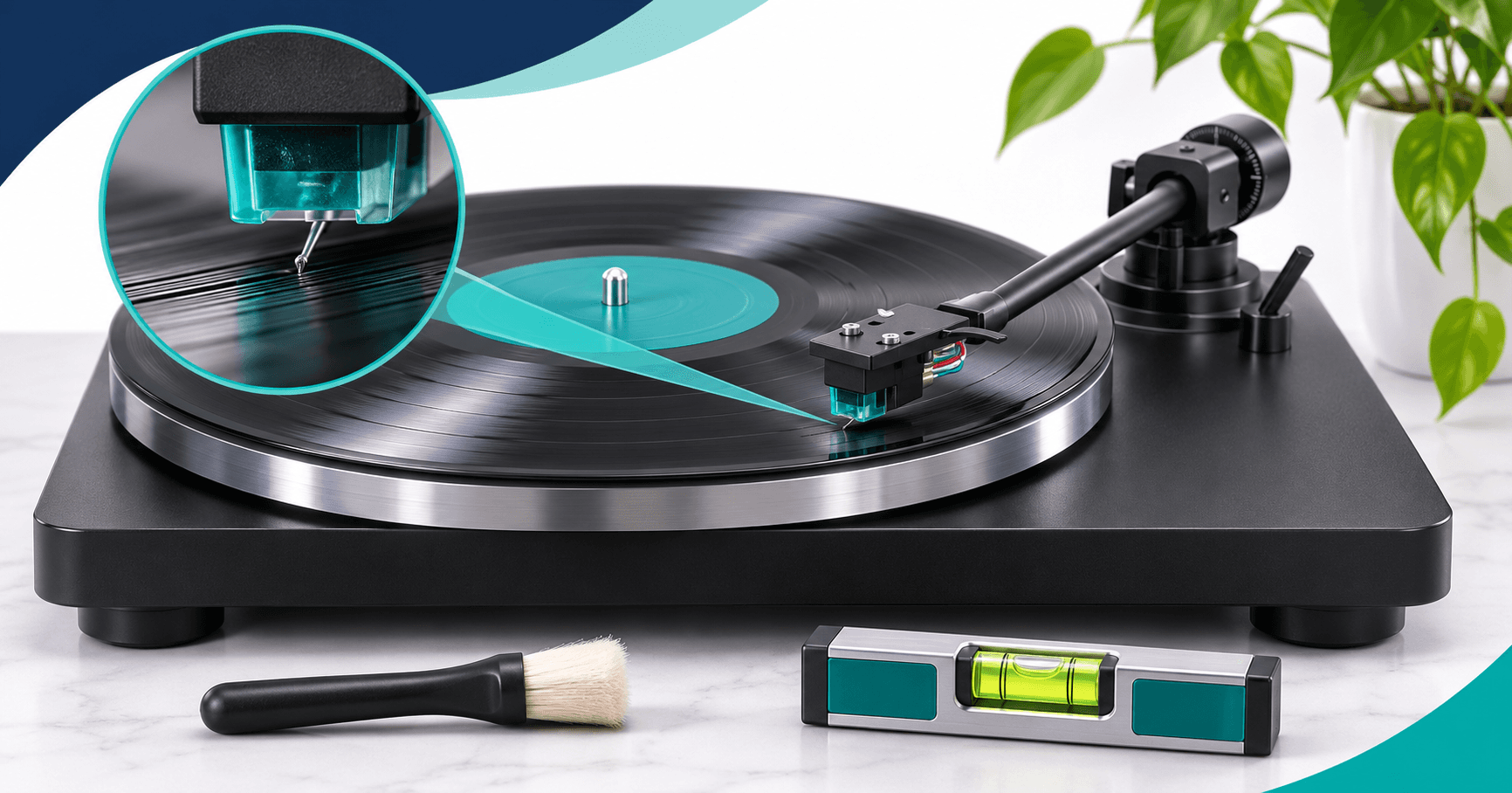
How to Fix a Record That Keeps Skipping
Find out whether a skipping record is dirty, damaged, or affected by turntable setup. Start with safe checks before changing tracking force or touching the cartridge.
Read guide →
How to Set Turntable Tracking Force and Anti-Skate
Balance a turntable tonearm, set the cartridge’s recommended tracking force, and adjust anti-skate using your model’s instructions. The right gram setting depends on the cartridge, so do not copy a number from another player.
Read guide →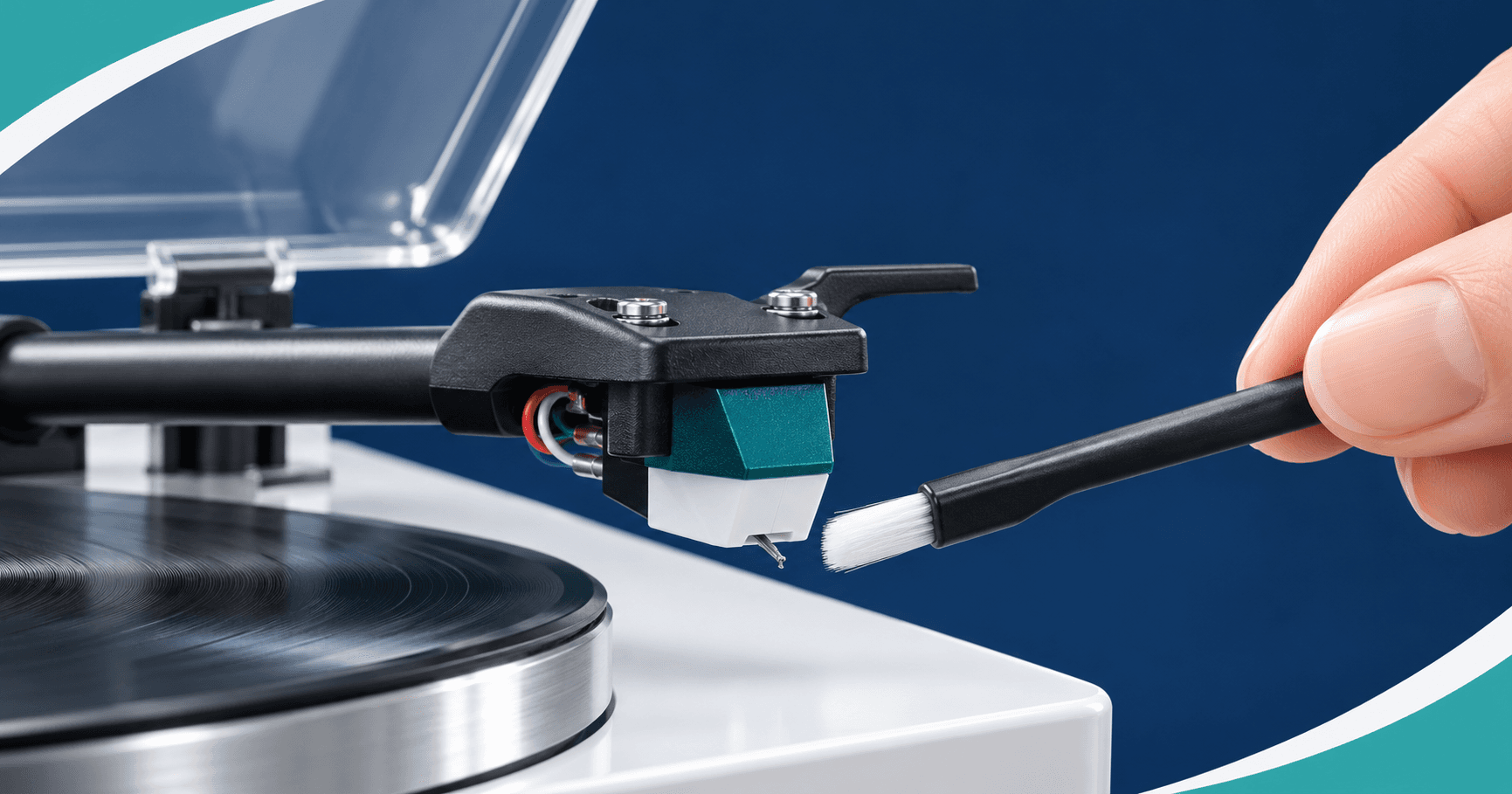
How to Replace a Turntable Belt
Replace a loose, cracked, or slipping belt on a belt-drive turntable. Identify the correct belt for your model, refit it without twisting, and check platter speed before playing a record.
Read guide →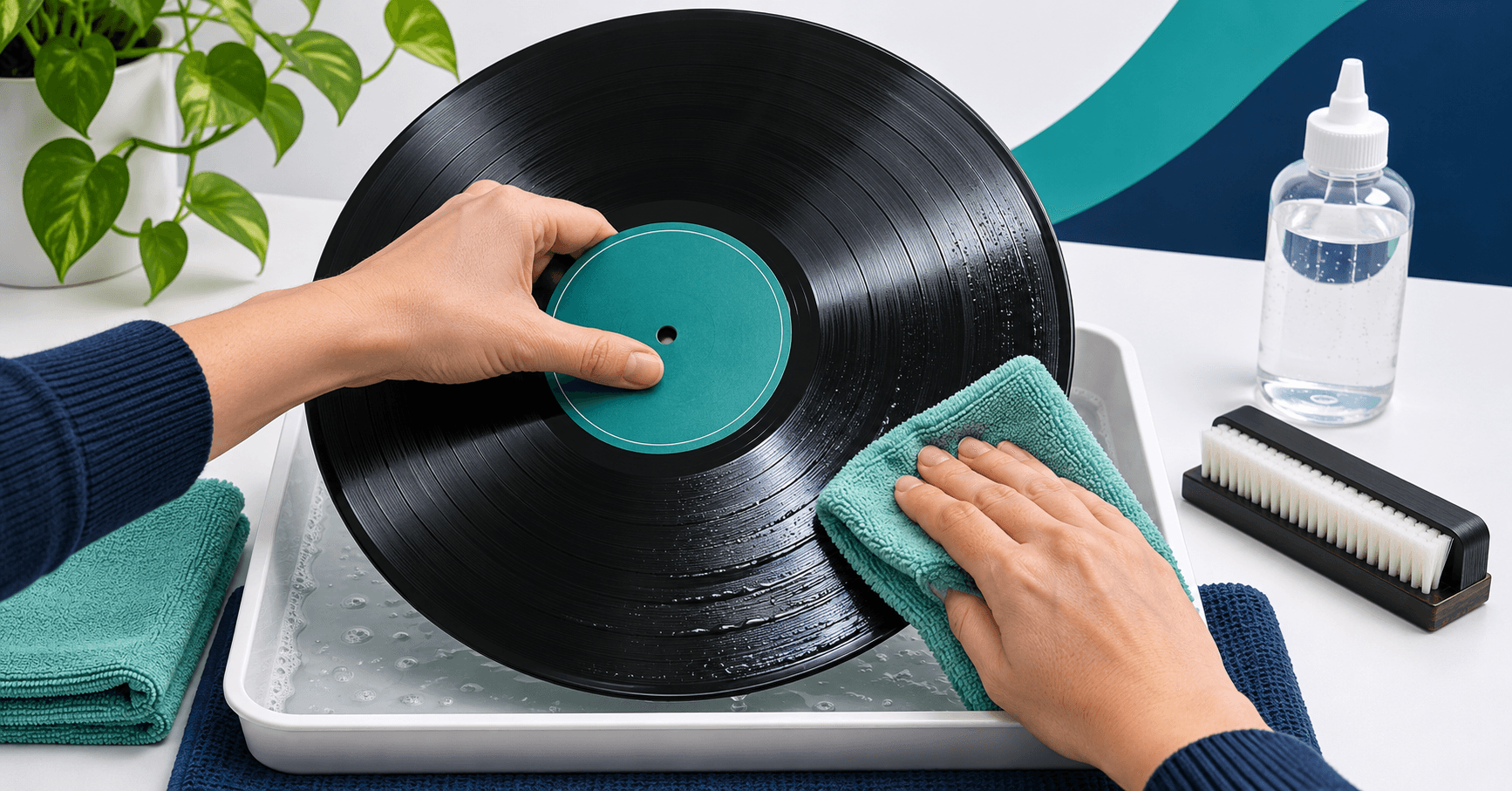
How to Clean Vinyl Records by Hand
Remove fingerprints and surface grime from a vinyl record with a record-safe cleaning solution, a clean microfiber cloth, and a careful drying routine. Protect the label and check the product maker’s instructions first.
Read guide →
How to Use a Carbon Fiber Brush on Vinyl Records
Lift loose dust from an LP before playback. Learn how to position a dry brush, how little pressure to use, and what to do when a mark stays behind.
Read guide →
How to Back Up a Mac With Time Machine
Set up a dedicated external drive on macOS Ventura or later, finish the first backup, and restore a harmless test file so you know how recovery works.
Read guide →
How to Set Up an Out-of-Office Reply in Gmail
Schedule a Gmail reply on your computer, choose who receives it, and test it from a second address. Includes a short message you can adapt before you leave.
Read guide →
How to Clean a TV Screen
Turn off the TV and dust with a clean, dry microfiber cloth. Follow the model’s manual for stubborn marks.
Read guide →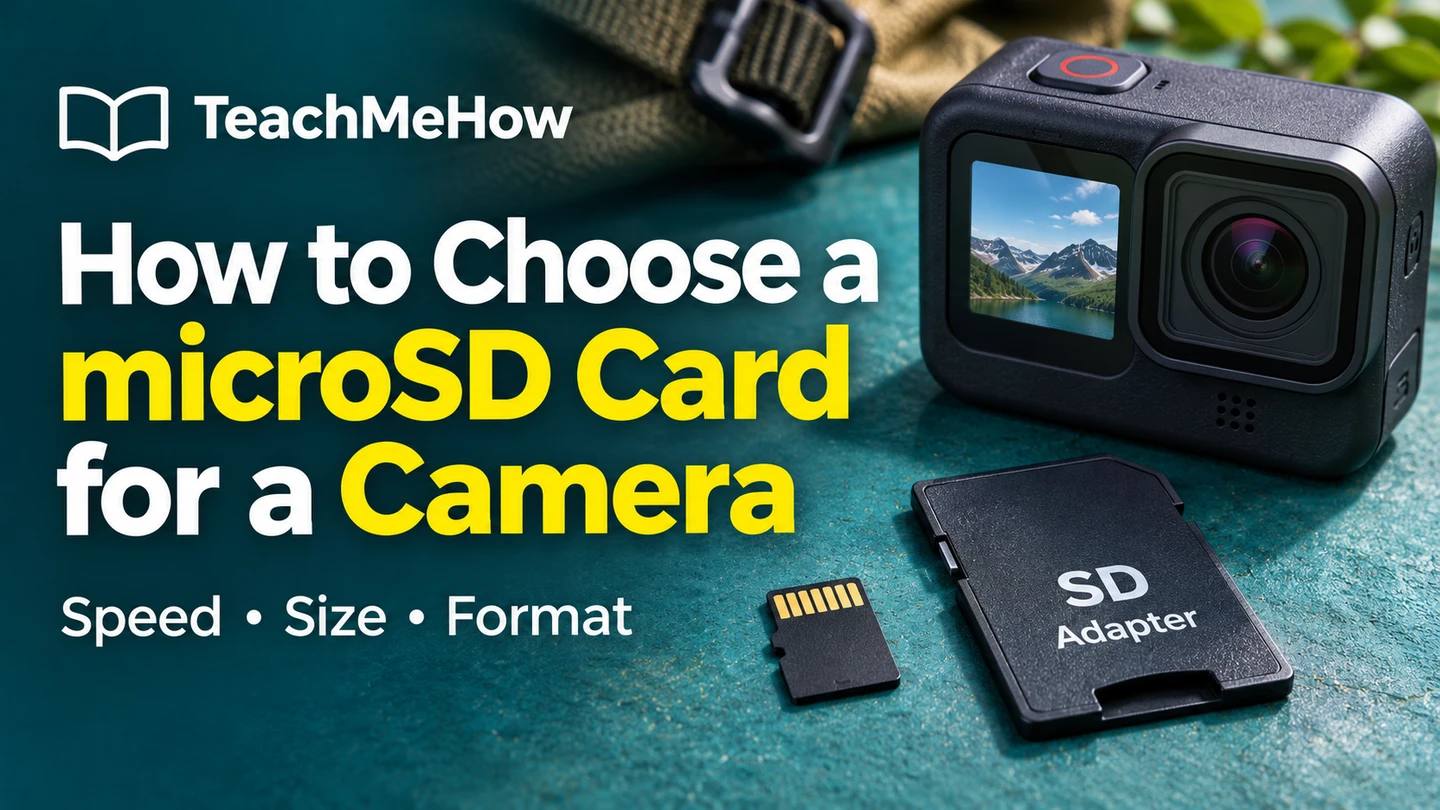
How to Choose a microSD Card for a Camera
Match your camera’s supported format, capacity, and minimum video speed class. Then compare recording time and transfer convenience.
Read guide →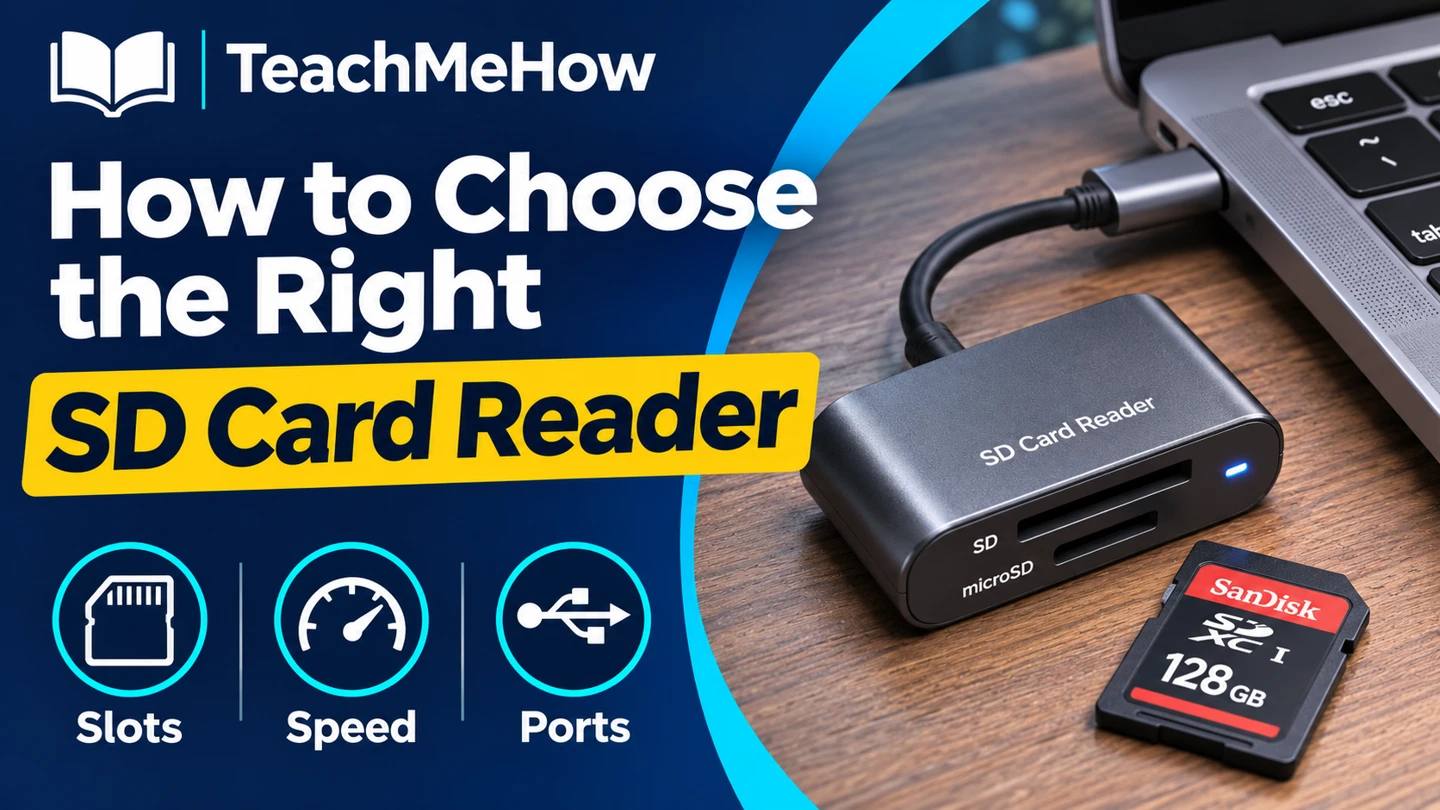
How to Choose the Right SD Card Reader
Compare SD card readers by slot type, UHS speed, and USB connector, and choose a reader that fits your camera cards and computer.
Read guide →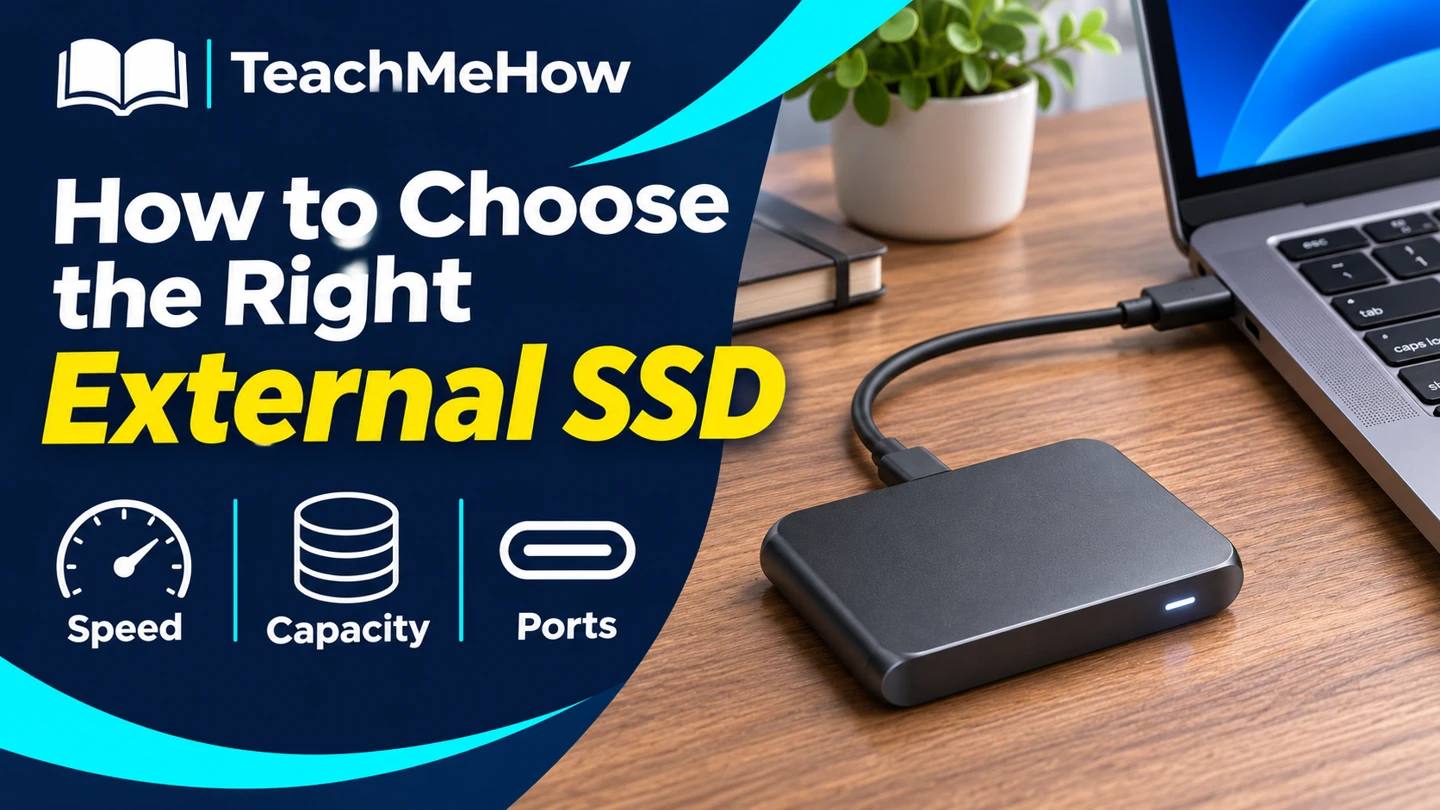
How to Choose the Right External SSD
Compare external SSD capacity, USB speed, and enclosure design. Choose a drive for backups, travel, or large project files.
Read guide →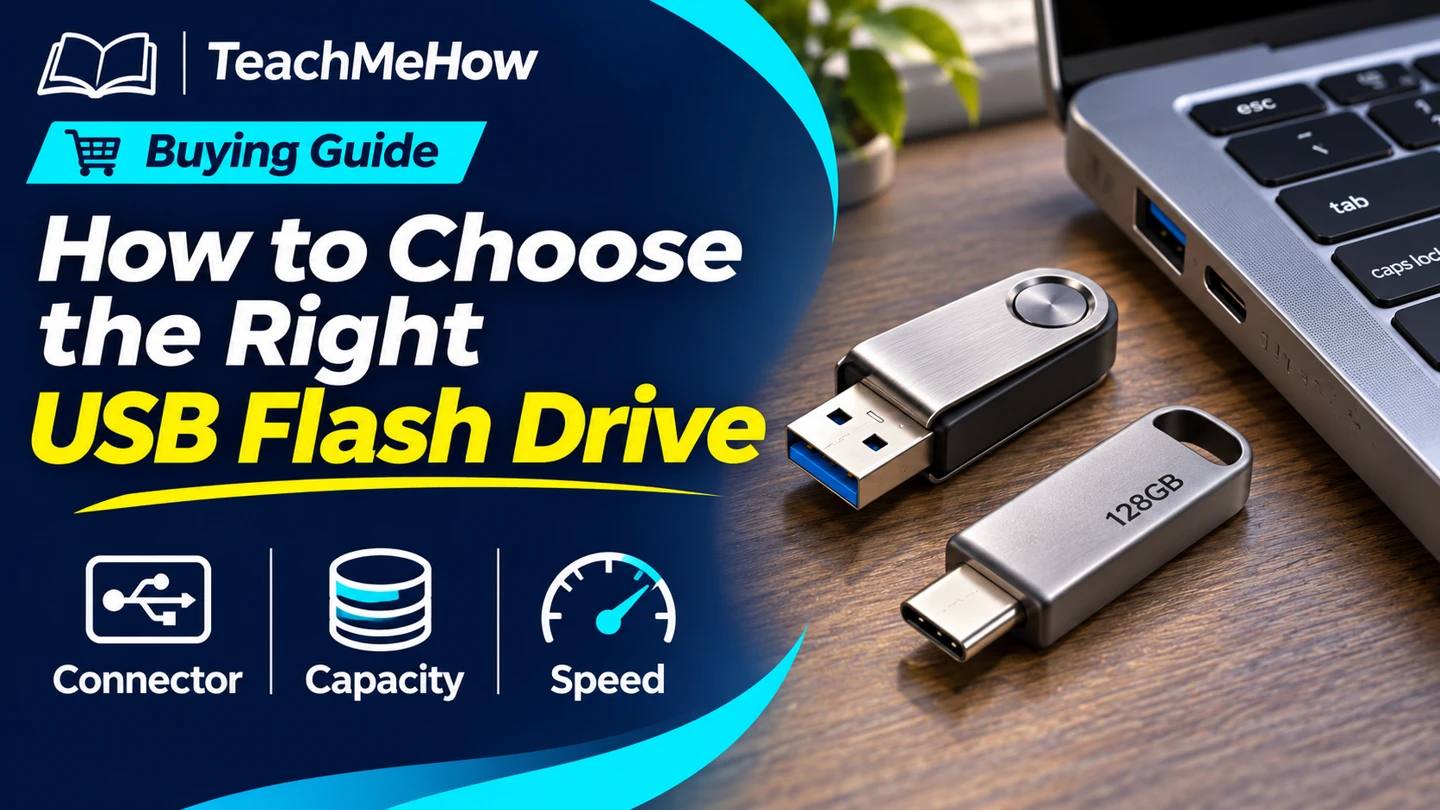
How to Choose the Right USB Flash Drive
Compare USB-A, USB-C, and dual-connector flash drives. Choose the right capacity and write speed for the files you move.
Read guide →
How to Choose the Right Portable Projector
Measure the distance from the projector to the screen and consider how dark the room gets. Compare brightness, resolution, and battery life for your viewing setup.
Read guide →