Useful for This Guide

Microfiber Cleaning Cloths
MagicFiber Microfiber Cleaning Cloths, 6-Pack
Reserve a clean cloth for the screen and follow the TV manual.
Check current price
View on Amazon ↗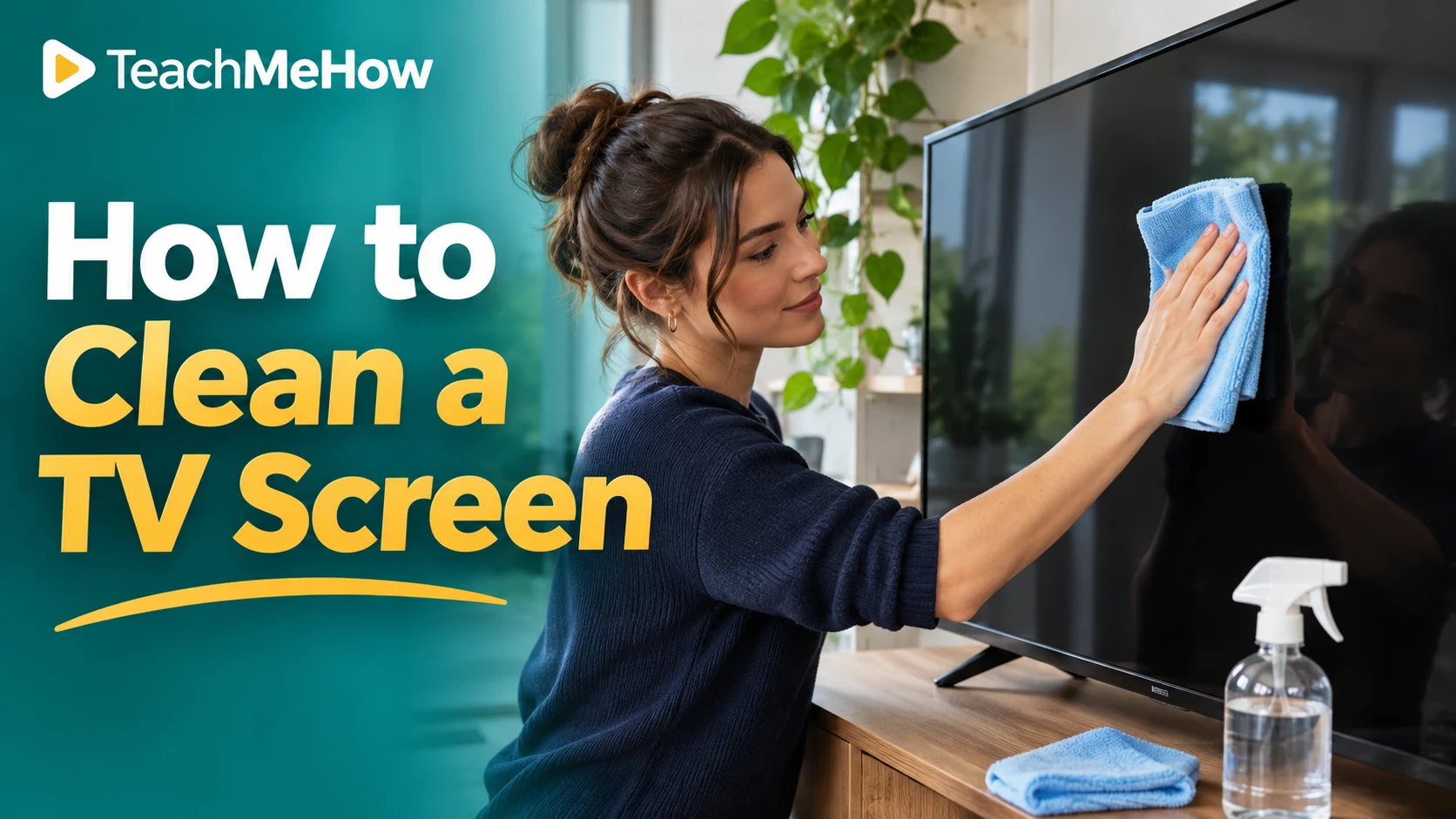
Turn off the TV and dust with a clean, dry microfiber cloth. Follow the model’s manual for stubborn marks.
Follow these steps at your own pace. Check product terms and prices directly with providers before purchasing.
Quick Answer
Turn off the TV and dust with a clean, dry microfiber cloth. Follow the model’s manual for stubborn marks.
Clean, soft microfiber cloth and your TV manual.
Turn it off, unplug it, and let it cool. Find the cleaning section of the manual for the exact model.
Fold a clean microfiber cloth and wipe lightly across the screen. Turn the cloth to a clean face if it picks up grit.
Start with the dry cloth. If the manufacturer allows a damp cloth, follow its directions and apply moisture only to the cloth. Let the screen dry before reconnecting.
Keep a separate cloth for the frame and stand.
Turn off the TV and dust with a clean, dry microfiber cloth. Follow the model’s manual for stubborn marks.
Check the tools and materials list before starting.
Reserve a clean cloth for the screen and follow the TV manual.
Prices may change. Check the retailer for the current price and availability. We may earn a commission from qualifying purchases at no additional cost to you. Learn more.
Comments
Comments are reviewed before they become public.
Sign in with Google to leave a comment.
Sign in with GoogleNo approved comments yet. Be the first to start the discussion.