How to Fix a Record That Keeps Skipping
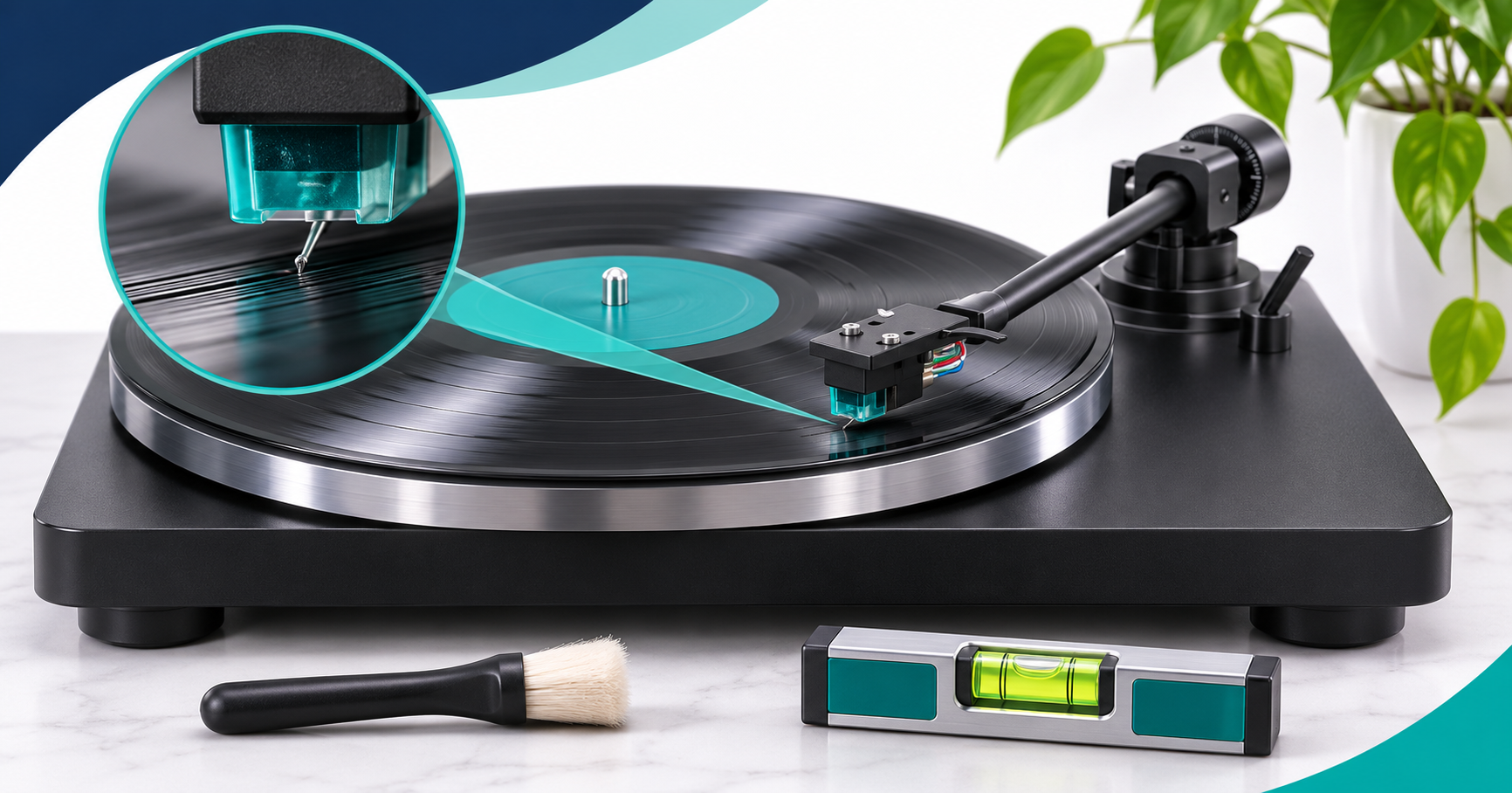
Find out whether a skipping record is dirty, damaged, or affected by turntable setup. Start with safe checks before changing tracking force or touching the cartridge.
Follow these steps at your own pace. Check product terms and prices directly with providers before purchasing.
If a record skips, stop the stylus from repeating the same groove. Check whether the problem follows that record or happens across several records. Clean loose dust safely, place the turntable on a level and stable surface, and verify tracking force and anti-skate against your cartridge and turntable manuals. A scratch or damaged groove cannot be repaired by changing the settings.
Before troubleshooting
Use the cueing lever to lift the stylus; do not drag it across the record. If the stylus appears bent, loose, or damaged, stop using the player and replace it only with the compatible part. Keep fingers away from the stylus tip.
Find out whether it is one record or the setup
- Note where the skip happens. If the stylus jumps at the same point on one LP, inspect that groove area under angled light for a scratch, debris, or a visible defect. A repeating skip at one spot often points to the record.
- Try a clean record you know plays properly. If several clean records skip, troubleshoot the turntable setup. If only one record does, do not raise tracking force beyond the cartridge’s specified range to force it through a damaged groove.
Check the record and stylus safely
- Lift loose dust. Remove the LP and use a clean anti-static record brush as described in the carbon-fiber brush guide. For fingerprints or grime, use the careful hand-cleaning method for vinyl records; dry brushing is not a wet wash.
- Inspect the stylus. With the turntable stopped and the arm secured, look for a visible dust ball. Use only the stylus brush and direction approved by your cartridge maker. Many makers specify a gentle back-to-front stroke. Never touch the stylus with a finger, brush sideways, or use a solvent unless your own manual expressly allows it.
- Check for physical damage. A cracked, badly warped, or visibly scratched record may not track. Do not press on the record or stylus to make it play.
Check turntable placement and settings
- Level the player. Put it on a sturdy, level surface away from speakers that vibrate the same shelf. Make sure the turntable feet are seated and the platter does not wobble.
- Verify tonearm balance and force. If multiple records skip, check the cartridge’s specified force and follow the tracking-force and anti-skate setup steps. Do not copy a gram setting from another cartridge or exceed the recommended range.
- Check the anti-skate setting. Use the turntable maker’s setup instructions. A wrong value can affect tracking, but the correct method varies by model.
- Test the cueing lift and platter. Confirm the cueing platform fully lowers during play and the platter rotates smoothly. If the platter drags, stops, or changes speed, follow the manual or see whether a belt issue is covered by the belt replacement guide.
What the result means
| What happens | Next step |
|---|---|
| One LP skips at the same point | Clean it carefully once and inspect for damage; consider professional cleaning if valuable. |
| Several LPs skip across different spots | Recheck level, stylus condition, tracking force, and model-specific anti-skate. |
| Skip begins after moving the player | Check that the feet, platter, belt, and tonearm were reseated per the manual. |
| Stylus jumps across the record | Stop playback and inspect for a damaged stylus, obstruction, or serious setup problem. |
When to stop
Stop and contact the manufacturer or a turntable repair shop if the stylus is bent, the tonearm will not balance, the platter binds, or several clean records still skip after the model’s setup has been checked. Repeatedly forcing a skip can damage both record and stylus.
Official troubleshooting references
Bottom line: Isolate whether the skip belongs to one record or the whole setup. Clean gently, verify model-specific settings, and stop if the stylus or record looks damaged.
For connected audio noise, see how to troubleshoot a humming turntable.
Comments
Comments are reviewed before they become public.
Sign in with Google to leave a comment.
Sign in with GoogleNo approved comments yet. Be the first to start the discussion.