Find the guide you need.
Search by topic, browse categories, use tags, or sort the library.
Browse by topic tag — Windows 11
Matching guides
20 found
How to Change the Refresh Rate on a Second Monitor in Windows 11
Select the right display, choose a supported refresh rate, and check whether the change also affected resolution or laptop power settings.
How to Show the Taskbar on Both Monitors in Windows 11
Show the taskbar on a second screen and choose whether running apps appear on every taskbar or only where their windows are open.
How to Bring an Off-Screen Window Back in Windows 11
Recover an app window after disconnecting a monitor, move it with the keyboard, and check Windows settings for future docking sessions.
How to Set a Different Wallpaper on Each Monitor in Windows 11
Assign a separate picture to each physical display, correct a swapped image, and recognize when virtual desktops change the available options.
How to Restore Speaker Sound After Connecting an HDMI Monitor in Windows 11
Route sound back to your speakers while keeping the monitor connected, then diagnose an app that still plays through the wrong device.
How to Extend Your Desktop Across Two Monitors in Windows 11
Switch from mirrored screens to an extended desktop, identify each display, and test that two different windows can stay visible.
How to Fix a Mouse Moving the Wrong Way Between Monitors in Windows 11
Correct a reversed left-right layout, align screens at different heights, and test where the pointer crosses the shared edge.
How to Make an External Monitor Your Main Display in Windows 11
Choose the primary monitor by its physical location, confirm the selection, and troubleshoot apps that reopen on a different screen.
How to Set Different Scaling on Two Monitors in Windows 11
Make apps readable on a high-density laptop screen and preserve working space on an external monitor with per-display scale settings.
How to Rotate One Monitor to Portrait in Windows 11
Rotate the intended external display, choose the correct portrait direction, and realign the pointer boundary beside a landscape monitor.
How to Copy a Full File Path in Windows 11
Copy a file’s full path with its extension, paste it into an Open dialog, and troubleshoot spaces, quotes and missing locations.
How to Rename Multiple Photos at Once in Windows 11
Give a group of photos one base name and numbered filenames, check the sequence, and preserve the camera originals.
How to Extract a ZIP File in Windows 11 and Find Its Contents
Use Extract All, choose a recognizable destination, and verify that you are editing the extracted files outside the archive.

How to Restore a Deleted File From the Windows 11 Recycle Bin
Identify the right deleted item, restore it to its original folder, and check other recovery locations if the local bin is empty.
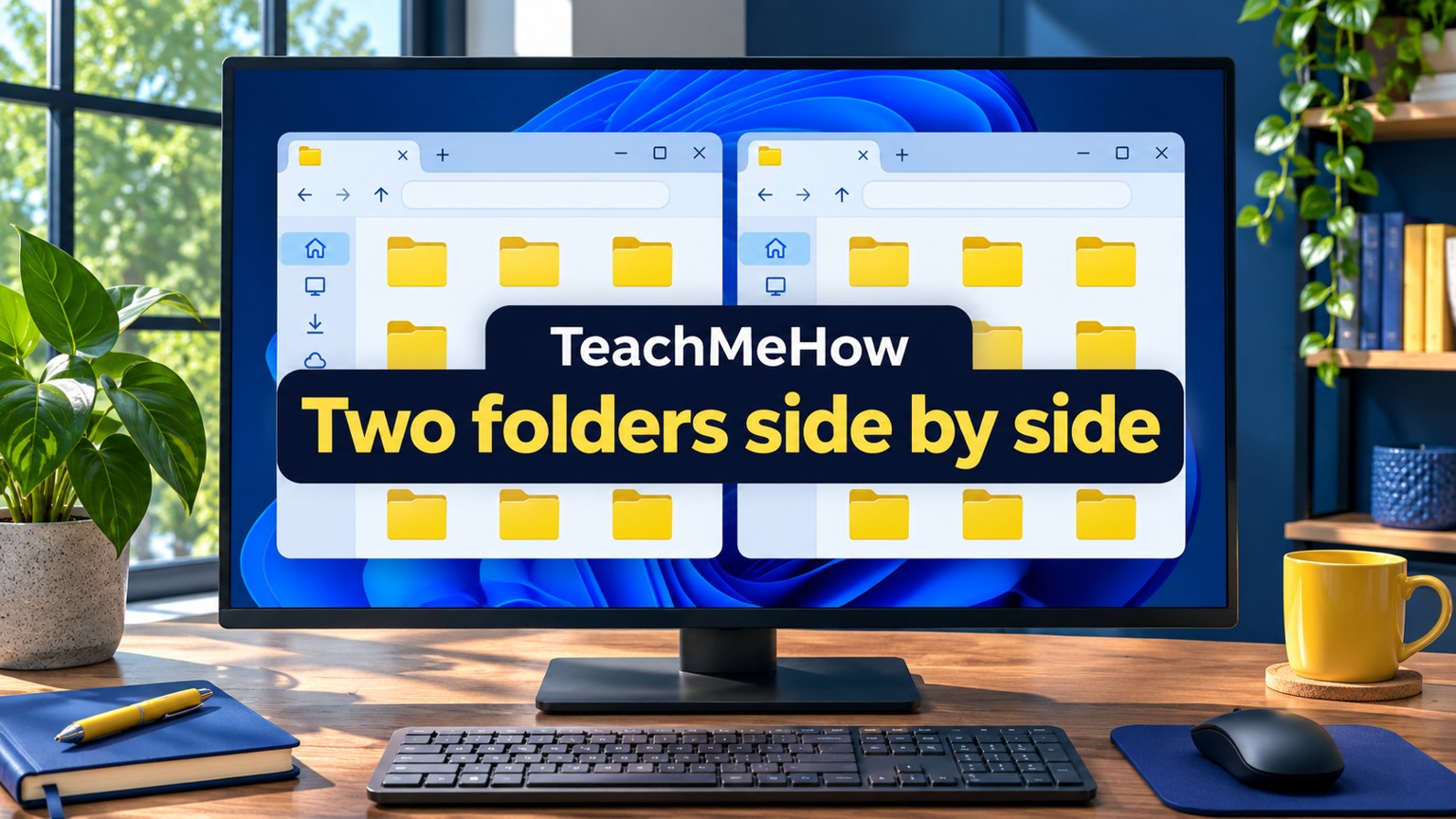
How to Open Two Folders Side by Side in Windows 11
Arrange two File Explorer windows side by side, compare the source and destination, and verify a copy before closing either folder.
How to Show File Name Extensions in Windows 11
Show the full name of files in File Explorer, recognize double extensions, and rename the description while preserving the file type.
How to Change the Default PDF Reader in Windows 11
Choose which app opens a saved PDF, test the setting with a local file, and distinguish Windows defaults from browser previews.

How to Find Files by Date Modified in Windows 11
Search the right folder and its subfolders, narrow results by modification date, and tell apart files with similar names.
How to Remove Date Groups From Downloads in Windows 11
Remove Today and Yesterday headings, sort Downloads alphabetically, and restore a single list without moving any files.
How to Pin a Folder to Quick Access in Windows 11
Pin the exact folder you use, confirm where it points, and repair a stale Quick Access entry after the folder moves.