Results for “Windows 11”
70 guides found
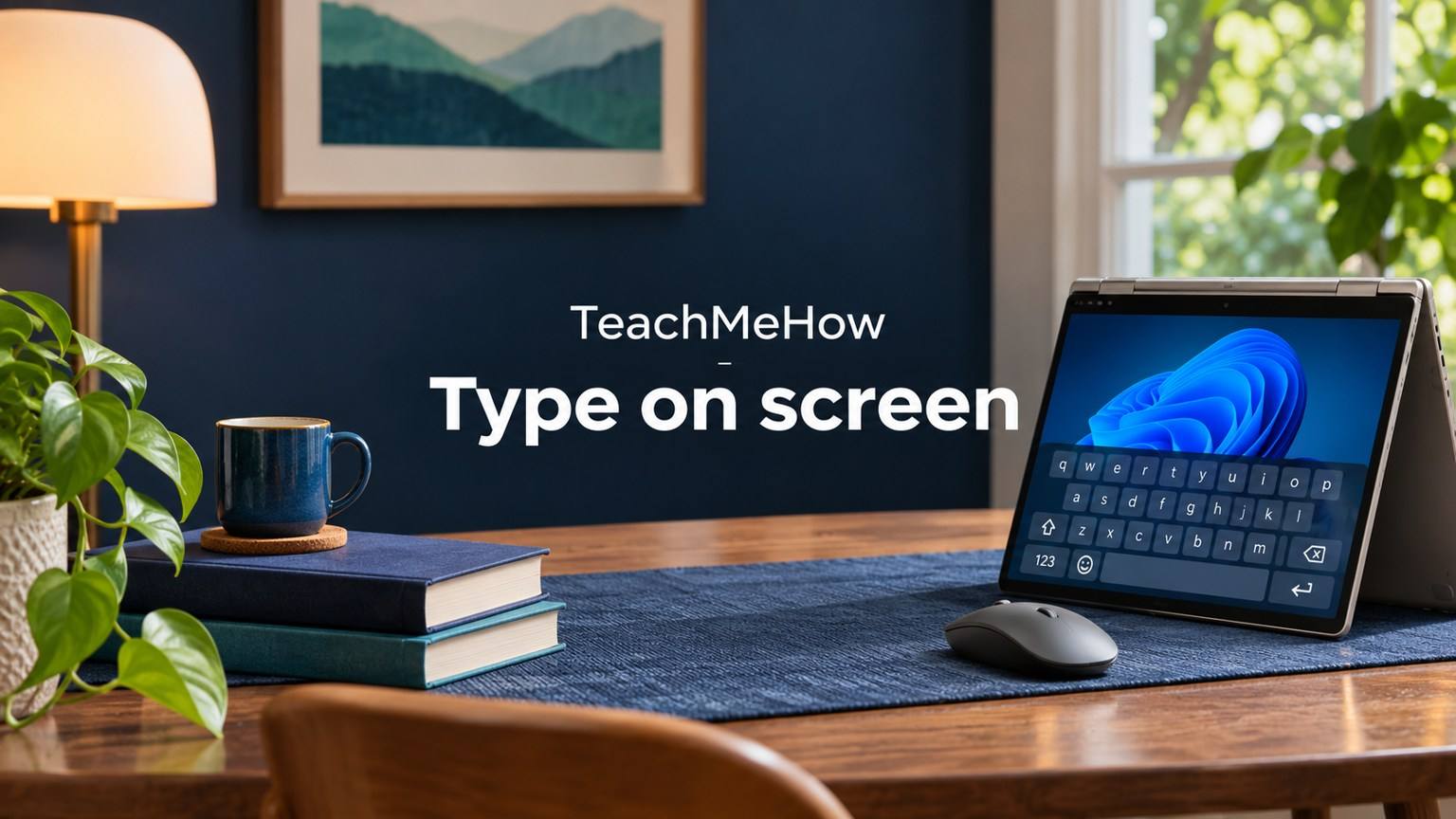
How to Use the On-Screen Keyboard Without a Physical Keyboard in Windows 11
Type with a mouse in Windows 11, including at sign-in. Open the On-Screen Keyboard, restore missing letter keys, and choose click, hover, or scan input.
Read guide →
How to Hear Both Audio Channels Through One Earbud in Windows 11
Combine left and right stereo channels for single-earbud listening in Windows 11. Compare a known stereo clip and separate routing problems from the mix.
Read guide →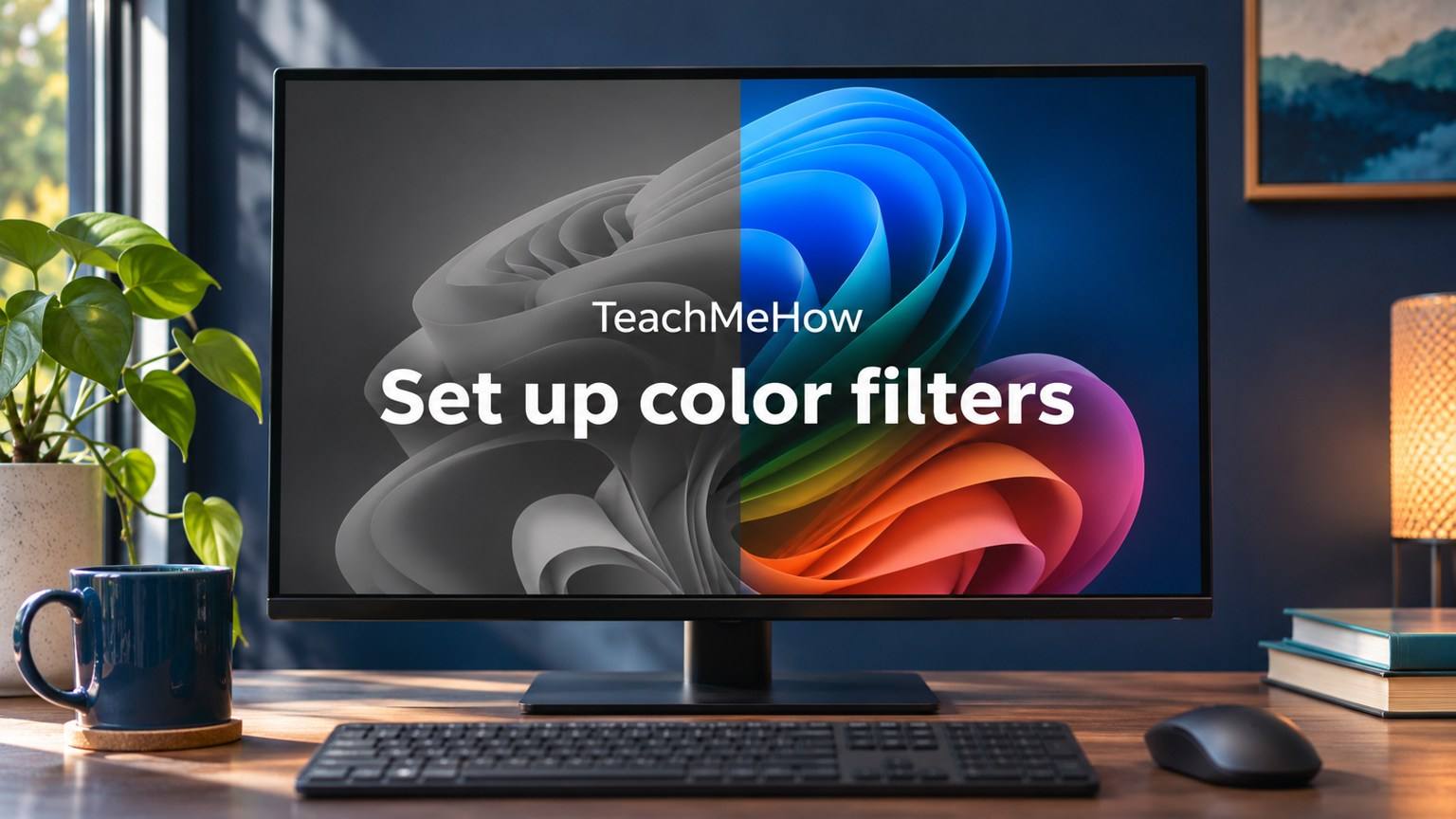
How to Choose and Toggle a Color Filter in Windows 11
Compare Windows color filters using a chart or image you know, enable the keyboard shortcut, and turn the filter off for color-sensitive work.
Read guide →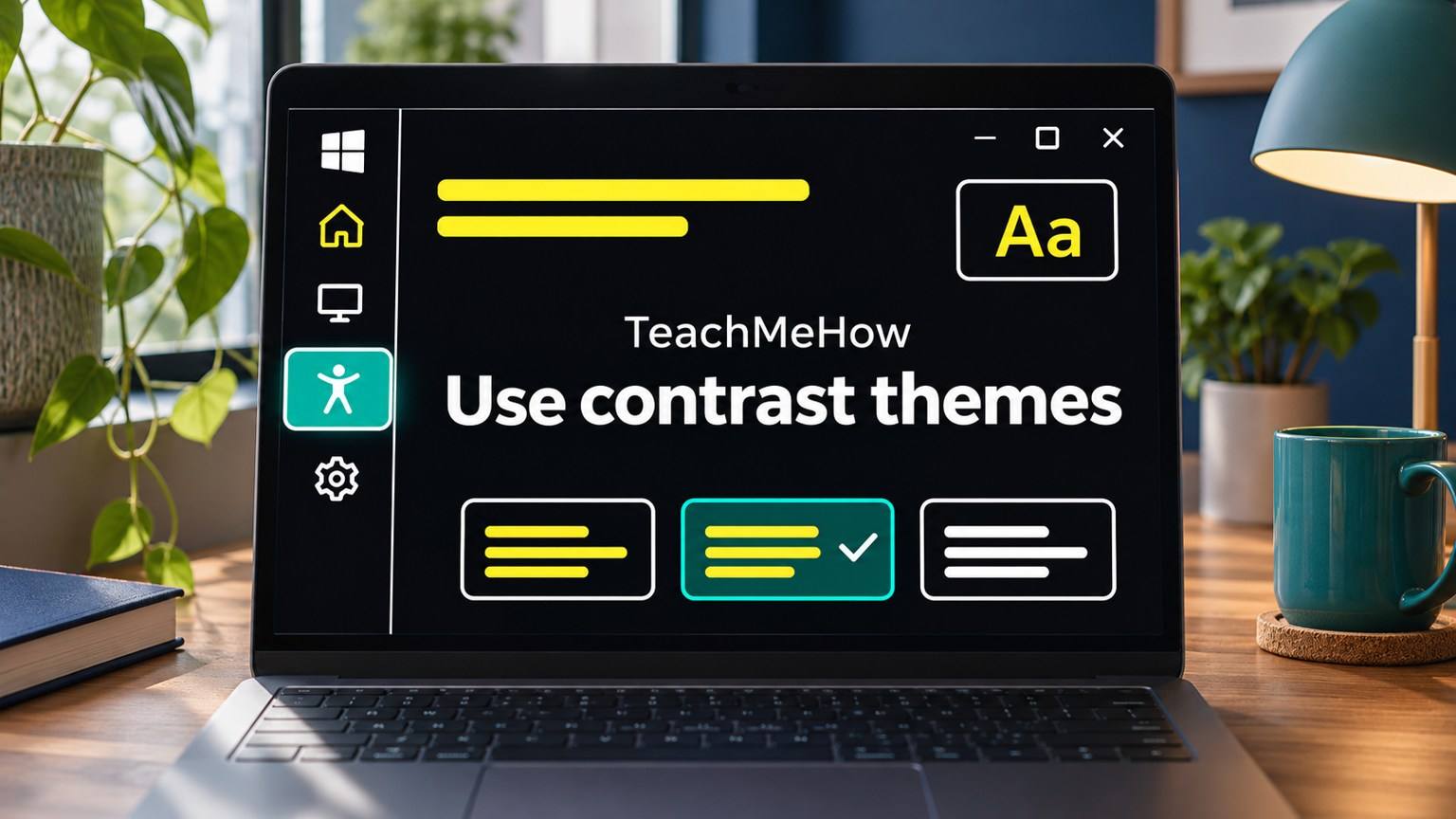
How to Set Up a Custom Contrast Theme in Windows 11
Choose a Windows contrast theme, customize text, links, and selection colors, then test the result in the apps you use and restore your previous look.
Read guide →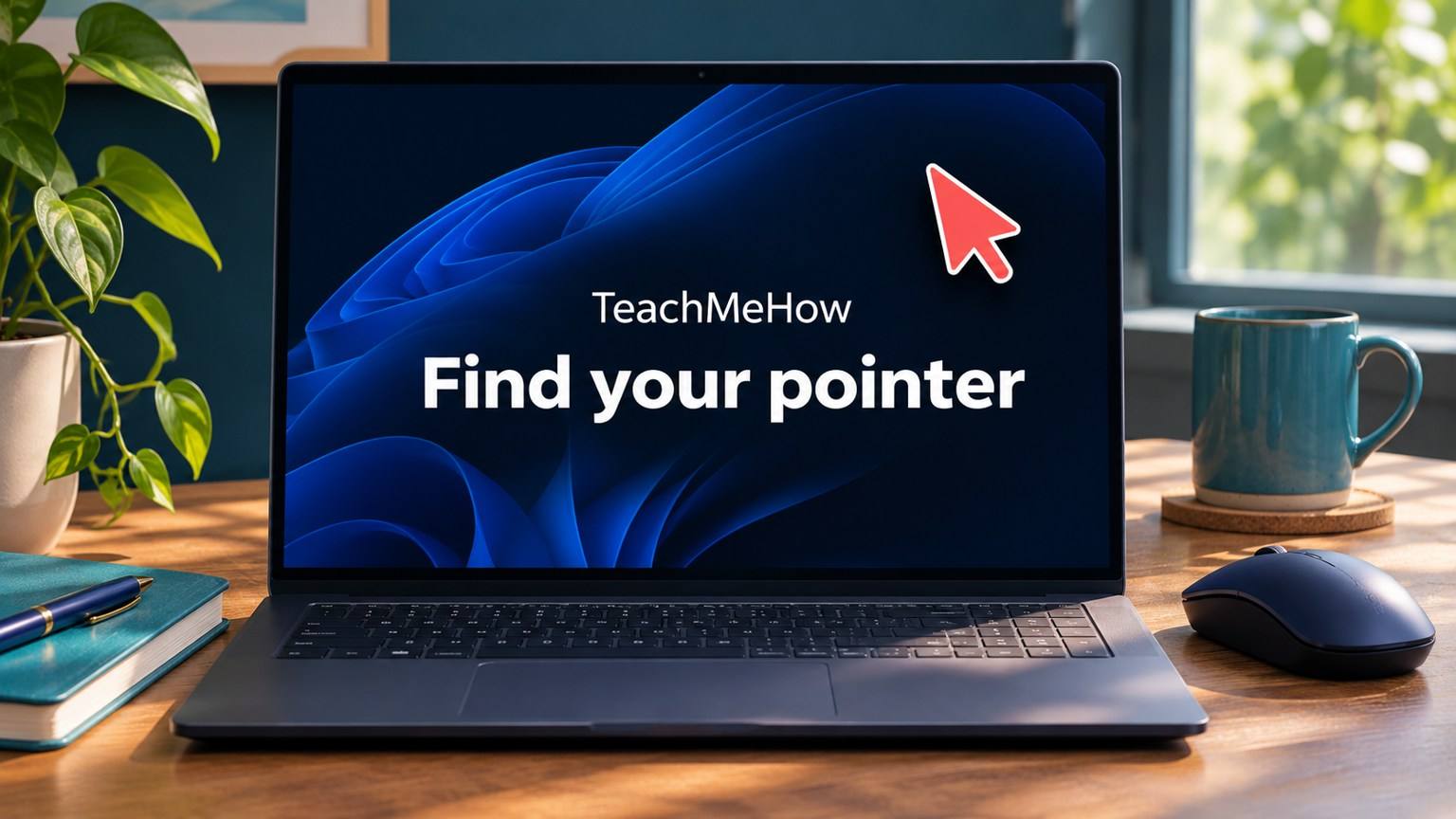
How to Change Mouse Pointer Size and Color in Windows 11
Make the Windows mouse pointer easier to locate on light and dark backgrounds. Set its size and color, add a Ctrl-key locator, and test both monitors.
Read guide →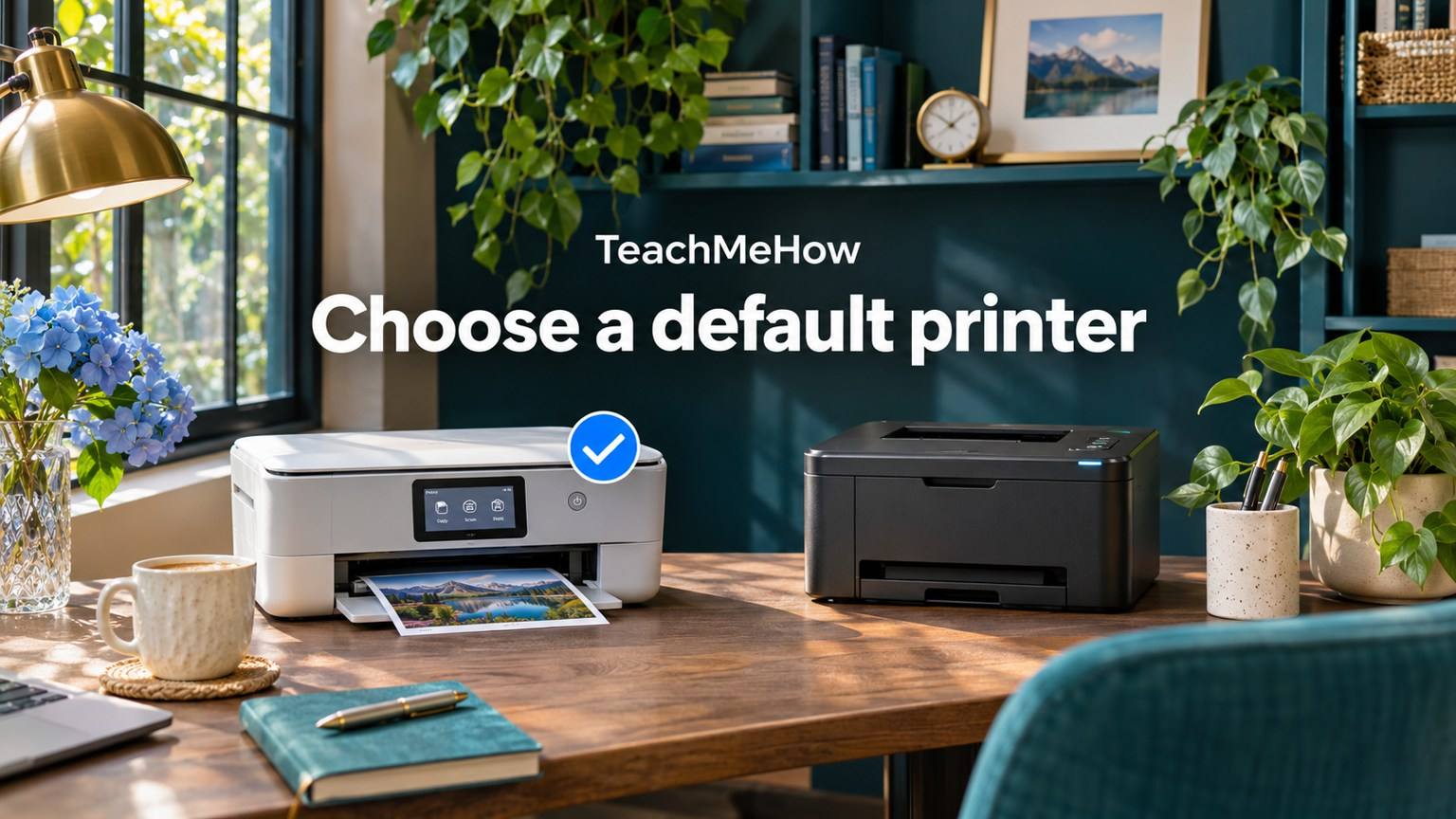
How to Set a Default Printer That Stays Selected in Windows 11
Keep Windows from changing your preferred printer, identify the right queue, and check what happens when an app remembers another destination.
Read guide →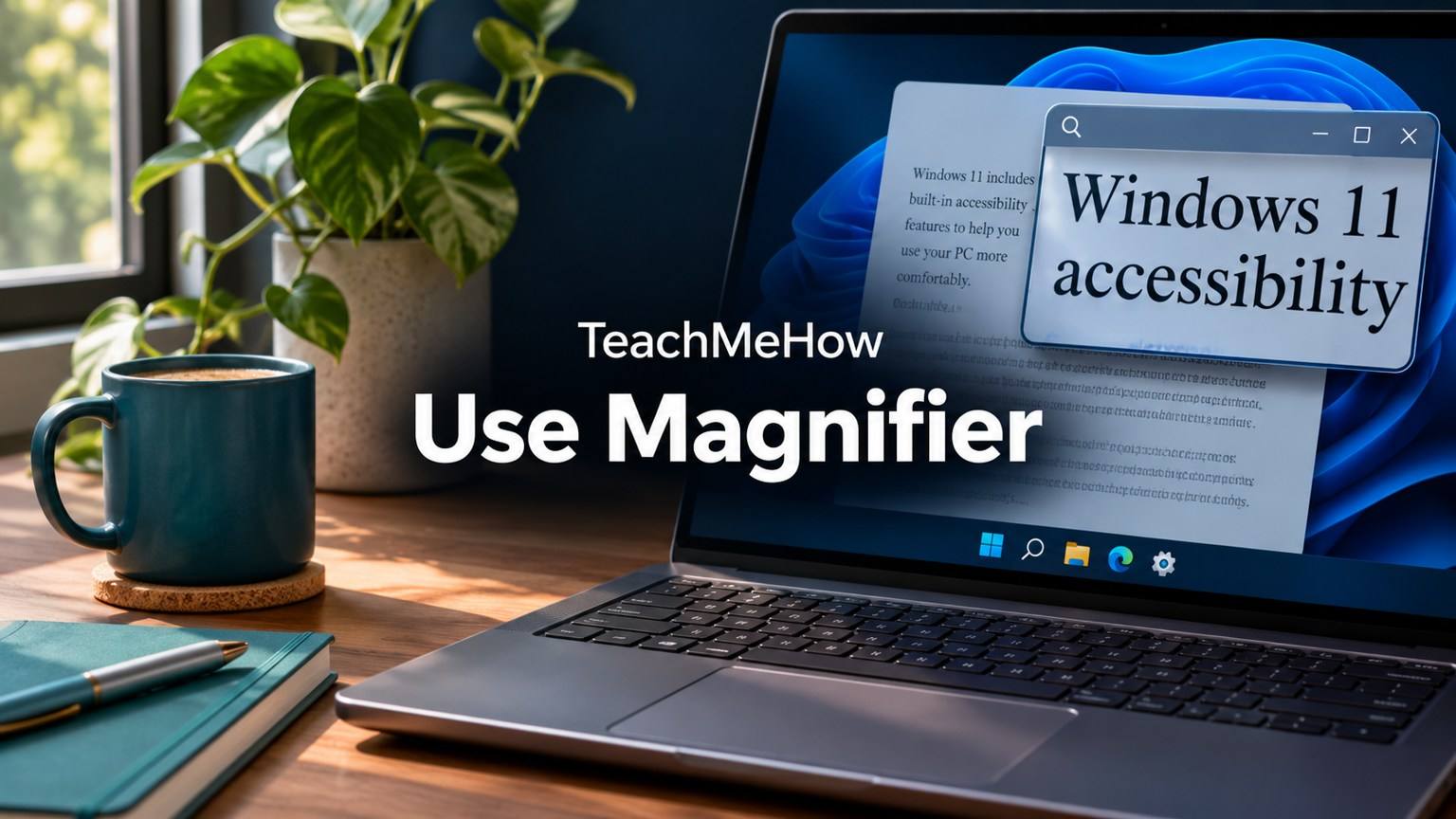
How to Use Magnifier in Lens or Docked View in Windows 11
Magnify one part of your Windows screen. Choose lens or docked view, control what the view follows, and return to normal with a keyboard shortcut.
Read guide →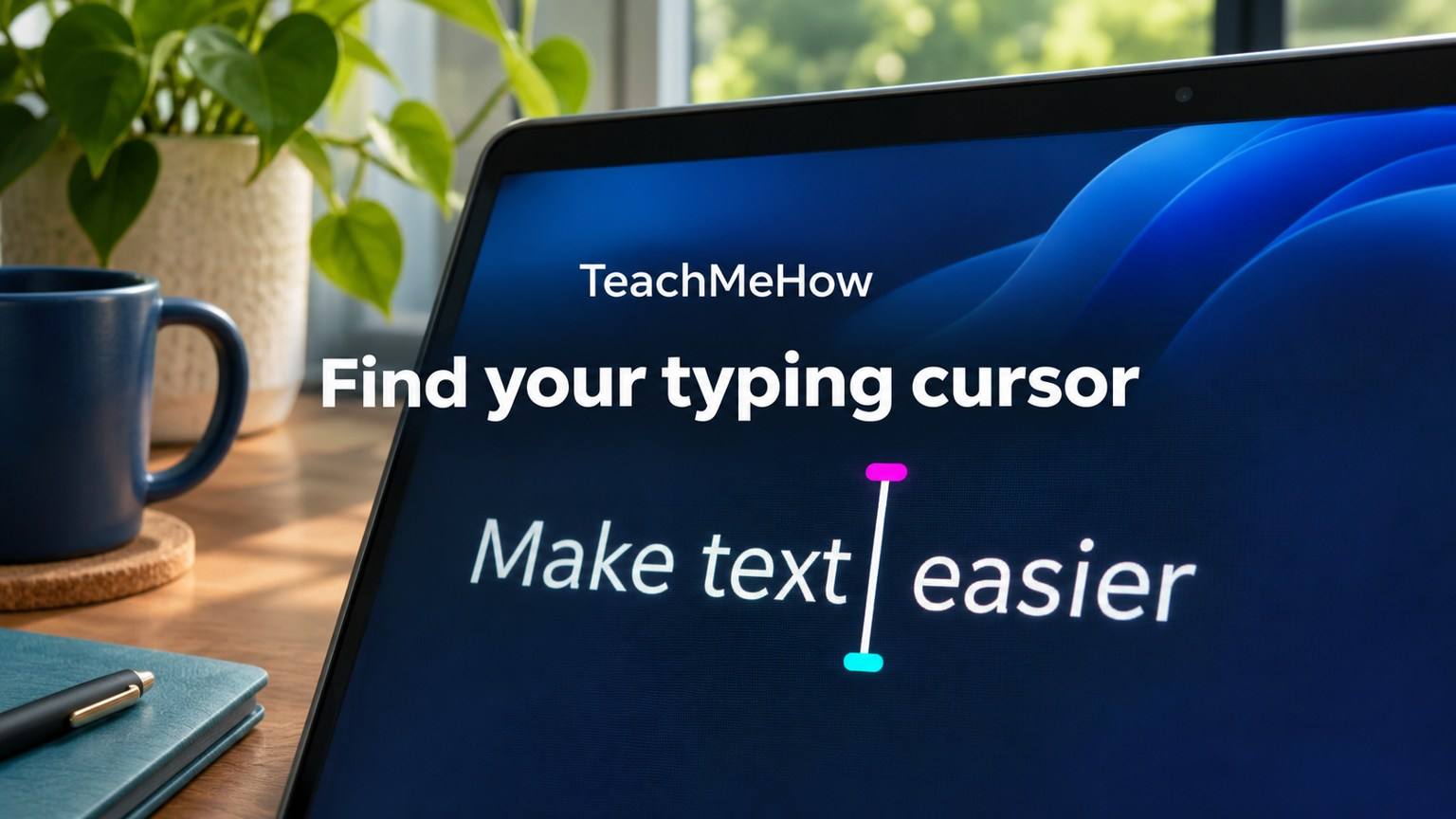
How to Make the Text Cursor Easier to See While Typing in Windows 11
Find the blinking insertion point while typing. Turn on the Windows text cursor indicator, adjust its color and thickness, and check which apps support it.
Read guide →
How to Turn On Live Captions for Audio in Windows 11
Show captions for speech playing on your PC, set up the language files, reposition the caption window, and troubleshoot microphone or playback issues.
Read guide →
How to Print a PDF at Actual Size in Windows 11
Print a PDF template at its intended dimensions, avoid double scaling, and measure a reference mark before printing the full document.
Read guide →
How to Print a PDF Poster Across Multiple Sheets in Windows 11
Split an oversized PDF across ordinary sheets, set the overlap, and align the tiles into a poster without losing the scale you need.
Read guide →
How to Print a Folded PDF Booklet in Windows 11
Arrange PDF pages for folding, choose automatic or manual duplex, and use a short proof to check page order and back-side orientation.
Read guide →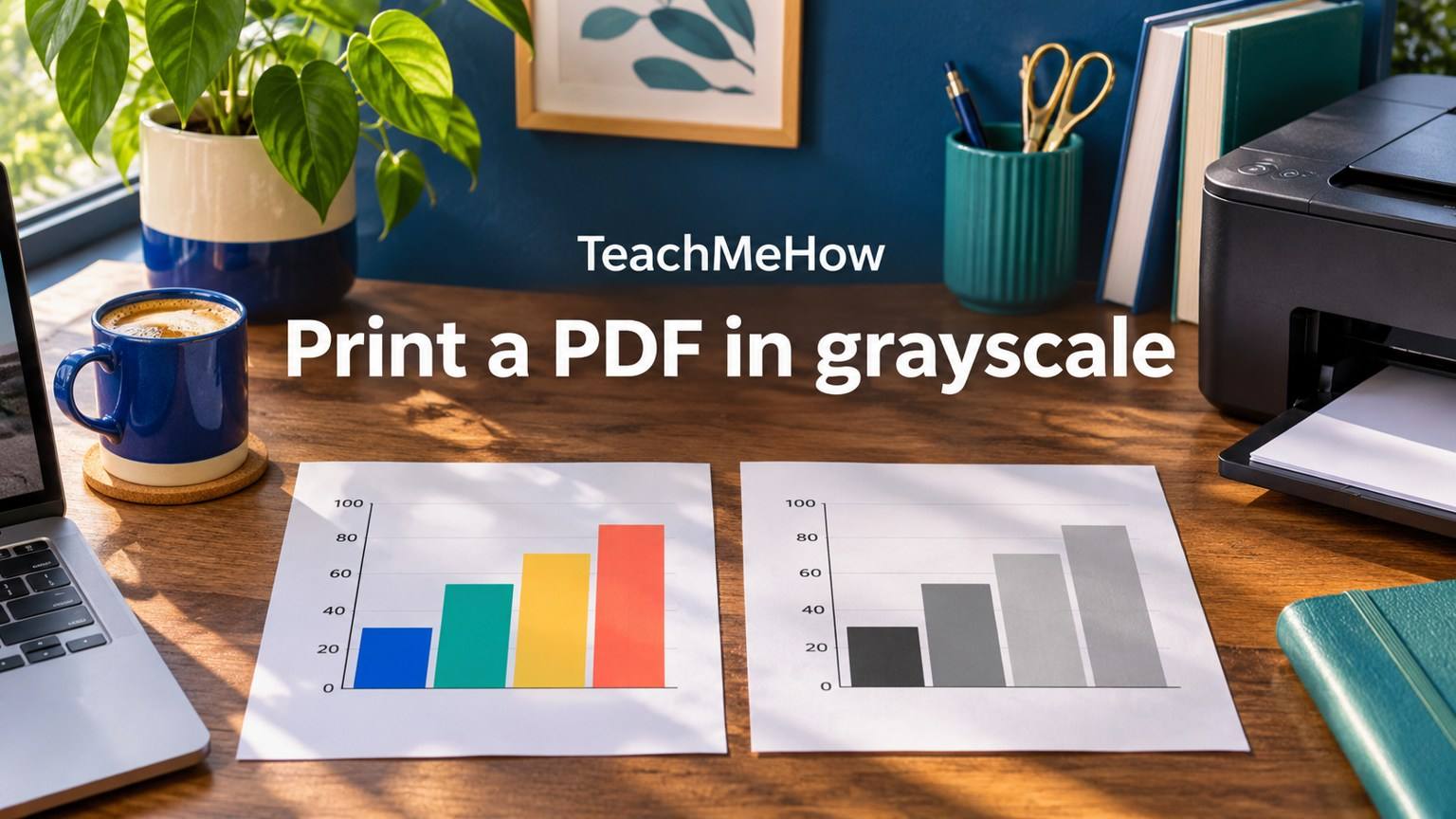
How to Print a Color PDF in Black and White in Windows 11
Make a grayscale copy of a color PDF, check charts for lost contrast, and distinguish grayscale output from a black-ink-only printer setting.
Read guide →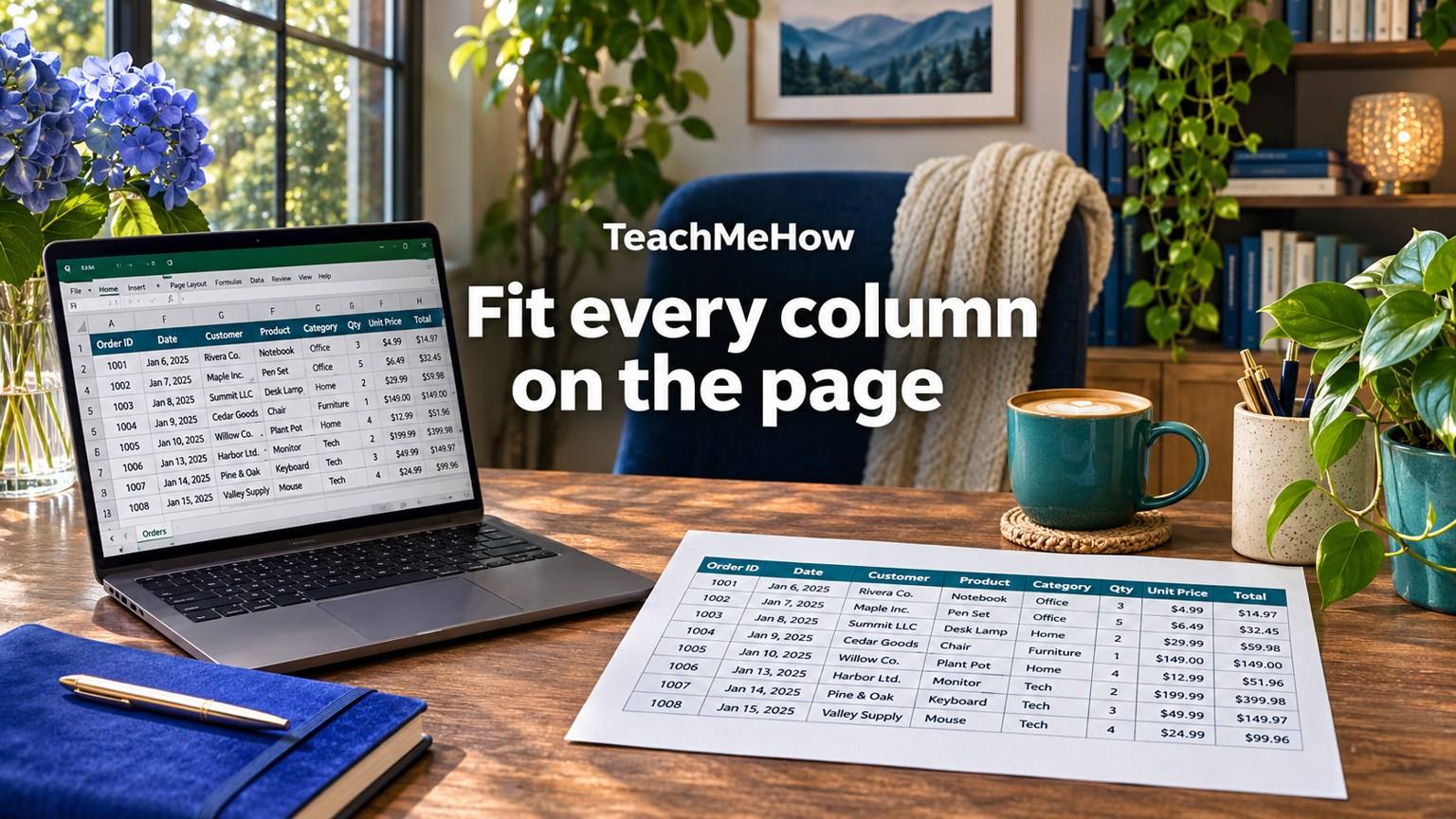
How to Print All Excel Columns One Page Wide in Windows 11
Keep the last column on the same sheet as the first, let rows continue to later pages, and check the resulting text size before printing.
Read guide →
How to Cancel a Stuck Print Job in Windows 11
Find the correct queue, cancel your stuck document, and test one page before resending a job or restarting the spooler.
Read guide →
How to Add a Network Printer by IP Address in Windows 11
Use the address shown on your printer to add it manually when discovery misses it, then confirm the connection with a test page.
Read guide →
How to Print Double-Sided Without Upside-Down Pages in Windows 11
Choose the right flip edge, test automatic duplex, and learn your printer’s reload direction before a manual two-sided print run.
Read guide →
How to Save Selected PDF Pages as a New PDF in Windows 11
Use a custom page range in Edge to make a separate PDF, verify its pages, and recognize when the original document needs to stay interactive.
Read guide →
How to Open Two Folders Side by Side in Windows 11
Arrange two File Explorer windows side by side, compare the source and destination, and verify a copy before closing either folder.
Read guide →
How to Increase Text Size in Windows 11 Without Changing Display Scale
Make Windows menus and labels easier to read while keeping your display scale. Compare text size, app zoom, and per-monitor scaling before changing settings.
Read guide →
How to Change the Default PDF Reader in Windows 11
Choose which app opens a saved PDF, test the setting with a local file, and distinguish Windows defaults from browser previews.
Read guide →
How to Add a Shared OneDrive Folder to File Explorer in Windows 11
Add an eligible shared OneDrive folder to My files, find it in Windows 11 File Explorer, and remove its shortcut safely when the project ends.
Read guide →
How to Remap Caps Lock to Escape in Windows 11 With PowerToys
Turn Caps Lock into a second Escape key in Windows 11, test it in ordinary apps, and reverse or remove the mapping when you need Caps Lock back.
Read guide →
How to Redact Private Information From a Screenshot in Windows 11
Hide contact details and other private text in a Windows screenshot, then check the exact image file you plan to send.
Read guide →