Results for “Windows 11”
70 guides found
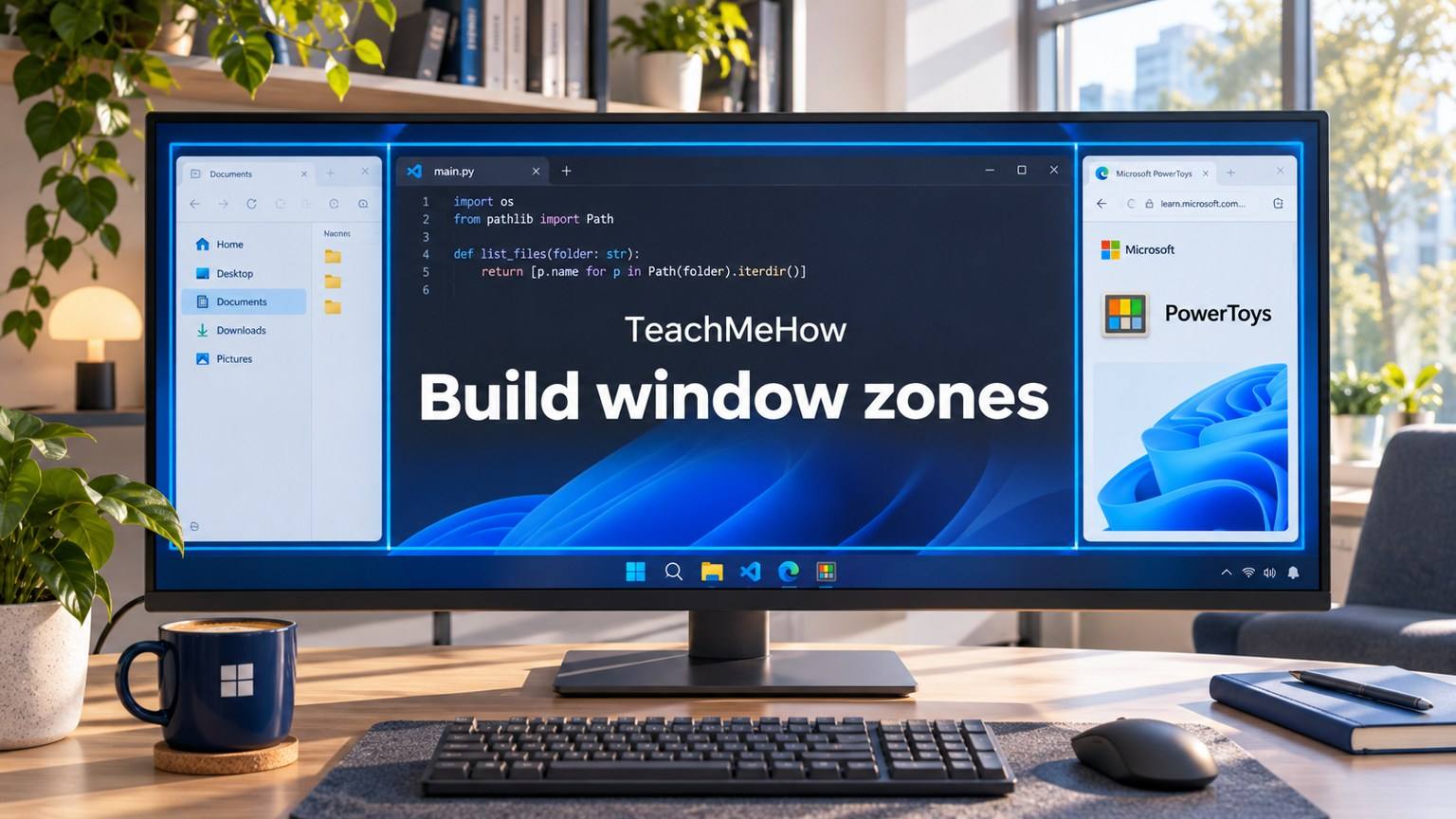
How to Create a Custom Window Layout With FancyZones in Windows 11
Build a repeatable three-zone desktop, assign it to the right monitor, and snap windows into it without changing your usual Windows shortcuts.
Read guide →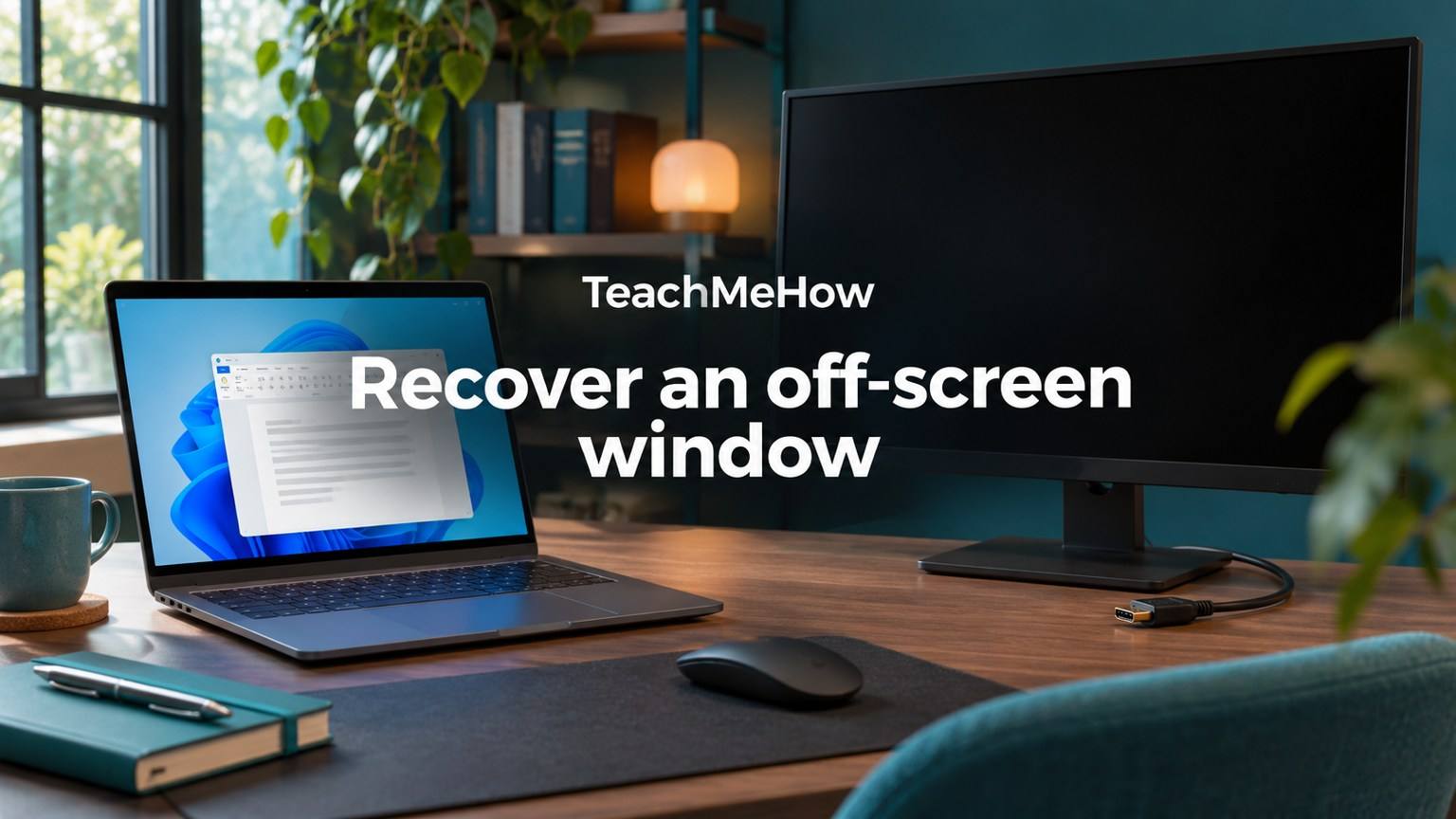
How to Bring an Off-Screen Window Back in Windows 11
Recover an app window after disconnecting a monitor, move it with the keyboard, and check Windows settings for future docking sessions.
Read guide →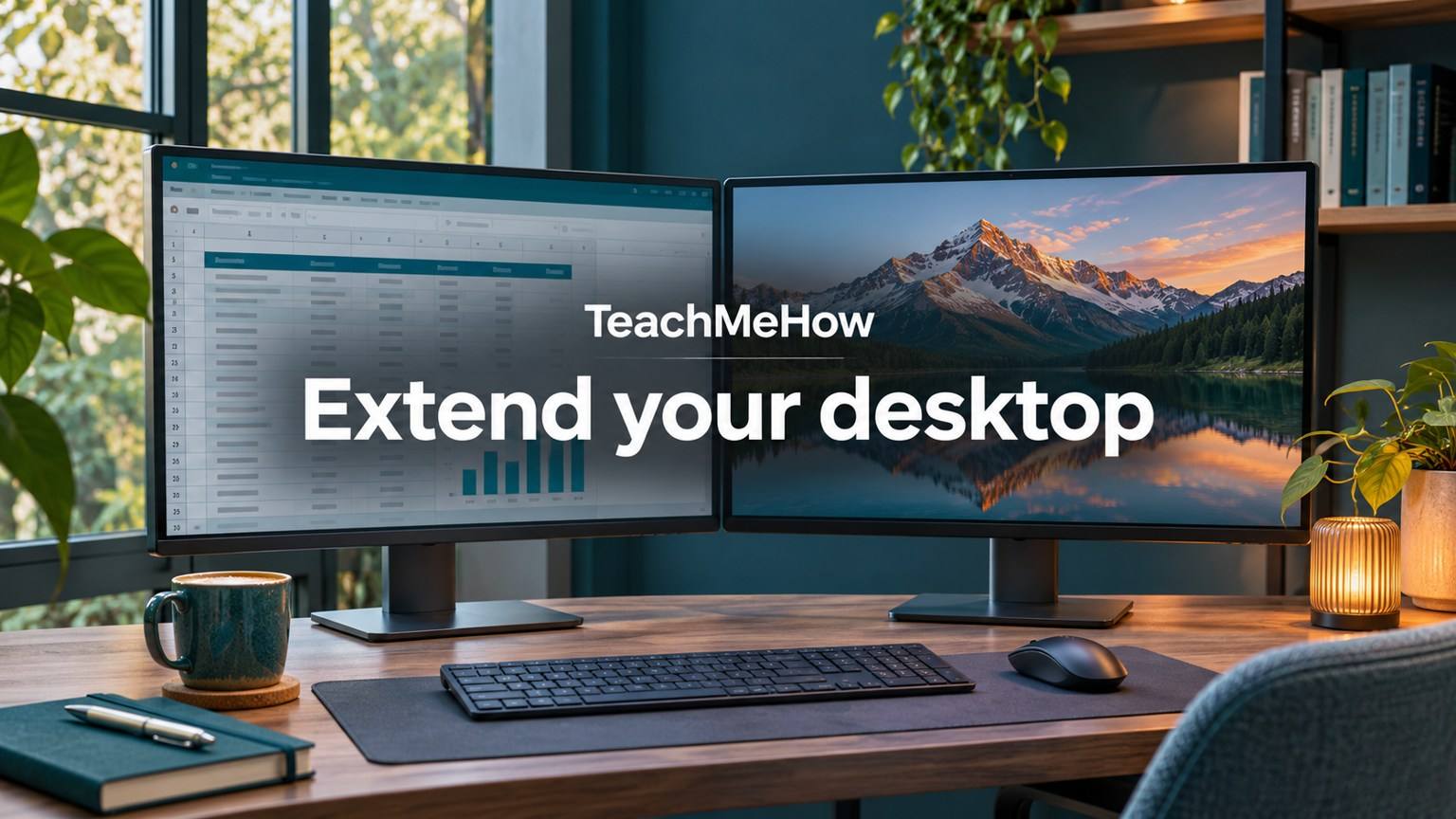
How to Extend Your Desktop Across Two Monitors in Windows 11
Switch from mirrored screens to an extended desktop, identify each display, and test that two different windows can stay visible.
Read guide →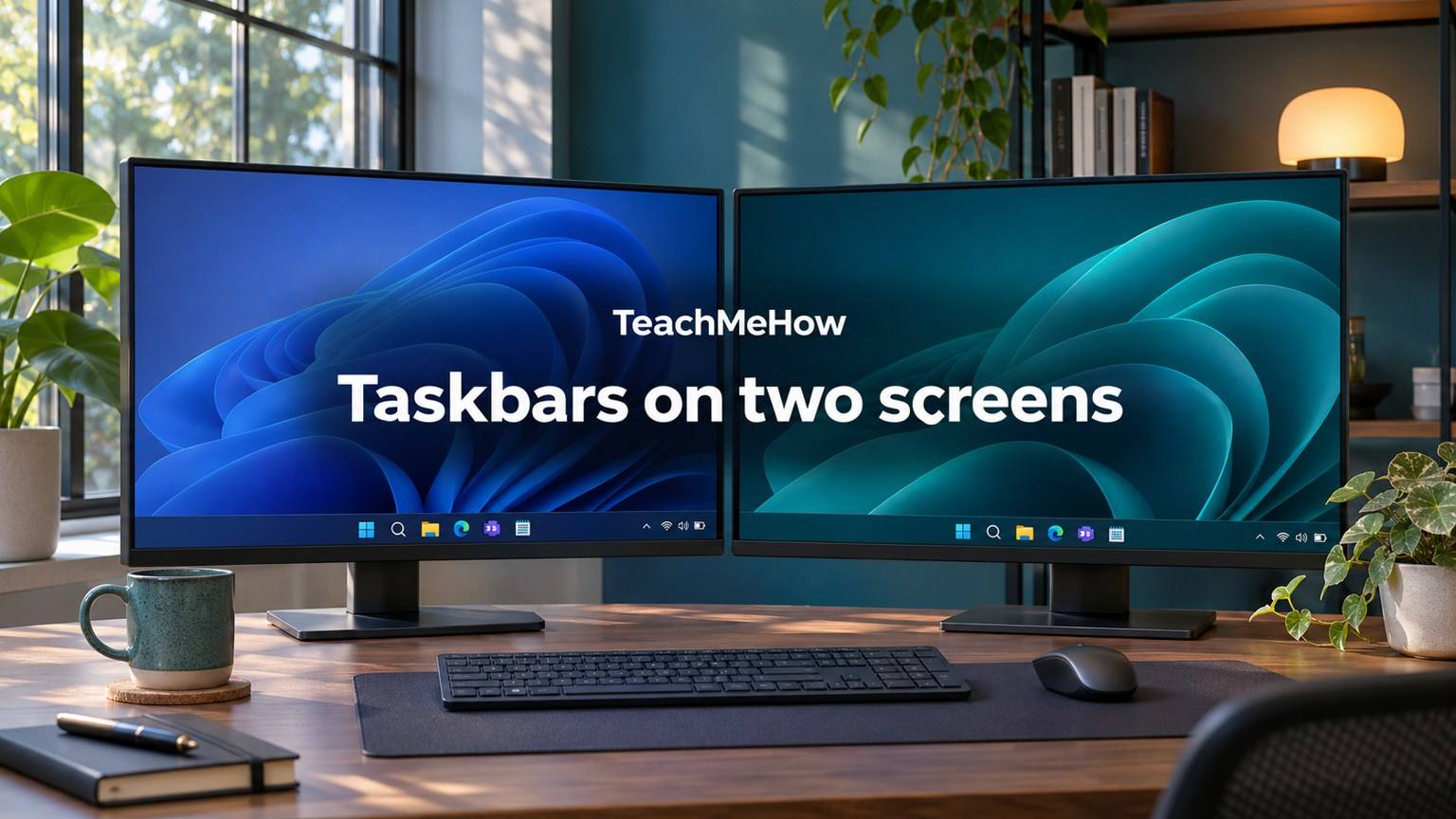
How to Show the Taskbar on Both Monitors in Windows 11
Show the taskbar on a second screen and choose whether running apps appear on every taskbar or only where their windows are open.
Read guide →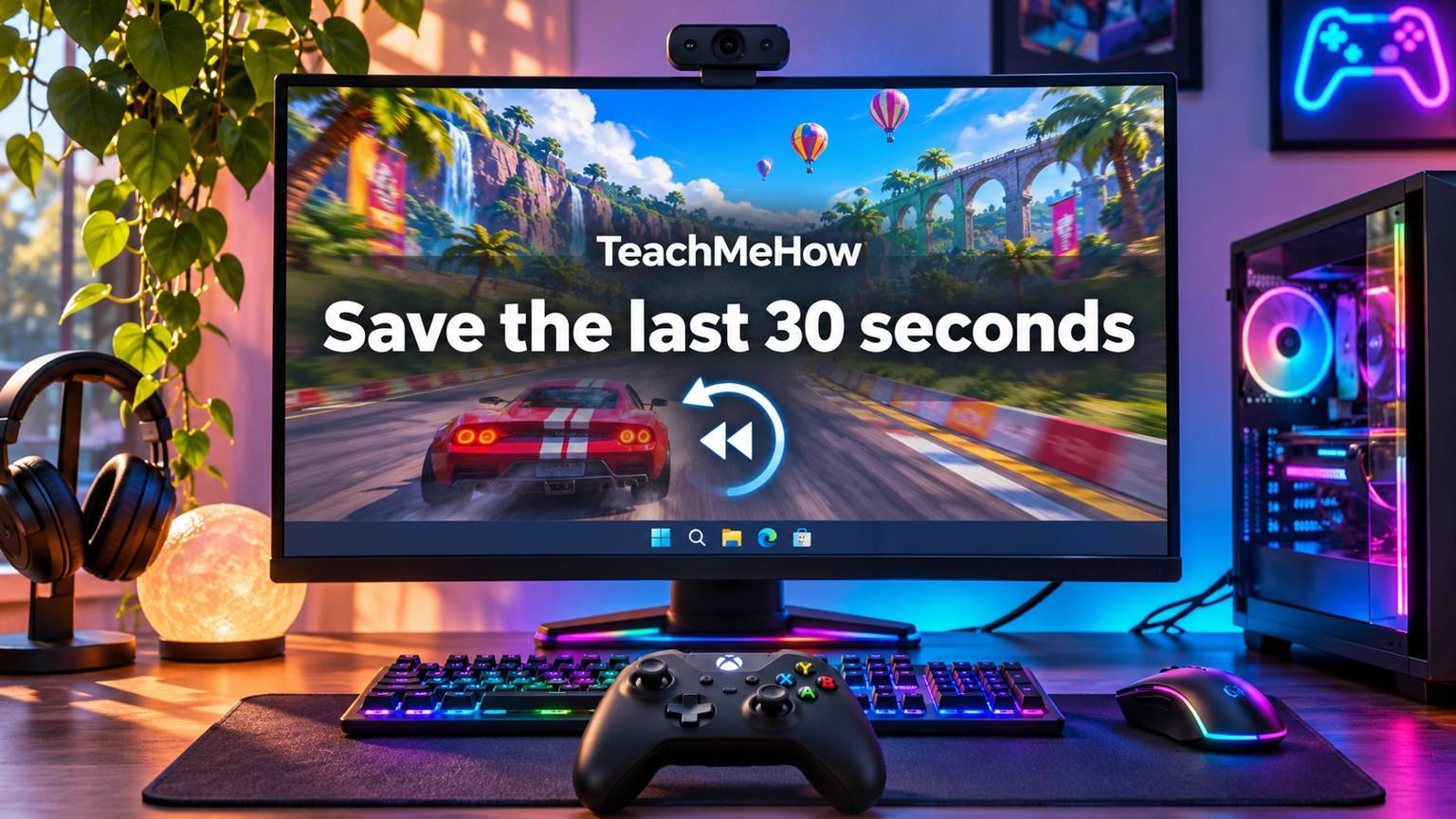
How to Record the Last 30 Seconds of Gameplay in Windows 11
Enable recent gameplay capture before you play, save a 30-second replay with a shortcut, and find the clip in Windows.
Read guide →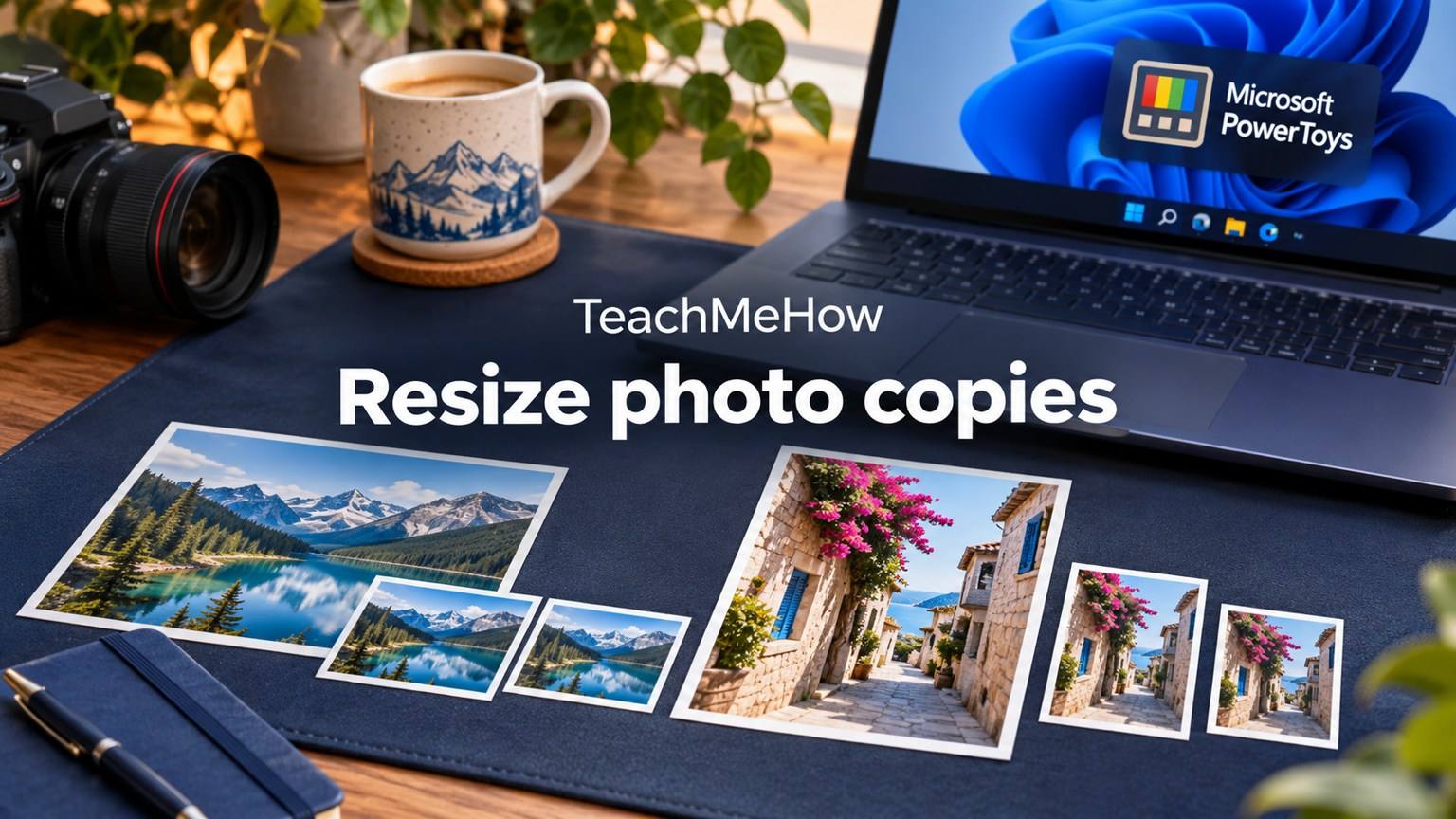
How to Batch Resize Photos Without Cropping Them in Windows 11
Make smaller copies of portrait and landscape photos with PowerToys Image Resizer. Use Fit, protect originals, and verify the output dimensions.
Read guide →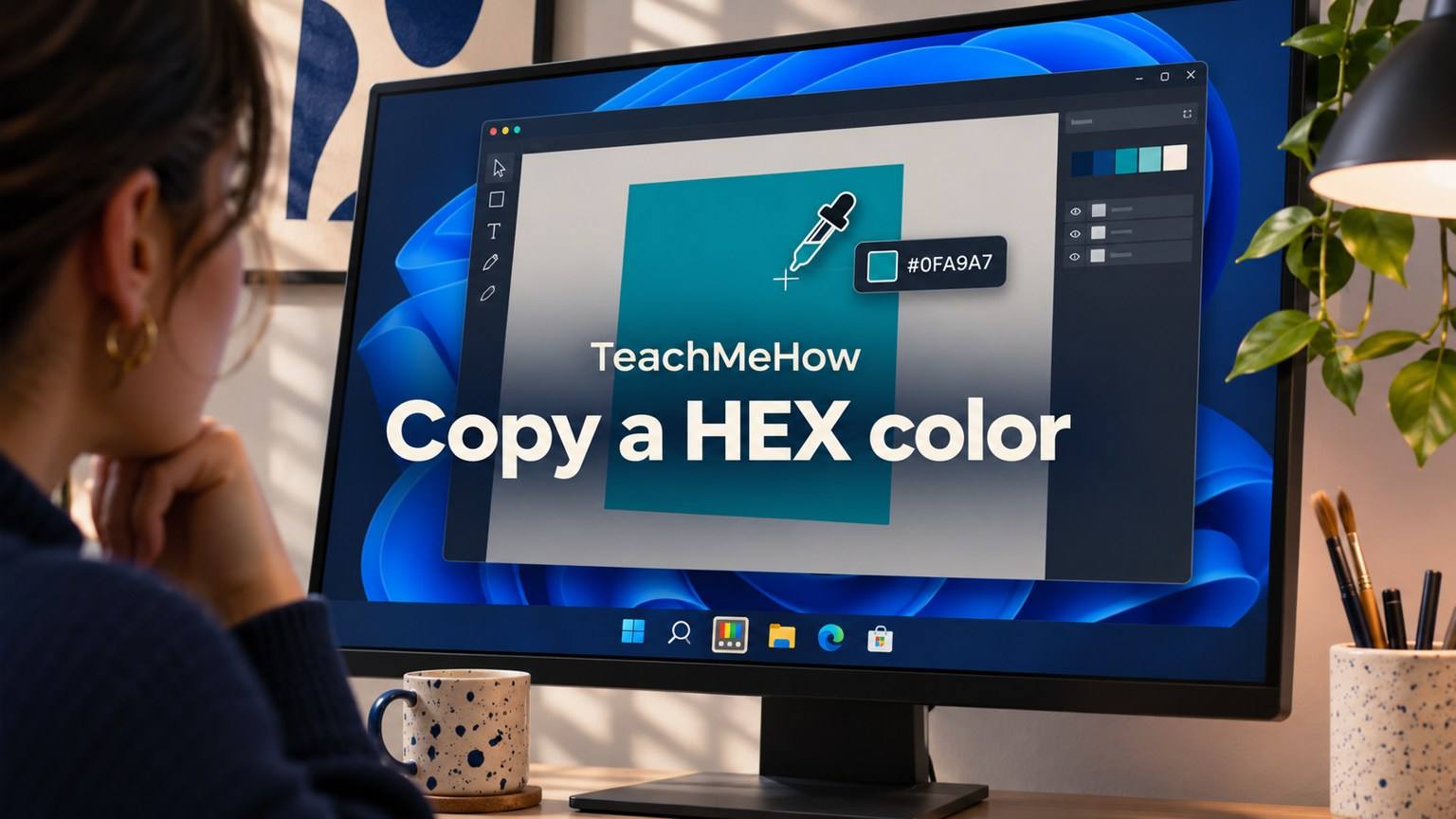
How to Copy a HEX Color From Your Screen in Windows 11
Use PowerToys Color Picker to sample a screen pixel, copy its HEX value, avoid hover colors, and verify the swatch in your destination app.
Read guide →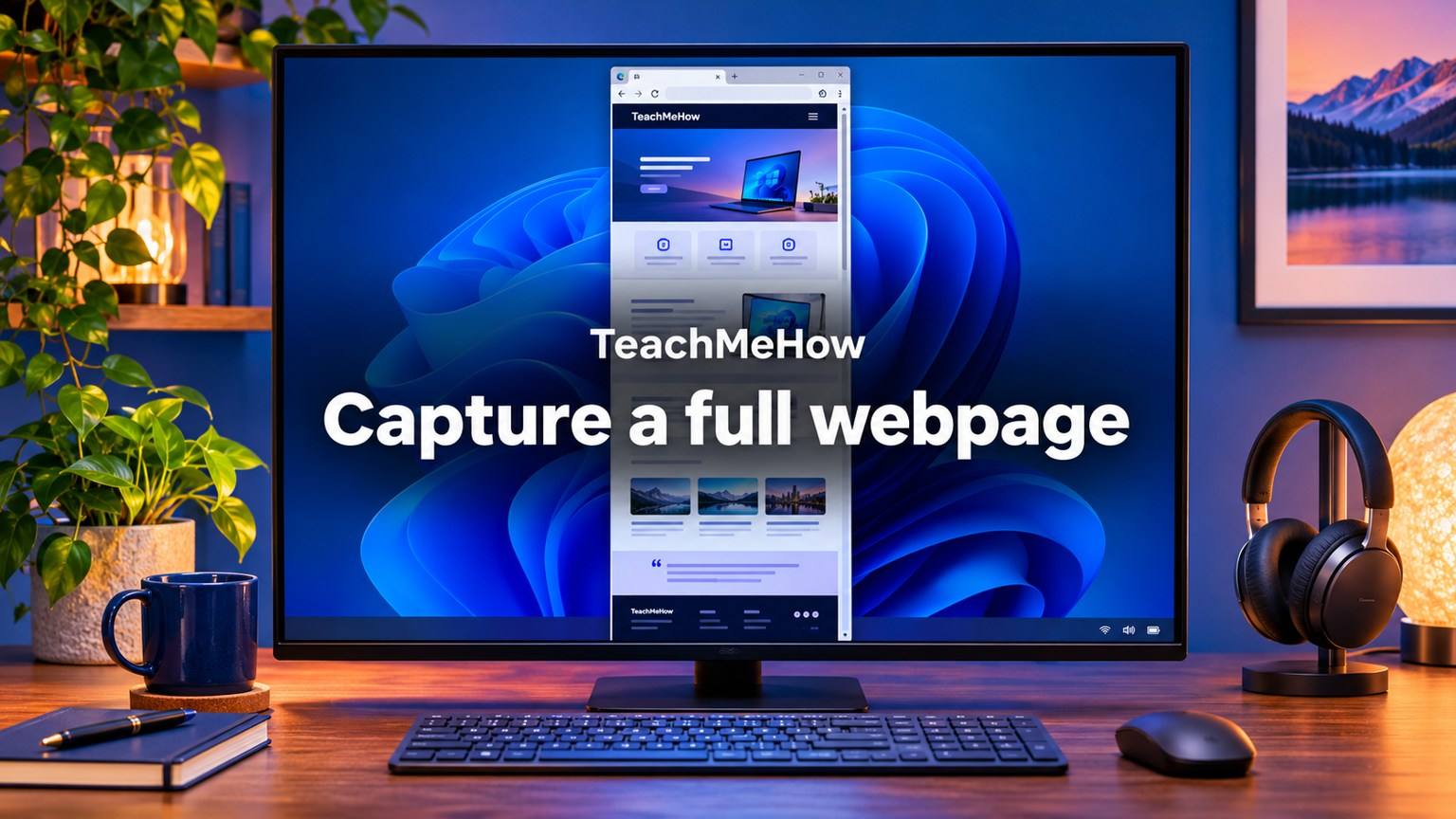
How to Take a Full-Page Screenshot in Microsoft Edge on Windows 11
Capture a webpage beyond the visible screen, check for missing sections, and save a single image from Microsoft Edge.
Read guide →
How to Find Where Screenshots Are Saved in Windows 11
Trace a missing screenshot to Pictures, a custom folder, a browser download, or the clipboard using the capture method you used.
Read guide →
How to Record Part of Your Screen With Snipping Tool in Windows 11
Record a selected region, check microphone and system sound, and save an MP4 that shows exactly what you meant to demonstrate.
Read guide →
How to Stop Print Screen From Opening Snipping Tool in Windows 11
Restore one-key full-screen copying, test the clipboard in Paint, and keep the selection shortcut available for smaller captures.
Read guide →
How to Screenshot Only One Monitor in Windows 11
Capture one display or one app on a two-monitor desk, keep the other screen out of the picture, and check the edges before you share.
Read guide →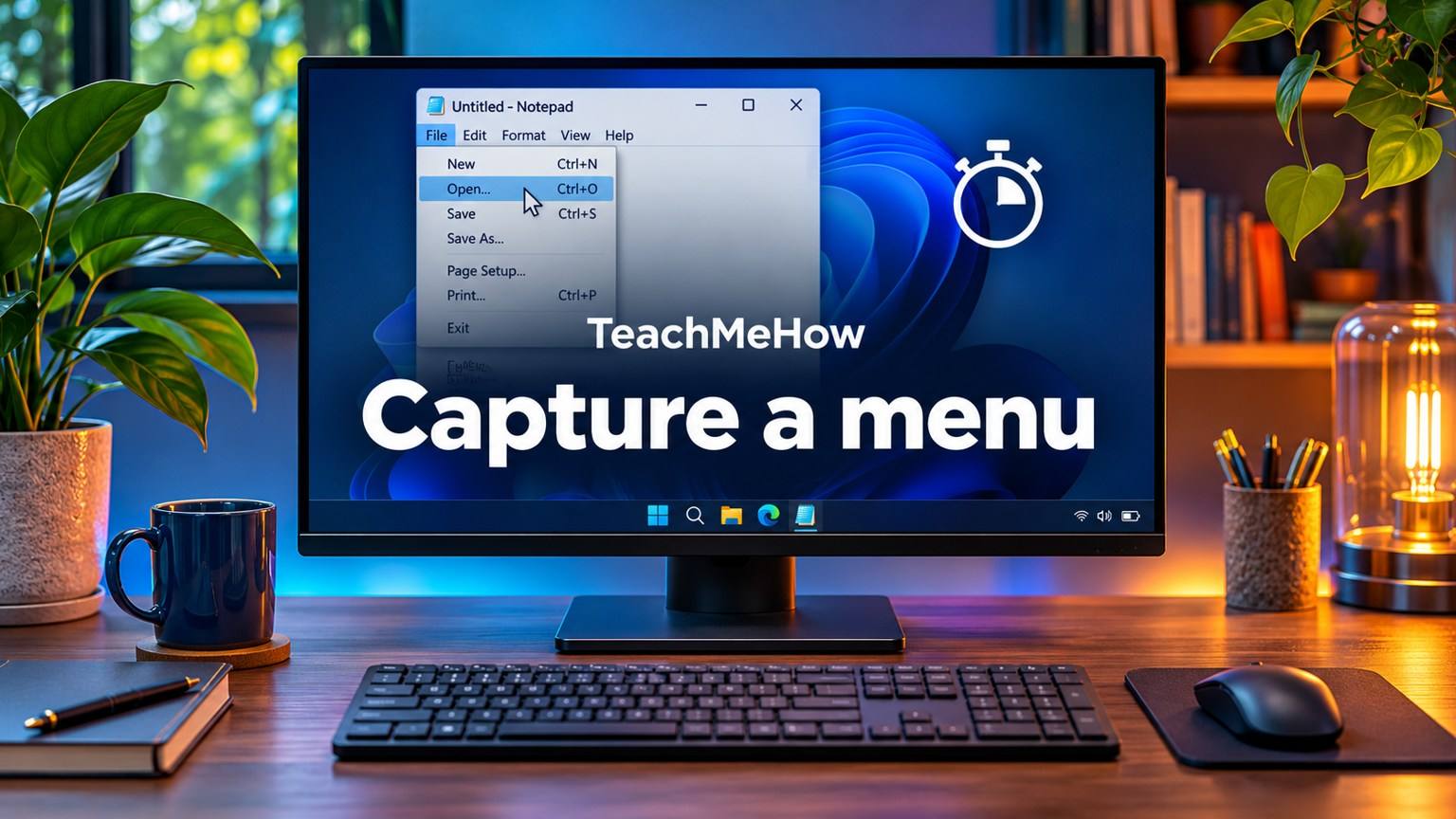
How to Screenshot a Disappearing Menu in Windows 11
Use a timed snip to capture a right-click menu, submenu, or tooltip that closes when you press a screenshot shortcut.
Read guide →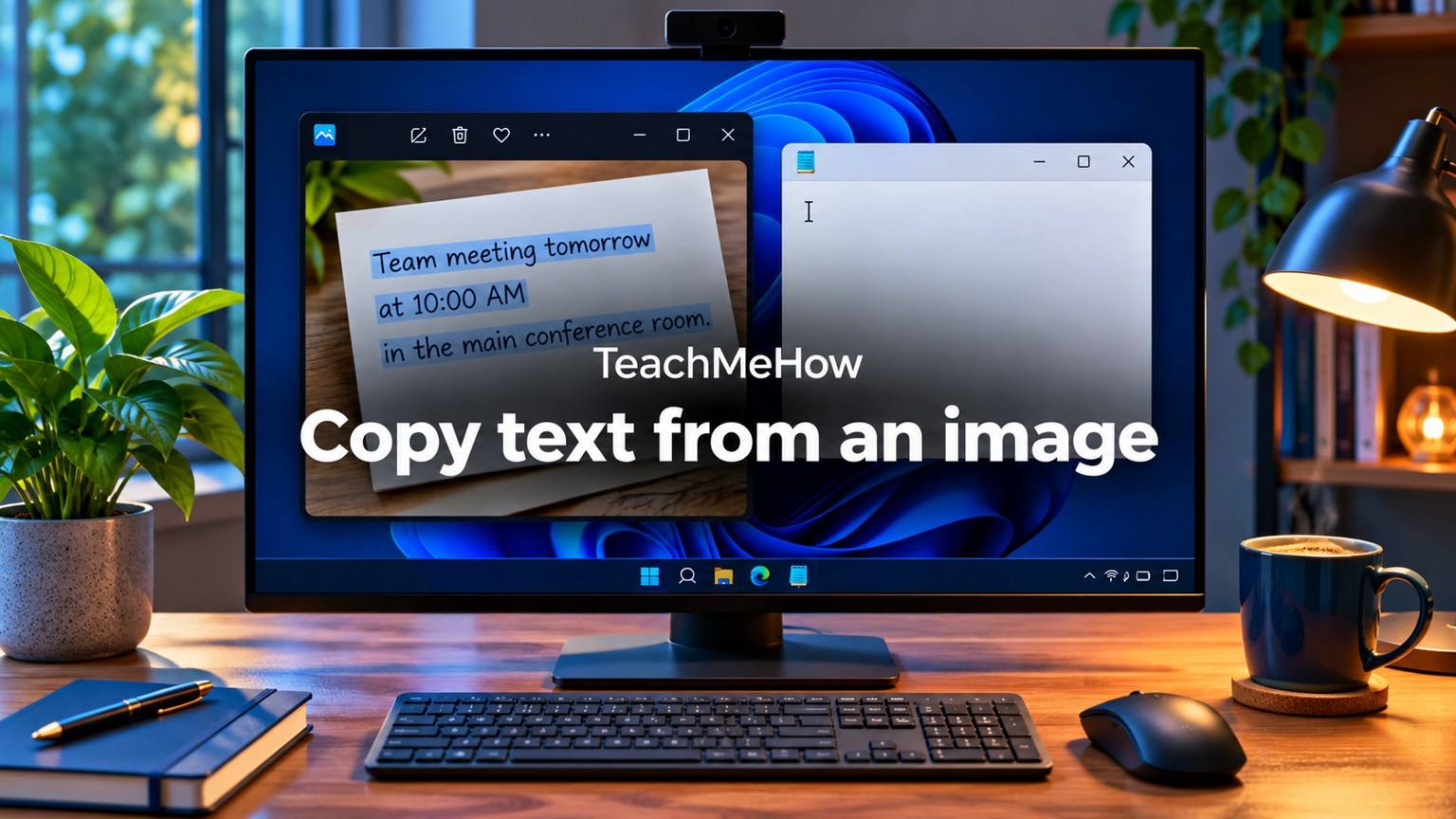
How to Copy Text From a Screenshot in Windows 11
Extract editable text from a screenshot with Text actions, copy just the lines you need, and catch recognition errors before using the result.
Read guide →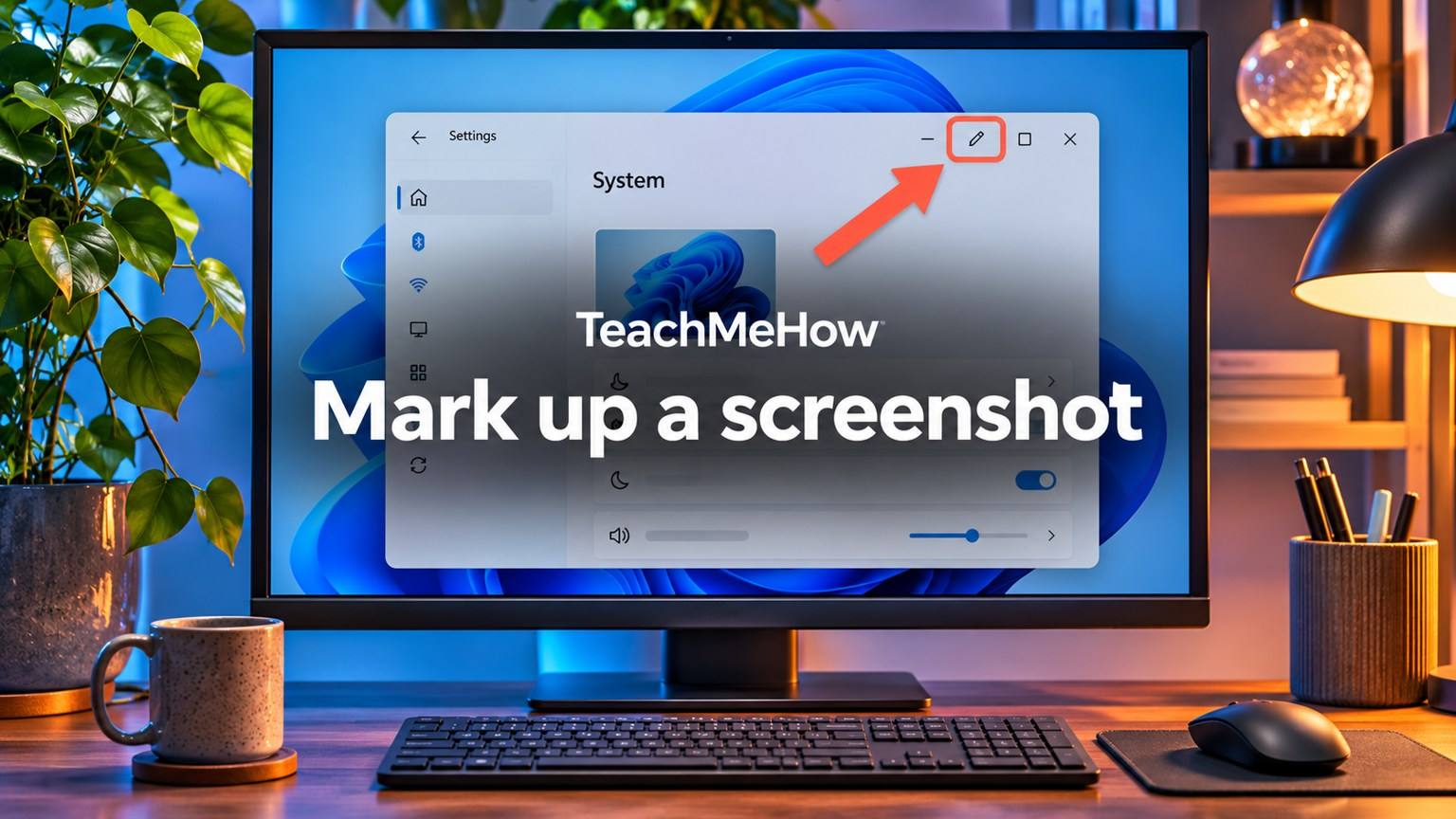
How to Add Arrows and Boxes to a Screenshot in Windows 11
Point to the right button with arrows and outline boxes, preserve readable labels, and save a marked-up screenshot for someone to follow.
Read guide →
How to Change the Refresh Rate on a Second Monitor in Windows 11
Select the right display, choose a supported refresh rate, and check whether the change also affected resolution or laptop power settings.
Read guide →
How to Set a Different Wallpaper on Each Monitor in Windows 11
Assign a separate picture to each physical display, correct a swapped image, and recognize when virtual desktops change the available options.
Read guide →
How to Restore Speaker Sound After Connecting an HDMI Monitor in Windows 11
Route sound back to your speakers while keeping the monitor connected, then diagnose an app that still plays through the wrong device.
Read guide →
How to Fix a Mouse Moving the Wrong Way Between Monitors in Windows 11
Correct a reversed left-right layout, align screens at different heights, and test where the pointer crosses the shared edge.
Read guide →
How to Make an External Monitor Your Main Display in Windows 11
Choose the primary monitor by its physical location, confirm the selection, and troubleshoot apps that reopen on a different screen.
Read guide →
How to Set Different Scaling on Two Monitors in Windows 11
Make apps readable on a high-density laptop screen and preserve working space on an external monitor with per-display scale settings.
Read guide →
How to Rotate One Monitor to Portrait in Windows 11
Rotate the intended external display, choose the correct portrait direction, and realign the pointer boundary beside a landscape monitor.
Read guide →
How to Copy a Full File Path in Windows 11
Copy a file’s full path with its extension, paste it into an Open dialog, and troubleshoot spaces, quotes and missing locations.
Read guide →
How to Rename Multiple Photos at Once in Windows 11
Give a group of photos one base name and numbered filenames, check the sequence, and preserve the camera originals.
Read guide →