How to Replace a Smoke Alarm Battery
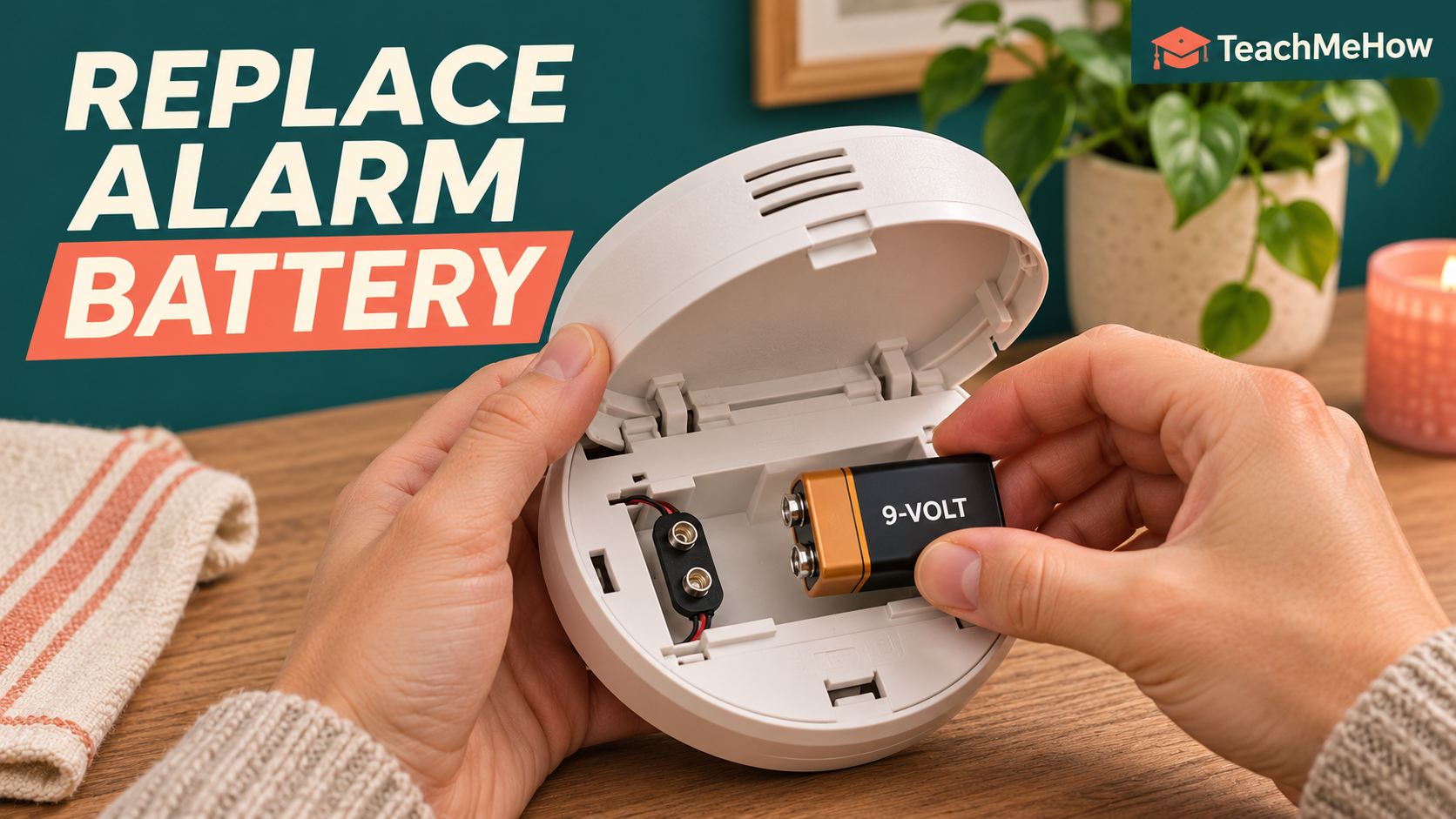
Replace a removable smoke alarm battery safely, install the correct type, and test the unit. Learn when a sealed alarm needs full replacement.
Follow these steps at your own pace. Check product terms and prices directly with providers before purchasing.
Quick answer
Replace the battery in a smoke alarm only if the model has a replaceable battery. Confirm the required type on the alarm label or manual, install it with the correct polarity, then close the cover and test the alarm. A sealed 10-year battery is not user-replaceable; replace the entire alarm when it chirps or reaches its end-of-life date. Never leave an alarm without working power.
What you need
- The exact battery type listed for your alarm. Some models require a specific chemistry or brand.
- A stable step stool or ladder, and the alarm manual if available.
Step-by-step battery replacement
- Identify the signal. A periodic single chirp often signals low battery, but patterns vary by brand. If you hear a continuous set of three loud beeps or see smoke, get everyone outside, call 911, and stay out. Do not treat an alarm signal as a routine battery warning.
- Check the unit first. Read its model and battery label. Check the manufacture or replacement date. If it is about 10 years old, follow the end-of-life instructions and replace the alarm rather than investing in another battery.
- Get stable access. Use a stable ladder on level ground. Ask someone to steady it if needed; do not stand on furniture or lean far to reach the alarm.
- Remove the alarm from its base. Twist or slide it in the direction shown by the manual. Some battery doors open while the unit remains mounted. Do not pull a hardwired alarm down by its wires.
- Open the battery compartment. Remove the old battery and match the replacement type exactly. Fit it with the positive and negative ends aligned to the diagram. Close the compartment fully; many alarms will not mount or operate correctly if the drawer is ajar.
- Reinstall and test. Lock the unit back onto its base, then hold the test button as directed. Confirm it sounds and, on an interconnected system, verify the response described in the manual.
- Dispose of the old battery safely. Follow local battery recycling or disposal guidance. Mark your calendar for the next annual battery replacement if your model requires one.
Hardwired alarms and sealed batteries
Many hardwired alarms also use a backup battery. Replace that backup only as the manual describes; avoid disconnecting household wiring. If the alarm has a sealed, nonreplaceable 10-year battery, replace the whole unit when indicated. For reminders on the schedule, see how to test and clean smoke alarms.
If it still chirps
- Check that the battery matches the label, is fresh, and is seated correctly.
- Close the battery drawer and reinstall the unit completely.
- Use the manual’s reset procedure; some alarms chirp briefly after a battery change.
- Find which alarm is sounding. In interconnected systems, the sound may seem to come from another room.
- If a correct new battery does not stop the chirp, the unit may be dirty, at end of life, or faulty. Follow the chirping troubleshooting guide.
Common mistakes
Do not remove the battery to silence a nuisance alarm, substitute an unlisted battery, or assume a battery-powered alarm is hardwired. If cooking causes nuisance alarms, use the hush feature only as directed and review the unit’s placement; never disable it.
Related guides
- Install smoke alarms in your home
- Fix a smoke alarm that keeps chirping
- Test and clean smoke alarms
- Choose a smoke alarm for your home
Source: U.S. Fire Administration smoke alarm maintenance guidance. Check the exact model instructions for battery type and reset steps.
Bottom line
Use only the battery specified for a replaceable-battery alarm, restore power immediately, and test the unit after closing it. Replace sealed or expired alarms as whole units.
Comments
Comments are reviewed before they become public.
Sign in with Google to leave a comment.
Sign in with GoogleNo approved comments yet. Be the first to start the discussion.