Results for “Technology”
348 guides found
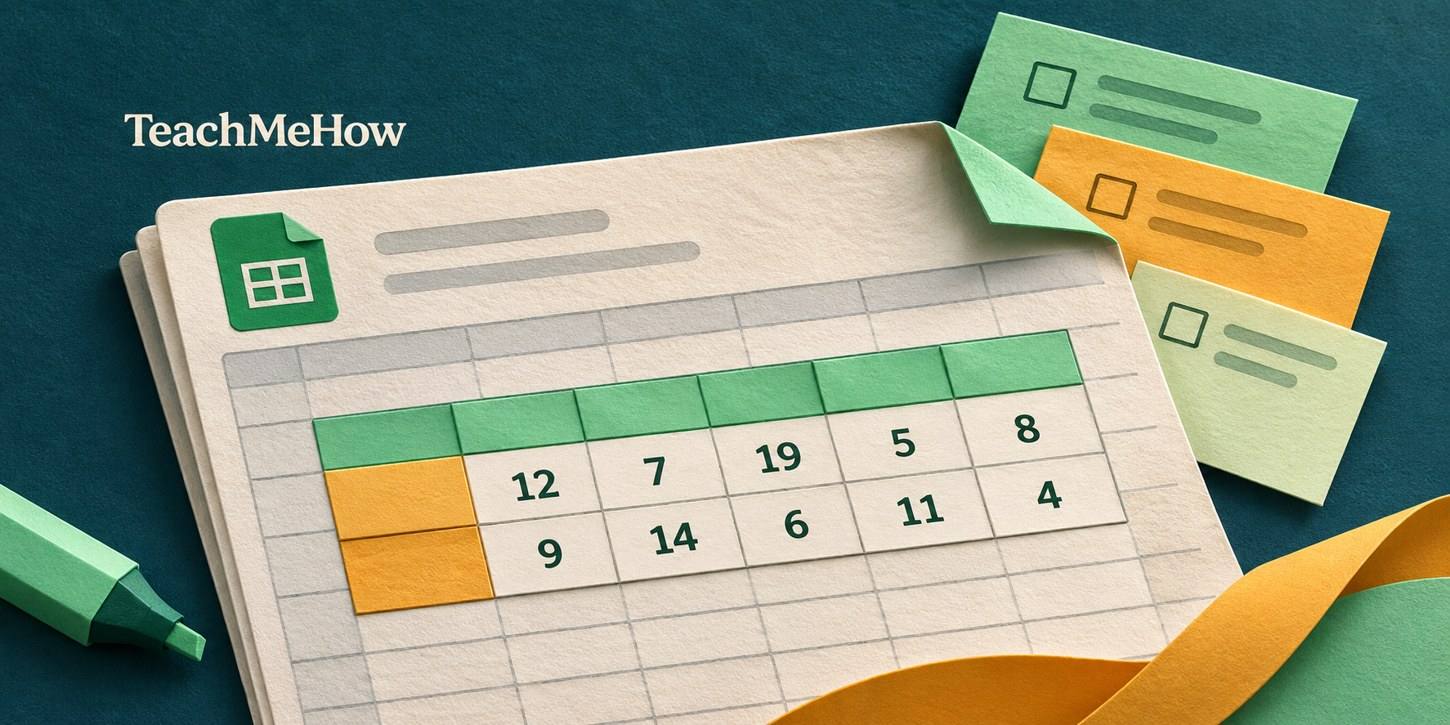
How to Count Tasks by Assignee and Status in Google Sheets
Build a live workload summary with COUNTIFS. Use one formula across owners and statuses, check a known result, and troubleshoot missing tasks.
Read guide →
How to Filter Your Own Tasks in a Shared Google Sheet
Save a filter view for one person’s open assignments, sort by deadline, and reopen or share the view without disrupting teammates.
Read guide →
How to Highlight Overdue Task Rows in Google Sheets
Highlight an entire task row after its due date while leaving completed work and blank dates alone. Includes a copyable rule and four quick checks.
Read guide →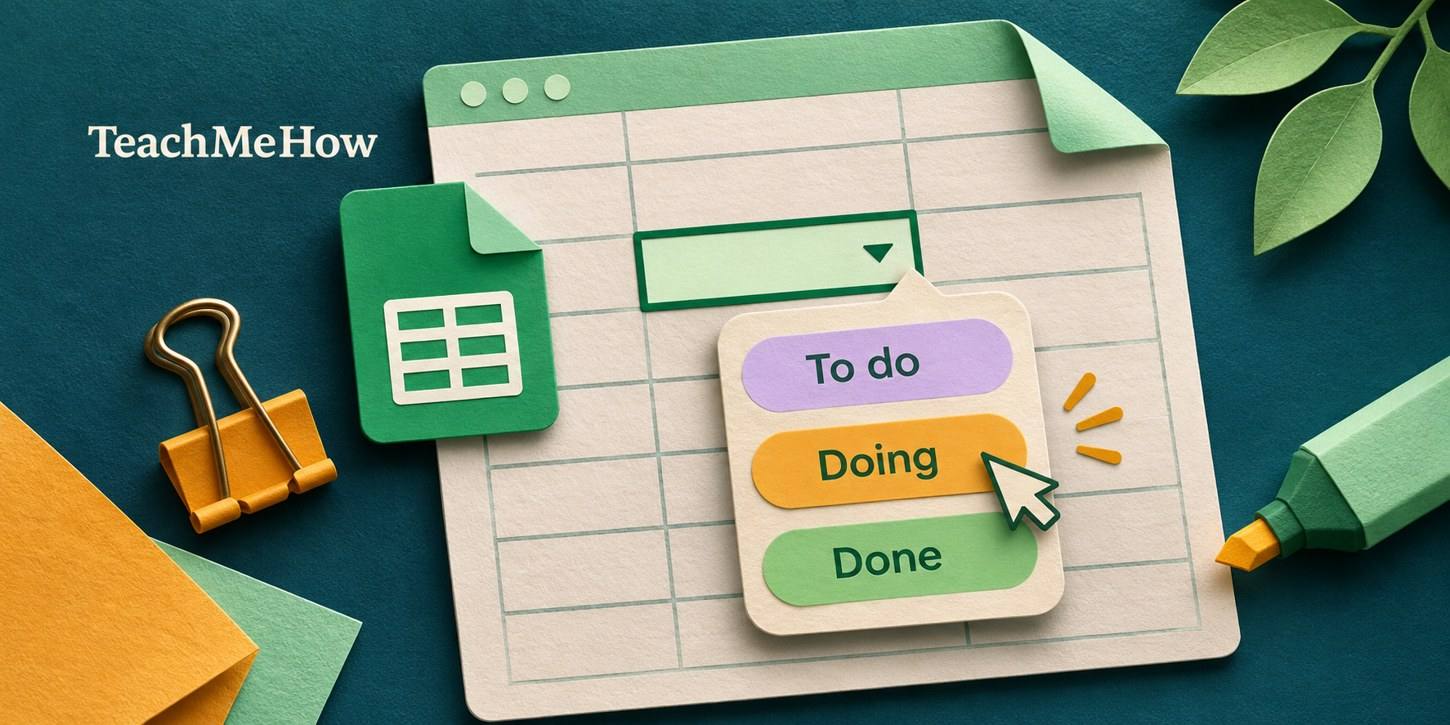
How to Add a Task Status Dropdown to a Column in Google Sheets
Give every task the same status choices. Set up a single-select dropdown, include future rows, and clean up inconsistent labels in an existing tracker.
Read guide →
How to Make a Hanging Indent for Citations in Google Docs
Align the first line of each citation at the margin and indent its wrapped lines. Fix pasted references that split into separate paragraphs or carry extra tabs.
Read guide →
How to Repeat Table Header Rows on Every Page in Google Docs
Keep column labels visible when a table runs onto another page. Pin one or two header rows and check the result in print preview or a scrolling document.
Read guide →
How to Make Only One Page Landscape in Google Docs
Fit a wide map or figure onto a landscape sheet while keeping the surrounding report in portrait. Check the selection, section boundaries, and exported PDF.
Read guide →
How to Start Page Numbers on Page 3 in Google Docs
Leave the cover and contents unnumbered, then make the third sheet display page 1. Check the section boundary and fix a blank page or a number on the cover.
Read guide →
How to Create and Update a Table of Contents in Google Docs
Build a clickable contents page from real headings, choose which levels to show, and refresh the entries when a section moves or a page number changes.
Read guide →
How to Stop Sharing a Google Drive File After Sending the Link
Turn off link access, remove an individual recipient, and check for access through a folder or group. See what changes for someone who already downloaded a copy.
Read guide →
How to Transfer Ownership of a Google Drive File to Another Account
Hand over a Drive file, check which accounts are eligible, and confirm the new owner. Includes how to find or cancel a pending personal-account transfer.
Read guide →
How to Add a Shared Google Drive File to My Drive With a Shortcut
Put a shared file in your project folder while keeping one live original. Learn who can open the shortcut, what its title reveals, and how to remove it safely.
Read guide →
How to Recover a Deleted File From Google Drive Trash
Restore a deleted Drive file on a computer and find it afterward. Follow a different recovery path when the missing item was shared with you or Trash is empty.
Read guide →
How to Replace a PDF in Google Drive Without Changing the Link
Update the PDF behind a link you already sent. Keep the earlier version if needed, then use the original link to check that readers see the corrected page.
Read guide →
How to Send a File Over 25 MB in Gmail With Google Drive
Send a large video or PDF through Gmail with a Drive link. Give the intended recipient access and fix a request-access error without uploading the file again.
Read guide →
How to Create a Group Email List in Gmail With Google Contacts
Build a reusable recipient list in Google Contacts, check the addresses Gmail inserts, and choose To or Bcc for your next group message.
Read guide →
How to Unsend an Email in Gmail and Set Undo Send to 30 Seconds
Cancel a Gmail message while Undo is still visible, extend the window to 30 seconds for future sends, and choose a practical next step if the window has closed.
Read guide →
How to Use Different Gmail Signatures for New Emails and Replies
Set a full Gmail signature for introductions and a short one for replies. Check both defaults and choose the right signature when you send from another address.
Read guide →
How to Create and Reuse Email Templates in Gmail
Save a reply you write often as a Gmail template, insert it into a fresh draft, and update the original without carrying over a customer’s details.
Read guide →
How to Schedule an Email in Gmail and Change Its Send Time
Queue a Gmail message for a specific time, check the time zone, and change the text or delivery time while the message is still scheduled.
Read guide →
How to Find an Attachment in Gmail by File Type, Sender, or Date
Use copyable Gmail searches to find a PDF, spreadsheet, or shared Drive link even when you have forgotten the subject line.
Read guide →
How to Find Archived Emails in Gmail and Move Them Back to Your Inbox
Find a message after clicking Archive, narrow the results by sender or subject, and return just the conversation you need to your Gmail inbox.
Read guide →
How to Create Nested Labels in Gmail for Client Projects
Group projects under a client label in Gmail, apply a project label to existing mail, and check what happens when a new reply arrives.
Read guide →
How to Automatically Label Receipts in Gmail With a Filter
Build a Gmail filter from a real receipt, preview which messages match, and label old and new receipts while keeping payment problems visible.
Read guide →