How to Add a Task Status Dropdown to a Column in Google Sheets
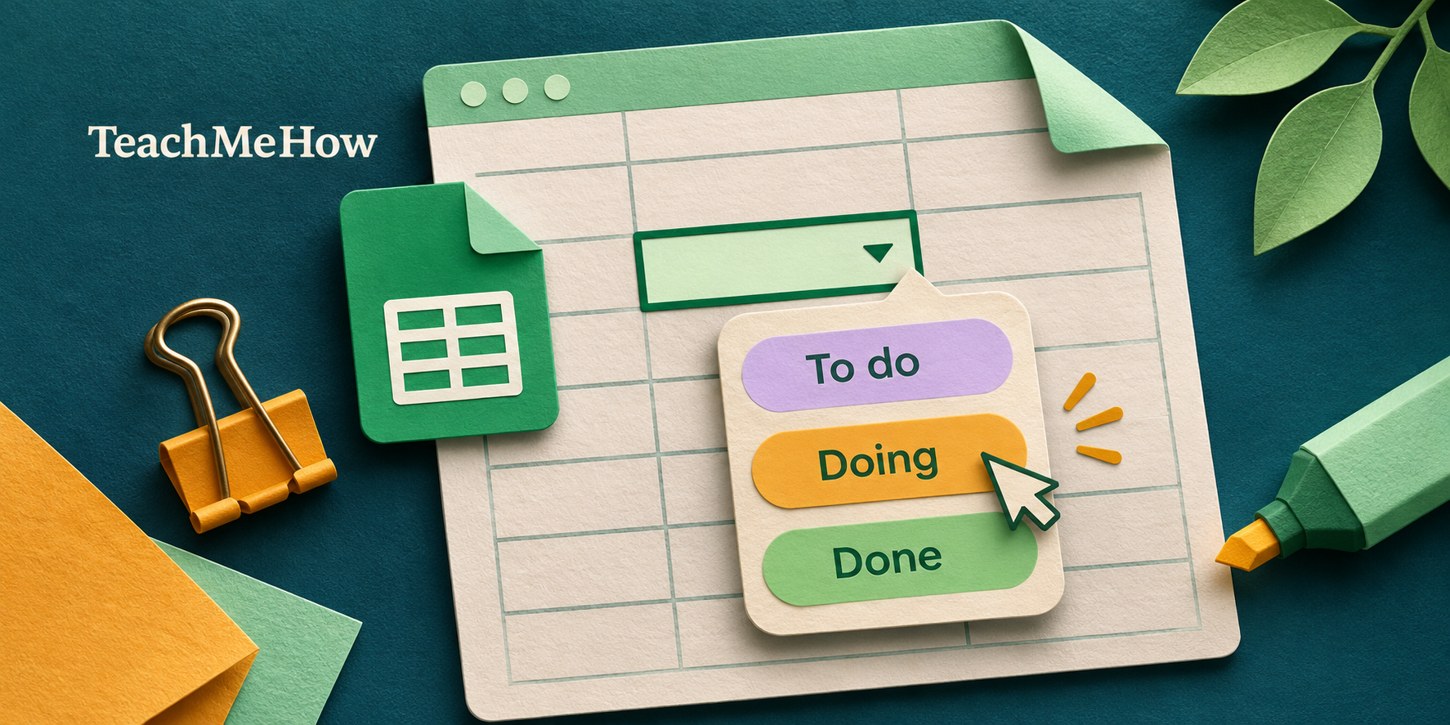
Give every task the same status choices. Set up a single-select dropdown, include future rows, and clean up inconsistent labels in an existing tracker.
Follow these steps at your own pace. Check product terms and prices directly with providers before purchasing.
Quick answer
On a computer, select the status cells, choose Insert → Dropdown, and enter one option for each stage of work. Apply the rule to the column below its header so new tasks get the same choices.
Choose labels that answer one question
Suppose your tracker has Task in A, Owner in B, Due date in C, and Status in D. Use three statuses people can distinguish: To do means nobody has started, Doing means work has begun, and Done means it is complete. Keep priority or the owner’s name in another column. A task can be urgent and still be waiting to start.
Set the rule from row 2 down
- On the tracker tab, select D2 and open Insert → Dropdown. In the data validation panel, check the range. Set it to D2:D on this tab. Row 1 should keep its plain Status heading.
- Under Criteria, use Dropdown. Enter To do, Doing, and Done as separate items. Choose distinct colors if you like, and leave multiple selection off so each task has one current stage.
- Keep invalid entries set to rejection if the team needs consistent labels. A warning allows people to enter other text. Click Done.
- Try choosing Doing in one row and Done in another. In a spare cell covered by the rule, type Finished to confirm that the rule rejects it. Clear the test cell and check the dropdown below your last task.
If the column already contains text
Review unique spellings before applying the rule. Decide whether “In progress” and “Working” both mean Doing, then update those rows. Inspect the rule’s option list for accidental extra choices. Adding a new option does not translate old wording into your preferred label.
Use the same labels elsewhere
Once people use the same wording, you can count tasks by assignee and status or stop overdue highlighting when a task is marked Done.
Comments
Comments are reviewed before they become public.
Sign in with Google to leave a comment.
Sign in with GoogleNo approved comments yet. Be the first to start the discussion.