Results for “Technology”
348 guides found

How to Export Libby Highlights and Notes After Returning a Book
Find a returned title’s Reading Journey and save its Libby annotations. Choose the correct export for highlights, attached notes, or bookmarks.
Read guide →
How to Subscribe to a Magazine in Libby and Get New-Issue Alerts
Follow a magazine on your Libby Shelf, choose how to hear about new issues, and save a specific back issue for offline reading.
Read guide →
How to Make Ebook Text Larger in Libby on a Phone or Tablet
Enlarge the words inside a Libby ebook, unlock additional text sizes, and find the separate controls for magazines and Kindle books.
Read guide →
How to Get a Library Card for Libby and Start Borrowing
Find a participating library, check whether you can apply online, and connect the right card to Libby. Includes a Los Angeles eligibility example.
Read guide →
How to Read a Libby Library Book on Your Kindle
Send a compatible ebook from a U.S. library to the Kindle you already use. Check the loan, Amazon account, and device if delivery stalls.
Read guide →
How to Download Libby Audiobooks for Offline Listening
Download an audiobook in the Libby mobile app, check that every chapter is ready, and test playback before a trip without Wi-Fi.
Read guide →
How to Suspend a Libby Hold Without Losing Your Place
Pause a waiting or ready-to-borrow Libby hold, keep moving through the queue, and recognize when you need to unsuspend it.
Read guide →
How to Renew a Libby Loan When the Renew Button Is Missing
Check when a Libby loan can be renewed, what Place Hold means, and how to handle a skip-the-line copy or a title that has left the catalog.
Read guide →
How to Close a Google Form Automatically at a Deadline or Response Limit
Set a closing time or total response limit on a published form, write a closed message, and test what late registrants will see.
Read guide →
How to Let People Edit a Google Form Response After Submitting
Help attendees correct an existing RSVP. Enable response editing, show people how to keep their edit link, and check that a change updates one registration.
Read guide →
How to Create Pre-Filled Google Form Links for Different Event Sessions
Create separate morning and afternoon signup links that open the same form with the right session selected. Test the defaults before sending invitations.
Read guide →
How to Show Different Questions in Google Forms Based on an Answer
Route in-person and online attendees to different questions, bring both groups back to a common section, and test each path before sharing the form.
Read guide →
How to Send Google Forms Responses to an Existing Spreadsheet
Connect a registration form to a spreadsheet you already use, find its new response tab, and verify that the next signup reaches the right file.
Read guide →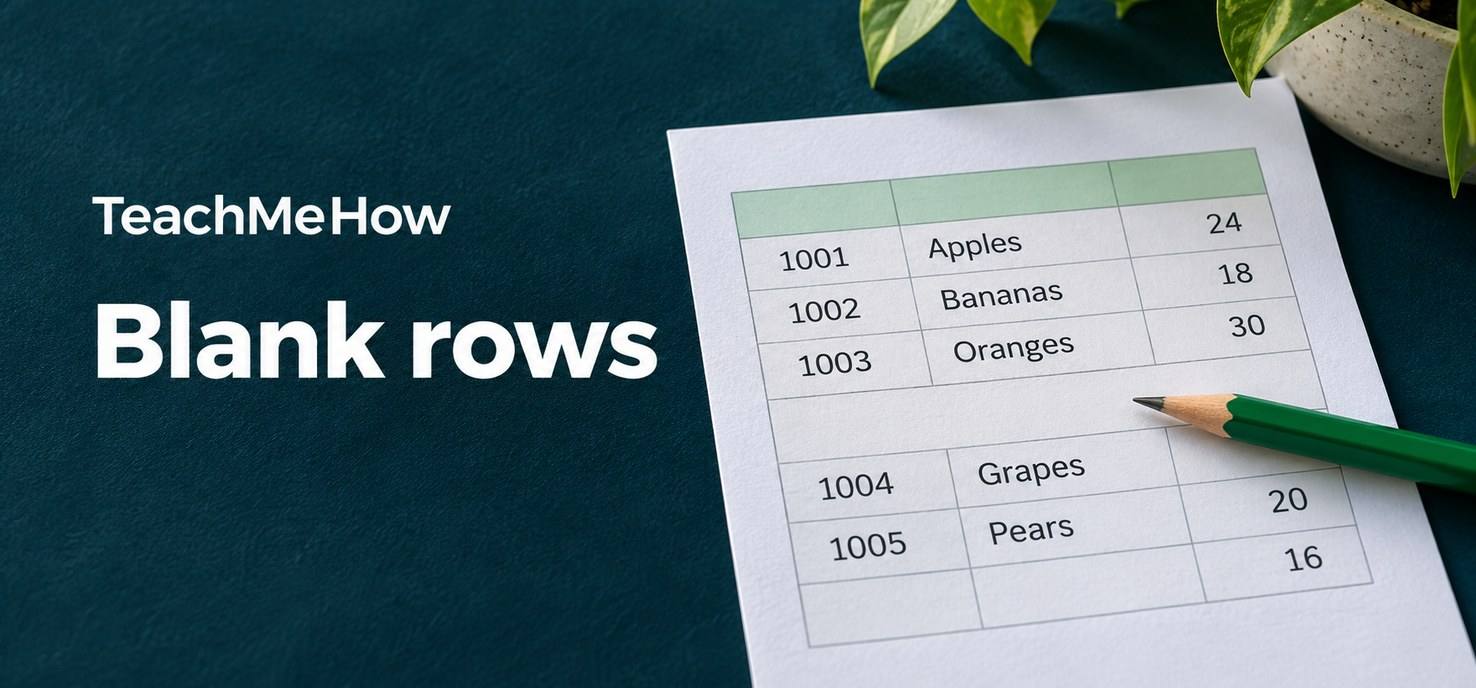
How to Remove Blank Rows in Google Sheets and Keep Incomplete Records
Check every column before removing a row. Build a gap-free copy that keeps records with a missing ID, a zero quantity, or a formula.
Read guide →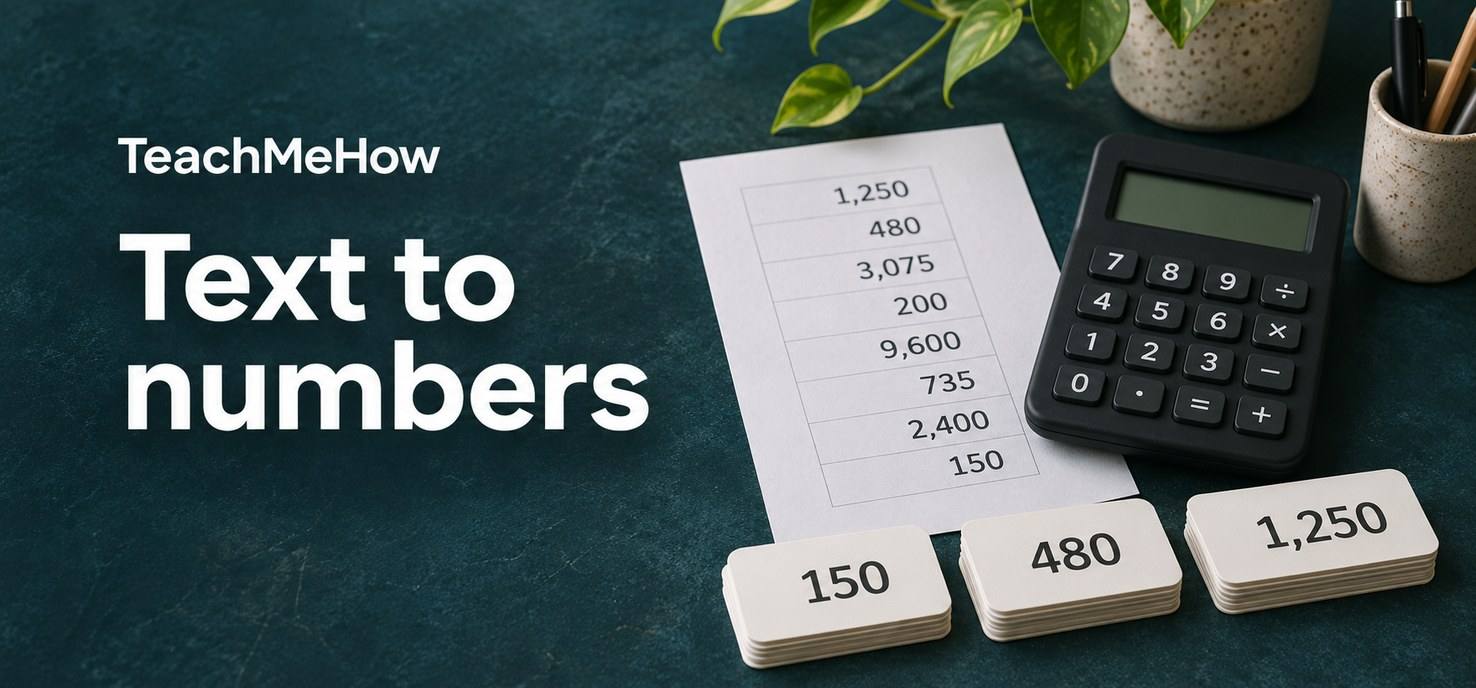
How to Convert Numbers Stored as Text in Google Sheets
Turn imported amounts into numbers, check the total against a worked example, and keep ZIP codes and identifiers with leading zeros intact.
Read guide →
How to Remove Extra and Nonbreaking Spaces in Google Sheets
Fix labels that look identical but fail to match. Compare TRIM with a formula that also handles the nonbreaking spaces often found in copied text.
Read guide →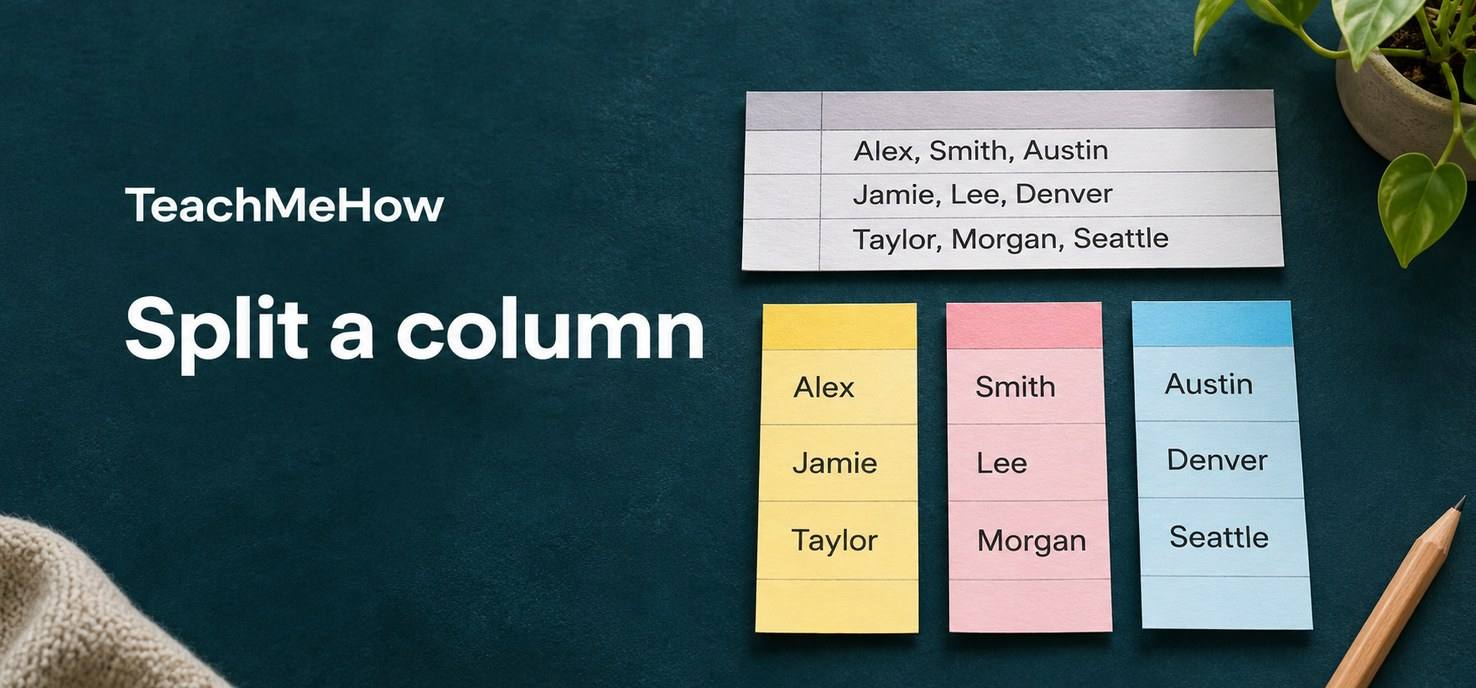
How to Split Text in Google Sheets Without Losing Empty Fields
Use SPLIT to keep missing middle fields in the right column, handle a multi-character separator, and preserve a copy of the original import.
Read guide →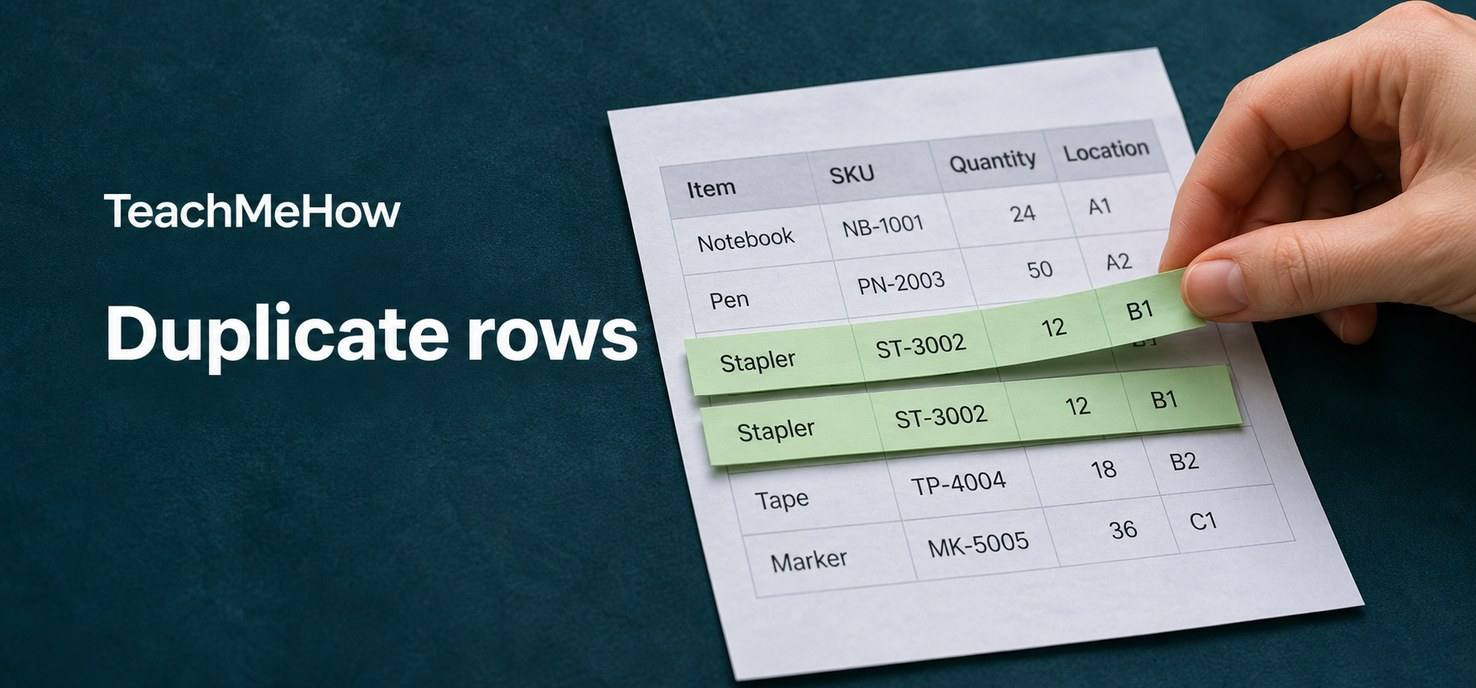
How to Remove Duplicates in Google Sheets Based on Two Columns
Compare an order number and item code together, preview repeated pairs, and remove duplicate records while keeping the rest of each row aligned.
Read guide →
How to Change the Organizer of a Google Calendar Event
Hand an existing meeting to a new organizer, confirm acceptance, and check the guest list, Meet settings, and agenda access after the transfer.
Read guide →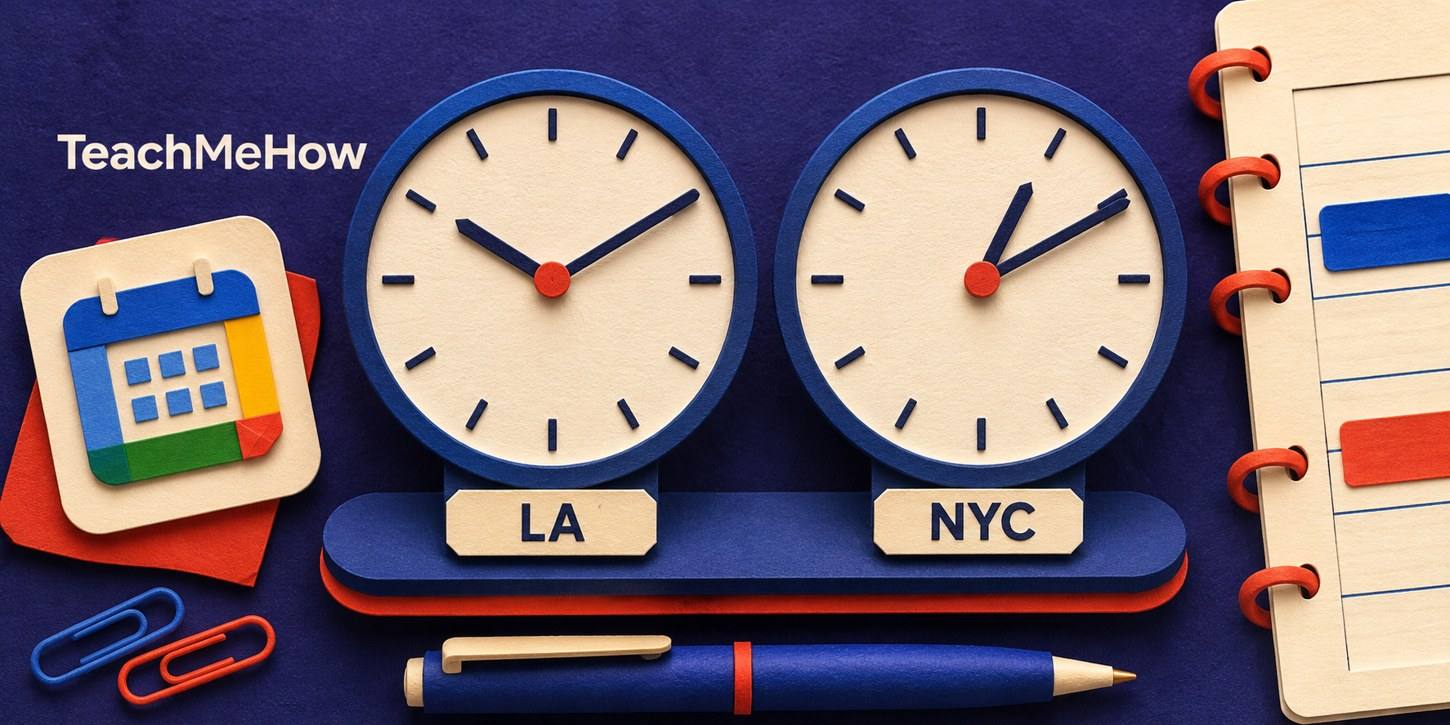
How to Show Two Time Zones Side by Side in Google Calendar
Display a second time scale in the calendar grid and set an event to the organizer’s local time. Check the actual date when daylight saving changes.
Read guide →
How to Propose a New Meeting Time in Google Calendar
Suggest a different slot as an invited guest, see how the organizer accepts it, and troubleshoot an invitation with no proposal option.
Read guide →
How to Schedule an Every-Other-Week Meeting in Google Calendar
Set a meeting to repeat every two weeks, check that it starts on the right week, and move a single occurrence without shifting the rest.
Read guide →
How to Find a Meeting Time Everyone Can Make in Google Calendar
Compare guests’ free and busy time before sending an invitation. Check the full meeting duration, room availability, and what to do when a schedule is hidden.
Read guide →
How to Protect a Formula Column in Google Sheets and Keep Input Cells Editable
Lock a calculated column while teammates update task details. Choose the right range, set edit permissions, and test both sides of the rule.
Read guide →