How to Read a Libby Library Book on Your Kindle
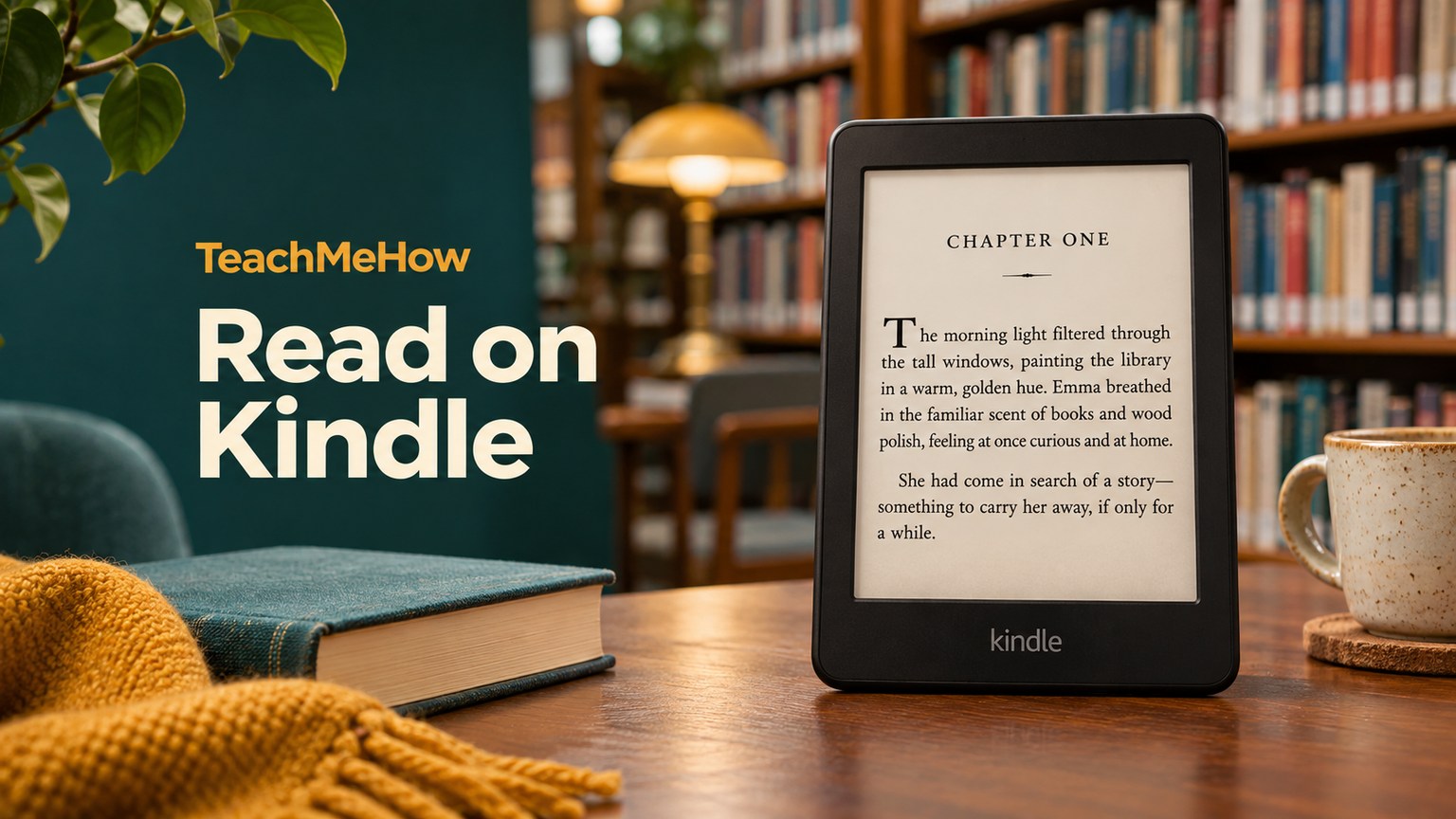
Send a compatible ebook from a U.S. library to the Kindle you already use. Check the loan, Amazon account, and device if delivery stalls.
Follow these steps at your own pace. Check product terms and prices directly with providers before purchasing.
Quick answer
For a compatible ebook borrowed from a U.S. library, open Shelf → Loans in Libby, choose Read With… → Kindle, and finish on Amazon by choosing Get Library Book. Use the Amazon account registered to your Kindle. The library loan is free.
Check the edition before borrowing
A library may list both an audiobook and an ebook with the same title and cover. Pick the ebook and look for Kindle among its reading options. You can also filter the library catalog for Kindle-compatible titles. Most U.S. Libby ebooks support Kindle delivery, but individual editions differ. This delivery option is for U.S. libraries. If you want the narrated edition, listen to the audiobook in Libby.
Move from the library shelf to the Kindle
- If you are starting with a new library, connect your library card to Libby. On the ebook’s listing, select Borrow and confirm. An item on your Holds list is waiting for checkout. Look for the borrowed book in Loans.
- Open Read With… next to that loan and select Kindle. When the browser opens Amazon, check which account is signed in. This matters on a shared tablet where another family member may have shopped last.
- Check the book title and choose Get Library Book. If you landed on a retail page with a purchase price, go back to the loan on your Libby Shelf and start the handoff there.
- Connect your Kindle to Wi-Fi. Open its Library, look for the book, and tap the cover to download it. Open a chapter before you disconnect. A listing in the library is only the first part of getting it onto the reading device.
Find the point where delivery stopped
| What you see | Next check |
|---|---|
| No Kindle choice in Libby | Confirm the lending library is in the U.S. and this specific ebook offers Kindle format. You can use the reading option displayed for that edition. If you choose to read in Libby, you can enlarge the ebook text on your phone or tablet. |
| The loan is in Libby but absent from Amazon | Return to the loan and confirm you finished the Get Library Book step with the correct account. |
| The book is in Amazon’s Your Books but missing from the reader | Open the title in Your Books, use its more-options menu, choose Deliver or remove from device, select the intended Kindle, and save. Reconnect the reader. |
Your library’s due date still applies. To request more time, check whether the loan is eligible for renewal in Libby.
Libby’s Kindle checkout instructions · Libby’s Kindle delivery troubleshooting
Comments
Comments are reviewed before they become public.
Sign in with Google to leave a comment.
Sign in with GoogleNo approved comments yet. Be the first to start the discussion.