How to Split Text in Google Sheets Without Losing Empty Fields
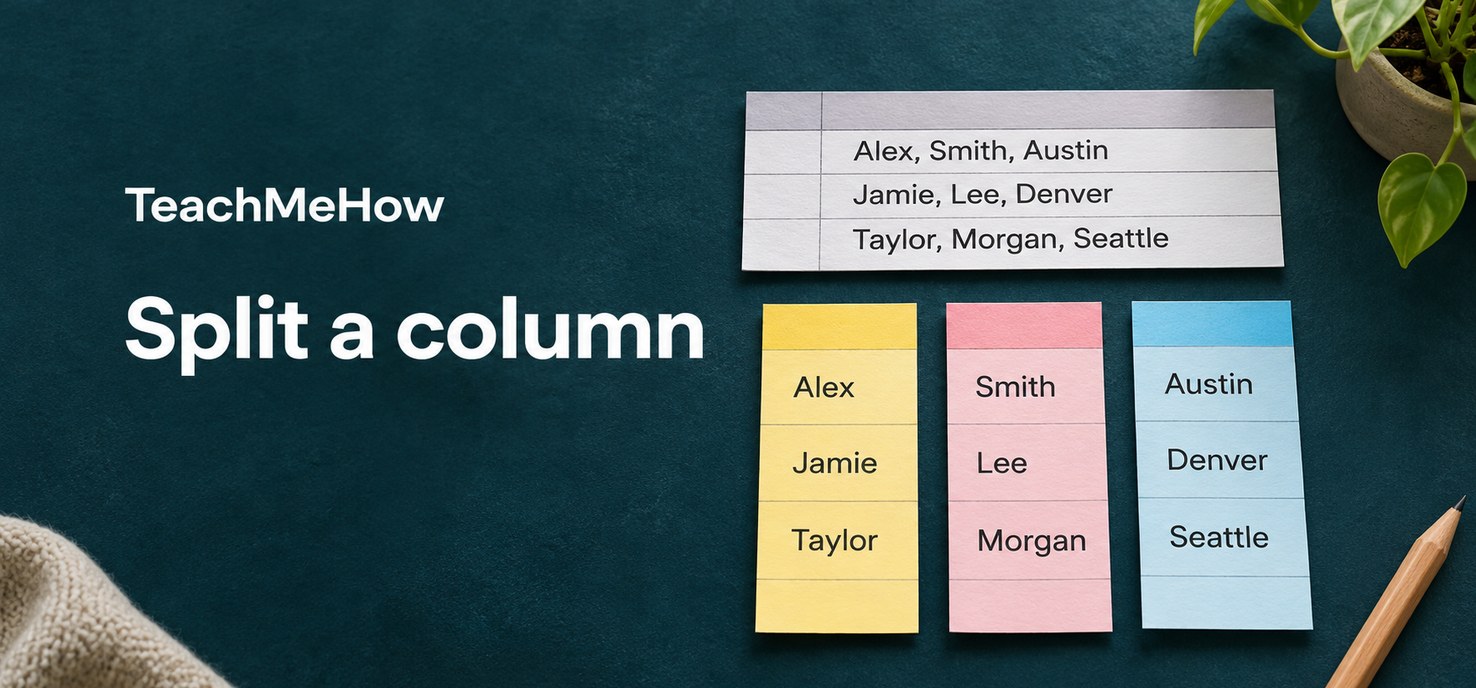
Use SPLIT to keep missing middle fields in the right column, handle a multi-character separator, and preserve a copy of the original import.
Follow these steps at your own pace. Check product terms and prices directly with providers before purchasing.
Quick answer
If two adjacent delimiters mean a field is missing, use
=SPLIT(A2,"|",FALSE,FALSE)in an empty cell beside the source. The final FALSE preserves the empty space between delimiters, so the next value stays under its own heading.
Set up three fields beside the import
Suppose column A holds a location, bin and status separated by a vertical bar. Put Location, Bin and Status in B1:D1. Keep B:D empty below the headings. A formula in B2 will populate cells to its right. Give the output its own tab or new empty columns if the neighboring columns already hold work.
What the two rows should produce
| Source in A | B · Location | C · Bin | D · Status |
|---|---|---|---|
| North|A17|Ready | North | A17 | Ready |
| South||Hold | South | (empty) | Hold |
Enter the formula and check the difficult row
Enter the formula in B2 and fill column B only down the populated source rows. Each formula reads its own row of A. Check that Hold lands in D3 and C3 is empty. If Hold lands in C3, check the final argument. For a source column with empty rows, use =IF(A2="","",SPLIT(A2,"|",FALSE,FALSE)) and fill it down instead.
Use the entire separator when it has several characters
For text such as “North Dock - Bay 3 - Ready”, use =SPLIT(A2," - ",FALSE,FALSE). The first FALSE makes the space-hyphen-space sequence one delimiter. This keeps North Dock intact. If you split on each delimiter character separately, the space inside the location can become a break too.
Handle blocked results and quoted commas
An expansion error usually means a destination cell is occupied. Place the formula in a clear area and keep the source available for comparison. A quoted CSV field such as "Lee, Pat" contains a comma inside one value. Use the original CSV with a CSV-aware import for that file. A simple comma split would cut the name in two.
Finish the columns
To freeze the result, copy the output within the spreadsheet and use Edit → Paste special → Values only in a new area. For a shared template, protect the column that holds the split formulas after testing the input and output layout. If a quantity still behaves as text, convert the numeric column and verify its total. For labels with padding, remove extra spaces from the split fields. Google’s SPLIT argument reference.
Comments
Comments are reviewed before they become public.
Sign in with Google to leave a comment.
Sign in with GoogleNo approved comments yet. Be the first to start the discussion.