Find the guide you need.
Search by topic, browse categories, use tags, or sort the library.
Browse by topic tag — iPhone Camera
Matching guides
10 found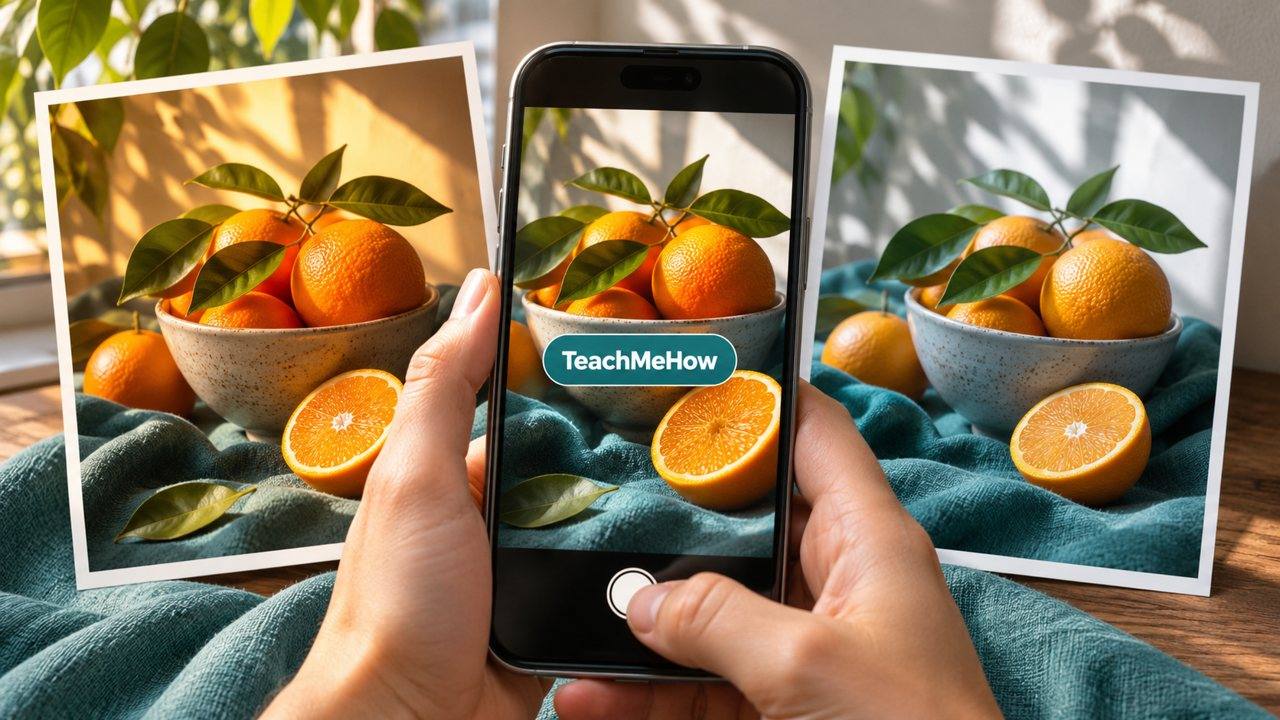
How to Choose and Reset Photographic Styles on an iPhone
Compare styles against a neutral reference, fine-tune the look on your model, and return to Standard when colors look wrong.
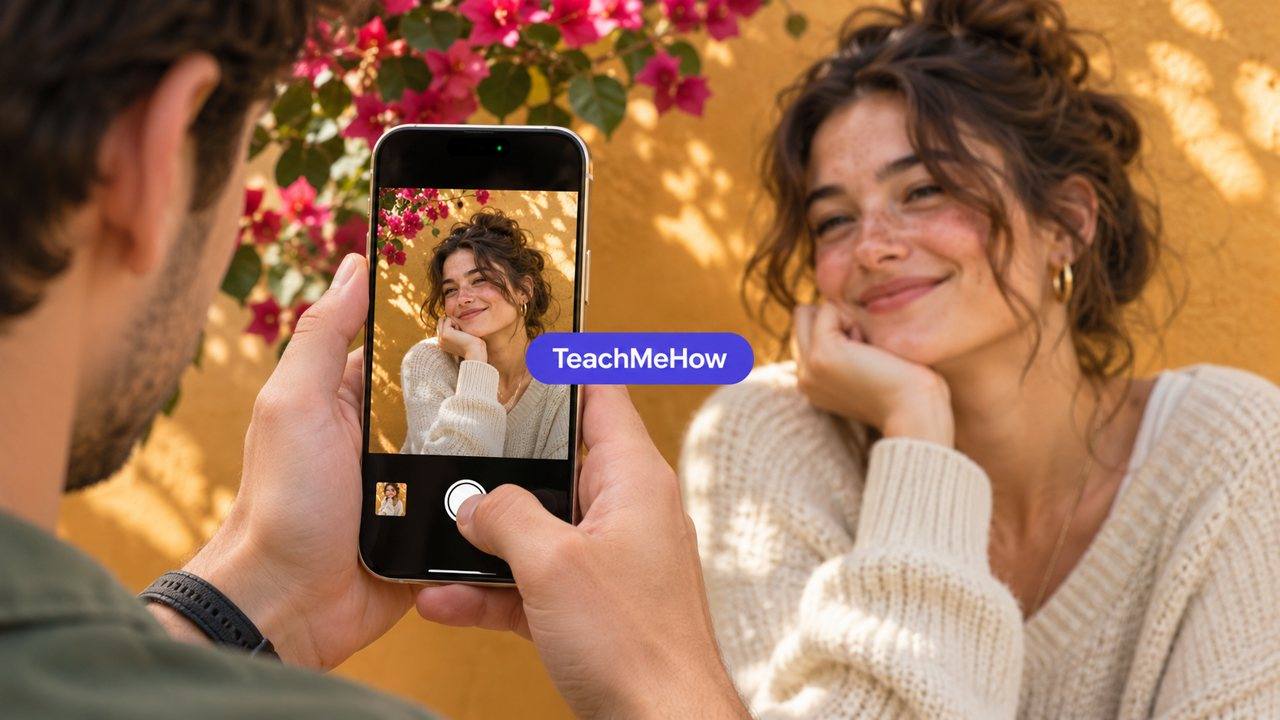
How to Make iPhone Camera Remember Your Last Mode and Settings
Choose which camera controls persist, save your preferred state, and test what happens the next time Camera opens.
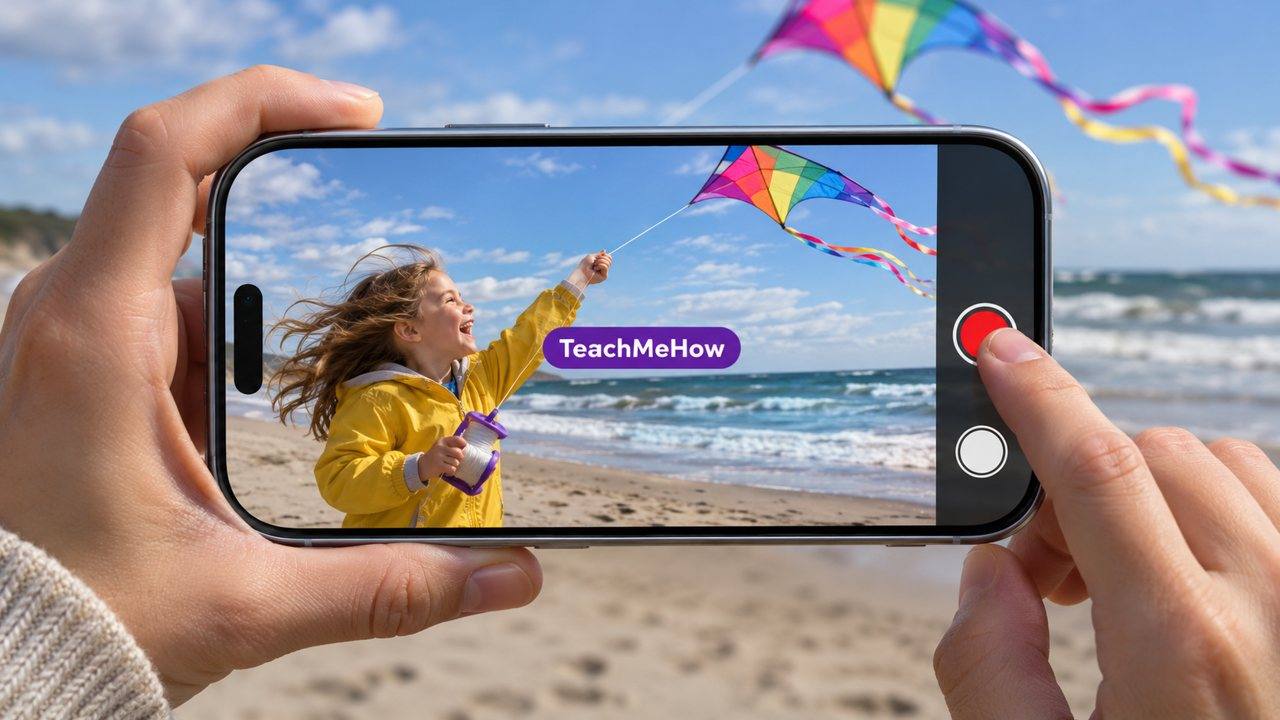
How to Record QuickTake Video Without Leaving iPhone Photo Mode
Start a clip from the photo shutter, lock recording, take a still during the clip, and avoid starting Burst by accident.

How to Stop iPhone Selfies From Flipping or Showing Backward Text
Choose whether selfies match the preview or show readable lettering, test the setting, and fix a selfie you already took.
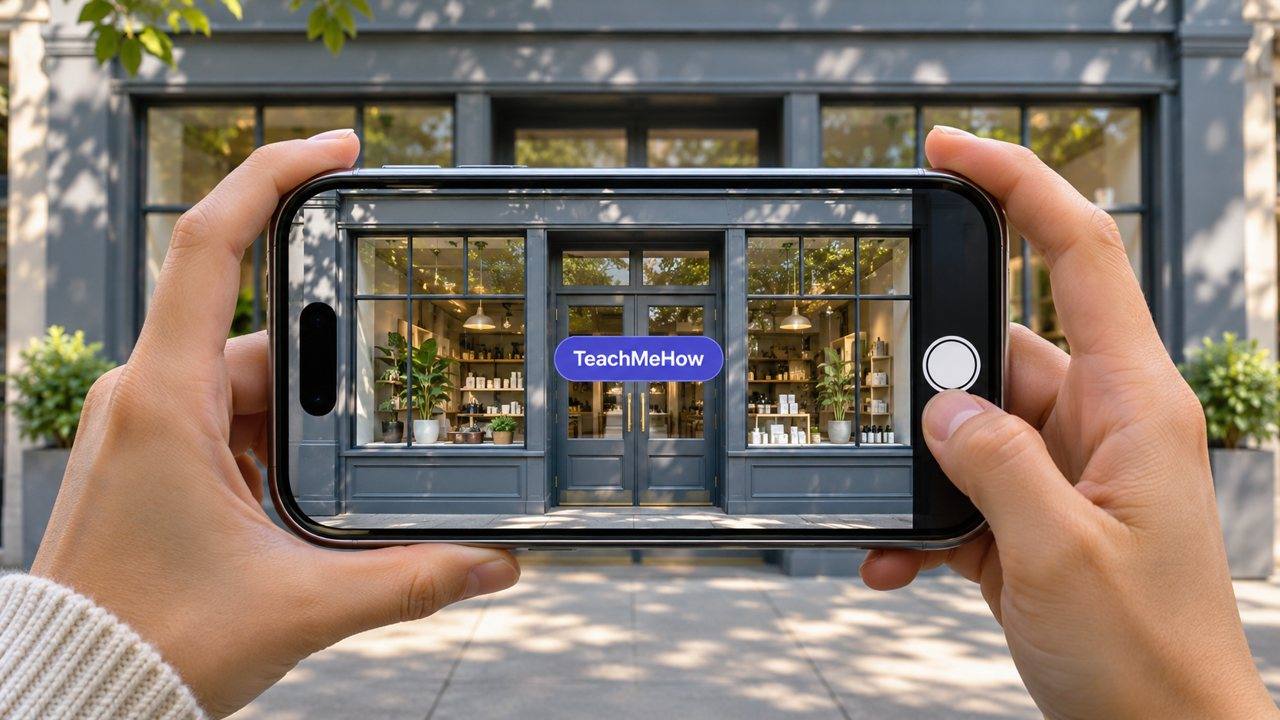
How to Use the iPhone Camera Grid and Level for Straight Photos
Line up a storefront, horizon, or overhead shot before pressing the shutter. Diagnose a tilted frame versus converging verticals.
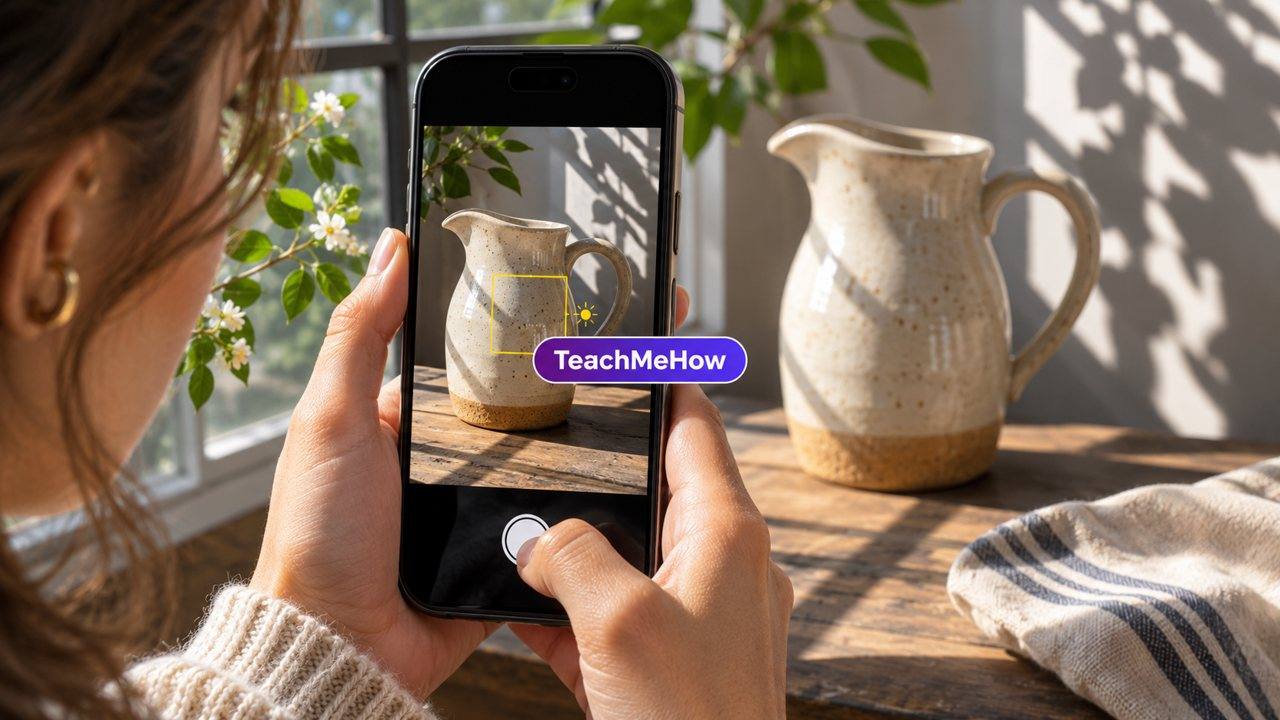
How to Lock Focus and Exposure on an iPhone Camera
Keep the subject sharp and the brightness steady as you reframe. Learn when to use AE/AF Lock and when to release it.
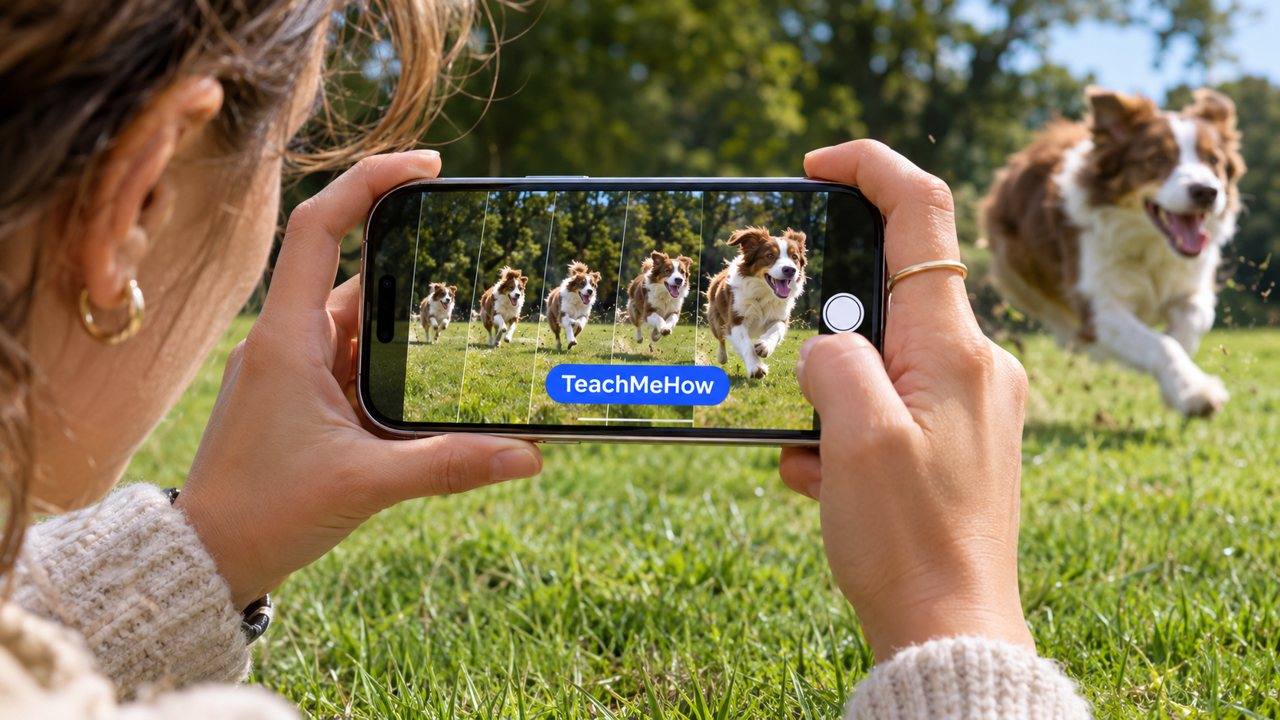
How to Take Burst Photos on iPhone and Keep the Sharpest Frame
Capture action with the shutter gesture or volume button, compare individual frames, and save the moment you meant to catch.
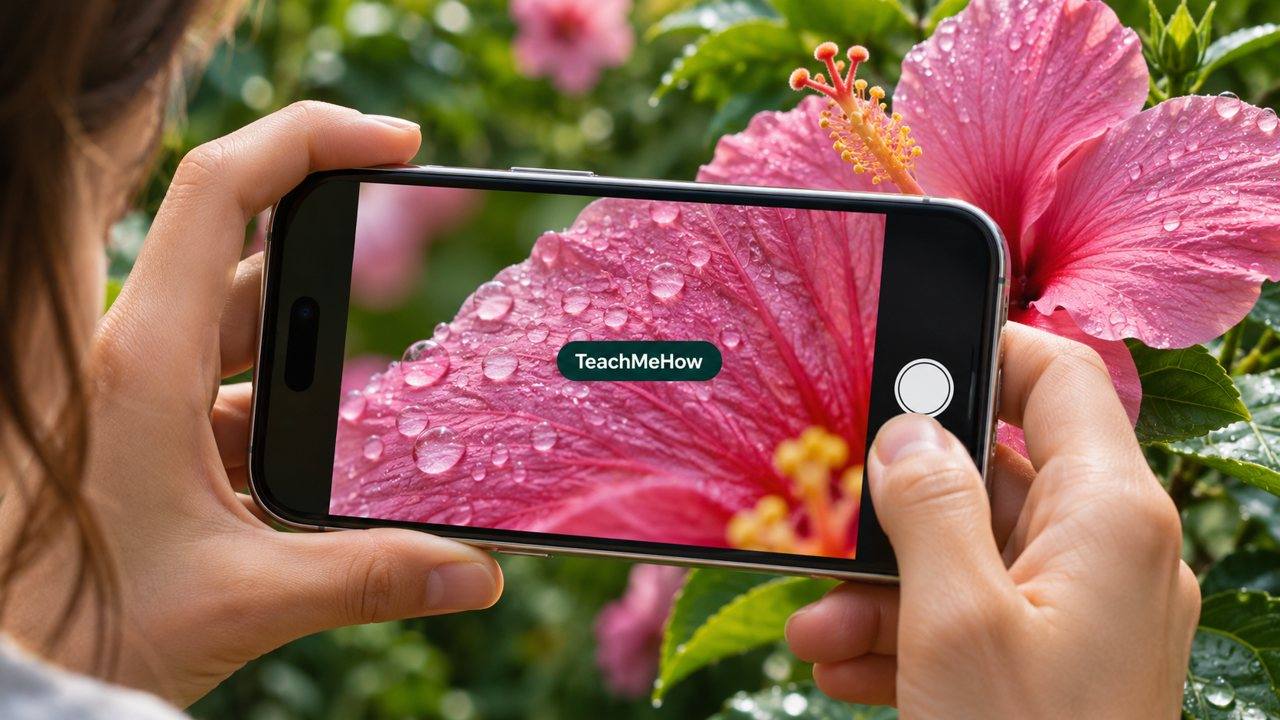
How to Stop an iPhone Camera From Switching Lenses During Close-Ups
Use the flower control on a macro-capable iPhone, compare automatic and manual close-ups, and keep the setting between sessions.
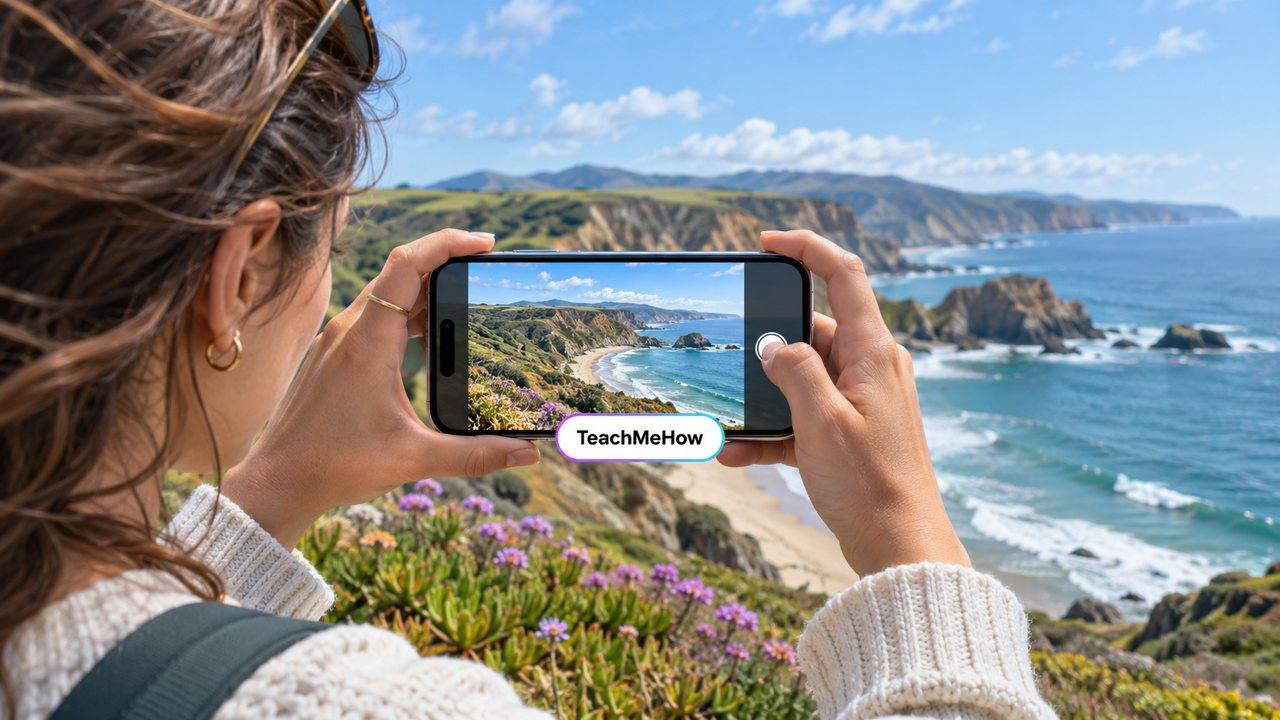
How to Take an iPhone Panorama Without Bent Lines or Doubled People
Choose a sweep direction, hold a consistent pivot, and spot stitching errors while you can still retake the panorama.
How to Control Background Blur in iPhone Portrait Mode
Set subject distance, adjust Depth Control, and check hair and glasses for blur errors before saving a portrait.