Find the guide you need.
Search by topic, browse categories, use tags, or sort the library.
Browse by topic tag — PT-H110
Matching guides
10 found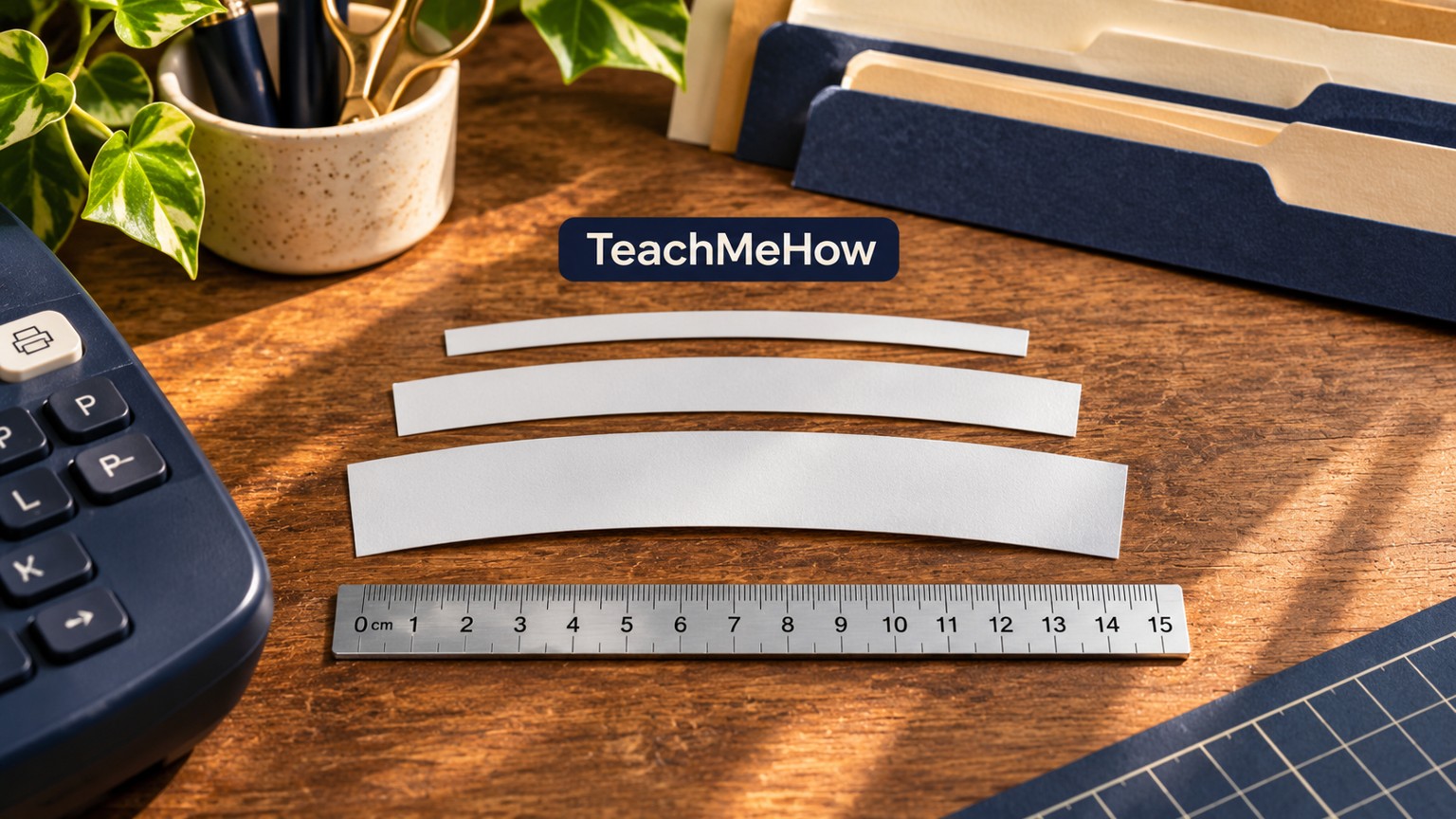
How to Choose 6 mm, 9 mm, or 12 mm Tape for a Brother PT-H110
Match TZe tape to file tabs, shallow drawers, and two-line bin labels with a ruler and a paper test. Compare three common refill widths.
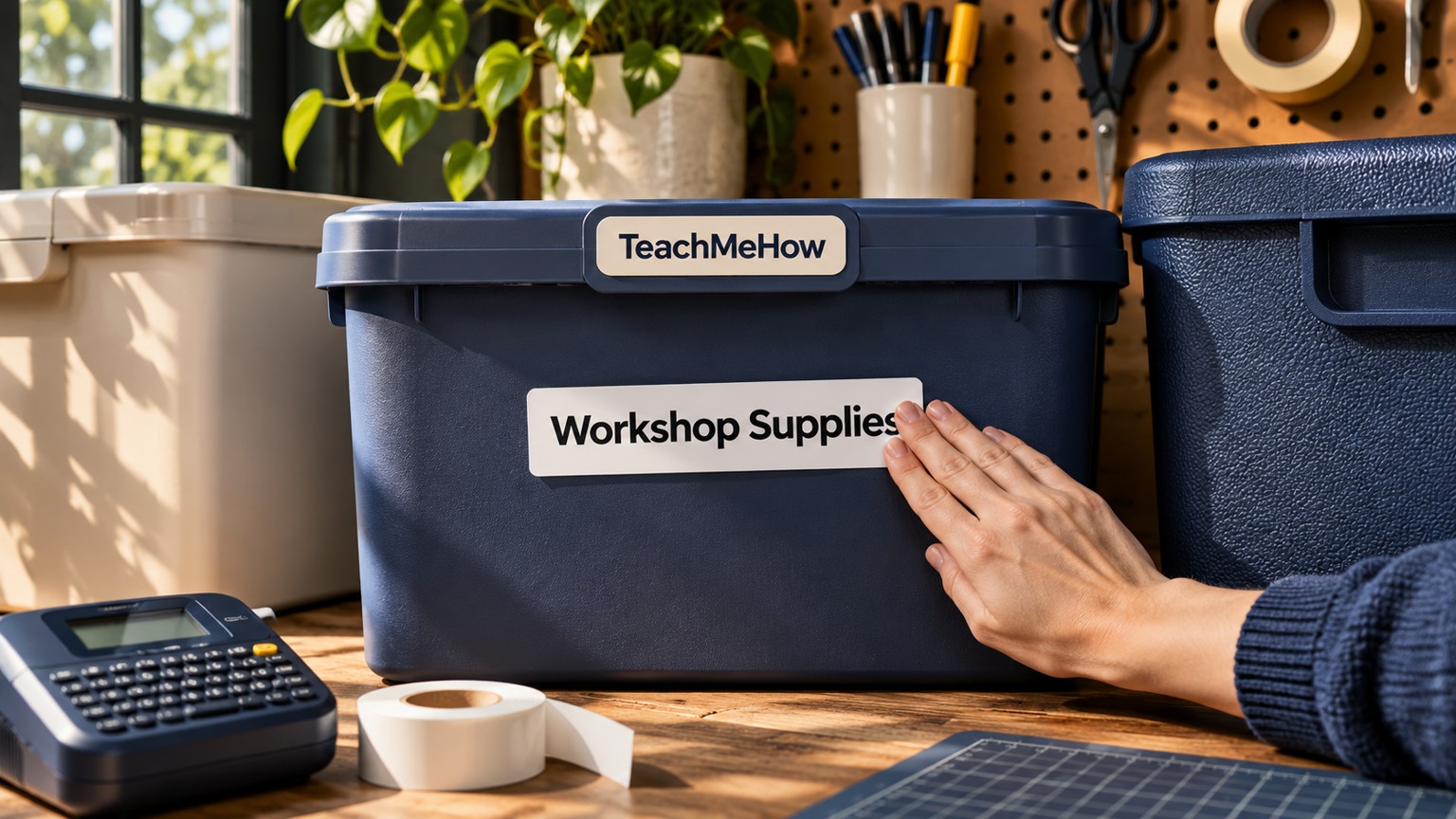
How to Keep Brother P-touch Labels From Peeling Off Plastic Bins
Diagnose lifting corners on storage totes, compare standard and extra-strength TZe adhesive, and test the surface before relabeling a shelf.
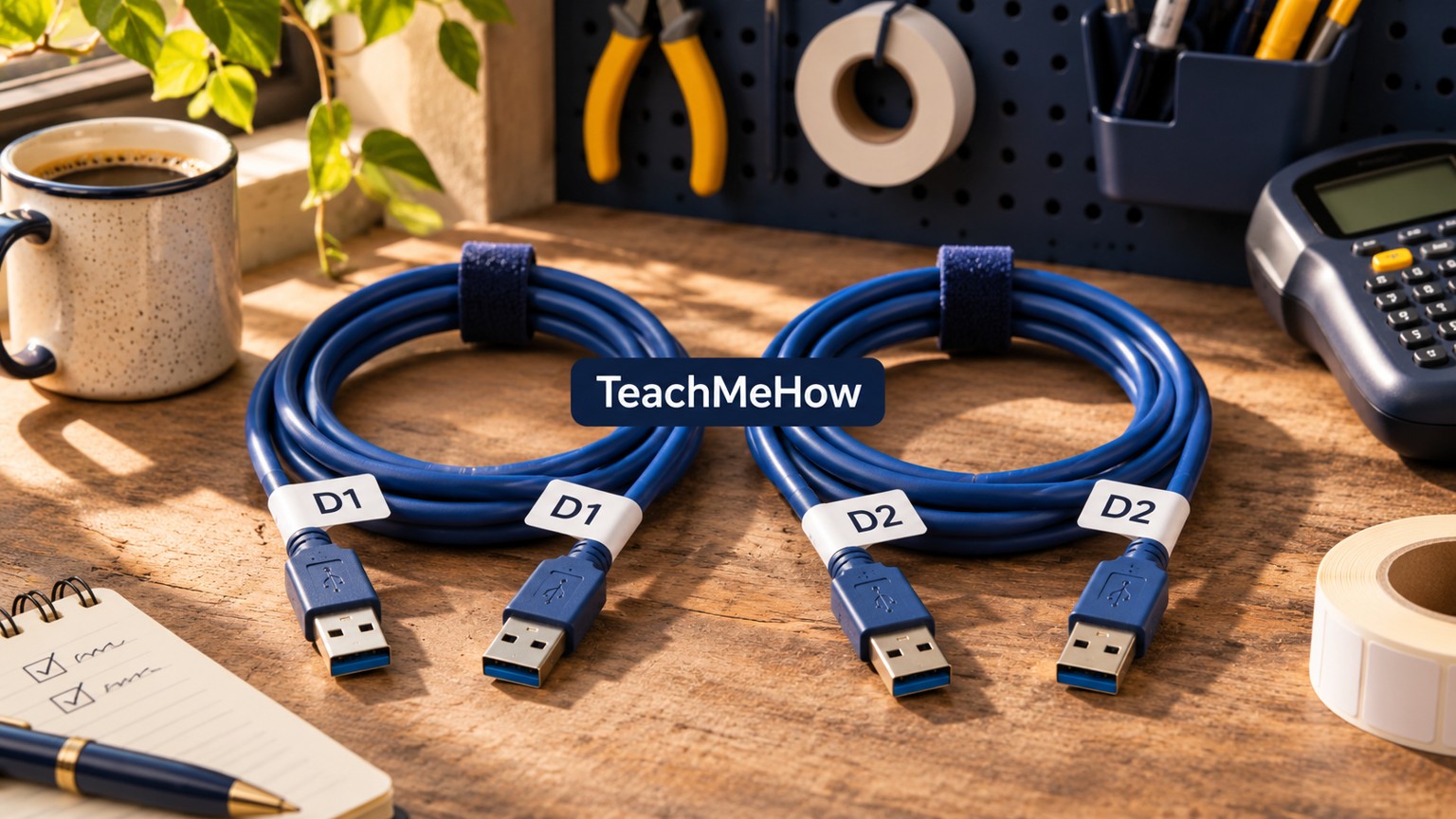
How to Label Both Ends of USB Cables With a Brother PT-H110
Use the PT-H110 cable templates and flexible ID tape to make matching flags, distinguish look-alike USB leads, and check each pair after routing.

How to Mirror Print Clear Labels for Glass With a Brother PT-H110
Make lettering readable through glass or acrylic. Choose clear tape, use Mirror Print, and check orientation and contrast from the viewing side.
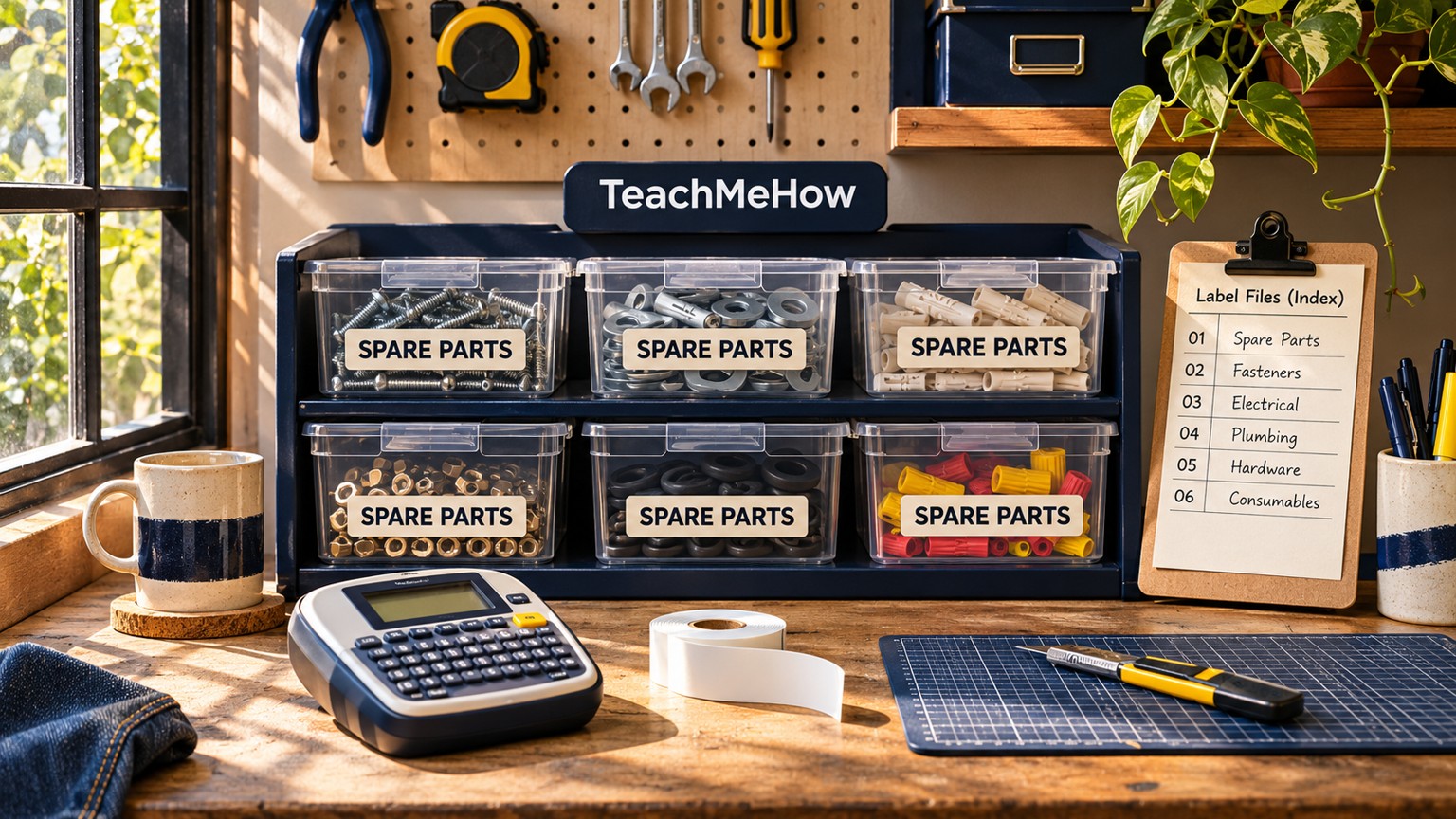
How to Save and Reprint Label Files on a Brother PT-H110
Store frequently used labels in numbered files, reprint them unchanged, and edit a copy without overwriting your original layout.
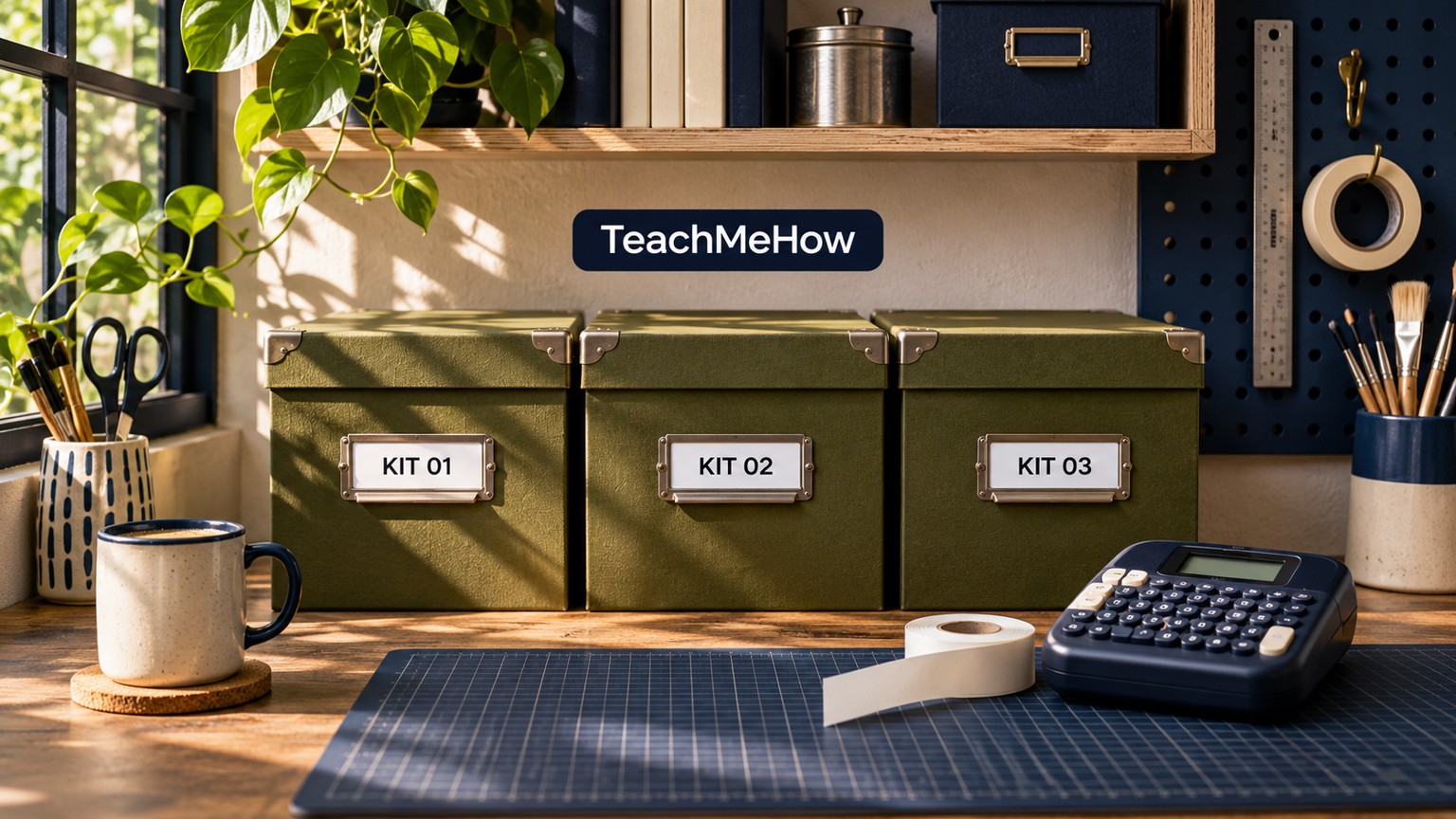
How to Print Sequentially Numbered Labels on a Brother PT-H110
Use Numbering to print a run of kit, bin, or drawer IDs. Select the changing digit and the last number so the prefix stays the same.

How to Print Two Lines on a Brother P-touch PT-H110
Put two lines on one P-touch label, choose between 9 mm and 12 mm tape, and fix the line-limit message before printing a batch.

How to Print Fixed-Length Shelf Labels on a Brother PT-H110
Measure a shelf holder, set a fixed length on the PT-H110, and use a paper proof to catch text that will not fit before cutting the full set.
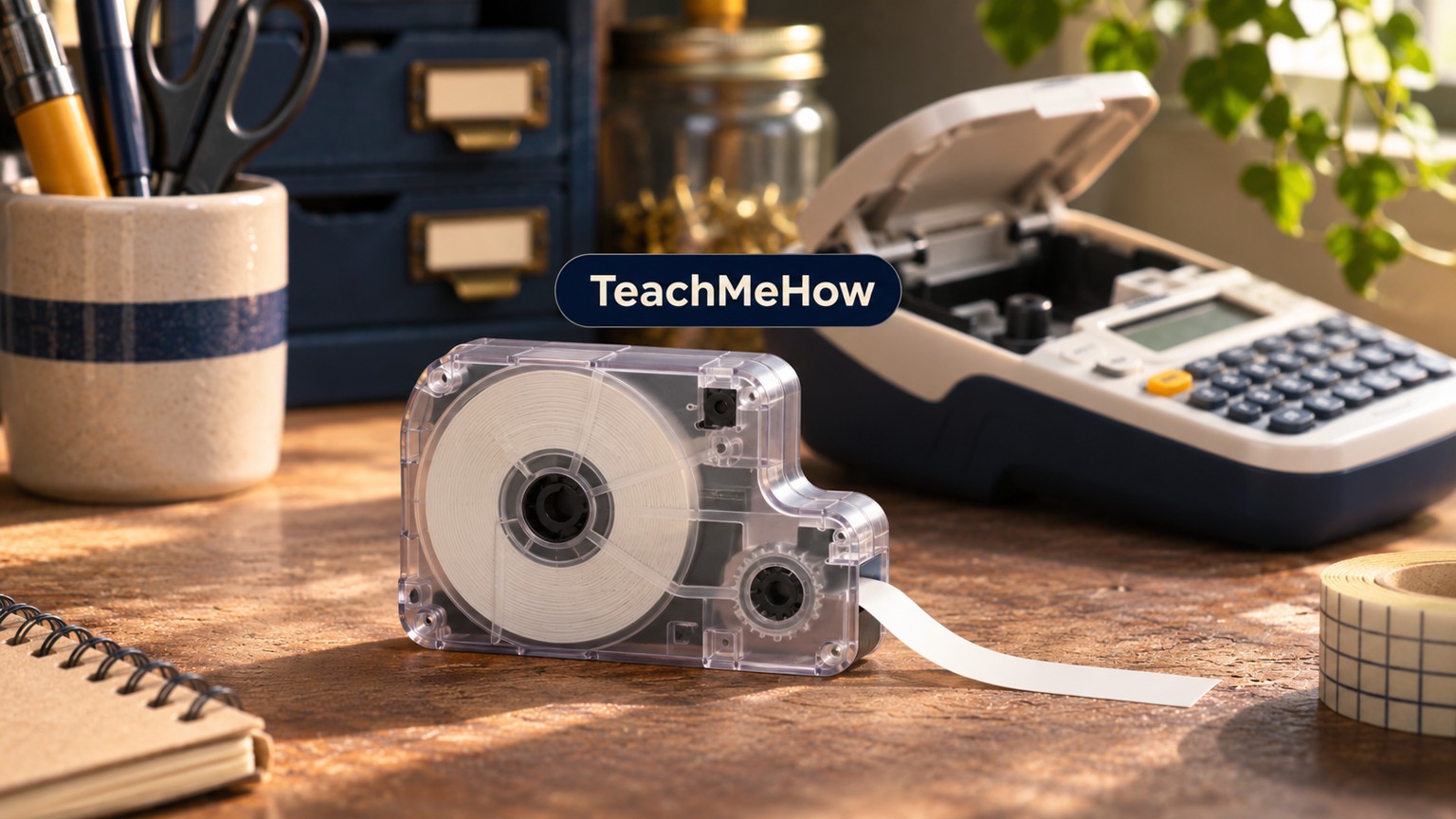
How to Change the Tape Cassette in a Brother P-touch PT-H110
Install a TZe refill, align the tape guides, and print a test label. Work through a blank screen, a missing cassette message, or a ribbon that follows the label.
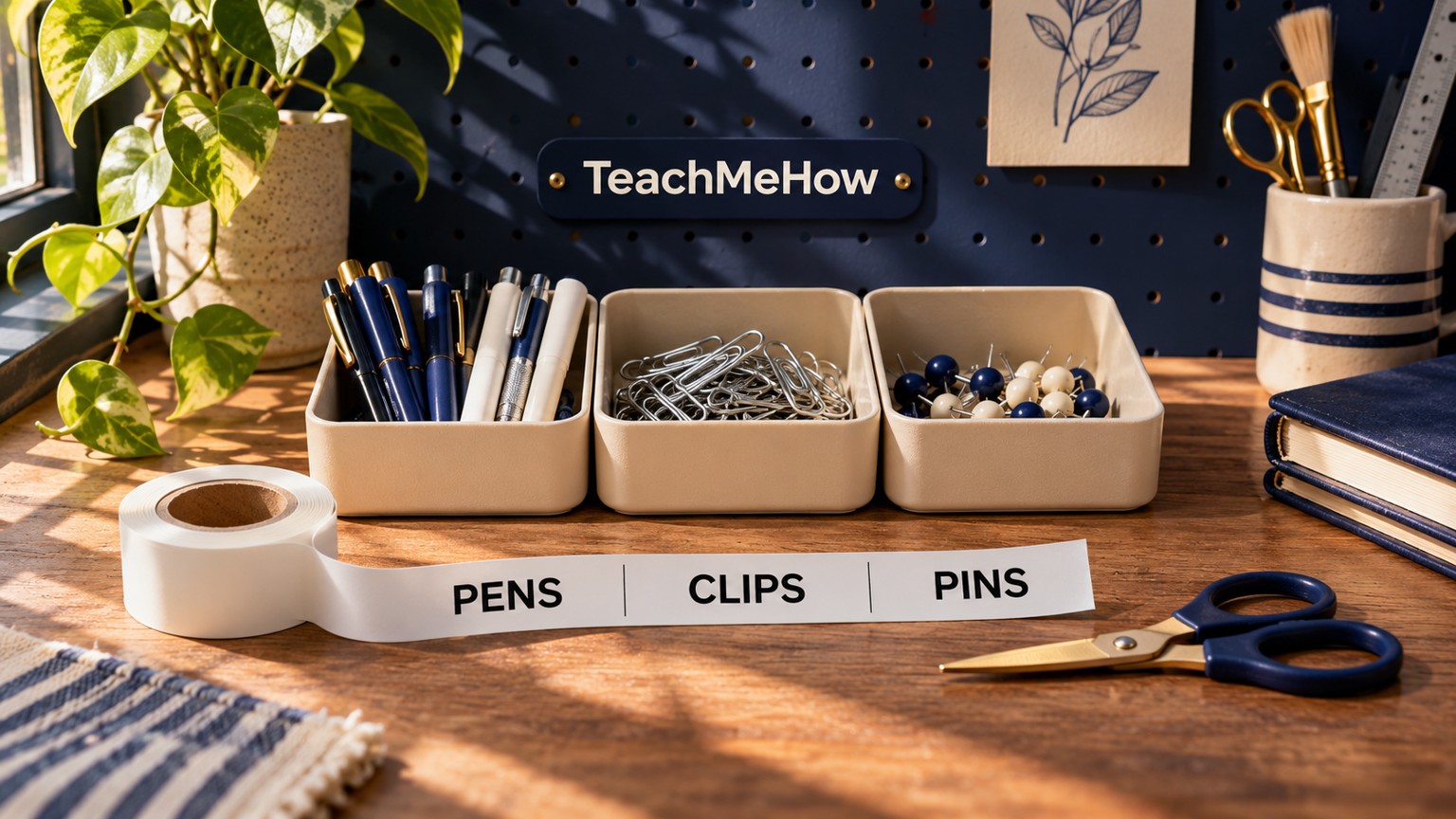
How to Reduce Tape Waste With Chain Print on a Brother PT-H110
Print different labels in one strip, respond to the Feed OK prompt, and separate the finished batch without cutting the last word in half.