Fixed-length control
Handheld label makers
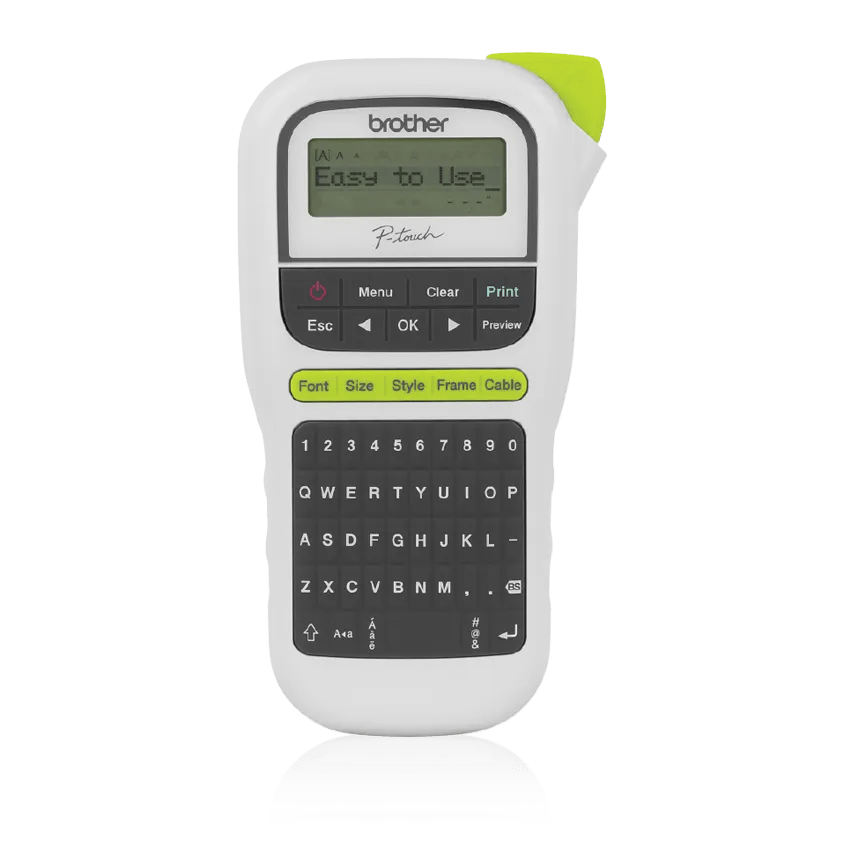
Brother P-touch PT-H110 Easy Portable Label Maker
Its normal text editor accepts a label length in inches or millimeters.
Check current price
Check current price (paid link) ↗
Measure a shelf holder, set a fixed length on the PT-H110, and use a paper proof to catch text that will not fit before cutting the full set.
Follow these steps at your own pace. Check product terms and prices directly with providers before purchasing.
Measure the usable space inside one shelf holder. In the US PT-H110’s ordinary text editor, open Menu, choose Label Length, enter the finished length, and confirm. The supported fixed range is 30–300 mm, shown as approximately 1.2–12 inches. Print the longest name first and trim to the indicated marks before checking the fit.
A holder described as “two inch” may have a frame covering both ends. Slide out an existing insert if there is one. Measure its full length, then measure how much of its face is visible once it is back in place. For a label that sticks directly to a shelf, measure only the uninterrupted flat section between dividers.
Cut a paper strip to your proposed length and tape width. Place it where the finished label will go. Can you slide it into the holder without buckling it? Does an edge overlap a screw or curve? Make the first adjustment in paper. At this stage it costs no label stock to change your mind.
Suppose a 50 mm paper strip fits, and the flat area has room for 9 mm tape from top to bottom. Fit a 9 mm TZe cassette. The 50 mm measurement is a menu setting. The 9 mm measurement is determined by the cassette.
If your ruler uses millimeters and the screen shows inches, open Menu, select Unit, and choose mm. Return to Menu and find Label Length. Select or enter 50 mm and confirm with OK. The fixed-length indicator on the display helps you spot this setting later.
For INBOX, RETURNS, and SPARE CABLES, test SPARE CABLES. Preview it, print one copy, and let the tape finish feeding. Where the printer gives you trim dots, separate at those marks. Measure the finished strip against the paper proof before peeling the backing.
Clear the wording using Text Only. Enter the next shelf name, leaving the size settings in place. Lay two finished pieces together to check their ends. Once both fit, run the remaining names in the same format.
| What you see | Adjustment to try |
|---|---|
| The strip is too tall | Change the tape width or use a taller holder. Label Length changes the horizontal dimension. |
| The strip fits but letters are hidden by the frame | Shorten the wording or reduce the character width, then check how it reads through the holder. |
| A text-limit warning appears | Check for trailing spaces, an unnecessary frame, or a long word. Try a shorter description before changing every holder. |
| A short word prints on a surprisingly long strip next time | Return Label Length to Auto when the shelf project is finished. |
If the job calls for a 22 mm insert, the standard 30 mm fixed minimum is already too long. Try a short word in Auto, then measure the actual print and trim excess ends by hand if the full word still fits. Another option is to put the label on the shelf face beside the holder. A change of units will not lower the model’s minimum.
Keep one spare insert with its backing on. On an index card, note the holder location, tape width, chosen length, and longest word that passed. If the next shelf uses a similar-looking holder, compare its opening with the sample before assuming the settings carry over. Replacement holders can have thicker side rails even when their outside dimensions match.
For a layout with several rows, place the shortest and longest labels side by side on the real shelf. If the shorter word appears off-center, inspect where you trimmed the leading portion. Compare the physical strip ends before changing the font or adding spaces.
For long names on a tall enough holder, put two lines on one label and check the opening again. For a run of different names where matching lengths are less important than reducing blank tape, print the names as a chain.
Check both the finished strip length and the available height.
Its normal text editor accepts a label length in inches or millimeters.
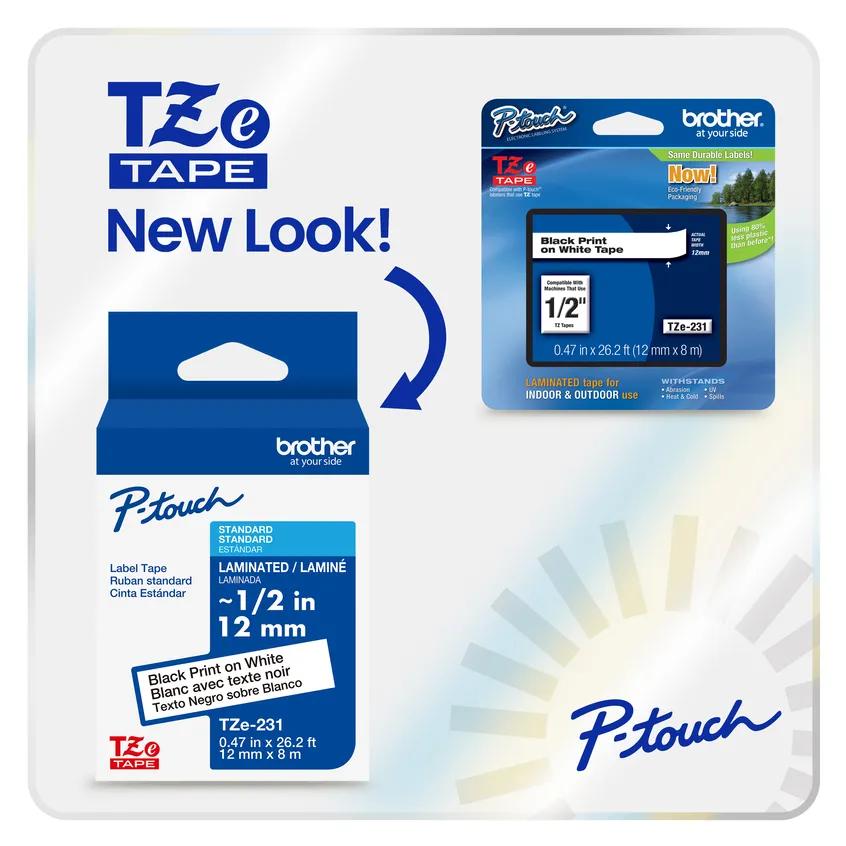
The 9 mm white tape suits many short holders. Measure the visible opening before choosing it.
Prices may change. Check the retailer for the current price and availability. We may earn a commission from qualifying purchases at no additional cost to you. Learn more.
Comments
Comments are reviewed before they become public.
Sign in with Google to leave a comment.
Sign in with GoogleNo approved comments yet. Be the first to start the discussion.