Find the guide you need.
Search by topic, browse categories, use tags, or sort the library.
Browse by topic tag — Apple Photos
Matching guides
10 found
How to Merge Duplicate iPhone Photos and Find a Missing Duplicates Album
Review duplicate groups, understand what Merge keeps, and check why Duplicates may be missing after importing a photo library.
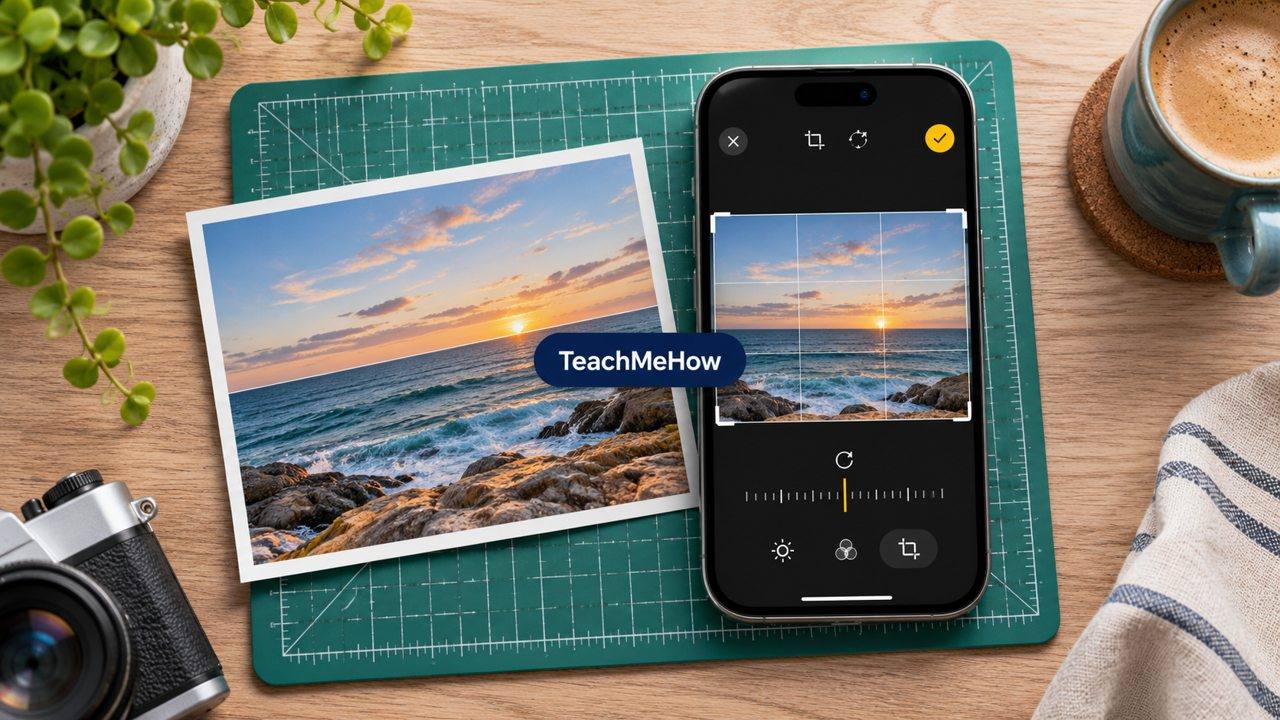
How to Straighten an iPhone Photo and Crop It to a Print Size
Level a tilted horizon, choose a crop ratio for a 4×6 or 5×7 print, and preview what the print lab could trim from the edges.
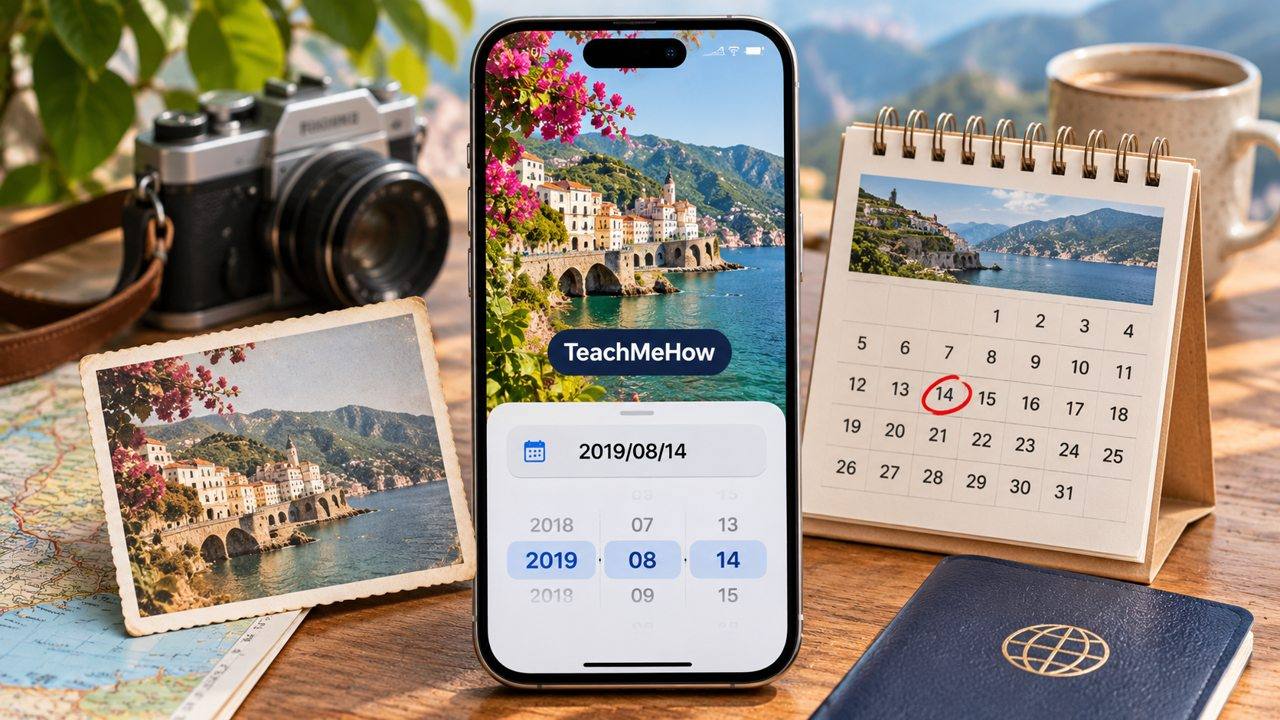
How to Fix the Wrong Date or Time on an iPhone Photo
Correct a scan, a travel photo, or a batch from a camera with the wrong clock. Check the result in photo information and the library timeline.

How to Create a Shared iPhone Photo Album That Family Can Add To
Set up a family album, choose who can join, and test whether an invited person can contribute. Includes paths for iOS 26 and 27.
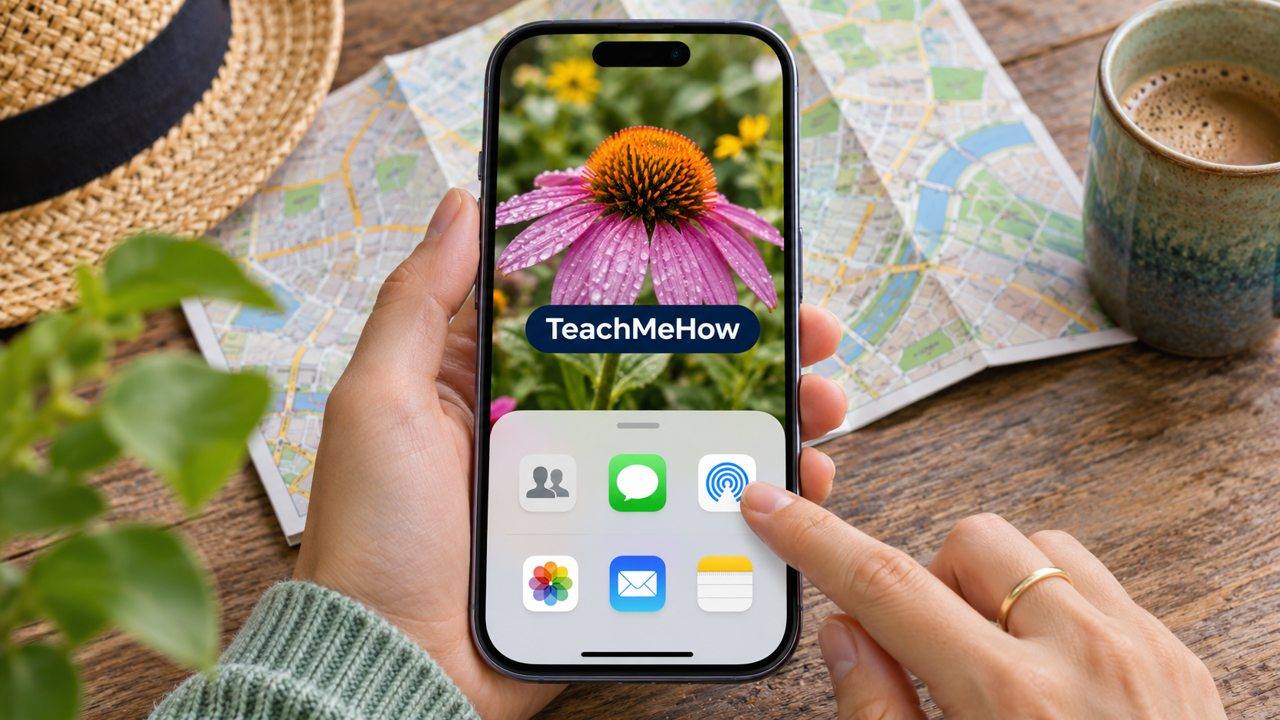
How to Share an iPhone Photo Without Sending Its Location
Turn off location for one outgoing photo or a selection, keep your own map information, and verify the received copy before sharing more.

How to Name People and Pets in iPhone Photos and Fix Wrong Matches
Label a recognized face, bring two groups for the same subject together, and remove a mistaken match without deleting the photograph.
How to Put iPhone Photos in a Custom Order Inside an Album
Arrange photos in a sequence you choose, keep the library timeline intact, and fix thumbnails that jump back when you drag them.

How to Copy Photo Edits to Multiple Pictures on iPhone
Match a series of images with Copy Edits and Paste Edits. Test a sample, choose which adjustments carry over, and fix outliers separately.
How to Add Searchable Captions to iPhone Photos
Find an image later using words the camera could never capture. Add a caption, test a search, and distinguish captions from text printed on a picture.
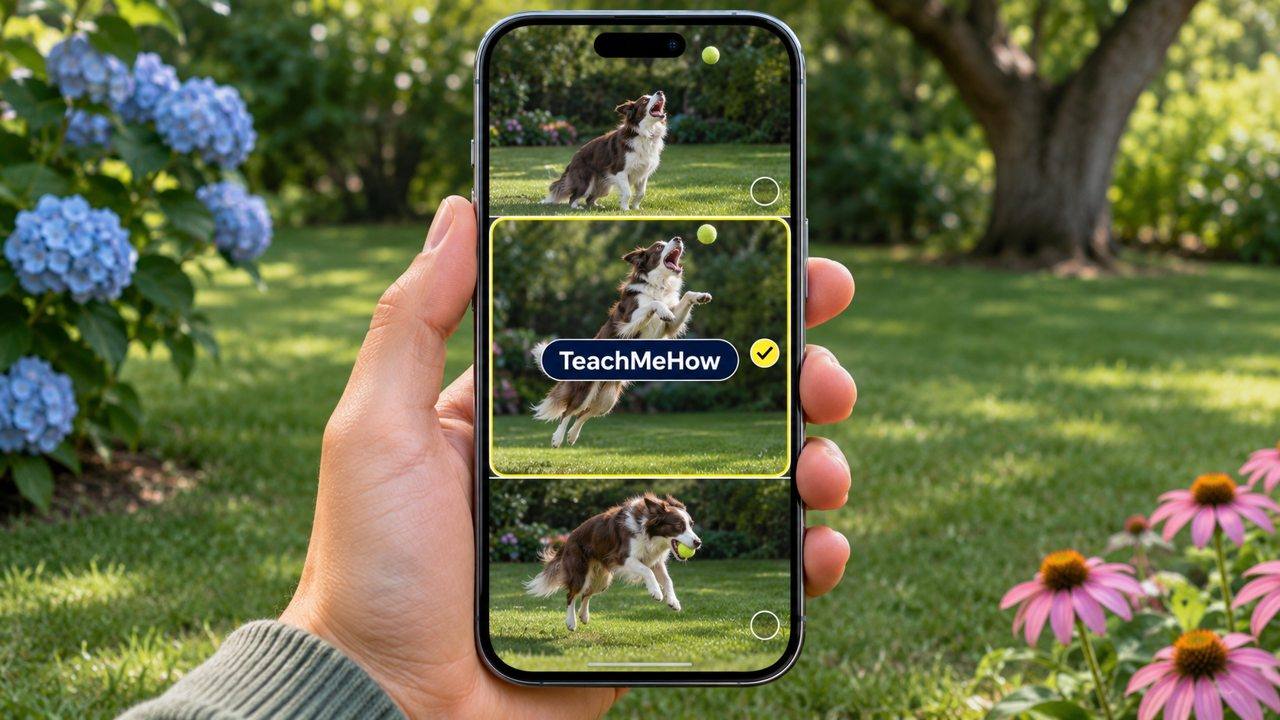
How to Choose a Better Key Photo From an iPhone Live Photo
Rescue a blink or a missed expression using the frames already in a Live Photo. Compare frames, keep the motion, or share just the still.