Results for “Technology”
348 guides found

How to Choose the Right 4K TV
Match screen size and panel type to your seating distance and room light. Then check refresh rate, HDR performance, and ports for the devices you actually use.
Read guide →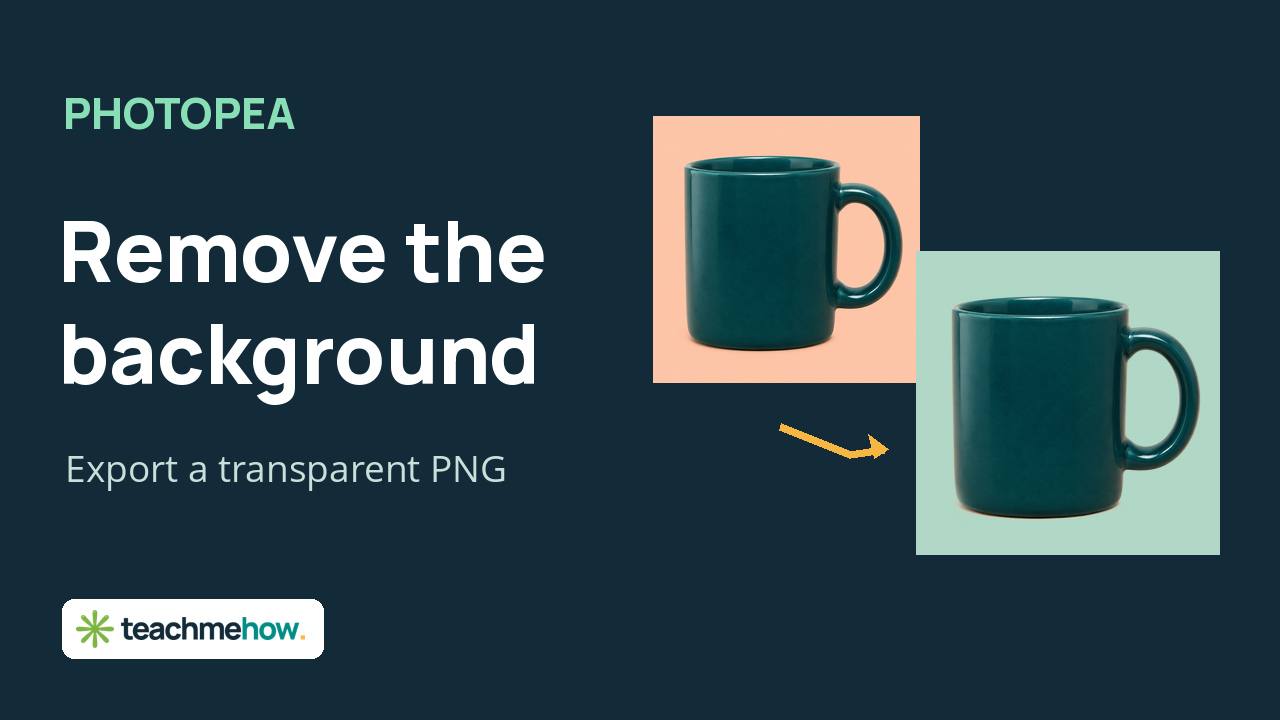
How to Remove an Image Background for Free Using Photopea
Turn a product photo into a reusable transparent PNG in Photopea. Select the backdrop, include enclosed openings, refine your mask, and check the exported image on two colors.
Read guide →
How to Export a Product Photo JPEG Under a File Size Limit in GIMP
Meet a listing’s pixel minimum and file size limit in GIMP. Scale a copy, compare JPEG quality settings, and verify the finished file in bytes.
Read guide →
How to Remove Dust Spots From a Product Photo in GIMP
Use GIMP’s Heal tool to remove isolated dust from a product photo while preserving texture, lettering and the item’s actual condition.
Read guide →
How to Make a Product Photo Square Without Cropping in GIMP
Center a rectangular product photo on a square canvas in GIMP, fill the extra space, and export the required dimensions while keeping the whole item in view.
Read guide →
How to Fix a Color Cast in a Product Photo With GIMP Levels
Use GIMP’s gray-point eyedropper to correct a warm or cool cast, verify the result against a neutral card, and preserve the product’s real color.
Read guide →
How to Remove a White Background From a Product Photo in GIMP
Use a layer mask to remove a white backdrop while keeping white lettering, glossy highlights and pale product edges. Check the cutout before exporting a PNG.
Read guide →
How to Embed Linked Images in an Inkscape SVG Before Sharing It
Restore missing PNGs or JPEGs, embed them in an Inkscape SVG, and verify that the shared file opens without access to the original image folder.
Read guide →
How to Convert Logo Text to Paths in Inkscape Before Sending It to Print
Outline logo lettering in a separate print copy. Check the typeface first, then verify that curved wording, counters, and small symbols survive the handoff.
Read guide →
How to Export a Transparent PNG at an Exact Width in Inkscape
Export a logo at an exact pixel width, preserve its proportions and padding, and verify the PNG’s dimensions and transparency on a colored background.
Read guide →
How to Fit an SVG Page to a Logo in Inkscape
Remove empty space around a logo without scaling the artwork. Fit the SVG page to the selected objects, add measured padding, and check for clipped edges.
Read guide →
How to Trace a Black-and-White Logo From PNG to SVG in Inkscape
Turn a one-color PNG logo into an editable SVG path, tune the trace to preserve small openings, and verify that the saved file contains vector artwork.
Read guide →
How to Show Percent of Total in a LibreOffice Calc Pivot Table
Keep sales amounts beside their shares and choose the right denominator. Check percent of total, row, and column against one worked example.
Read guide →
How to Refresh a LibreOffice Calc Pivot Table When New Rows Are Missing
Check whether new records fall outside a pivot’s source range, extend a fixed or named range, and verify the result against two known subtotals.
Read guide →
How to Group Pivot Table Dates by Month and Year in LibreOffice Calc
Turn daily transactions into monthly totals, keep two Decembers in different years separate, and recover when Calc does not offer date grouping.
Read guide →
How to Fix a Pivot Table That Shows Count Instead of Sum in LibreOffice Calc
Change the pivot calculation to Sum, test imported amounts with ISNUMBER, and recover text amounts without turning missing charges into zeros.
Read guide →
How to Build a Two-Way Pivot Table in LibreOffice Calc
Turn a shipment list into a warehouse-by-product report. Choose Sum for units and check a single intersection as well as both sets of totals.
Read guide →
How to Export a UTF-8 CSV From LibreOffice Calc
Export one Calc sheet as UTF-8, choose the delimiter your receiving app expects, and check accented names, quoted commas, dates, and IDs before import.
Read guide →
How to Convert Text Dates to Real Dates in LibreOffice Calc
Convert day-first, month-first, or year-first text into sortable Calc dates. Check both the stored value and a known booking before converting the whole column.
Read guide →
How to Remove Duplicate Rows in LibreOffice Calc
Preview duplicate rows, compare an entire record or just its key fields, and check that removing a repeated import leaves valid inventory counts intact.
Read guide →
How to Split One Column Into Multiple Columns in LibreOffice Calc
Split delimited text in an open Calc sheet while preserving empty fields, leading zeros, quoted commas, and values in neighboring columns.
Read guide →
How to Keep Leading Zeros When Opening a CSV in LibreOffice Calc
Import ZIP codes, SKUs, and account IDs as text, check that 00517 still has five characters, and verify the zeros survive a CSV export.
Read guide →
How to Track Podcast Sponsorships With Promo Codes and Vanity URLs
Set up a spoken sponsor URL and checkout code, test both paths, and report campaign visits and paid orders without counting the same sale twice.
Read guide →
How to Write a Podcast Sponsorship Proposal for a Local Business
Turn a local sponsor’s interest into a one-page podcast proposal with a worked budget, ad placements, approval dates, and a report the owner can use.
Read guide →