Results for “Windows 11”
70 guides found
How to Show File Name Extensions in Windows 11
Show the full name of files in File Explorer, recognize double extensions, and rename the description while preserving the file type.
Read guide →
How to Find Files by Date Modified in Windows 11
Search the right folder and its subfolders, narrow results by modification date, and tell apart files with similar names.
Read guide →
How to Remove Date Groups From Downloads in Windows 11
Remove Today and Yesterday headings, sort Downloads alphabetically, and restore a single list without moving any files.
Read guide →
How to Pin a Folder to Quick Access in Windows 11
Pin the exact folder you use, confirm where it points, and repair a stale Quick Access entry after the folder moves.
Read guide →
How to Make OneDrive Files Available Offline in Windows 11
Pin the files you need before traveling, recognize the correct status icon, and test that they open while your Windows laptop is offline.
Read guide →
How to Back Up Desktop and Documents to OneDrive in Windows 11
Choose the right account for Desktop and Documents backup, verify a real file online, and understand the choices before stopping backup.
Read guide →
How to Fix OneDrive Files Stuck on Sync Pending in Windows 11
Trace a pending upload to one file or the whole account, protect recent edits, and verify the repair against the cloud copy.
Read guide →
How to Restore a Deleted File From the Windows 11 Recycle Bin
Identify the right deleted item, restore it to its original folder, and check other recovery locations if the local bin is empty.
Read guide →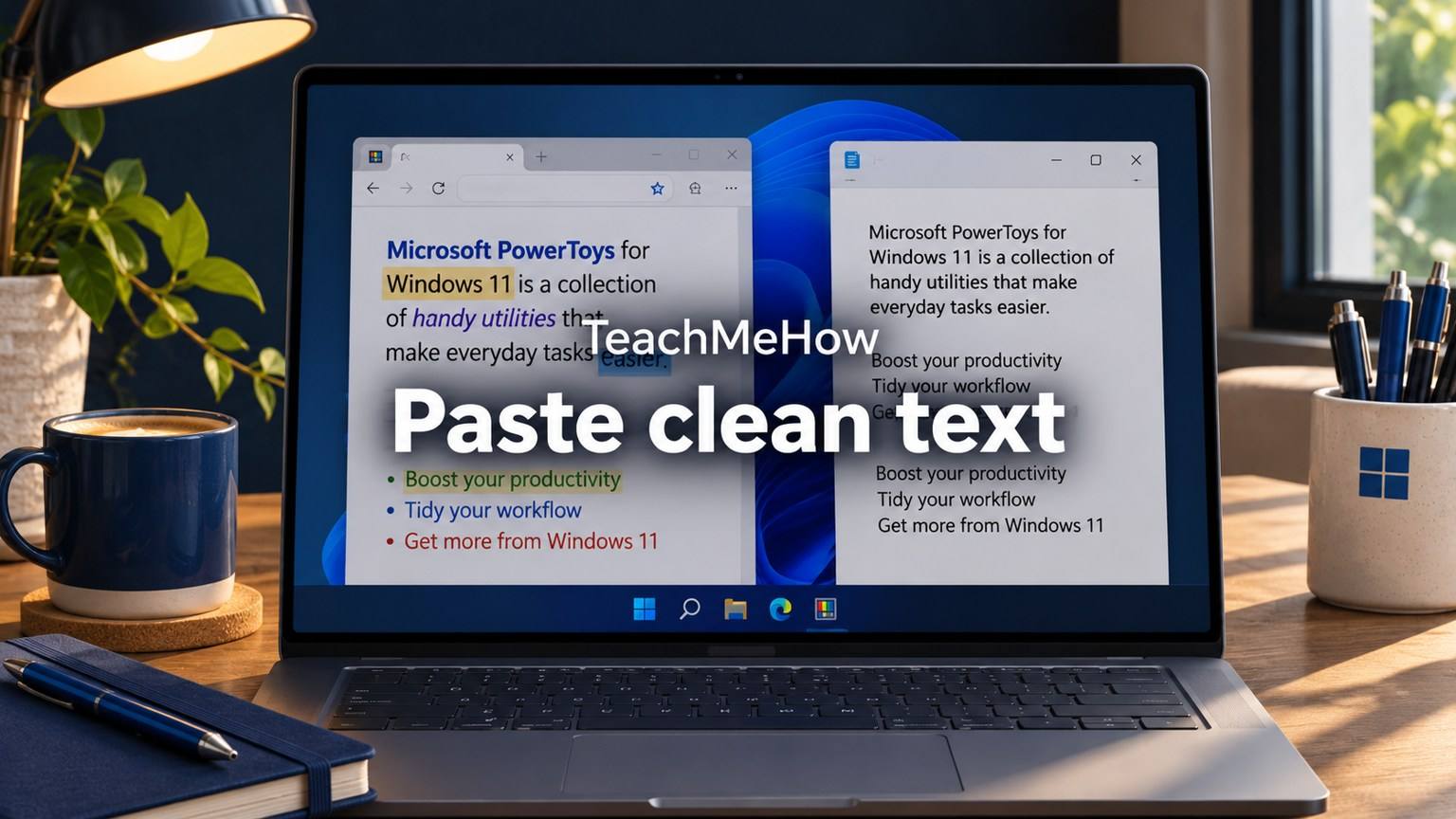
How to Paste Text Without Formatting in Windows 11 With PowerToys
Paste the words from a webpage or document without its fonts, colors, or embedded links. Set up PowerToys Advanced Paste and verify the result.
Read guide →
How to Keep a Window Always on Top in Windows 11 With PowerToys
Pin a calculator, note, or reference window above another app, keep typing in the window underneath, and unpin the right window when finished.
Read guide →
How to Choose Which OneDrive Folders Sync to a Windows 11 PC
Keep selected OneDrive folders visible on one PC, leave archives online, and bring a hidden folder back without uploading it again.
Read guide →
How to Make Windows 11 Flash a Window for Sound Notifications
Make an audio notification visible by flashing the title bar or active window. Choose a comfortable cue, test a real alert, and check missing banners.
Read guide →
How to Type Accented Letters in Windows 11 With PowerToys Quick Accent
Type characters such as é, ñ, and ü using a standard Windows keyboard. Choose language sets, adjust activation timing, and test the result in a real text field.
Read guide →
How to Extract a ZIP File in Windows 11 and Find Its Contents
Use Extract All, choose a recognizable destination, and verify that you are editing the extracted files outside the archive.
Read guide →
How to Preview Files in Windows 11 File Explorer With PowerToys Peek
Preview selected photos, PDFs, and other files from Explorer. Check the current Peek shortcut, browse a shortlist, and open the right file for editing.
Read guide →
How to Restore Deleted Files From the OneDrive Web Recycle Bin
Recover a deleted OneDrive file from its web recycle bin, identify the right copy, and check where it returns on your Windows 11 PC.
Read guide →
How to Launch Apps in a Saved Layout With PowerToys Workspaces
Capture a group of apps and their window positions, create a desktop shortcut, and test what PowerToys restores when you launch the workspace again.
Read guide →
How to Keep Part of a Window Visible With PowerToys Crop And Lock
Keep a live view of a progress bar, timer, or dashboard beside your work. Choose the right crop mode, test updates, and restore the original window.
Read guide →
How to Share a OneDrive File With View-Only Access for Specific People
Send a OneDrive file to named recipients with view-only access. Check the link audience, existing edit rights, and the invitation the recipient sees.
Read guide →
How to Remove Someone’s Access to a Shared OneDrive Folder
Remove a person’s access to a OneDrive folder while preserving the access other collaborators need. Check direct grants, links, and inherited permissions.
Read guide →
How to Find What Is Using Your Personal OneDrive Storage
Trace a Microsoft cloud storage warning to OneDrive files, the online recycle bin, or Outlook attachments, then verify which cleanup changes the quota.
Read guide →
How to Fix an Invalid OneDrive File Name or a Path That Is Too Long
Correct reserved names, unsupported characters, and overly long folder paths while preserving the file type and checking the finished upload.
Read guide →