How to Schedule a Free USPS Package Pickup From Home
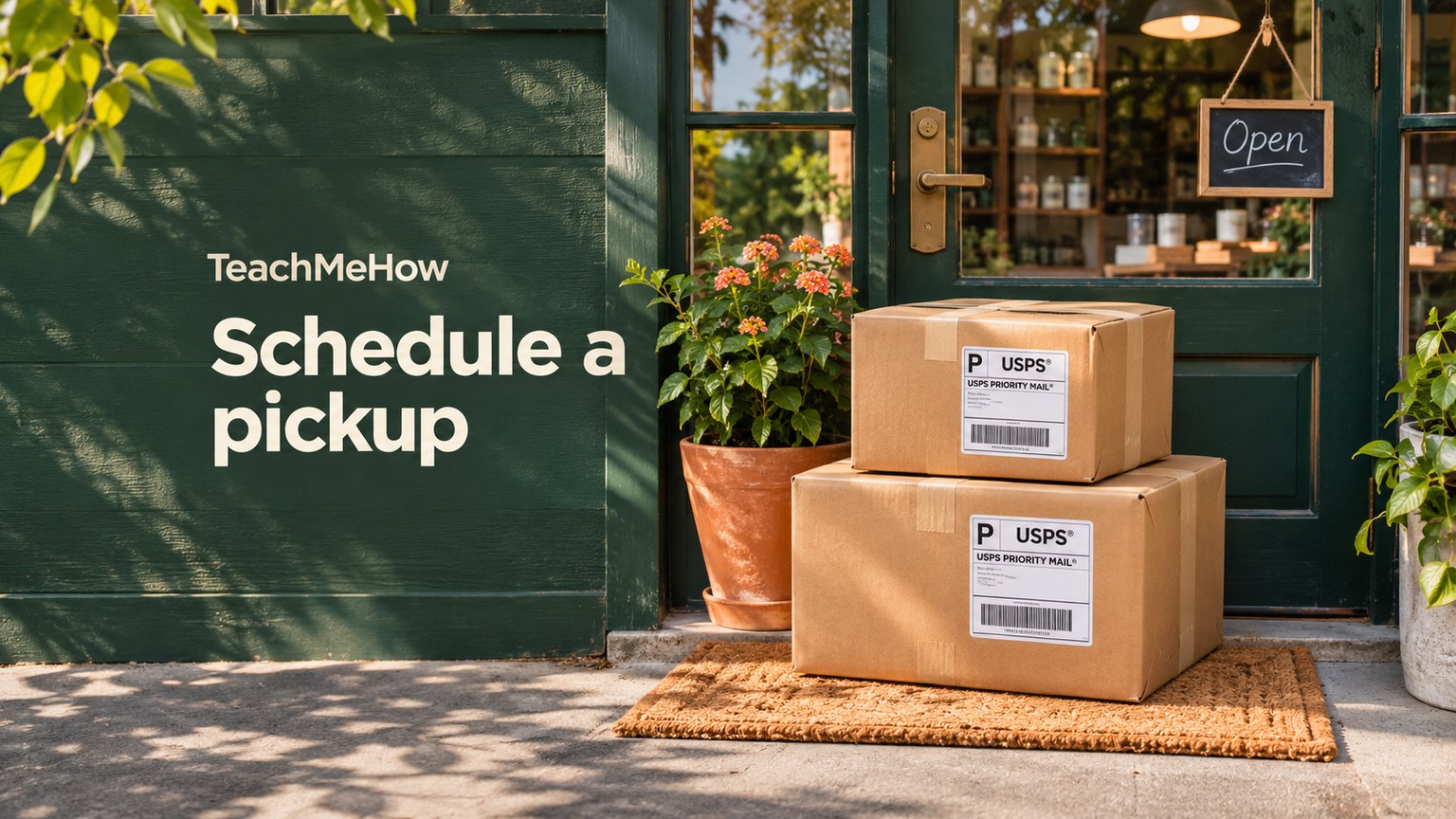
Book a carrier pickup during regular mail delivery, check which prepaid packages qualify, and use the confirmation number to change a request.
Follow these steps at your own pace. Check product terms and prices directly with providers before purchasing.
Quick answer
USPS can collect eligible, prepaid packages during regular mail delivery at an eligible address. Attach a shipping label to each package, then choose the free regular-delivery option in the USPS pickup scheduler. You choose the day. The carrier’s route determines the time.
Check your packages before you book
A prepaid USPS Ground Advantage or Priority Mail package can qualify on its own. On the request form, eligible services are marked for free pickup. If a package falls under Other, you need at least one qualifying package in the same request to use the free option. If all you have is a QR code, print the USPS label at a participating Post Office and mail the parcel there.
Sending a purchase back? If the seller agreed to cover postage, ask them for a return label before buying your own. Business shippers can create a USPS return label for the customer.
Book the collection
- Open the USPS pickup scheduler. Enter your name, contact information, and full pickup address, including the apartment or suite. Run the address availability check.
- Choose a location the carrier can actually reach. For example, enter “front porch, behind the blue planter” only if the parcels will be there and the gate will be open. Keep pets away from the pickup spot.
- Choose pickup during regular mail delivery and select an available date. A specific pickup window is a separate paid service.
- Count boxes by the service printed on their labels. For two Ground Advantage boxes at 2 lb each and one Priority Mail box at 3 lb, enter counts of two and one, and an estimated total of 7 lb. Complete the contents questions, review, and submit.
On pickup day
Set out the sealed, labeled parcels before the usual delivery. Keep the confirmation number and check tracking afterward. A scheduled request records your booking. It cannot show that a particular box was collected. For a larger batch mailed together, prepare a USPS SCAN form for the handoff.
If the boxes are still there
Check the confirmed date, location, and access instructions. Use Modify or Cancel with the confirmation number and the email or phone used to book. If the day has passed, contact the local Post Office or select a new available day. For a shipment with a tight mailing deadline, take it to a staffed counter.
Schedule or change a USPS pickup · USPS pickup eligibility and limitations
Comments
Comments are reviewed before they become public.
Sign in with Google to leave a comment.
Sign in with GoogleNo approved comments yet. Be the first to start the discussion.