How to Print a USPS Shipping Label Without a Printer
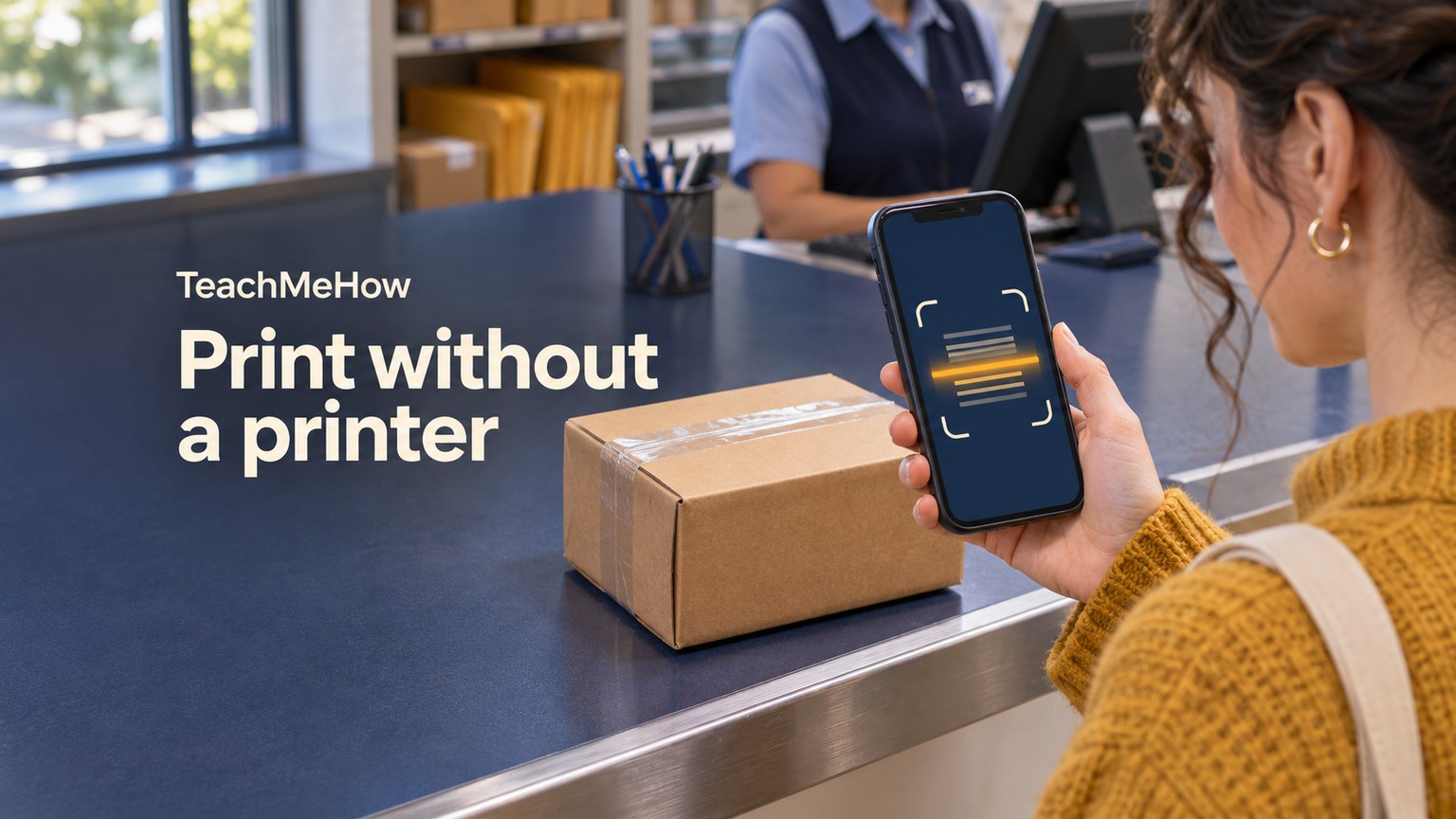
Get a Label Broker QR code for eligible Click-N-Ship postage, find a participating Post Office, and bring the right items to mail your package.
Follow these steps at your own pace. Check product terms and prices directly with providers before purchasing.
Quick answer
You can pay for an eligible USPS label online and have a participating Post Office print it for free. Choose Print later at Post Office after checkout. Take the emailed Label Broker code and your sealed package to the counter on the mailing date.
Get the code for the postage you already bought
- Pack the item, then weigh and measure the finished parcel. Enter the addresses and package details in Click-N-Ship, review the shipping date and service, and pay for the label.
- On the payment confirmation screen, select the Post Office option under Label Printing Format. Save the email on your phone. It contains a QR code and an 8–10 character ID. Either one lets the clerk retrieve your label.
- Already chose to print at home? Open Shipping History, locate the paid label, and open its Label Details. Under More Actions, select Print at the Post Office if offered. This retrieves a code for the original purchase.
What to bring to the counter
Choose a participating location suggested in the email or use the location finder on the USPS Label Broker page. Bring the parcel packed, sealed, and ready to hand over. The clerk prints and attaches the label and accepts the parcel there. For two boxes, match each code to its destination before handing either one over.
If you have a PDF, a tracking number, or a missing email
| What you have | What to do |
|---|---|
| A marketplace or store PDF | Look in the seller’s return or shipping portal for a USPS QR option. A PDF alone does not give the clerk a Label Broker ID. |
| Only a tracking number | Check the confirmation email, spam folder, or Label Details for the separate printing code. |
| No print-at-Post-Office option | Check each label separately. Labels requiring customs forms and First-Class Mail letter or envelope labels are among the exclusions. |
If you already have the physical label attached, you can instead schedule a free USPS pickup at home. If the address on unused postage is wrong, request a refund for the unused label before mailing.
USPS Label Broker instructions · Find a participating Post Office
Comments
Comments are reviewed before they become public.
Sign in with Google to leave a comment.
Sign in with GoogleNo approved comments yet. Be the first to start the discussion.