Best for Energy Monitoring

Indoor smart plugs
Kasa Smart Wi-Fi Plug Slim (EP25)
Set a lamp schedule and check its energy use in the Kasa app.
Check current price
Check current price ↗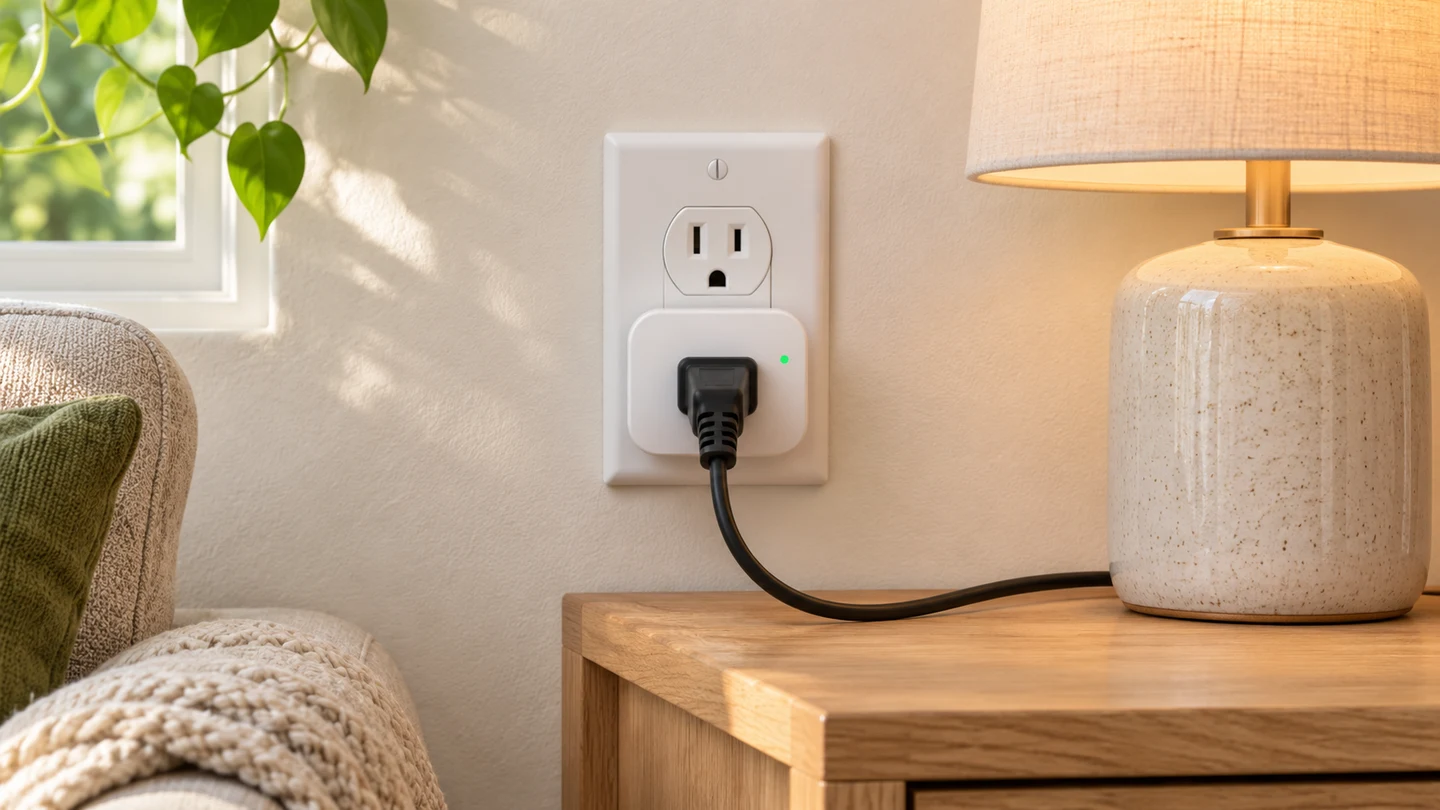
Pair a smart plug with a lamp, set an on and off schedule, and verify it works from the app and the plug button.
Follow these steps at your own pace. Check product terms and prices directly with providers before purchasing.
Use a lamp that turns on when power returns. Pair a compatible plug, leave the lamp switch on, then test a simple on and off schedule.
| Option | Best for | Trade-off |
|---|---|---|
| Kasa EP25 | Controlling a lamp and checking energy use | Check app and ecosystem compatibility |
| Tapo P125M | Adding a plug to a compatible Matter setup | Requires a compatible Matter controller for Matter pairing |
Choose an indoor plug rated for your lamp. Use a lamp with a switch that stays on. Unplug the lamp and reconnect it to see if it comes back on with the switch left on.
Plug it directly into an accessible indoor outlet. Follow the manufacturer’s instructions in its app, or use the Matter setup code for a compatible controller if your model supports Matter.
Connect the lamp and leave its mechanical switch on. Name the plug after the room and lamp so it is easy to identify in the app.
Set an on and off time and review which days it repeats. Test a schedule a few minutes ahead before entering your regular times.
Try the plug’s physical button and the app controls. If the lamp does not respond, check the lamp switch and confirm that the plug is online.
| Use case | What to do |
|---|---|
| Bedside lamp | Try an evening off schedule. |
| Entry table lamp | Use a repeat schedule and test it in your local time zone. |
| Lamp with a touch switch | Test whether it comes back on when power is restored before buying a plug. |
Test how the lamp responds when power returns before buying. A successful setup works both on a schedule and when you use the plug button.
Choose Kasa for energy monitoring or Tapo P125M if your controller supports Matter over Wi-Fi.
Set a lamp schedule and check its energy use in the Kasa app.

A compact Wi-Fi plug for a lamp that you can pair with a compatible Matter controller.
Prices may change. Check the retailer for the current price and availability. We may earn a commission from qualifying purchases at no additional cost to you. Learn more.
Comments
Comments are reviewed before they become public.
Sign in with Google to leave a comment.
Sign in with GoogleNo approved comments yet. Be the first to start the discussion.