Best for Indoor Alerts

Ring doorbell chimes
Ring Chime (2nd Gen), White
Hear a linked doorbell from a room where your phone is often muted.
Check current price
Check current price ↗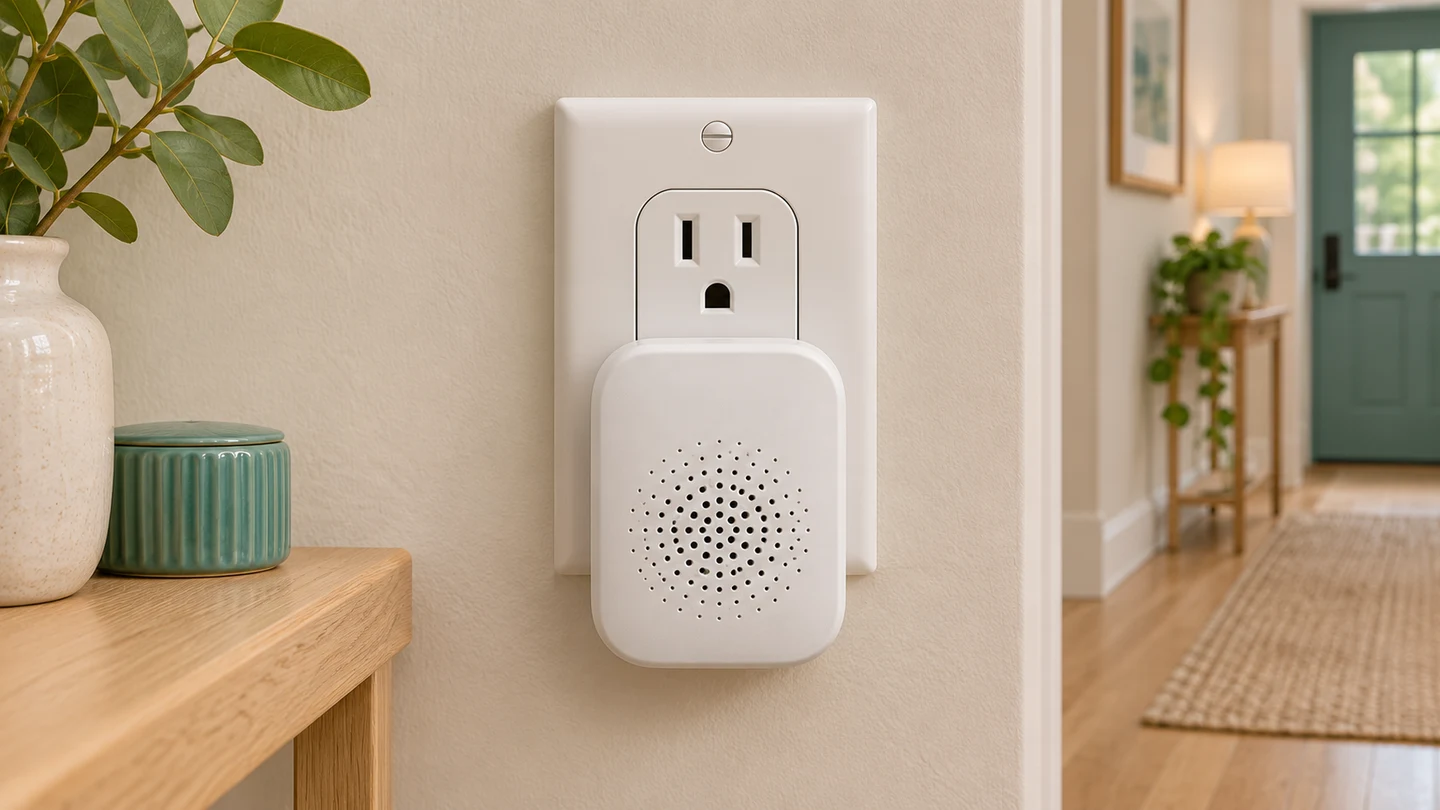
Hear your Ring doorbell indoors by pairing a plug-in Chime, linking the doorbell, and testing the alert.
Follow these steps at your own pace. Check product terms and prices directly with providers before purchasing.
Plug in the Chime where you can hear it, add it in the Ring app, then link your doorbell and test a button press from outside.
| Option | Best for | Trade-off |
|---|---|---|
| Ring Chime (2nd Gen) | Hearing the doorbell in another room | Uses your existing Wi-Fi |
| Ring Chime Pro (2nd Gen) | Indoor alerts plus a network option for compatible Ring devices | Works best where it can still get a strong router signal |
Confirm that the Ring doorbell is online and that pressing its button produces a phone alert. Have your Wi-Fi password ready and use the Ring account that manages the doorbell.
Try an outlet in an open hallway near the rooms where you spend time. For Chime Pro, start between your router and a compatible Ring device if you also need to improve that device’s connection.
Plug it into the outlet and open Set Up a Device in the Ring app. Scan its setup code and follow the on-screen steps to connect it to Wi-Fi and assign it to the same location as the doorbell.
Open the Chime’s settings, find Linked Devices, and enable ring alerts for the doorbell. Enable motion alerts only where helpful. Set a tone and volume you can hear. If you bought Chime Pro for Wi-Fi, follow Ring’s separate steps to connect the compatible device to its network.
Ask someone to press the outdoor doorbell while you listen inside with your phone muted. If the Chime stays silent, check that it is online, the right doorbell is linked, ring alerts are enabled, and Chime Snooze is off.
| Use case | What to do |
|---|---|
| Phone often on silent | Turn on ring alerts and choose a noticeable tone. |
| Motion alerts are too frequent | Enable indoor ring alerts and leave indoor motion alerts off. |
| Doorbell gets a weak signal | Try Chime Pro where it can still reach your router, then test the doorbell again. |
For most homes, start with the standard Chime. Choose Chime Pro if you also need its network feature for a compatible Ring device.
Choose Chime for an indoor alert or Chime Pro when a compatible Ring device also needs help with its Wi-Fi connection.
Hear a linked doorbell from a room where your phone is often muted.

Adds a network option for compatible Ring devices as well as indoor alerts.
Prices may change. Check the retailer for the current price and availability. We may earn a commission from qualifying purchases at no additional cost to you. Learn more.
Comments
Comments are reviewed before they become public.
Sign in with Google to leave a comment.
Sign in with GoogleNo approved comments yet. Be the first to start the discussion.