Best Value

Video doorbells
Ring Battery Doorbell (2024), Venetian Bronze
A wire-free starting point with head-to-toe framing for visitors and doorstep packages.
Check current price
Check current price ↗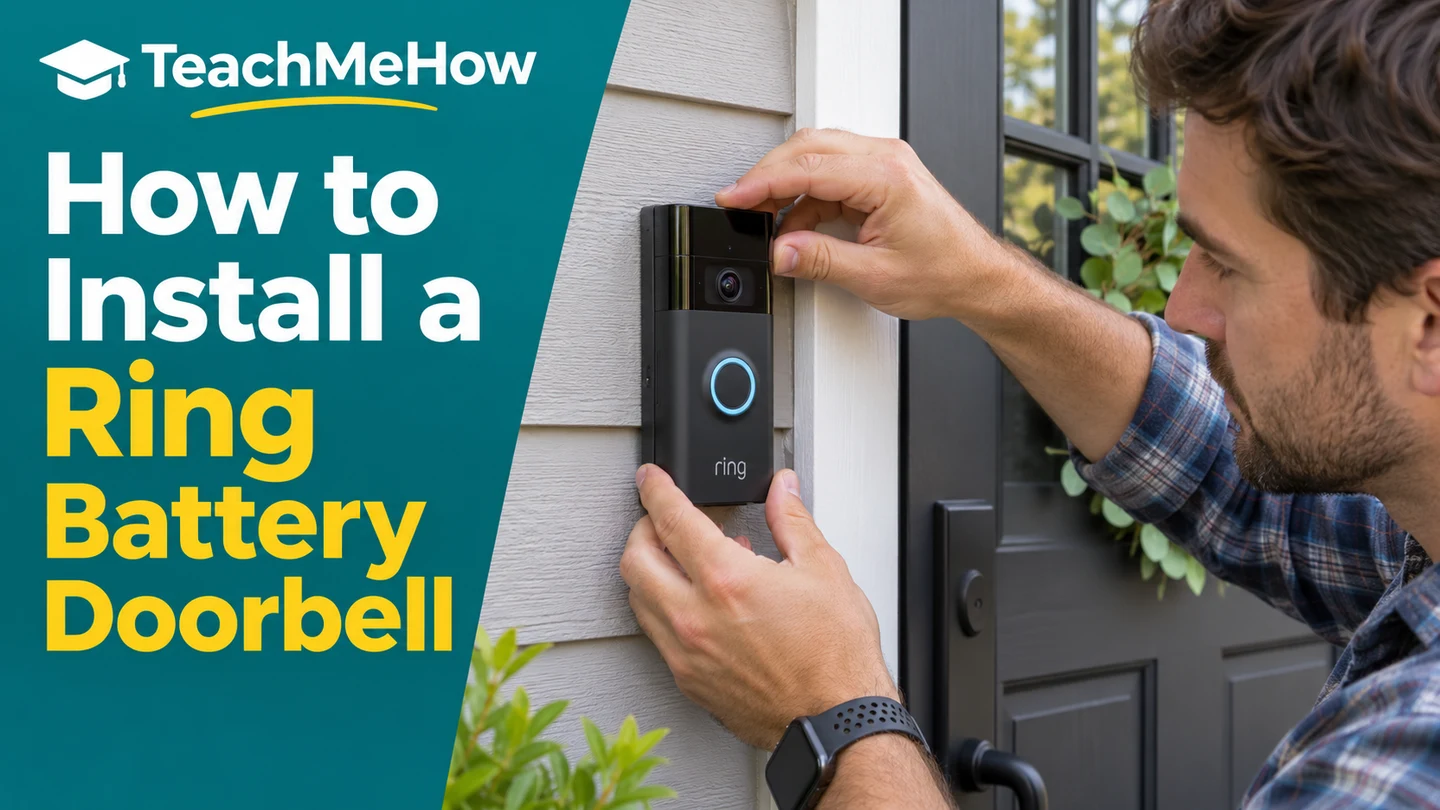
Install a Ring battery doorbell, frame visitors and packages, and test alerts before you call the job done.
Follow these steps at your own pace. Check product terms and prices directly with providers before purchasing.
Charge and pair the doorbell indoors, preview the view outside, mount the bracket, and test the button and motion alerts. Pick the original Plus if you want to remove the battery while leaving the doorbell body mounted.
| Option | Best for | Trade-off |
|---|---|---|
| Ring Battery Doorbell (2024) | Simple bracket and head-to-toe view | Remove the doorbell body to recharge |
| Ring Battery Doorbell Plus (1536p) | Removable battery and sharper view | Uses its own faceplate and security hardware |
Charge the device or removable battery first. In the Ring app, choose Set Up a Device, scan the code on your exact unit, and follow the Wi-Fi prompts. Keep the setup code somewhere private.
Hold the doorbell about 48 inches above the ground as a starting point, then open Live View. Check whether you can see both a visitor’s face and the package drop area. A compatible corner or wedge mount can help with angled trim or steps.
Use a level and pencil to mark the holes. Use the supplied hardware where appropriate for the surface. Follow Ring’s anchor and bit directions for masonry, and confirm what’s behind the surface before drilling. Get permission before drilling in a rental.
On the 2024 Battery Doorbell, press the body onto its bracket and keep the release tool for charging. On the original Battery Doorbell Plus, follow its own mounting, faceplate and security-screw instructions. This walkthrough uses battery power and leaves existing doorbell wiring alone.
Press the button from outside, verify the phone notification, and try two-way talk. Walk up as a visitor would after dark. Aim the device at your approach and use motion and privacy settings to reduce unnecessary coverage.
| Use case | What to do |
|---|---|
| No existing doorbell | Use battery power and app alerts, with an optional compatible chime. |
| Narrow trim | Measure the flat mounting width and test a compatible corner kit. |
| Frequent recharging | Choose a removable-battery model and consider a compatible spare. |
Choose the model you can recharge easily. Test the view and Wi-Fi before making any holes, then confirm someone at the door can reach you.
Choose the standard model for straightforward setup or the original Plus for a removable battery.
A wire-free starting point with head-to-toe framing for visitors and doorstep packages.

Its quick-release battery lets you recharge without taking the doorbell body off the bracket.
Prices may change. Check the retailer for the current price and availability. We may earn a commission from qualifying purchases at no additional cost to you. Learn more.
Comments
Comments are reviewed before they become public.
Sign in with Google to leave a comment.
Sign in with GoogleNo approved comments yet. Be the first to start the discussion.