Best for Two Lighting Runs

Outdoor smart plugs
Kasa Smart Wi-Fi Outdoor Plug (EP40)
Give two patio lighting runs their own names and on/off schedules using the independently controlled outlets.
Check current price
Check current price ↗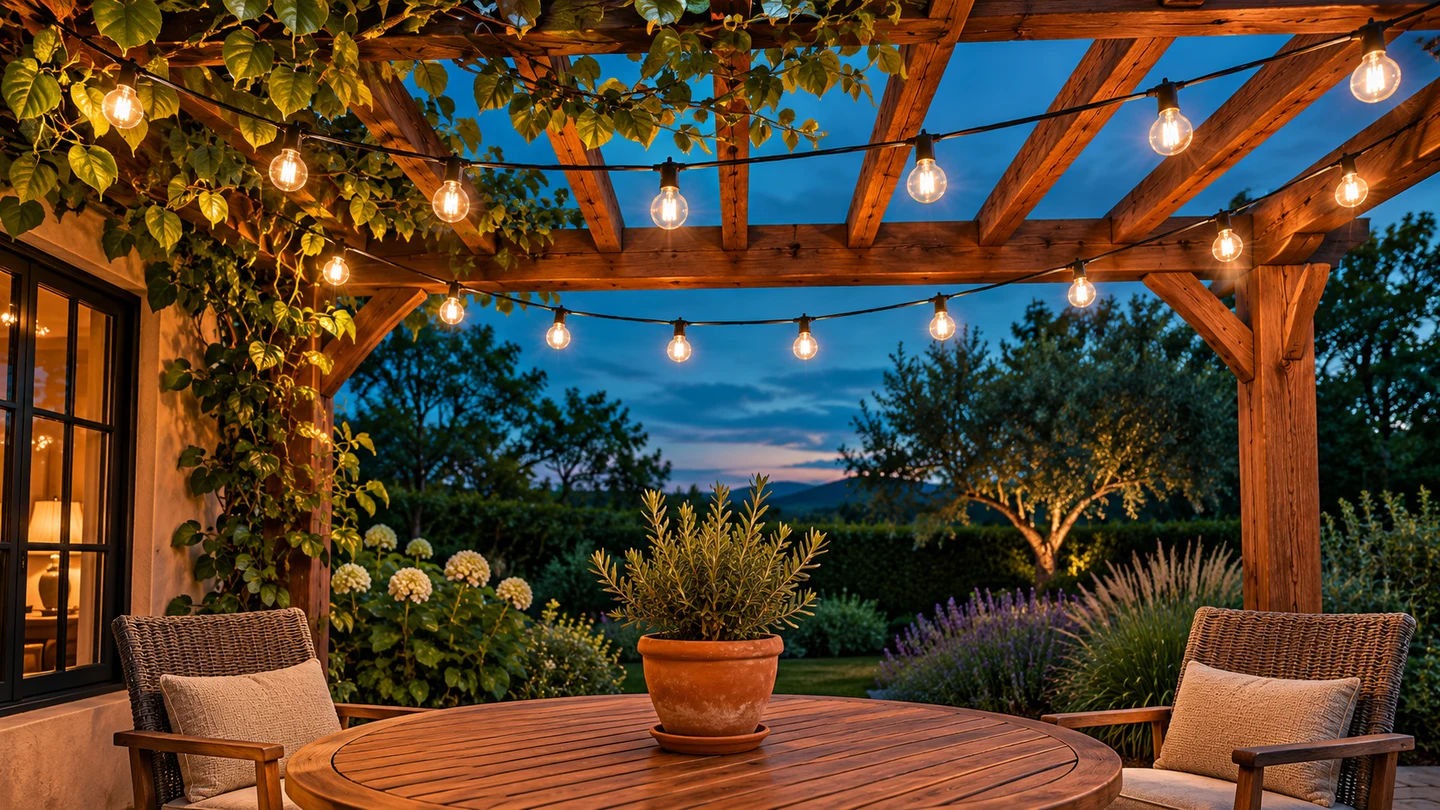
Set patio lights to come on at sunset, turn them off at a chosen hour, and test both events before the first evening.
Follow these steps at your own pace. Check product terms and prices directly with providers before purchasing.
Test that your string lights come back on when power returns. Connect them to an outdoor-rated smart plug at a protected outlet, then set two repeating events: on at sunset and off at the time you choose.
| Option | Best for | Trade-off |
|---|---|---|
| Kasa EP40 | Two independently switched patio lighting runs | On/off control on each outlet |
| Kasa KP405 | One compatible dimmable string | Check dimmer compatibility and the LED load limit first |
Read the string-light label for outdoor use and total wattage. Add the wattages if several strands will share an outlet, and stay within the limits of the strand, the plug and the circuit. The Kasa EP40 switches two outlets independently. The KP405 dims one compatible load, so verify the string supports the dimmer’s dimming method and load rating before choosing it.
With the lights on, disconnect and reconnect them in dry conditions. Check that the string lights up again in the mode you want. If its controller waits for someone to press a button after every power interruption, a plug schedule alone cannot start that set. Use the strand’s built-in schedule if it has one.
Use an existing outdoor GFCI-protected receptacle with a weatherproof cover that closes around the cord while in use. Follow the plug’s mounting instructions, keep connections off the ground, and close the cap on any unused outlet. In Kasa Smart, pair the plug on 2.4 GHz Wi-Fi. For an EP40, use its manual controls to identify each outlet and name the one feeding the string.
Open the intended outlet in Kasa Smart and select Schedule. Add an On event at Sunset and select the days it should repeat. Save a second Off event, for example 10:30 p.m., for those evenings. Check the location and time zone if sunset looks wrong. If you choose an off time after midnight, select the following calendar day.
Temporarily set an On event a few minutes ahead and an Off event a few minutes after that. Watch the actual bulbs through both events. Remove the test entries and check the final sunset and off rules. If the app reports On while the patio stays dark, check which outlet is scheduled and whether the strand’s controller resumed after power returned.
| Use case | What to do |
|---|---|
| Patio used every evening | Turn on at sunset and off at a fixed time every night. |
| Weekend dinners only | Select the nights you host, then confirm the off event repeats on the intended days. |
| Two lighting areas | Give each EP40 outlet its own schedule when one area should go dark earlier. |
A reliable schedule starts with a string that resumes when power returns. Test a complete on/off cycle in daylight, then let the sunset rule follow the seasons.
Choose the EP40 for separate on/off schedules or the KP405 for one string of compatible dimmable lights.
Give two patio lighting runs their own names and on/off schedules using the independently controlled outlets.

Adjust brightness and schedule one compatible dimmable string. Check the string’s dimming method and wattage before buying.
Prices may change. Check the retailer for the current price and availability. We may earn a commission from qualifying purchases at no additional cost to you. Learn more.
Comments
Comments are reviewed before they become public.
Sign in with Google to leave a comment.
Sign in with GoogleNo approved comments yet. Be the first to start the discussion.