Useful for This Guide

Water Leak Sensors
TP-Link Tapo T300 Smart Water Leak Sensor
Check compatible hub requirements and verify alerts in the intended location.
Check current price
View on Amazon ↗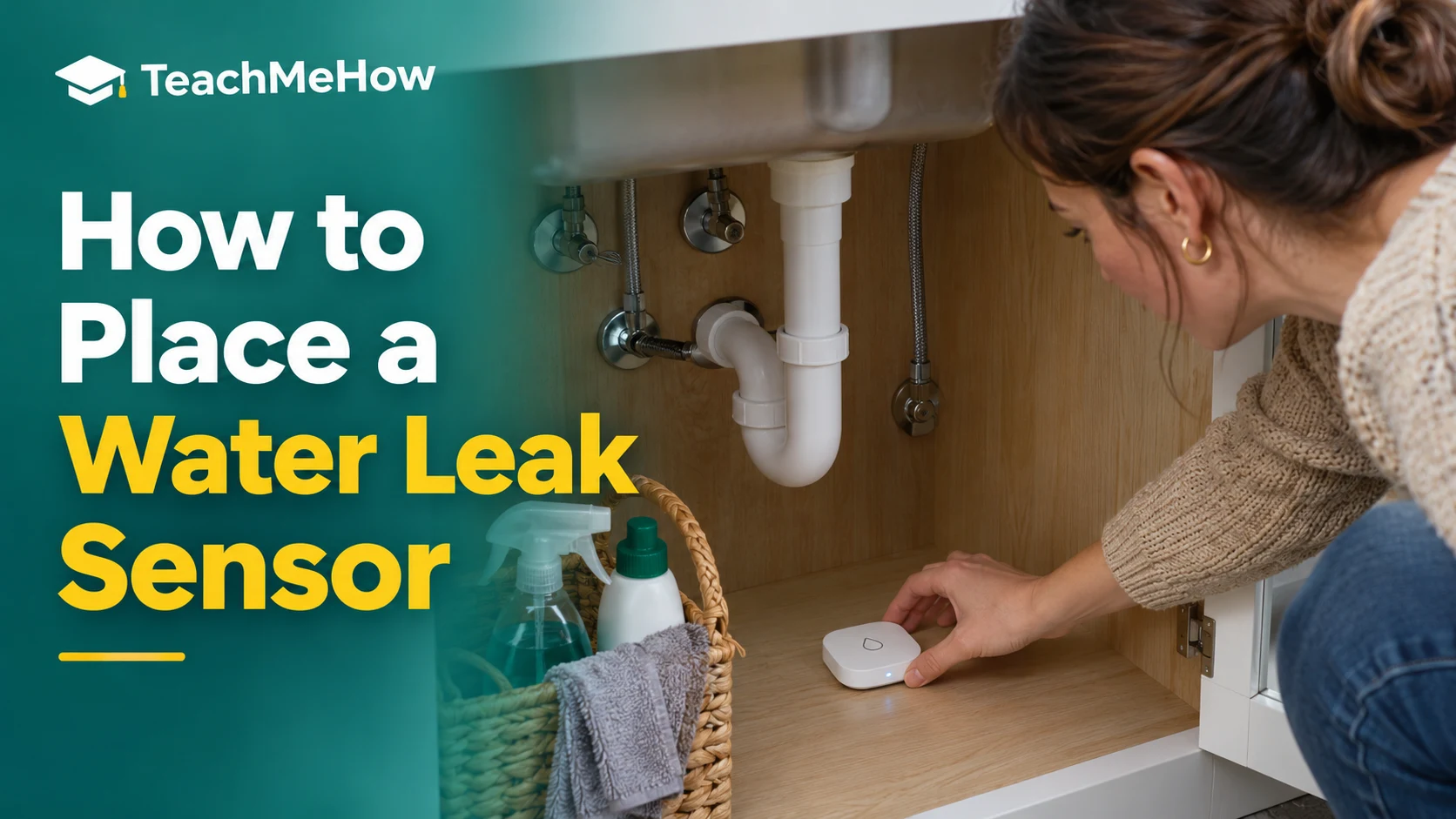
Put the sensor where escaping water would reach its contacts first. Test the alert in its final location.
Follow these steps at your own pace. Check product terms and prices directly with providers before purchasing.
Quick Answer
Put the sensor where escaping water would reach its contacts first. Test the alert in its final location.
Battery-powered leak sensor, compatible hub if needed, and the manufacturer’s instructions.
Trace where a drip from a trap or hose connection could travel. Put the sensor on a stable surface in that path, with its contacts oriented as the manual shows.
Install batteries and pair the sensor with its app or hub if required. Name it for its location, such as Kitchen Sink. Enable notifications and listen for its local alarm if equipped.
Use the maker’s test method at the final location with the cabinet closed. Confirm the correct notification arrives, dry the contacts if needed, and plan a battery check.
Keep the sensor accessible after returning supplies to the cabinet.
Put the sensor where escaping water would reach its contacts first. Test the alert in its final location.
Check the tools and materials list before starting.
Check compatible hub requirements and verify alerts in the intended location.
Prices may change. Check the retailer for the current price and availability. We may earn a commission from qualifying purchases at no additional cost to you. Learn more.
Comments
Comments are reviewed before they become public.
Sign in with Google to leave a comment.
Sign in with GoogleNo approved comments yet. Be the first to start the discussion.