Best for One Doorway

Plug-in indoor security cameras
Ring Indoor Cam (2nd Gen), White
A compact fixed-view camera with a manual privacy cover for a single entryway.
Check current price
Check current price ↗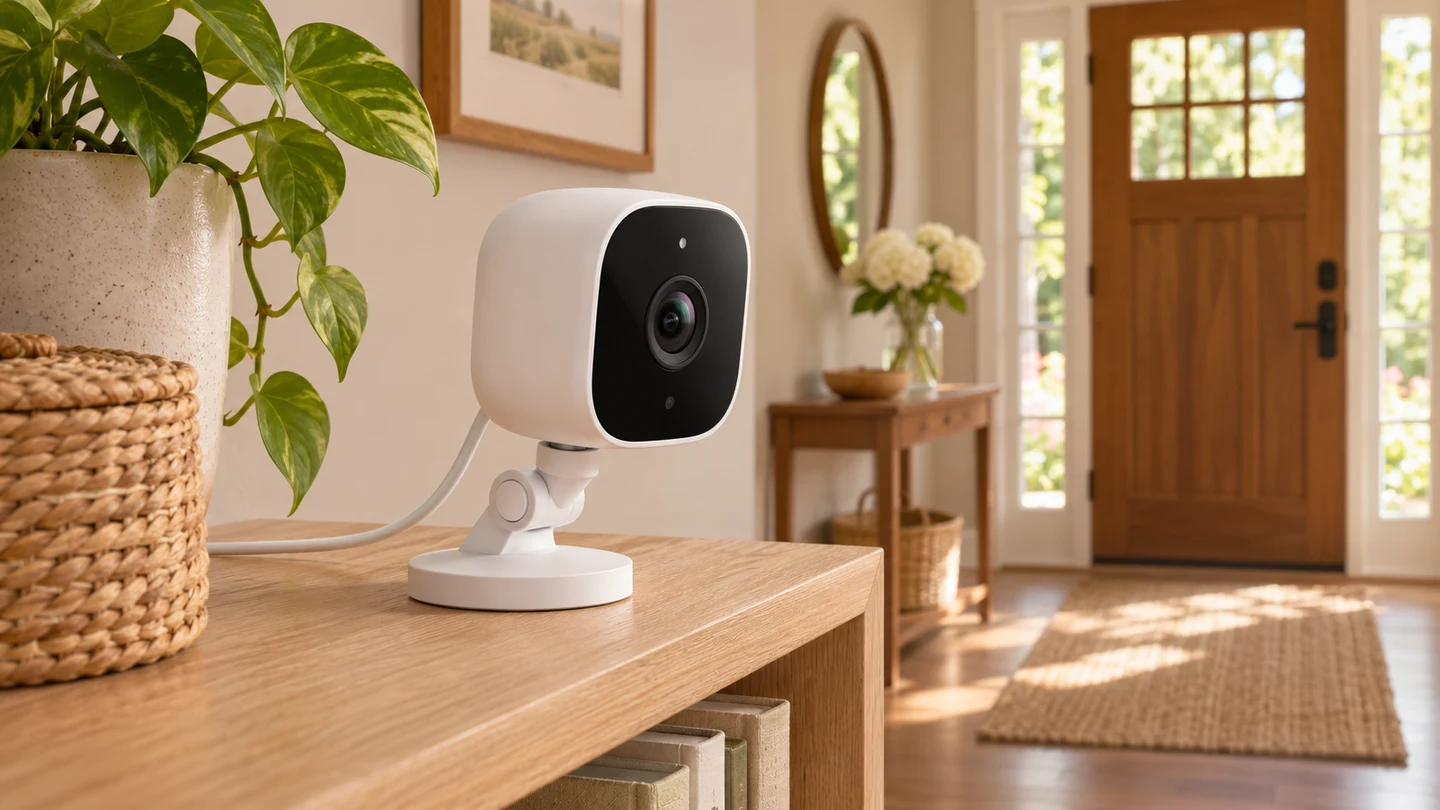
Set up a Ring indoor camera, choose a shelf or mounting position, and test the view, motion alerts and privacy cover.
Follow these steps at your own pace. Check product terms and prices directly with providers before purchasing.
Pair the camera near an outlet, test it from a stable shelf, and choose the smallest useful view before drilling any holes.
| Option | Best for | Trade-off |
|---|---|---|
| Ring Indoor Cam (2nd Gen) | A fixed view of an entryway | Change the angle by hand |
| Ring Pan-Tilt Indoor Cam | Looking around a larger room from the app | Needs clearance around the moving mount |
Identify the area you need to see, such as your own entryway. Put the camera near a power outlet and away from private spaces. Tell household members and guests when appropriate, and review whether audio recording is necessary.
Plug in the supplied adapter, open Set Up a Device in the Ring app, scan the camera’s QR code, and follow the Wi-Fi prompts. Open Live View before settling on a permanent location.
Start on a flat, stable shelf. With a fixed Indoor Cam, aim the stand at the approach. For Pan-Tilt, leave clearance around the moving head and use Live View to check the full sweep. Check the image after dark and watch for glare from nearby glass.
For a permanent mount, use the exact model’s manual, bracket and suitable hardware for your surface. Check for concealed utilities before drilling. Keep the power adapter accessible and route the cord away from walkways and children’s reach.
Walk through the target area and adjust motion zones as needed. Check the view again with normal room lighting, and move the camera or use privacy settings to avoid capturing more of the room than necessary. Test the manual privacy cover.
| Use case | What to do |
|---|---|
| Apartment entryway | Use a stable shelf and frame your own doorway. |
| Large shared room | Use pan and tilt where you need it, with a clear path around the camera. |
| Bright window opposite the camera | Reposition the camera and recheck glare after sunset. |
Choose the fixed Indoor Cam for a single view and Pan-Tilt when you regularly need to look across a wider room.
Choose the compact fixed camera for one doorway or the Pan-Tilt model for a larger area you need to look around.
A compact fixed-view camera with a manual privacy cover for a single entryway.

Use the app to look across a larger room from one camera position.
Prices may change. Check the retailer for the current price and availability. We may earn a commission from qualifying purchases at no additional cost to you. Learn more.
Comments
Comments are reviewed before they become public.
Sign in with Google to leave a comment.
Sign in with GoogleNo approved comments yet. Be the first to start the discussion.