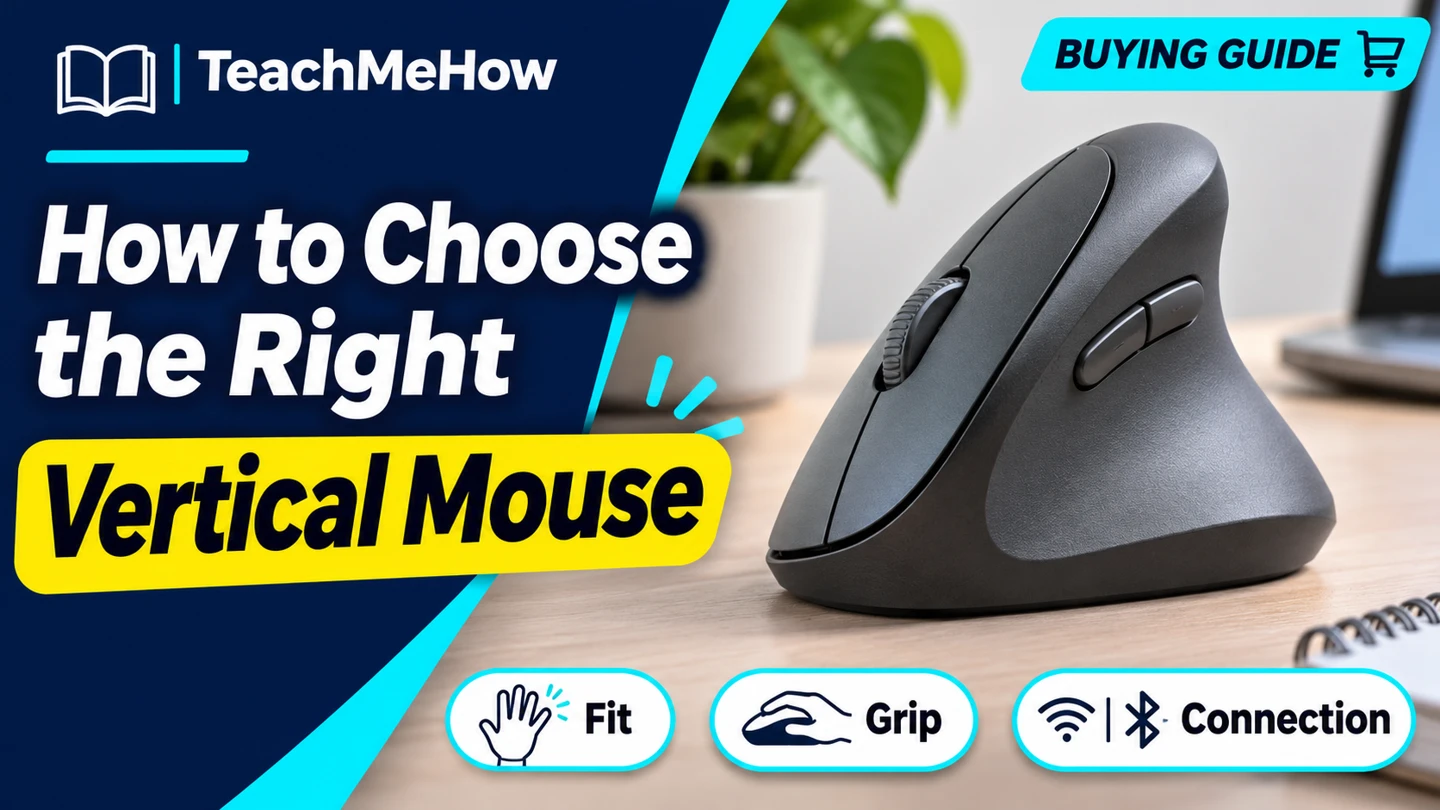
Compare vertical mice by hand size, grip angle, button reach, and connectivity before choosing one for your desk.
A vertical mouse tilts the grip and puts the buttons on a slanted surface. That changes where your fingers and thumb land. Start with the size of your hand and the kind of pointer work you do each day.
Quick AnswerChoose a mouse made for the hand you use and sized so you can click and scroll without shifting your grip. Check the exact connection options and, if possible, try the shape before deciding.
Compare Vertical Mouse Designs
| Design | Good for | Check first |
|---|
| Compact vertical mouse | Smaller hands and crowded desks | Whether fingers rest naturally on the main buttons |
| Larger vertical mouse | People who prefer a fuller palm grip | Thumb button reach and shell width |
| Left-handed model | People who mouse with their left hand | Whether the exact listing is the left-hand version |
1. Start With the Right Hand and Size
Many vertical designs are shaped for one hand. Check the exact variant. Use the manufacturer’s hand measurement guide if it has one, then compare the shell dimensions against your current mouse. A shape can feel too tall even if the width works for you.
2. Check Button Reach and Click Feel
Try clicking, scrolling, and using a thumb button while keeping your usual grip. If you have to slide your hand forward to reach the wheel, look for a different size or button layout. Grab the mouse the way you normally would during work.
Buying tipTake a few minutes to try the movements you actually use, such as selecting a spreadsheet cell, dragging a file, and scrolling a long page. These tell you more about fit than a quick click in the store.
3. Match the Connection and Power
Look for Bluetooth if you want to keep a USB port free. If you need a receiver, confirm the box includes one and check the plug type. Compare replaceable batteries with rechargeable models and check what cable is included.
4. Try It on Your Usual Desk
Adjust pointer speed until selection and scrolling feel predictable. Check whether the taller shell clears anything beside the mouse area. If you work on multiple computers, test switching and verify that any button customization software supports your system.
Which Mouse Fits Your Setup?
| Setup | Prioritize |
|---|
| Small hand and limited desk space | A compact shell with reachable wheel |
| Larger hand and palm grip | A taller or broader design you can hold lightly |
| Left-hand use | A dedicated left-handed variant |
| Two computers at one desk | A connection switch you can find easily |
Common Mistakes
- Buying the wrong hand orientation.
- Choosing by grip angle without checking size.
- Assuming a compatible receiver is included.
- Changing pointer speed and grip style at once without testing daily tasks.
Before You Buy
- Confirm left- or right-hand shape.
- Check dimensions and button reach.
- Verify receiver, Bluetooth, and power options.
- Test clicking, dragging, and scrolling if you can.
Bottom Line
Choose the size and button layout first. Once the shape fits, pick the connection and power options that work with the devices on your desk.

Comments
Comments are reviewed before they become public.
Sign in with Google to leave a comment.
Sign in with GoogleNo approved comments yet. Be the first to start the discussion.