Compare desk fans by airflow distance, noise, power, tilt, and how much room they need in your workspace.
Quick AnswerFor one person at a desk, choose a compact fan with a low speed you can use during calls and a head you can aim without blowing papers around. Choose a small plug-in air circulator if the fan needs to sit across the room. Look for oscillation if two people need airflow from the same fan.
Compare Desk Fan Types
| Type | Best for | What to check |
|---|
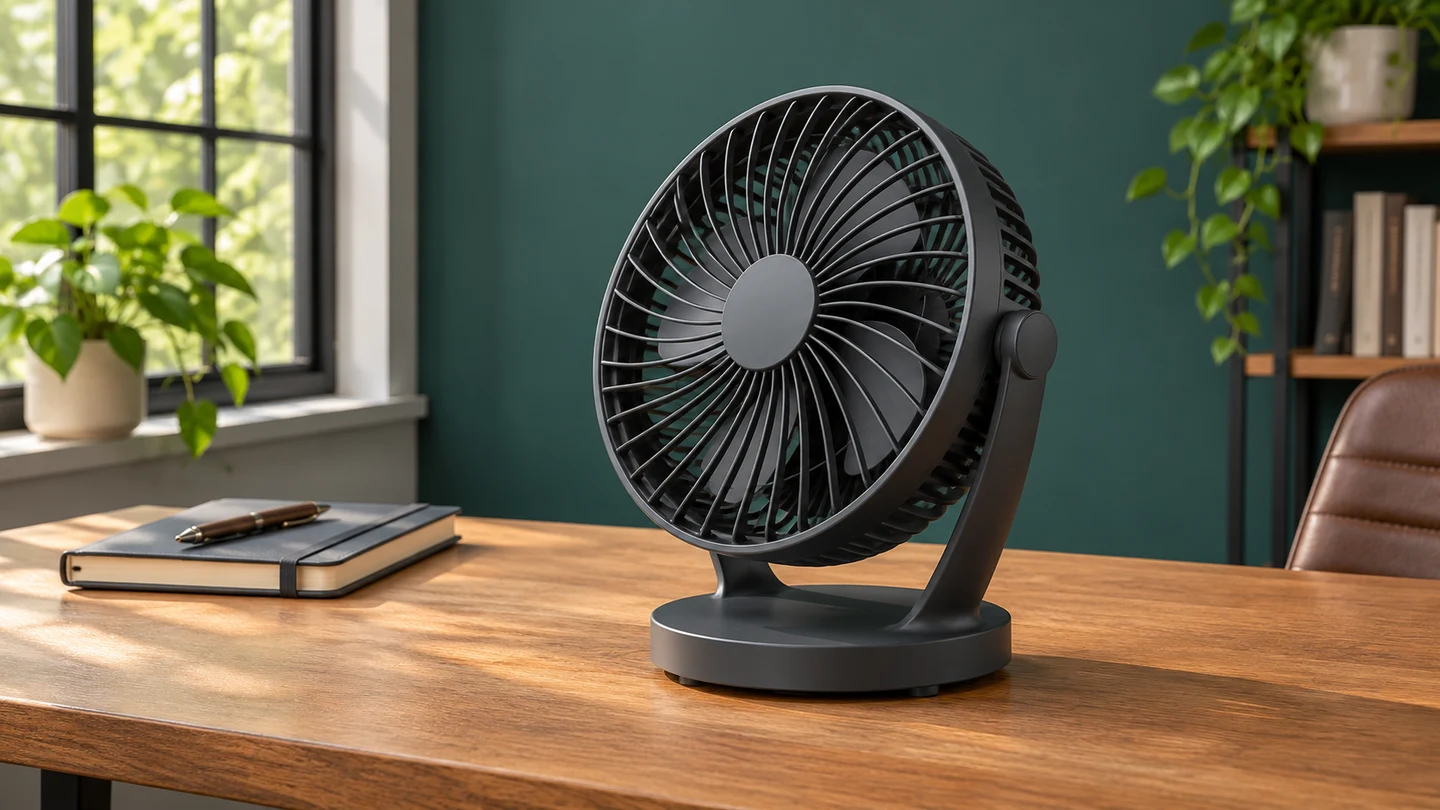
| Personal desk fan | One person at close range | Low-speed airflow, tilt, and base width |
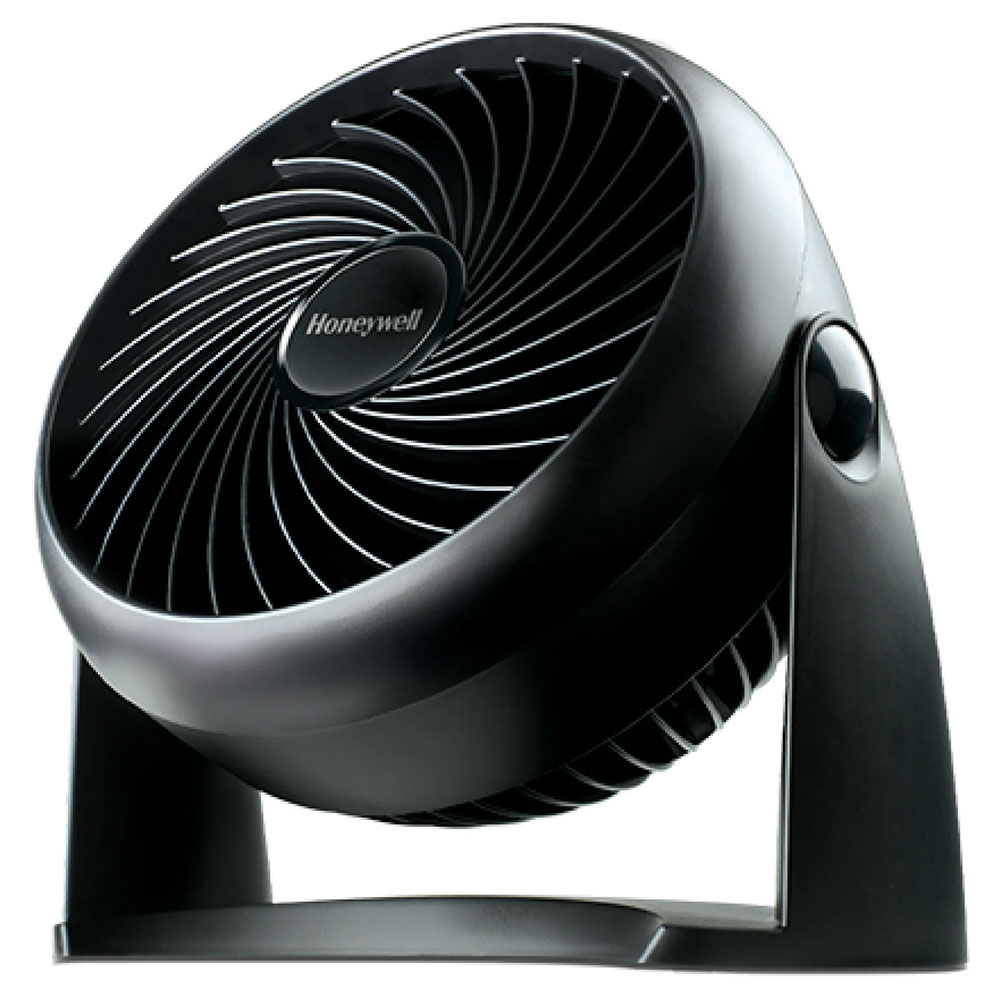
| Compact air circulator | Moving air from a shelf or across a small workspace | Airflow at distance, cord reach, and noise |
| Oscillating fan | Sharing airflow across several seats | Sweep angle and whether oscillation can be turned off |
1. Start With Where the Fan Will Sit
Measure how far the fan will be from your chair. At arm’s length, a gentle low speed matters more than maximum output. If you need the fan to sit across the room, choose an air circulator with a more focused stream and plan to aim it toward your work area.
2. Check Noise at the Speed You’ll Use
Look for sound measurements that specify the speed and distance. A low-speed setting helps during calls, but listen for motor hum and vibration too. If a desk amplifies the vibration, try setting the fan on a nearby shelf with a stable surface.
3. Match the Controls and Power Source
Choose a plug-in model if it will stay in the same spot all day. USB models are useful near a compatible port or adapter, and rechargeable models make sense if you routinely move the fan. Check whether the controls are easy to reach, especially when the fan is behind the monitor.
4. Make Sure It Fits and Can Be Cleaned
Measure the base and allow clearance for a tilting or oscillating head. Check the manufacturer’s cleaning instructions for dust on the grille and blades. A model with accessible grille surfaces is easier to maintain in a dusty room.
Buying tipFor video calls, try the fan at an angle off to the side and keep the airflow away from your microphone. Record a short sample at your normal fan speed to see how much sound the mic picks up.
What to Buy for Your Setup
| Setup | Look for |
|---|
| Small desk with lots of calls | A compact tilting fan with a gentle low speed |
| Fan goes on a nearby shelf | A plug-in circulator with a focused stream and reachable controls |
| Two seats at one worktable | Oscillation you can turn off for solo use |
| Shared space with limited outlets | A USB or rechargeable fan with suitable power requirements |
Common Mistakes
- Choosing by maximum fan speed alone.
- Expecting a desk fan to lower the room’s temperature.
- Forgetting that the head needs room to tilt or sweep.
- Placing the fan where it blows directly into a microphone.
Before You Buy
- Measure the distance from the fan to your seat.
- Check the base, head clearance, and cord reach.
- Choose plug-in, USB, or rechargeable power.
- Look for a useful low speed and accessible controls.
- Check how the manufacturer says to clean the grille.
Bottom Line
Buy for the airflow you need at your seat. A small tilting fan works well up close. A compact circulator gives you more placement options, and an oscillating model helps share airflow across a wider area.

Comments
Comments are reviewed before they become public.
Sign in with Google to leave a comment.
Sign in with GoogleNo approved comments yet. Be the first to start the discussion.