Compare USB microphones for video calls, voiceovers, and podcasts. Choose the right pickup pattern, mount, and monitoring controls for your setup.
A USB microphone can simplify calls and recording when it fits your room and how you sit. Start with where you can place it, then compare pickup pattern and controls.
Quick AnswerFor one speaker, start with a cardioid USB microphone you can place near your mouth. If you hear a lot of room noise, improve placement before turning up the gain. For recording, look for a headphone jack if you want to monitor without relying on your recording app.
Compare USB Microphone Setups
| Setup | Good for | Check first |
|---|
| Compact desktop mic | Calls and simple narration | Whether the stand reaches a comfortable height |
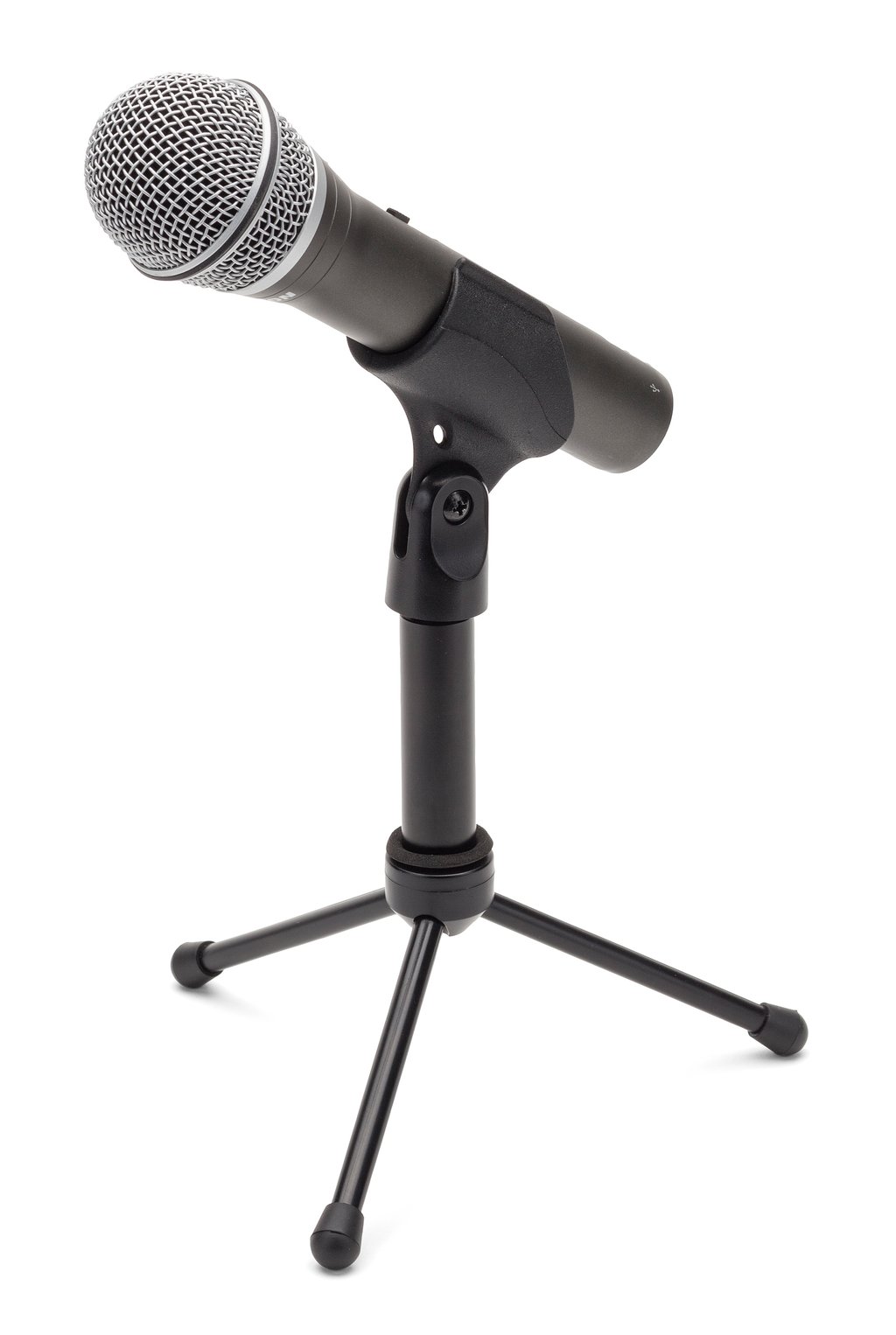
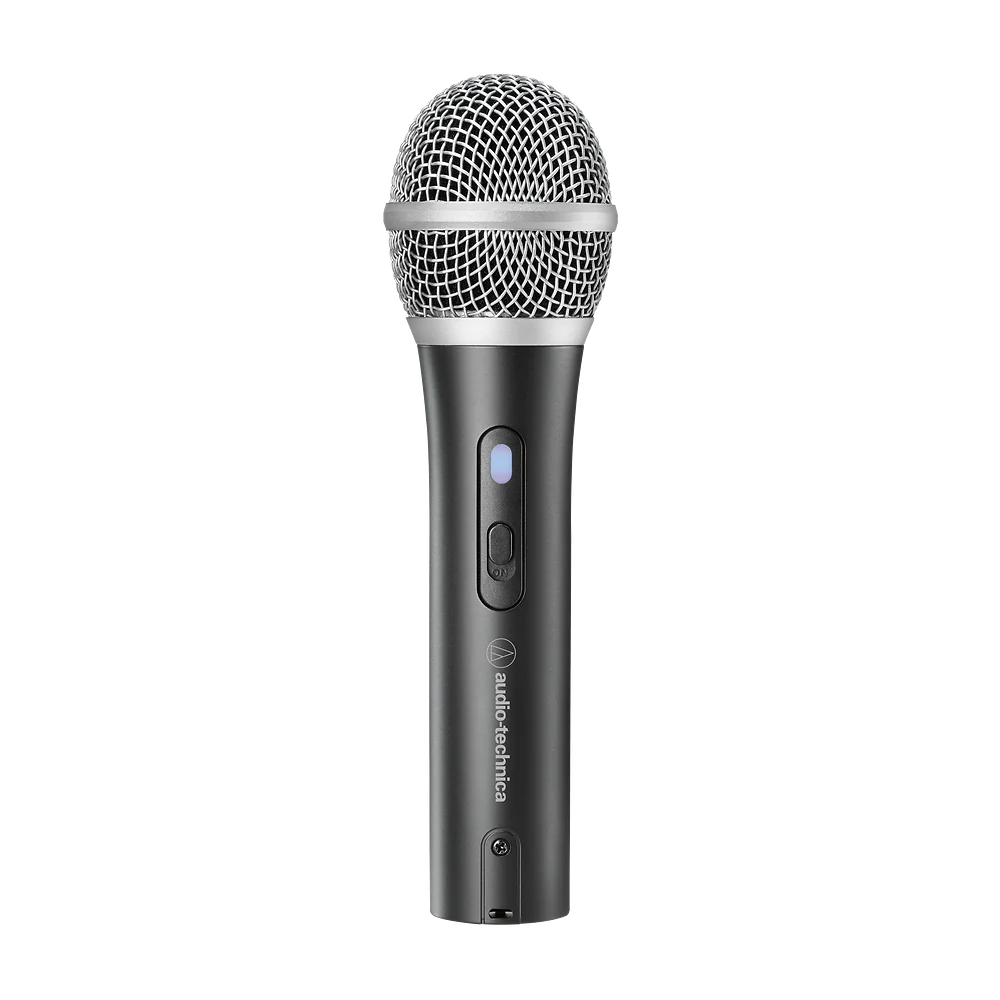
| Close-talk dynamic mic | One speaker in a room with background noise | Whether you can keep it close without blocking your screen |
| USB mic with selectable patterns | Changing between solo and shared recording | Which patterns are available and how to switch them |
1. Match the Pickup Pattern to Your Room
Cardioid microphones favor sound from the front and can help if one person speaks at a desk. They still pick up room noise. Check which side is the front, because some models are designed to speak into the end while others face you from the side.
2. Choose a Mount That Keeps the Mic Close
A desktop stand is easy to move, but a low stand can leave the microphone too far from your mouth. A boom arm frees desk space and can bring the mic closer. Measure the desk edge and check the mounting thread, clearance, and the arm’s supported weight.
Buying tipMake a short sample with your current microphone before shopping. Listen for room echo, keyboard taps, and uneven volume so you know what you want the new setup to fix.
3. Decide Which Controls You’ll Use
Mute is useful on calls. Gain lets you set the recording input, while headphone volume changes what you hear. If you want to hear your own voice as you speak, check for direct monitoring and a headphone output.
4. Check USB and Software Compatibility
Confirm the included cable and the ports on your computer. Check operating system and app support for the features you plan to use. In your calling app or recorder, select the microphone explicitly and make a test recording.
Which Setup Fits Your Work?
| Your use | Prioritize |
|---|
| Daily calls from one seat | Easy setup and accessible mute |
| Solo narration or podcasts | Close placement and headphone monitoring |
| A small desk with little room | Compact stand or a compatible arm |
| In-person conversations | A setup that covers both speakers or separate microphones |
Common Mistakes
- Choosing a microphone before checking where it can sit.
- Speaking into the wrong side of the microphone.
- Turning up gain to compensate for distance.
- Assuming every USB cable fits the computer and microphone.
Before You Buy
- Pick your usual recording position.
- Check pickup pattern and speaking direction.
- Confirm the stand, connector, and headphone controls.
- Plan a test recording in your usual room.
Bottom Line
For one person at a desk, prioritize stable close placement and simple USB setup. Add direct monitoring or more flexible mounting when those features solve a regular problem in your workflow.
Comments
Comments are reviewed before they become public.
Sign in with Google to leave a comment.
Sign in with GoogleNo approved comments yet. Be the first to start the discussion.