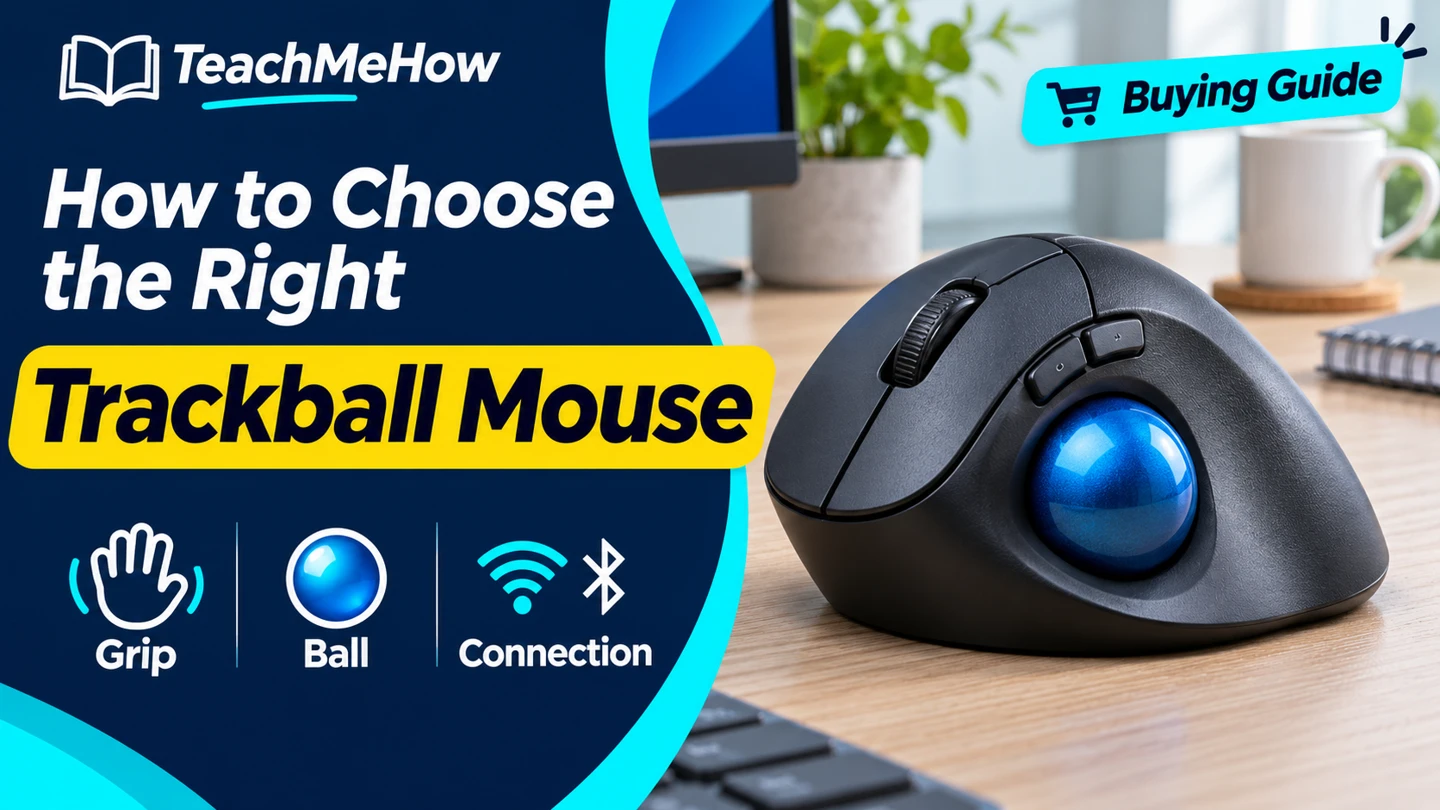
Compare thumb and finger trackballs by fit, scrolling, and connectivity, and choose one for your desk and daily work.
A trackball moves the pointer when you roll its ball, so the base stays in one place. That makes it a useful option for a desk with little room beside the keyboard. The main choice is whether you want to roll the ball with your thumb or your fingers.
Quick AnswerChoose a thumb trackball if you like a mouse-shaped grip and can reach the ball easily. Try a center-ball design if you prefer finger control or need an option you can use with either hand. Check scrolling and connection before buying.
Compare Trackball Designs
| Design | Best for | Check first |
|---|
| Thumb-operated | A familiar mouse-shaped grip | Hand orientation and thumb reach |
| Center-ball | Pointer movement with the index or middle finger | Button reach and scroll controls |
| Compact trackball | A crowded or shallow desk | Base dimensions and room for your hand |
1. Choose How You Want to Move the Pointer
A thumb design leaves your index and middle fingers over the main buttons. A center-ball design can let you use different fingers to roll the ball. Try a long pointer move and a short correction to see which motion feels easier to control.
2. Check Hand Orientation and Button Reach
Many thumb trackballs are shaped for the right hand. If you switch hands, look for a symmetric body and check whether your system lets you swap the primary buttons. Try dragging while holding the click button, since that can feel different from simply pointing.
Buying tipPractice selecting spreadsheet cells, dragging a window, and scrolling a long page. Those tasks give a better sense of fit than moving the pointer around an empty screen.
3. Look Closely at Scrolling
Some models use a wheel like a standard mouse. Others use a ring around the ball or a button that changes what ball movement does. Pick the control you can reach without changing your grip every time you scroll.
4. Confirm Connection and Cleaning Access
Check whether the exact model uses a wired plug, receiver, or Bluetooth. Verify any software needed for custom buttons. Read the cleaning instructions and see how the ball comes out so you can clear lint from the supports.
Which Trackball Fits Your Setup?
| Setup | Prioritize |
|---|
| Little room beside a keyboard | A stationary base sized for the clear space |
| Left-hand or shared use | A symmetric center-ball layout |
| Long documents | A scroll wheel or ring that is easy to reach |
| Multiple computers | Supported device switching or a connection simple to move |
Common Mistakes
- Assuming every trackball works with either hand.
- Testing pointer movement and forgetting click-and-drag.
- Overlooking the scrolling control.
- Buying a receiver model without checking the available ports.
Before You Buy
- Choose thumb or finger operation.
- Measure the clear space on your desk.
- Check buttons, scrolling, and connection.
- Verify how the ball is removed for cleaning.
Bottom Line
Choose a trackball you can point, click, drag, and scroll with comfortably. Once the controls fit, choose the connection and base size that fit your desk.


Comments
Comments are reviewed before they become public.
Sign in with Google to leave a comment.
Sign in with GoogleNo approved comments yet. Be the first to start the discussion.