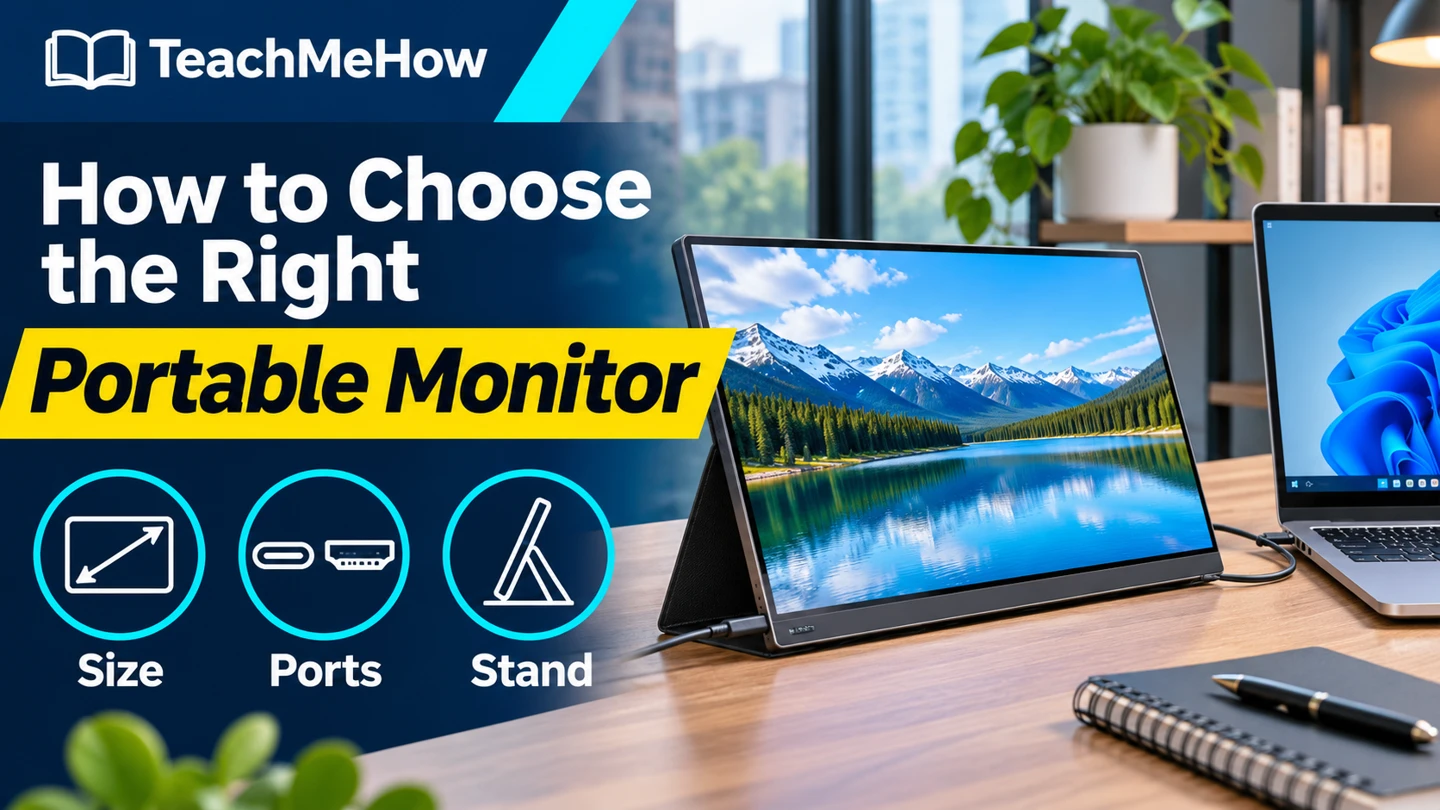
Compare portable monitors by screen size, video connection, power, and stand stability before buying a second display for your laptop.
A portable monitor can give you room for a spreadsheet, notes, or a second browser window without taking up the space of a permanent display. Start with the laptop you’ll connect and the places you’ll use it.
Quick AnswerFor ordinary documents and travel, start with a 14- to 16-inch Full HD display. Check whether your laptop can send video through USB-C and supply enough power. Choose a model with HDMI if you need another connection option, and check how it will receive power in that setup.
Compare Portable Monitor Setups
| Setup | Best for | Check first |
|---|
| USB-C display | A one-cable setup with a compatible laptop | Video and power support on the exact port |
| USB-C and HDMI display | Switching between different computers | HDMI connector type and separate power |
| High-resolution display | Fine detail when supported by your device | Scaling, brightness, and power needs |
1. Check Video and Power Separately
Look up the capabilities of your laptop’s exact USB-C port and check the monitor maker’s connection instructions. HDMI can carry the picture, but many portable screens still need a separate power connection when used that way.
2. Pick a Useful Screen Size
Measure your bag and the work surface you use away from home. A smaller display takes less room beside a laptop. A larger display makes it easier to place two windows side by side, provided you can keep it at a comfortable distance.
Buying tipCheck the packed weight with the stand, cover, and cables included. An item listed as the lightest panel may take up more space once you pack everything you need.
3. Match the Stand to Your Workspace
A built-in kickstand keeps the setup simple on a flat table. A folding cover can work well if it holds the angle you need. Check whether the setup stays stable in portrait orientation if you plan to rotate the screen.
4. Compare Brightness and Cable Placement
Check whether the screen has enough brightness for the rooms you use and whether reflections bother you at the planned angle. Look at the port locations so the cable can reach the laptop without crossing the keyboard or pushing against a wall.
Which Display Fits Your Setup?
| Setup | Prioritize |
|---|
| Travel with one compatible laptop | USB-C video and a short, suitable cable |
| Mix of laptops and other HDMI sources | HDMI input and a separate power option |
| Standing desk or shared table | Stable stand and useful viewing angles |
| Documents in portrait orientation | Manufacturer-supported portrait placement |
Common Mistakes
- Assuming every USB-C port sends video.
- Forgetting to pack power when using HDMI.
- Measuring the screen alone and overlooking the stand footprint.
- Choosing resolution without checking text scaling.
Before You Buy
- Verify video output, input, and power requirements.
- Measure your bag and available desk space.
- Check stand positions and the location of the ports.
- Confirm which cables and adapters are included.
Bottom Line
Start with a display your laptop can power and drive in the way you expect. Once the connection works, choose the size and stand that fit the places you actually work.

Comments
Comments are reviewed before they become public.
Sign in with Google to leave a comment.
Sign in with GoogleNo approved comments yet. Be the first to start the discussion.