Compare strip-cut, cross-cut, and micro-cut paper shredders. Pick the right sheet capacity, duty cycle, and bin size for your home office.
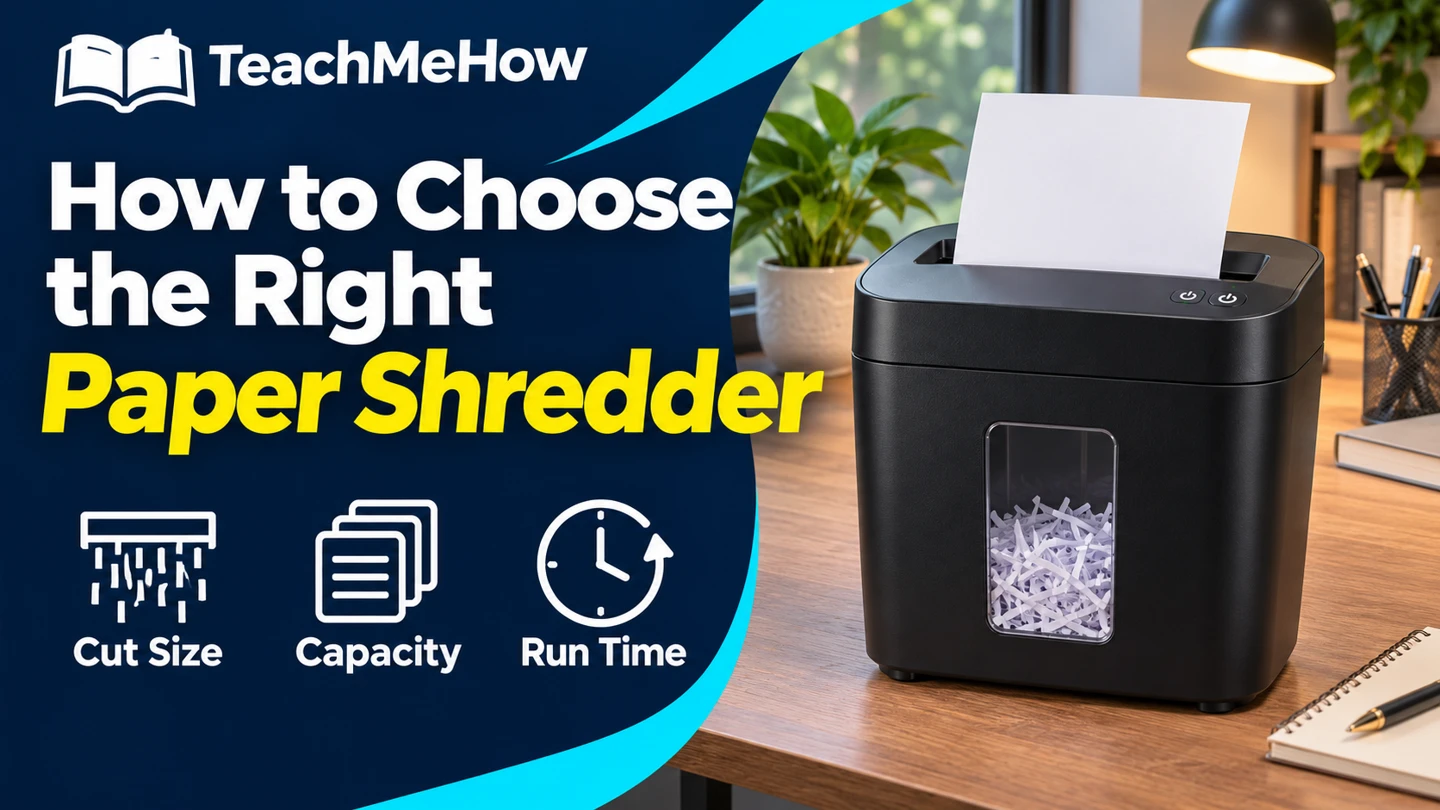
A shredder can clear a folder of old paperwork quickly or stop halfway through the pile to cool down. Choose one around the documents you handle and how much you typically shred in one sitting.
Quick AnswerFor occasional home-office paperwork, start with a cross-cut shredder sized for your usual stack. Choose micro-cut if you want smaller pieces, and prioritize a longer continuous run time if you routinely clear entire folders.
Compare Cut Types
| Cut | Paper comes out as | Useful for |
|---|
| Strip-cut | Long strips | Low-sensitivity paper where small pieces are unnecessary |
| Cross-cut | Short pieces | Routine home-office paperwork |
| Micro-cut | Smaller particles | Documents you want cut into smaller pieces |
1. Choose Cut Size First
Cut names can hide differences between models. Compare the actual dimensions of the pieces or the stated security level. If your workplace requires a specific level for document disposal, use that requirement when shopping.
2. Size the Feed Slot for a Normal Batch
Sheet capacity tells you how many sheets the shredder can accept in one feed. It doesn’t tell you how long the motor can run. A wider feed slot helps if you handle wide paper, and a reverse control can help clear a jam as directed by the manual.
Buying tipCheck what the capacity rating assumes. Folded sheets count as multiple layers and thicker paper may use up the available capacity sooner.
3. Compare Run Time and Cooldown Together
Look for both numbers in the specs. A short duty cycle can work if you shred a few envelopes at a time. A longer run time matters more if you wait until a folder is full. Consider an auto-feed model if you want to load a stack and walk away, and check what it accepts in the auto-feed tray.
4. Check Bin Access Before You Buy
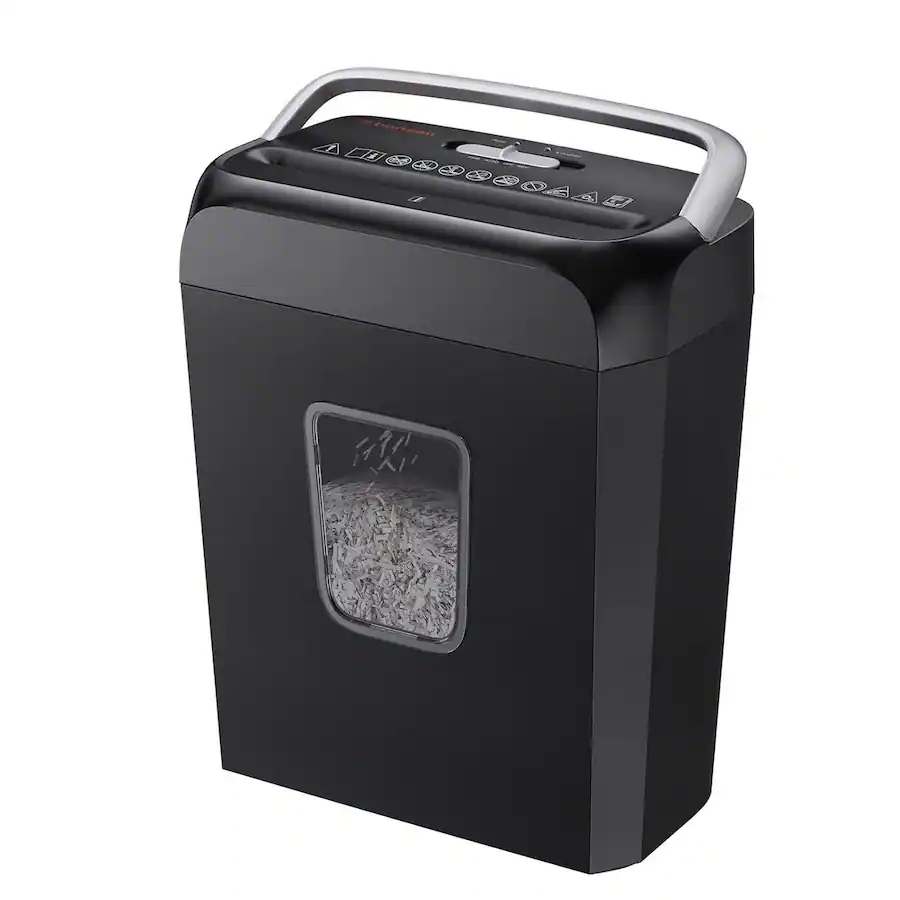
A pull-out bin is convenient under a desk when you have space in front. A lift-off head may need more space above the unit. Measure the space needed to empty the bin as well as the space needed to store the shredder.
5. Confirm Supported Materials
Read the model’s manual before feeding staples, envelopes, cards, or other non-paper material. Some machines use a separate slot for cards. Check the maintenance directions for the recommended lubrication method.
Which Shredder Fits Your Routine?
| Your routine | Prioritize |
|---|
| A few sheets after opening the mail | Compact cross-cut model with easy bin access |
| Clearing folders on weekends | Longer duty cycle and a larger bin |
| You want smaller paper pieces | Micro-cut with published particle dimensions |
| You regularly shred stacks | An auto-feed tray with a capacity that fits the job |
Common Mistakes
- Shopping by sheet count and overlooking cooldown.
- Assuming all cross-cut machines make the same size pieces.
- Forgetting to leave room to pull out or lift the bin.
- Feeding material the model’s manual doesn’t list.
Before You Buy
- Decide how small you want the pieces.
- Estimate the number of sheets in a typical session.
- Compare run time, cooldown, and bin access.
- Verify accepted materials and maintenance instructions.
Bottom Line
Cross-cut handles most routine home-office needs. Pay for a finer cut if smaller pieces matter to you, and put extra capacity toward run time if larger batches are what slow you down.

Comments
Comments are reviewed before they become public.
Sign in with Google to leave a comment.
Sign in with GoogleNo approved comments yet. Be the first to start the discussion.