Compare fixed, adjustable, and folding laptop stands, then check height, laptop fit, and stability for your desk.
A laptop stand changes where the screen, keyboard, and cables sit. Start by measuring the lift you want and checking if the stand fits the base of your laptop.
Quick AnswerChoose a fixed stand for a permanent desk with a known height. Pick an adjustable stand if you switch seating positions or share the desk. For travel, choose a folding model and check its packed dimensions and weight.
Compare Laptop Stand Styles
| Style | Best for | Check first |
|---|
| Fixed riser | A dedicated desk | Height and room beneath the stand |
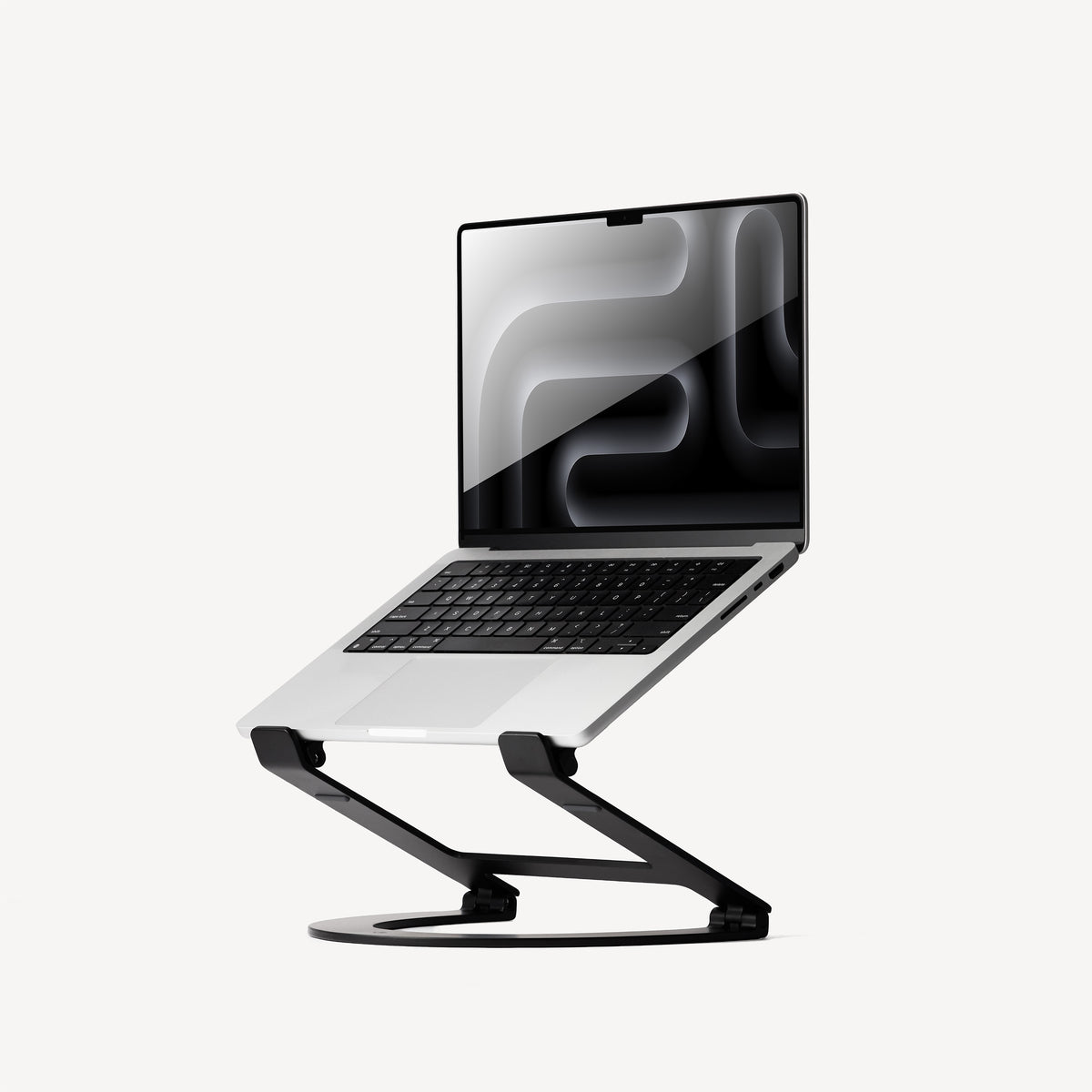
| Adjustable stand | A shared desk or different seating positions | Height range and hinge stability |
| Folding stand | Travel and temporary setups | Packed size, weight, and contact points |
1. Measure the Lift You Want
At your usual seat, use a stable stack of books to test a screen height you find comfortable. Measure the lift from the desk to the laptop base. On an angled stand, check both front and rear height because the two measurements can differ.
2. Check the Laptop’s Footprint and Weight
Measure the base from front to back and side to side. Compare its weight with the model’s load rating. Make sure the supports land on solid areas and the front stops hold the base without covering the touchpad area or interfering with opening the lid.
Buying tipMeasure the space behind the stand with the laptop open. Include room for the lid, a charging cable, and any straight USB connectors you use.
3. Inspect the Surface and Hinges
Look for feet that grip your desk and pads that keep the laptop from shifting. On an adjustable stand, check how the hinges or locking positions hold the platform. Wide support helps if you frequently move the lid or plug in accessories.
4. Make Space for the Keyboard and Mouse
If you raise the laptop and type often, test the layout with an external keyboard and mouse. Check where the stand base sits and whether it cuts into the room you need for your hands. Keep vents open where the laptop maker calls for clearance.
Which Stand Fits Your Setup?
| Setup | Prioritize |
|---|
| Single desk with a separate keyboard | Fixed riser with the height you measured |
| Shared or changing desk | Adjustable height and a stable base |
| Laptop beside an external monitor | Enough lift to align the displays comfortably |
| Regular travel | Compact folded dimensions and a reliable setup mechanism |
Common Mistakes
- Shopping by screen size without measuring the laptop base.
- Forgetting to check lid and cable clearance.
- Choosing a tall riser without planning for external input devices.
- Overlooking the packed weight of a travel stand.
Before You Buy
- Measure your preferred lift and desk depth.
- Check laptop dimensions and weight against the stand.
- Confirm port, hinge, and ventilation clearance.
- Leave room for your keyboard, mouse, and cables.
Bottom Line
For one desk, a fixed stand is a practical starting point once you know the height. Choose adjustable or folding hardware when you regularly need to change height or pack the stand away.


Comments
Comments are reviewed before they become public.
Sign in with Google to leave a comment.
Sign in with GoogleNo approved comments yet. Be the first to start the discussion.