Compare slim and padded laptop sleeves, measure your laptop for a snug fit, and check the zipper, lining, and accessory pockets.
A laptop sleeve keeps a computer separate from keys, cables, and loose items in your bag. Start by measuring the laptop itself, then choose the amount of padding and storage that fits your routine.
Quick AnswerMeasure the closed laptop’s width, depth, and thickness, including any shell you use. Compare them with the sleeve’s published interior dimensions. Choose a slim sleeve for an already padded bag or a thicker sleeve with reinforced corners if you move between bags or carry the sleeve by itself.
Compare Laptop Sleeve Styles
| Style | Good for | Check first |
|---|
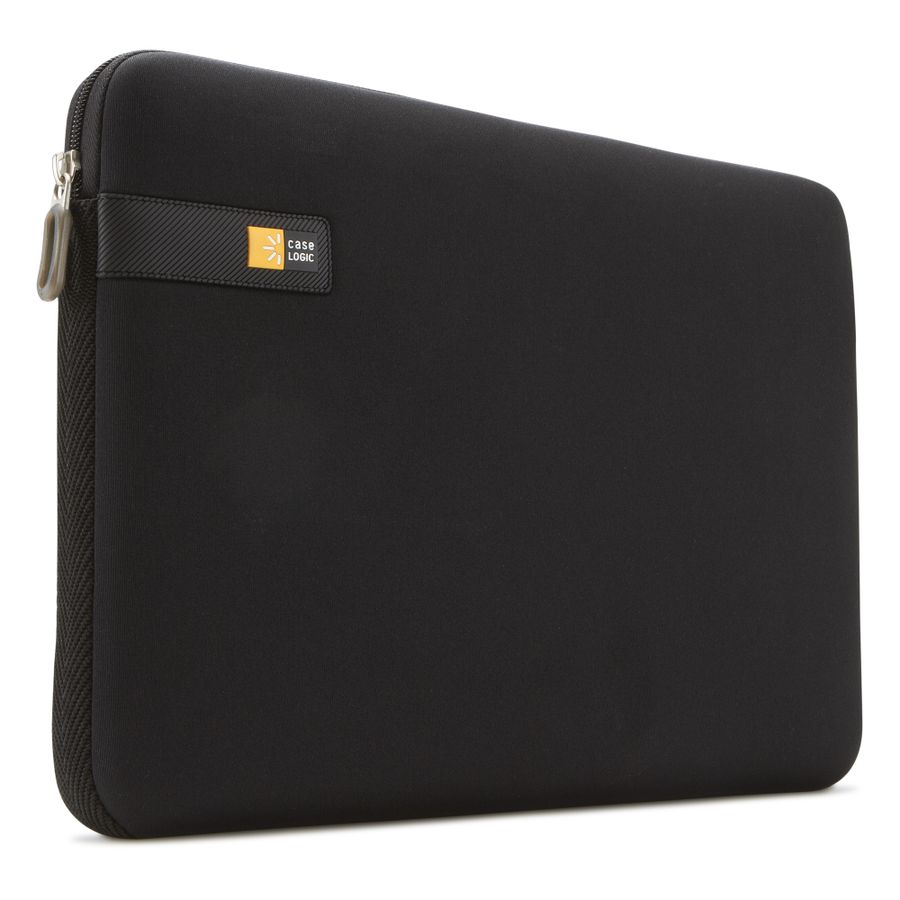
| Slim zip sleeve | A separate layer inside a padded bag | Interior thickness and zipper clearance |
| Padded sleeve | Frequent trips with a laptop and few other items | Corner padding and lid fit |
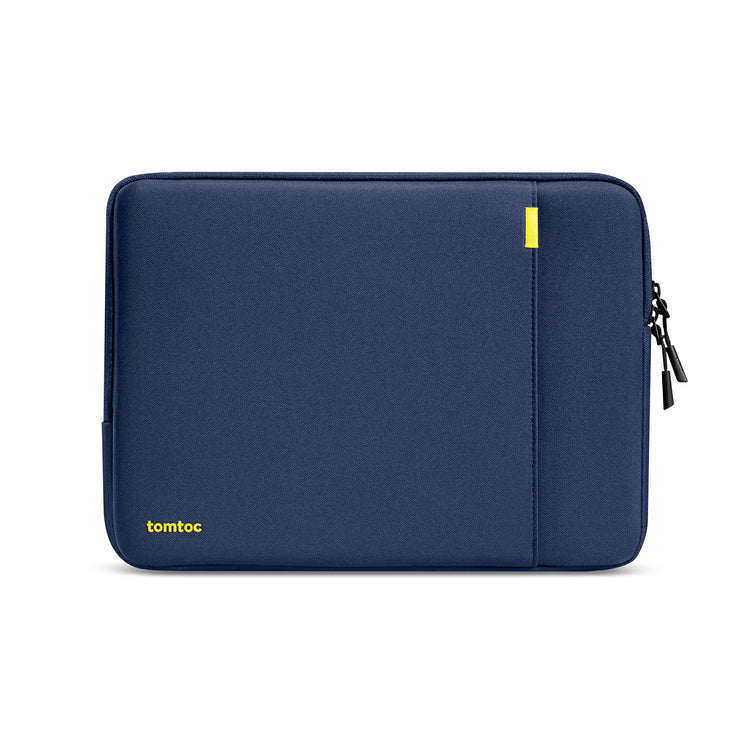
| Sleeve with pocket or handle | Carrying a laptop and small accessories together | Pocket bulk and whether the handle suits your carry |
1. Measure the Laptop, Including Its Case
Screen size is a diagonal measurement, so two laptops with the same advertised screen size can have different widths and depths. Close the laptop and measure its widest, deepest, and thickest points. Include any shell or bumper you plan to leave on.
2. Compare Interior Dimensions and Opening Size
The outside dimensions include padding and seams. Use the inside measurements when available, and check whether the opening is narrower than the main compartment. The laptop should slide in easily without pressing against the zipper.
Buying tipMeasure the opening of your backpack or briefcase too. A sleeve can fit the laptop and still catch on a bag zipper when you try to slide it in.
3. Check Corners, Lining, and Closure
Look at how the sleeve cushions its corners and edges. A smooth liner helps keep grit away from the laptop surface, so check that you can clean it. A zipper guard or covered seam can help keep the closure away from the computer.
4. Decide What Goes in the Pocket
A flat pocket is useful for a cable or a few sheets of paper. A large charger can bulge into the laptop compartment. If the pocket shares a wall with the laptop, check how it feels with everything packed.
Which Sleeve Fits Your Routine?
| Use | Prioritize |
|---|
| Inside a padded backpack | A slim sleeve with a soft liner |
| Between different bags | Good corner padding and a secure closure |
| Carry to meetings | A handle and room for a cable or notes |
| Laptop with a snap-on shell | Published inside dimensions and extra opening clearance |
Common Mistakes
- Buying by screen size alone.
- Comparing outside dimensions with laptop measurements.
- Forgetting that a charger makes the sleeve thicker.
- Assuming a water-resistant exterior also seals the zipper.
Before You Buy
- Measure the laptop with its usual shell attached.
- Check inside dimensions and opening clearance.
- Choose padding and accessory storage for your routine.
- Check that the packed sleeve will fit your bag.
Bottom Line
Buy for the laptop’s actual dimensions and how you carry it. Once the fit is right, choose the padding, lining, and pockets that make it easier to pack every day.
Comments
Comments are reviewed before they become public.
Sign in with Google to leave a comment.
Sign in with GoogleNo approved comments yet. Be the first to start the discussion.