Compare desktop and monitor-mounted document holders, and choose the right angle, capacity, and placement for typing from paper.
A document holder keeps reference pages in view while you type. Choose it around the papers you actually use, the open space around your monitor, and how often you turn or swap pages.
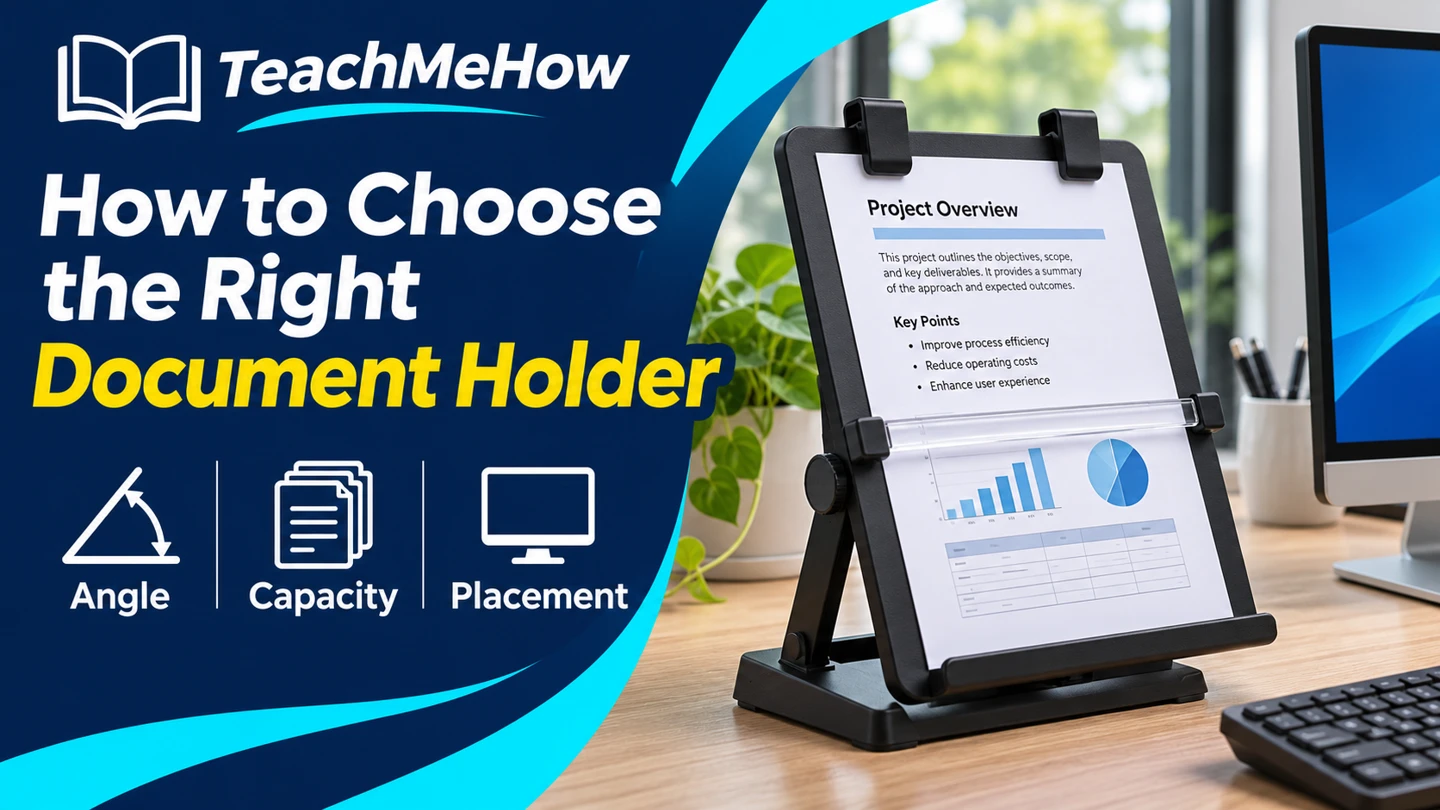
Quick AnswerStart with an adjustable desktop copyholder for loose pages. Choose a clear inline holder if you prefer to look down between the keyboard and monitor. A monitor-mounted holder can save room for a thin stack if the mount fits your display.
Compare Document Holder Styles
| Style | Useful for | Check first |
|---|
| Freestanding easel | Loose papers beside a monitor | Base depth, angle range, and a page clip |
| Inline holder | Reading documents below the screen | Clearance in front of the monitor and behind your keyboard |
| Monitor-mounted holder | A few sheets on a crowded desk | Screen compatibility and supported weight |
1. Measure the Pages and the Stack
Check your largest document. Legal-size pages, wide forms, and open binders may extend beyond a holder designed for a letter sheet. Compare tray width, lip depth, and clip capacity if you routinely reference a stack.
2. Choose Where the Holder Should Sit
Place a sample page beside the screen and then below it. Try reading a few lines from your normal seat. Choose the spot that keeps the text legible without blocking the screen or taking up the room you need for your keyboard.
Buying tipMark the base dimensions on your desk with scrap paper. Check for a monitor foot, cable, or desk lamp that would make the stand harder to position.
3. Look for the Right Angle and Page Controls
An adjustable angle is useful when you share a desk or when ceiling lights reflect off glossy forms. A clip can hold curled pages in place. A sliding line guide is handy if you copy figures line by line, especially when it moves without covering the next row.
4. Check How You’ll Turn Pages
Test how you would remove the top sheet or open the next page. For a binder or book, look for a deeper lip and a base that stays in place as you turn pages. Check that a clip can move out of the way if you frequently swap single sheets.
Which Holder Fits Your Work?
| Use | Prioritize |
|---|
| Transcribing loose sheets | Adjustable easel and a line guide |
| Comparing paper with the screen | An inline position with enough clearance |
| Reading a manual or binder | Deep lip and suitable stack capacity |
| Working with little desk space | A compact base or compatible monitor mount |
Common Mistakes
- Buying for letter paper without measuring larger forms.
- Forgetting to leave room behind the keyboard.
- Assuming every clip can hold a thick stack.
- Trying the holder from a different seat than the one you use.
Before You Buy
- Measure page width, height, and stack thickness.
- Choose the position and check the footprint.
- Confirm angle adjustments and page controls.
- Check how you’ll swap pages or turn them.
Bottom Line
Choose the position first, then match the holder to your page size and routine. An adjustable desktop stand works for many loose documents. A deeper lip or an inline design is worth considering when it solves a specific problem at your desk.


Comments
Comments are reviewed before they become public.
Sign in with Google to leave a comment.
Sign in with GoogleNo approved comments yet. Be the first to start the discussion.