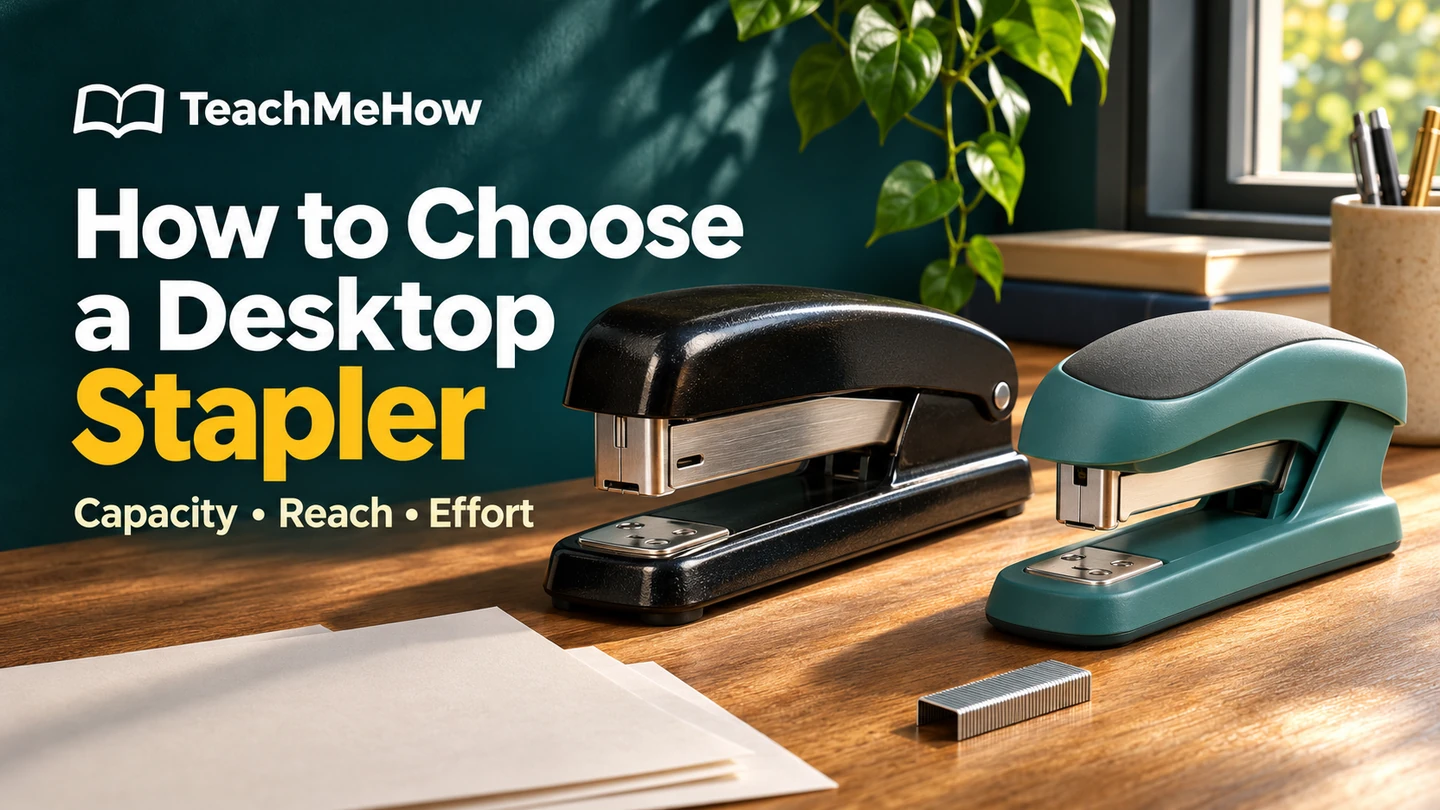
Count your thickest packet, measure how far the staple must reach, and match the refill to the stapler. Compare everyday, reduced-effort, and long-reach models for your desk.
Quick Answer
Start with a packet you staple every week. For ordinary corner staples on copy paper, a full-size manual stapler is a good fit. If you assemble a stack of packets in one sitting, look for a reduced-effort handle. For a folded booklet, measure the distance to the fold before choosing a stapler. A higher sheet rating alone won’t help the head reach the middle.
Desktop staplers compared
| Type | Best fit | Deciding detail |
|---|
| Everyday manual | Forms, receipts, and short reports | A stable base and readily available refills |
| Reduced-effort | Repeated packets or thicker reports | Handle pressure and rated sheet count |
| Long-reach | Programs and folded booklets | Distance from the paper edge to the fold |
1. Count sheets in a real packet
Count physical sheets, including the cover. A 24-page report printed double-sided uses 12 sheets before you add a cover. Look for the paper weight used for the manufacturer’s capacity rating. A packet with cardstock covers can be harder to staple than the same number of sheets of ordinary copy paper. Keep one example of your thickest regular job for comparison.
2. Measure from the edge to the staple
Put a pencil dot where you want the staple and measure from the paper edge that will enter the stapler. That distance is the reach you need, often called throat depth. For a letter-size sheet folded to make a 5½-by-8½-inch booklet, the center fold sits 5½ inches from the short edge. A standard desk stapler can handle the corner of that sheet and still fall far short of the fold.
3. Choose a handle for the whole job
Stapling one invoice feels different from preparing 30 sets of meeting notes. For a shared desk, look for a base that stays put when you press and release it. For batches, a reduced-effort mechanism and broad grip are worth comparing. If the tool lives in a drawer, measure its closed height and leave room above it for loading when it’s back on the desk.
4. Check which staples it takes
Find the compatible staple series and leg length on the box or product sheet. “Full strip” tells you about the magazine and how often you’ll reload. It doesn’t tell you how thick a packet the stapler can fasten. If you already have a supply of staples, check the code on that box against the model’s specifications.
Buying Tips
- For a classroom or notice board, check whether the stapler opens flat for tacking.
- For papers you’ll take apart later, a rotating anvil can bend the staple legs outward for temporary pinning.
- If you file lots of packets together, compare flat-clinch models. Their flatter staple legs can reduce bulk at the corners.
Match the stapler to your work
| Typical job | What to prioritize | Useful check |
|---|
| A few pages at a time | A steady everyday model | Does the base stay put on your desk? |
| Training packets every week | Reduced effort and enough sheet capacity | Count a set with its heaviest cover. |
| Folded event programs | A long-reach arm | Measure a sample from edge to fold. |
Common Mistakes
- Counting printed pages instead of sheets when sizing a double-sided packet.
- Buying longer staples to force a thicker stack through a stapler. Use the refills specified for the model.
- Choosing a 40-sheet stapler for booklet work without checking the reach.
Before you buy: a four-point checklist
- I’ve counted my thickest recurring packet, covers included.
- I know the distance from the paper edge to my staple position.
- I’ve checked the refill series and leg length.
- The handle and base suit the number of packets I assemble at once.
Bottom Line
For short packets, buy the everyday model that fits your desk and the refills you keep on hand. For batch work, spend on an easier press. If a booklet is the reason you’re shopping, take a folded sample and a ruler. The distance to the fold is the specification that decides the purchase.


Comments
Comments are reviewed before they become public.
Sign in with Google to leave a comment.
Sign in with GoogleNo approved comments yet. Be the first to start the discussion.