How to Branch a ChatGPT Conversation to Test Two Ideas
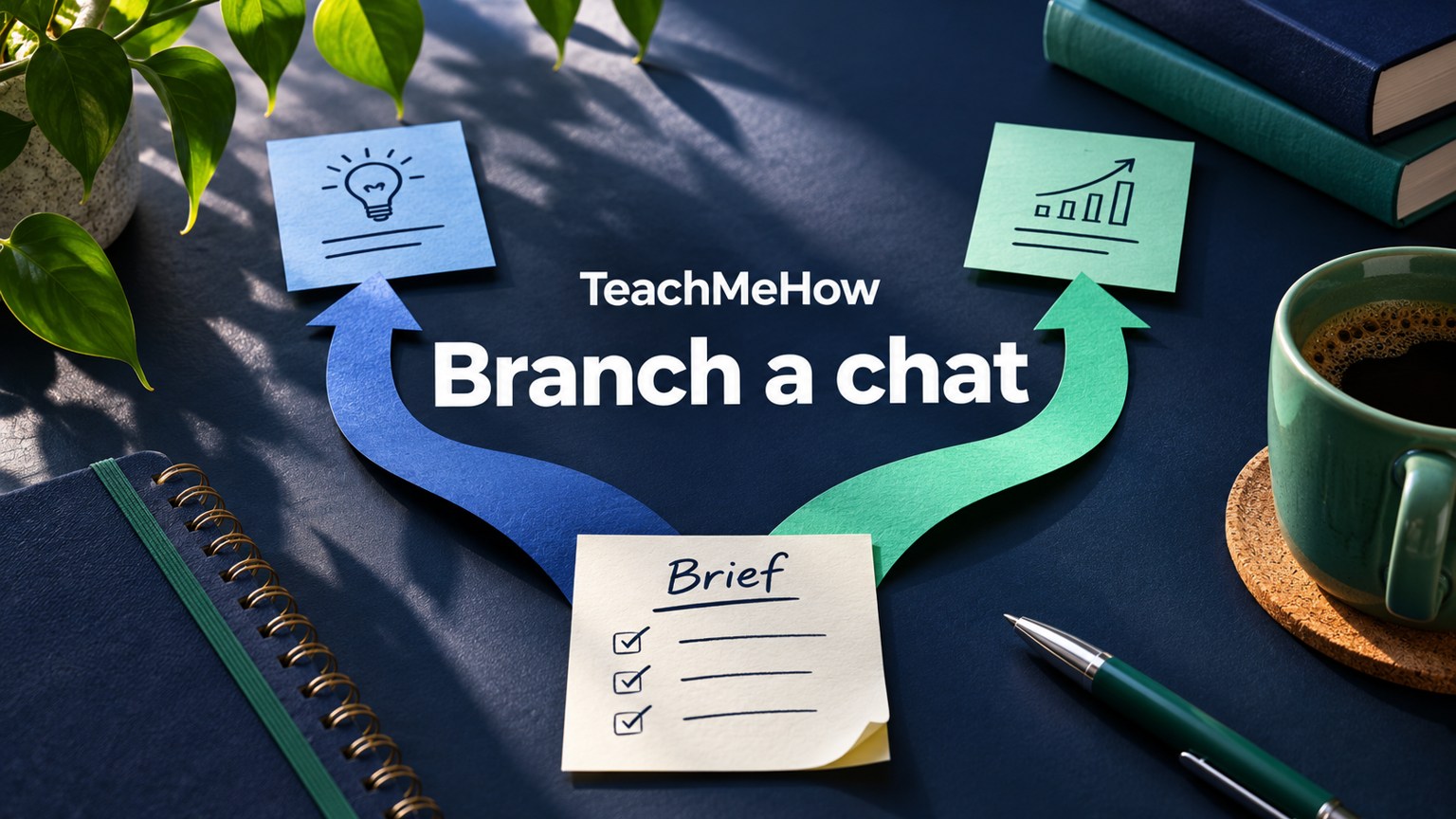
Start two alternatives from the same point in a ChatGPT conversation, keep their assumptions aligned, and compare the results.
Follow these steps at your own pace. Check product terms and prices directly with providers before purchasing.
Quick answerOn ChatGPT’s web interface, open the message where your shared starting point is complete, choose its more-actions menu, and select Branch in new chat. Create the second path from the same original message. Give both branches the same constraints so you can compare the two ideas fairly.
Choose the last message both alternatives should inherit
Imagine planning an open studio for 24 visitors. You have two rooms, two instructors and 90 minutes. You want to compare rotating visitors through stations with running two parallel demonstrations. If you branch after spending ten messages perfecting stations, that branch already reflects staffing choices the demonstration option never needed. Put the fork immediately after the agreed brief and before either design is developed.
Write the shared assumptions in one message, including non-negotiable constraints and the questions you want answered. A brief might specify that each visitor should see both rooms, each room seats 12, and the 90 minutes includes movement. Ask ChatGPT to restate the constraints before generating a plan. Check the restatement. A mistaken room capacity would affect both paths.
Create two independent paths on the web
While signed in, open the original conversation on the web. Hover over the message at the chosen point, open its More actions menu, and select Branch in new chat. Look at the last inherited message in the new conversation before typing. Give the new thread a recognizable name, such as “Open studio — rotating stations.”
Return to the original conversation and the same message. Make the second branch there and name it “Open studio — parallel demos.” Starting the second branch from the end of the first carries its new discussion forward. If you lose the starting thread in the sidebar, search chat history for a phrase from the common brief. A branch gives you a new conversation, so do not assume later edits to the original are synchronized.
Give both designs the same test
Develop the rotating-stations option using the agreed 24 visitors, two rooms, two instructors and 90-minute limit. Return a minute-by-minute schedule, visitors per room, instructor assignments, transition time, and the first likely bottleneck. Flag any constraint you cannot meet.
For the second branch, change only “rotating-stations” to “parallel-demonstrations.” Keep the requested fields and assumptions. If the second plan requires a third facilitator, label that an unmet condition. A recommendation based on invisible extra resources will look better than a feasible plan for reasons unrelated to the idea.
| Check | Question to ask of both outputs |
|---|---|
| Capacity | Does either room exceed 12 visitors at any time? |
| Staffing | Is an instructor required in two places at once? |
| Elapsed time | Do setup, movement and closing fit inside 90 minutes? |
| Visitor experience | Can each attendee actually see both rooms? |
Compare like with like and make a decision
Suppose a plan proposes two 40-minute sessions and a 12-minute switch. That is already 92 minutes before introductions. Recalculate the time yourself and flag it. Copy the relevant schedules into one comparison message, clearly labeled A and B. Ask ChatGPT to point out differences against the same four checks. It may suggest a correction, but the original comparison should retain the failed condition.
If you discover a new constraint, such as a five-minute room reset, post it to both branches and request an updated schedule from each. For a numerical comparison based on uploaded records, verify the totals against the original CSV. If branching is unavailable in your interface, start two ordinary chats with the same self-contained brief and label both. Reattach any necessary source documents you have permission to use.
Record the choice where others can find it
Add a dated decision to the original thread with the winning option, reason, unresolved issue and owner. Keep the branch titles distinct so a future search does not mistake the rejected version for the approved one. OpenAI’s ChatGPT release notes on branching conversations.
Comments
Comments are reviewed before they become public.
Sign in with Google to leave a comment.
Sign in with GoogleNo approved comments yet. Be the first to start the discussion.