How to Analyze a CSV in ChatGPT and Verify the Totals
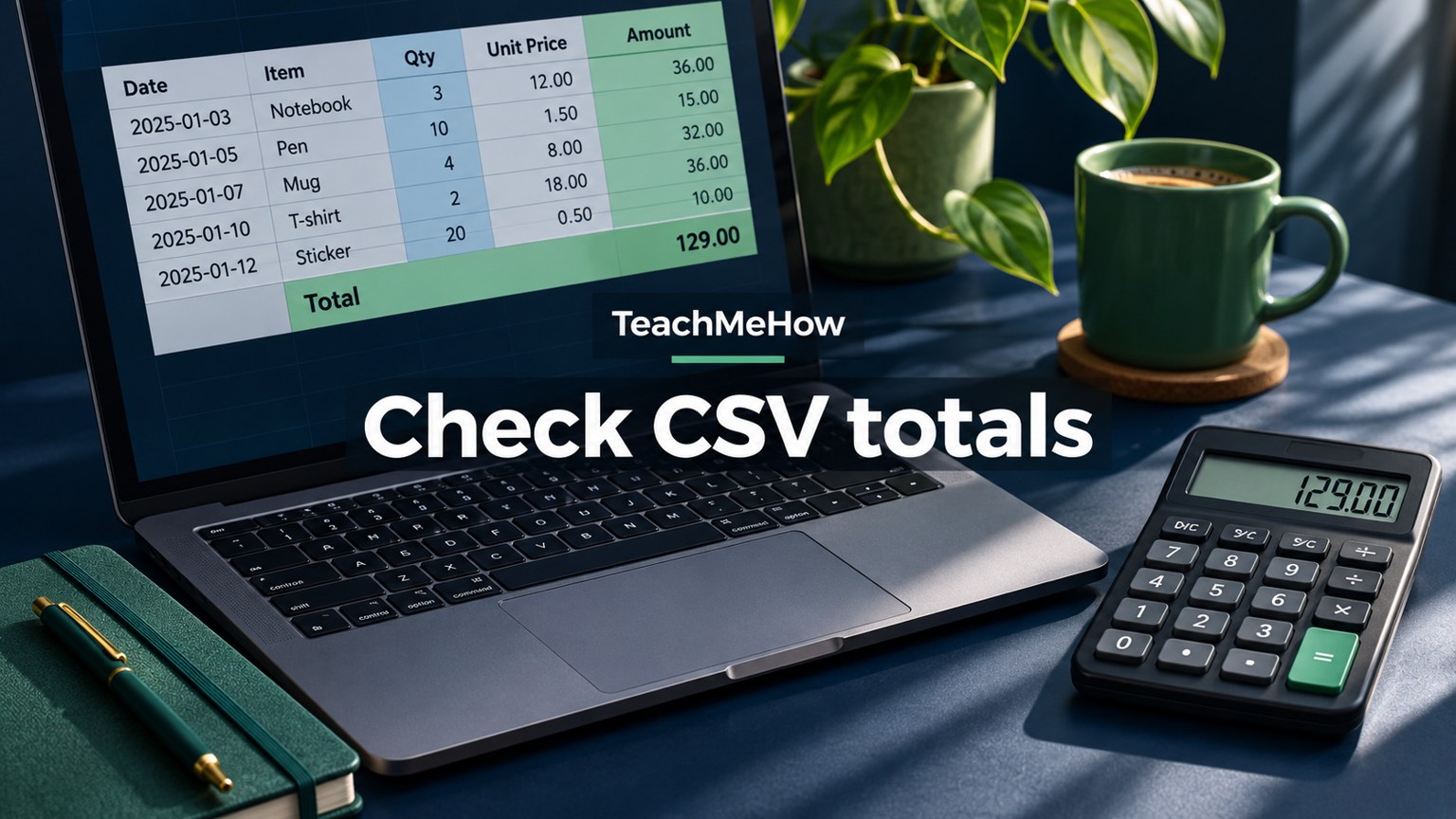
Upload a CSV, define how refunds and repeated IDs should count, and reconcile ChatGPT’s summary with a hand-checked example.
Follow these steps at your own pace. Check product terms and prices directly with providers before purchasing.
Quick answerAttach the CSV, ask ChatGPT to inspect its columns and row count, and define the exact total you want. Request the rows behind the result and reconcile at least one group independently. A chart can wait until you know how refunds, blanks and repeated IDs were treated.
Inspect a few records before asking for a total
Open a copy of the CSV in a spreadsheet or text editor. Read the header and a handful of rows, including one refund or unusual status if present. What does one row represent? A payment export may contain multiple events for one order. Treating each row as a distinct order can inflate the count even if the revenue total happens to be right.
Remove information the calculation does not need, such as email addresses. Keep stable transaction IDs if you need to trace duplicates, and preserve the original file. Use one header row and one record per row. A line labeled “Grand total” at the bottom can be mistaken for another sale. Decide explicitly whether it belongs in the data.
Upload and ask for an inventory
Attach the CSV in the ChatGPT composer. Ask for the number of data rows, the exact column names, a few example records, missing values in the amount field and distinct status values. Ask which delimiter and date interpretation were used if the preview looks wrong. Four comma-separated fields showing up in a single column is an import problem worth fixing before any arithmetic.
Specify currency, date window and grouping. “Net settled receipts in USD by channel” is a more useful target than “sales.” State whether refunds are already negative and whether a pending transaction contributes. Multiple currencies require separate subtotals unless you provide and approve a conversion rule.
Try a four-row example you can check
| Event | Order | Channel | Status | USD |
|---|---|---|---|---|
| T1 | A01 | Web | Settled | 40 |
| T2 | A02 | Store | Settled | 30 |
| T3 | A01 | Web | Refund | −10 |
| T4 | A03 | Web | Pending | 20 |
With refunds already signed and pending rows excluded, Web contributes 40 minus 10, or 30. Store contributes 30. The net total is 60 from three included events across two distinct orders. Dropping the second occurrence of A01 would discard the refund. Counting the pending row would give 80. Each wrong answer points to a different rule to inspect.
Compute net USD by channel. Include Settled and Refund events. Refund amounts already carry a negative sign. Exclude Pending. Do not deduplicate by order ID. Report included and excluded row counts, subtotal by channel, grand total and any repeated event IDs. Show the contributing event IDs for Web so I can audit the calculation.
Reconcile results before building a chart
Pick a small channel or a single day and filter the original spreadsheet to the same statuses. Sum the signed amounts and compare the included IDs. Then sum the channel subtotals and compare with the reported grand total. For the example, the row-count reconciliation is three included plus one excluded equals four input events. An amount reconciliation alone could hide two offsetting errors.
If totals disagree, ask for an exception table containing the original row identifier, amount as received, parsed amount and reason for exclusion. Inspect blanks, decimal commas, amounts in parentheses, repeated exports and rows exactly at a date boundary. Resist correcting a mismatch by simply asking ChatGPT for a different answer. Identify the row or rule responsible.
Keep a result another person can reproduce
Record the file version, date range, time zone where relevant and the inclusion rule beside the summary. Save the verified table before asking for a visualization. To test a second definition of net receipts without losing the approved one, branch the conversation at the agreed calculation rules. If you distribute only the findings, review the scope of a single-response share first. OpenAI’s guidance on data analysis and file preparation.
Comments
Comments are reviewed before they become public.
Sign in with Google to leave a comment.
Sign in with GoogleNo approved comments yet. Be the first to start the discussion.