Results for “Business”
31 guides found

How to Set a Service Area on Google Business Profile and Hide Your Address
List the cities or ZIP codes you actually serve, hide a non-customer-facing address, and check what customers see on Google Maps.
Read guide →
How to Set Split Business Hours on Google Business Profile
Show a regular midday closure on Google Maps by adding two opening periods to the same day, then check the hours customers see.
Read guide →
How to Verify a Google Business Profile With a Video Recording
Plan a single verification recording that shows your location, business activity, and authority to manage it. Check what to show and how to upload it.
Read guide →
How to Claim an Existing Google Business Profile on Maps
Find and claim an unverified listing for your business, or request ownership when someone else already manages it.
Read guide →
How to Add a Manager to Your Google Business Profile
Invite a staff member or agency to manage the correct Google Business Profile, verify acceptance, and review what the Manager role can do.
Read guide →
How to Schedule a Post on Google Business Profile
Schedule a Google Business Profile update, offer, or event. Choose when it appears and check the public post and its action link.
Read guide →
How to Change Your Google Business Profile Cover Photo and Logo
Upload or replace a cover photo and logo, check the upload status, and understand why Google may show a different photo first.
Read guide →
How to Add an Appointment Booking Link to Google Business Profile
Connect the correct booking page to your Google listing, choose a preferred link, and verify that customers can book the right location.
Read guide →
How to Fix a Misplaced Map Pin on Google Business Profile
Adjust your storefront pin when the street address is right, then check the map marker and public driving directions separately.
Read guide →
How to Request a Merge of Duplicate Google Business Profiles
Recognize two listings for the same location, submit a duplicate suggestion in Maps, and understand what can happen to reviews and replies.
Read guide →
How to Reply to a Negative Google Review on Your Business Profile
Write a public response that acknowledges the customer’s concern, names a next step, and keeps appointment details private.
Read guide →
How to Set Holiday Hours on Google Business Profile Without Changing Weekly Hours
Show a holiday closure, early closing time, or split shift on Google Search and Maps while keeping your normal weekly schedule.
Read guide →
How to Get a Google Review Link and QR Code for Your Business
Copy the review link for the right Google listing, download its QR code, and test both before putting them on a receipt or counter sign.
Read guide →
How to Add Services and Prices to Google Business Profile
Add suggested or custom services, put prices in the right field, and check how your service menu appears to customers on Google Maps.
Read guide →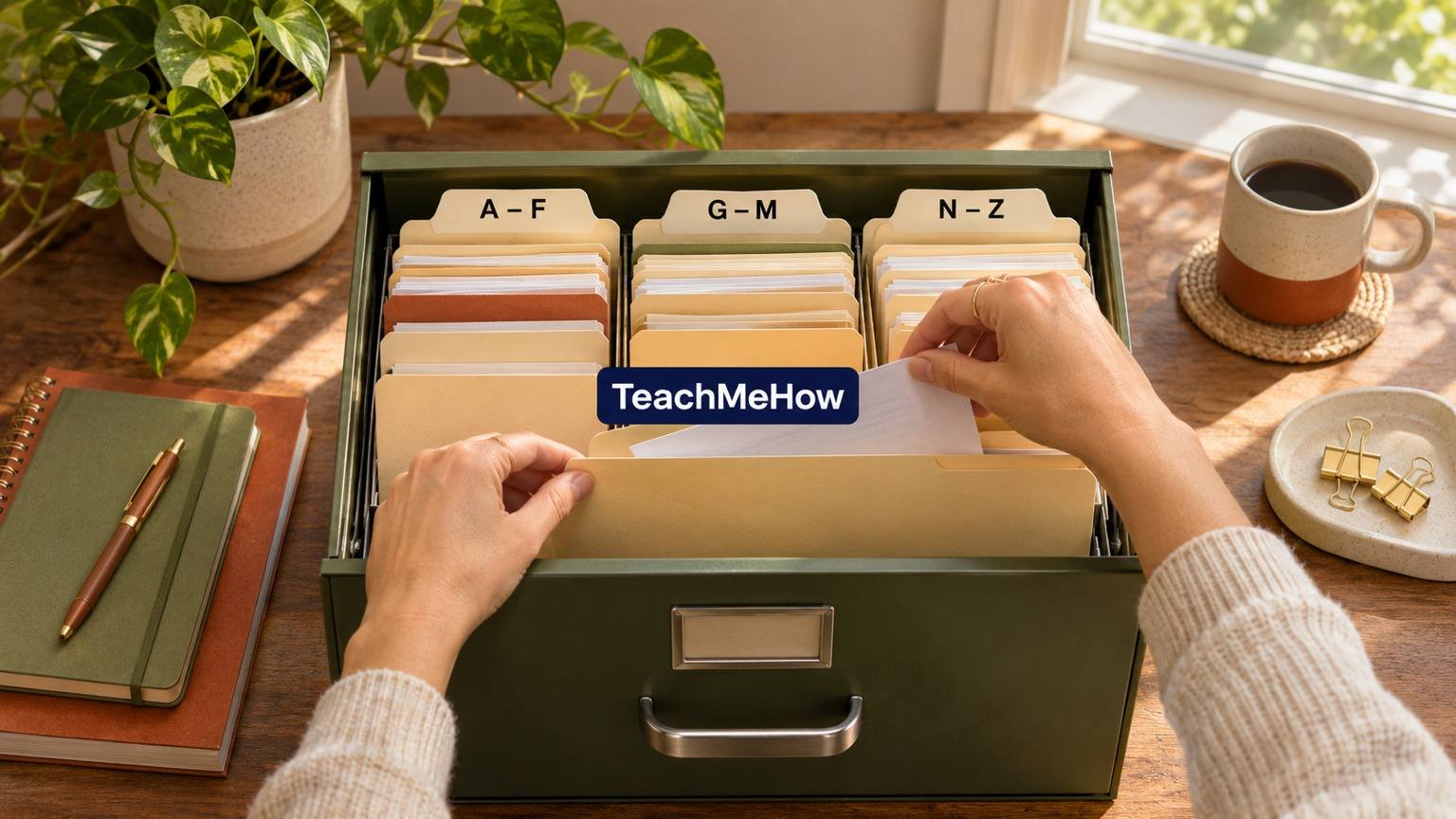
How to Alphabetize Client and Business Names in a Shared File Drawer
Set a filing rule for surnames, business names, numbers, and aliases. Use cross-references and test whether two people can find the same record.
Read guide →
How to Write a Podcast Sponsorship Proposal for a Local Business
Turn a local sponsor’s interest into a one-page podcast proposal with a worked budget, ad placements, approval dates, and a report the owner can use.
Read guide →
How to Start a Freelance UGC Video Business Without a Large Following
Define a first paid video service, estimate startup costs, build proof of your work, and decide whether a small pilot is worth repeating.
Read guide →
How to Write a Logo Design Brief for a Small Business Client
Turn a client conversation into a one-page logo brief. Use a fill-in outline and a bakery example to pin down the audience, exact name, first uses, and approval criteria.
Read guide →
How to Find Sponsors for a Small Podcast
Find businesses that serve your listeners, check each prospect against an upcoming episode, and start the conversation with a short sponsorship pitch.
Read guide →
How to Report a Google Review That Violates Policy
Report a review for a specific policy reason, check the decision in Google’s Reviews Management Tool, and appeal an eligible denial once.
Read guide →
How to Create a USPS Return Label for a Customer in Click-N-Ship
Add a pay-on-use return label to an eligible outbound shipment, give the customer the correct label, and track the charge when it is used.
Read guide →
How to Get Repeat Pet Sitting Bookings From Past Clients
Follow up after a completed stay, ask for the next set of dates, and confirm changes before rebooking. Includes messages for regular and occasional clients.
Read guide →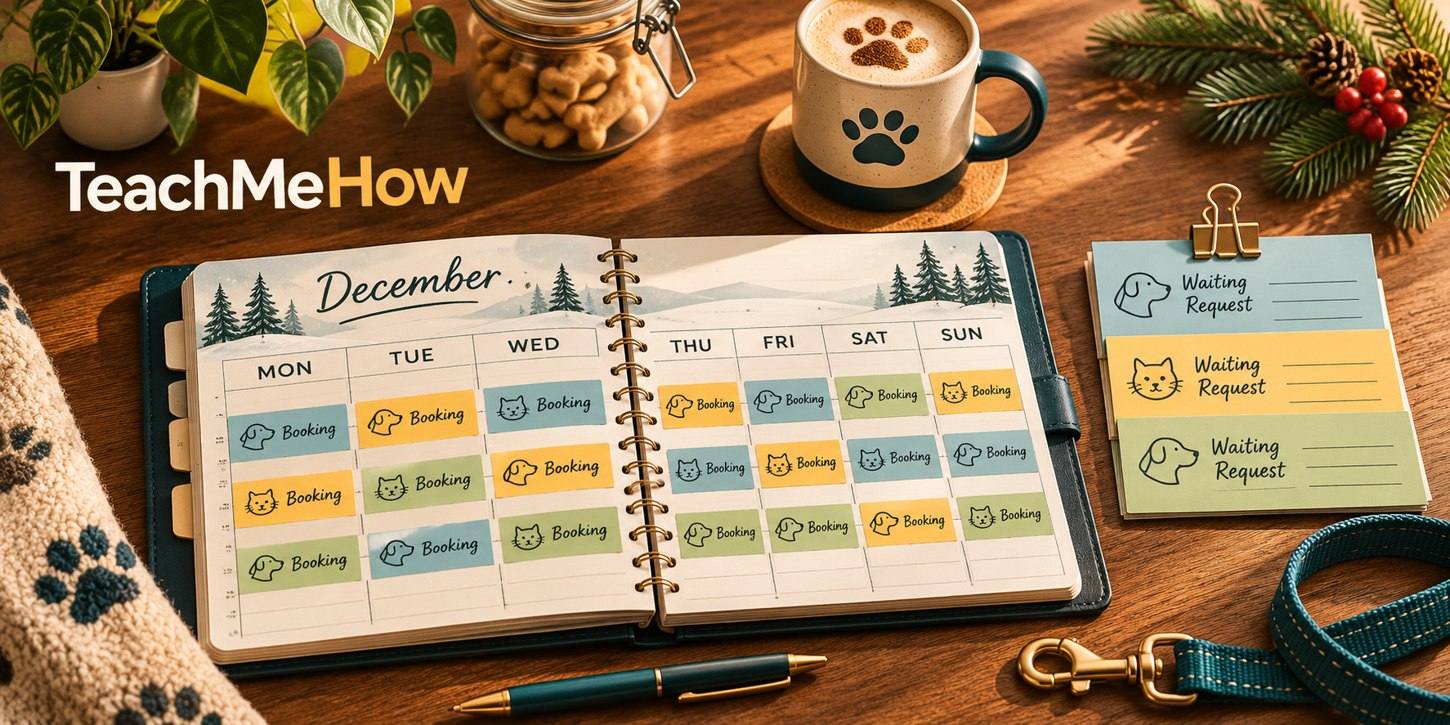
How to Manage a Holiday Waitlist for Pet Sitting Visits
Match a cancellation to a household that needs those exact visits. Includes a waitlist layout, an offer message, and a way to prevent double booking.
Read guide →
How to Extend a Pet Sitting Booking When a Client’s Return Is Delayed
Turn a delayed-trip message into a clear care plan. Check who can cover each extra visit, confirm the price, and close the handoff when the owner returns.
Read guide →