Find the guide you need.
Search by topic, browse categories, use tags, or sort the library.
Browse by topic tag — Windows accessibility
Matching guides
10 found
How to Make Windows 11 Flash a Window for Sound Notifications
Make an audio notification visible by flashing the title bar or active window. Choose a comfortable cue, test a real alert, and check missing banners.
How to Use the On-Screen Keyboard Without a Physical Keyboard in Windows 11
Type with a mouse in Windows 11, including at sign-in. Open the On-Screen Keyboard, restore missing letter keys, and choose click, hover, or scan input.
How to Choose and Toggle a Color Filter in Windows 11
Compare Windows color filters using a chart or image you know, enable the keyboard shortcut, and turn the filter off for color-sensitive work.
How to Turn On Live Captions for Audio in Windows 11
Show captions for speech playing on your PC, set up the language files, reposition the caption window, and troubleshoot microphone or playback issues.
How to Hear Both Audio Channels Through One Earbud in Windows 11
Combine left and right stereo channels for single-earbud listening in Windows 11. Compare a known stereo clip and separate routing problems from the mix.
How to Increase Text Size in Windows 11 Without Changing Display Scale
Make Windows menus and labels easier to read while keeping your display scale. Compare text size, app zoom, and per-monitor scaling before changing settings.
How to Use Magnifier in Lens or Docked View in Windows 11
Magnify one part of your Windows screen. Choose lens or docked view, control what the view follows, and return to normal with a keyboard shortcut.
How to Change Mouse Pointer Size and Color in Windows 11
Make the Windows mouse pointer easier to locate on light and dark backgrounds. Set its size and color, add a Ctrl-key locator, and test both monitors.
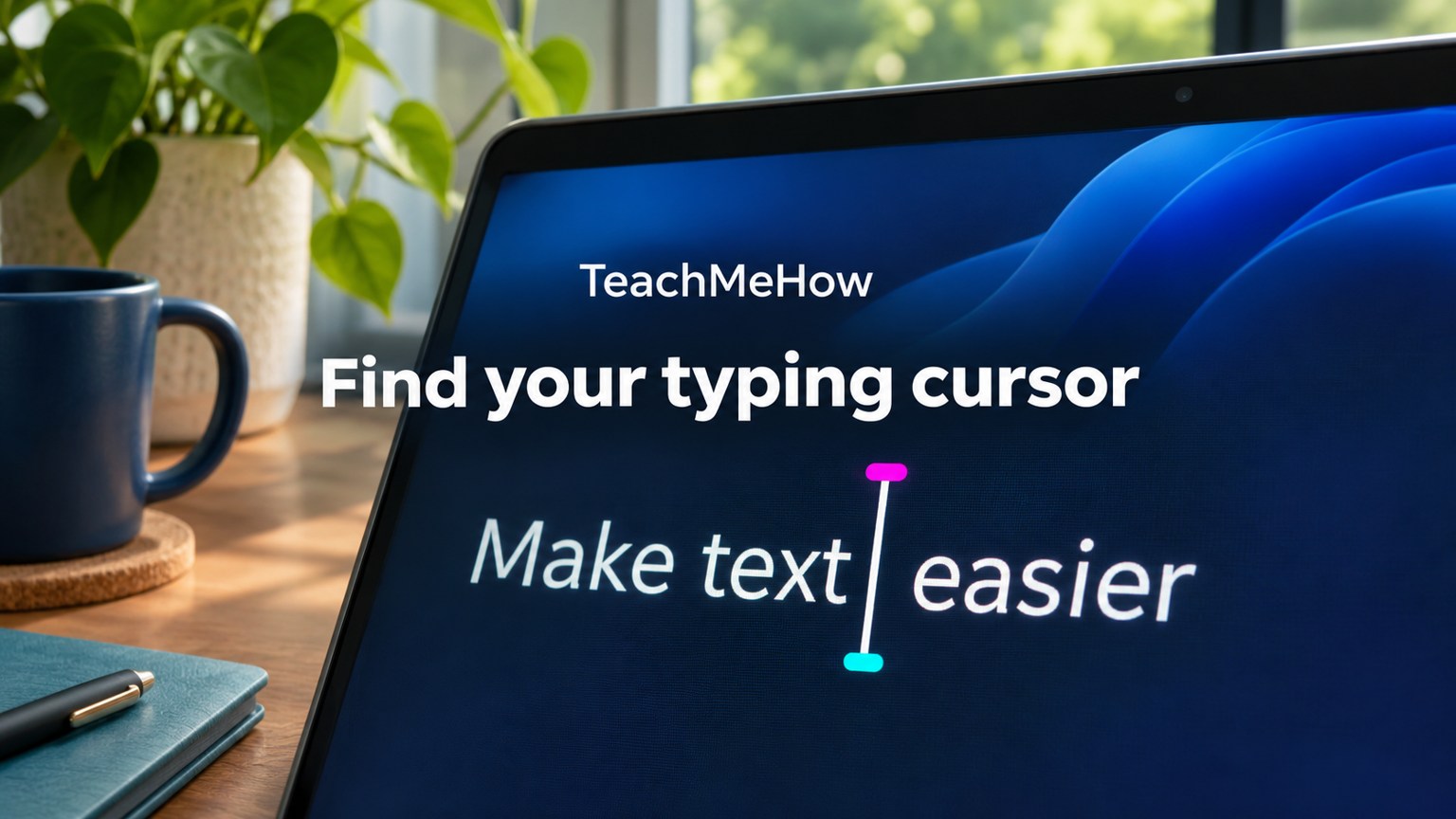
How to Make the Text Cursor Easier to See While Typing in Windows 11
Find the blinking insertion point while typing. Turn on the Windows text cursor indicator, adjust its color and thickness, and check which apps support it.
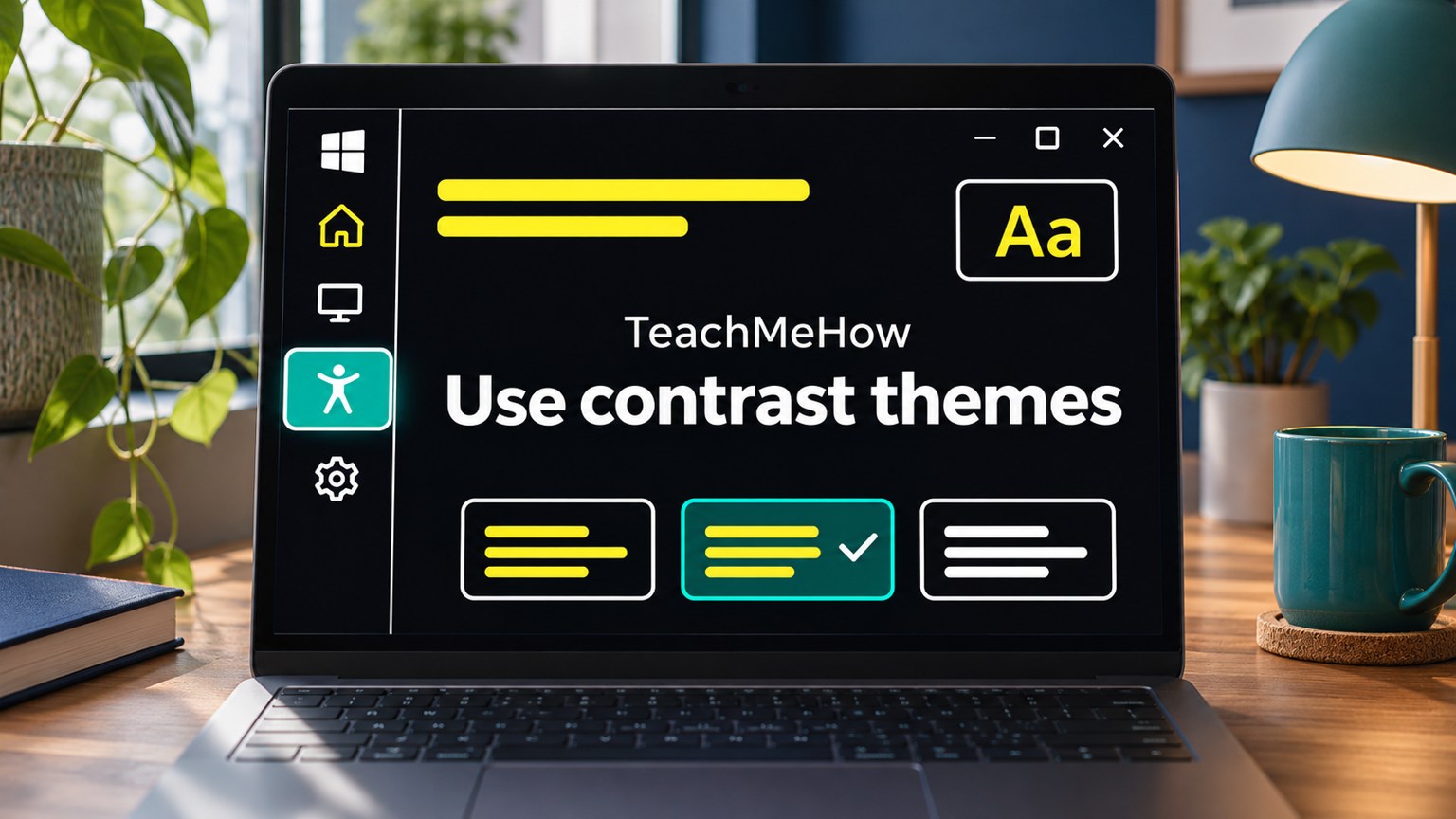
How to Set Up a Custom Contrast Theme in Windows 11
Choose a Windows contrast theme, customize text, links, and selection colors, then test the result in the apps you use and restore your previous look.