Find the guide you need.
Search by topic, browse categories, use tags, or sort the library.
Browse by topic tag — Screen capture
Matching guides
10 found
How to Take a Full-Page Screenshot in Microsoft Edge on Windows 11
Capture a webpage beyond the visible screen, check for missing sections, and save a single image from Microsoft Edge.
How to Find Where Screenshots Are Saved in Windows 11
Trace a missing screenshot to Pictures, a custom folder, a browser download, or the clipboard using the capture method you used.
How to Record Part of Your Screen With Snipping Tool in Windows 11
Record a selected region, check microphone and system sound, and save an MP4 that shows exactly what you meant to demonstrate.

How to Record the Last 30 Seconds of Gameplay in Windows 11
Enable recent gameplay capture before you play, save a 30-second replay with a shortcut, and find the clip in Windows.
How to Stop Print Screen From Opening Snipping Tool in Windows 11
Restore one-key full-screen copying, test the clipboard in Paint, and keep the selection shortcut available for smaller captures.

How to Screenshot Only One Monitor in Windows 11
Capture one display or one app on a two-monitor desk, keep the other screen out of the picture, and check the edges before you share.
How to Screenshot a Disappearing Menu in Windows 11
Use a timed snip to capture a right-click menu, submenu, or tooltip that closes when you press a screenshot shortcut.
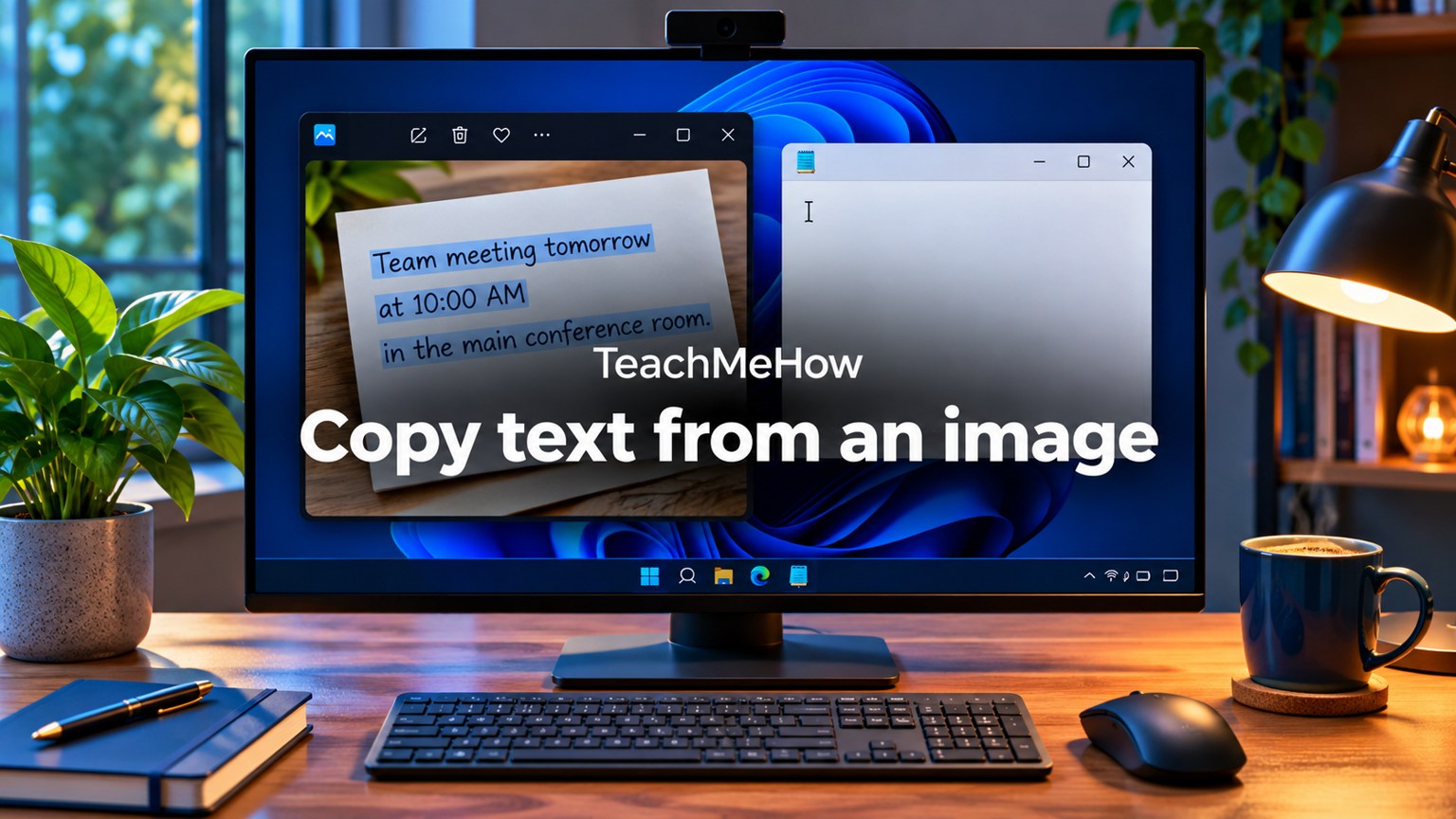
How to Copy Text From a Screenshot in Windows 11
Extract editable text from a screenshot with Text actions, copy just the lines you need, and catch recognition errors before using the result.
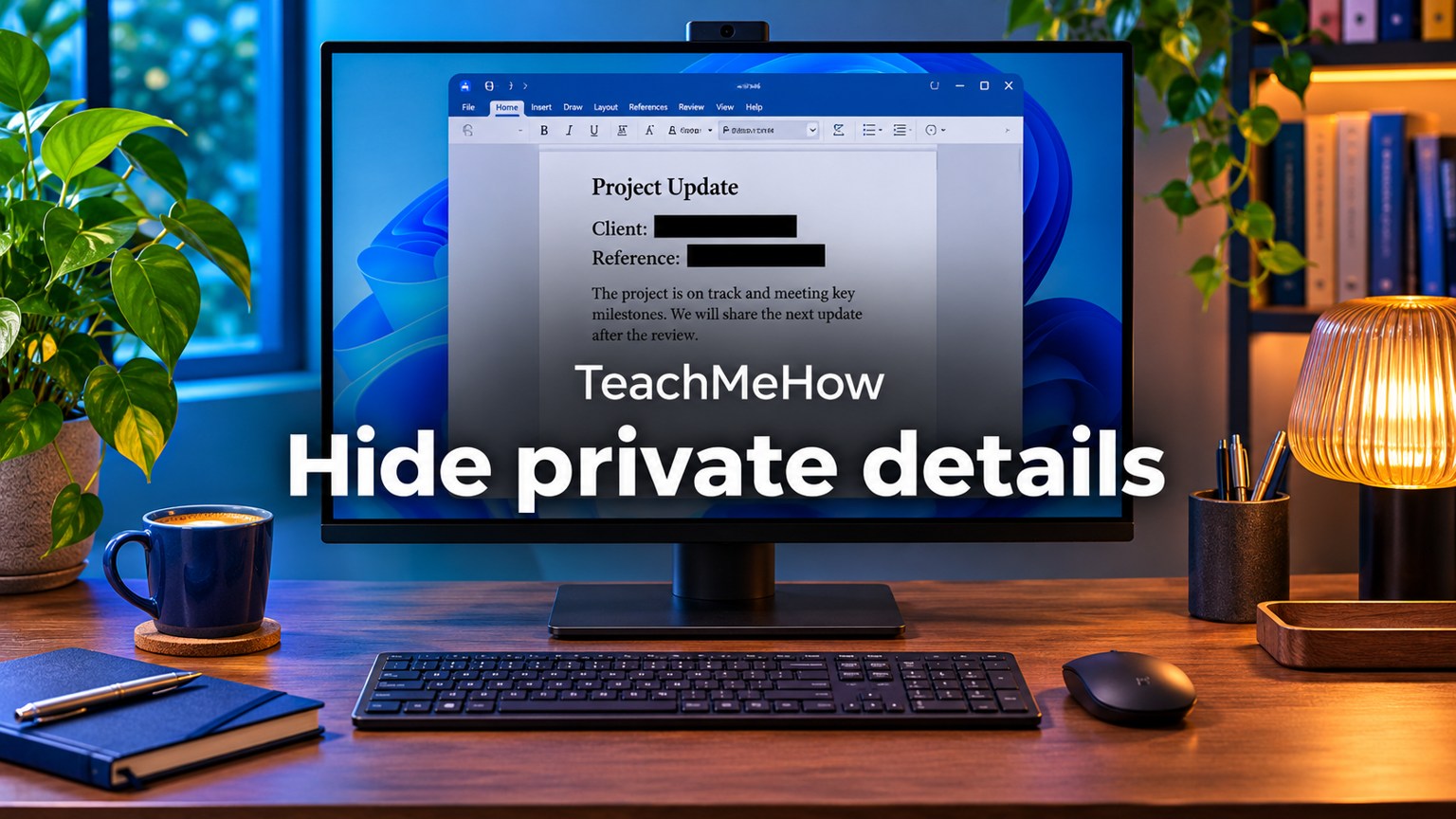
How to Redact Private Information From a Screenshot in Windows 11
Hide contact details and other private text in a Windows screenshot, then check the exact image file you plan to send.
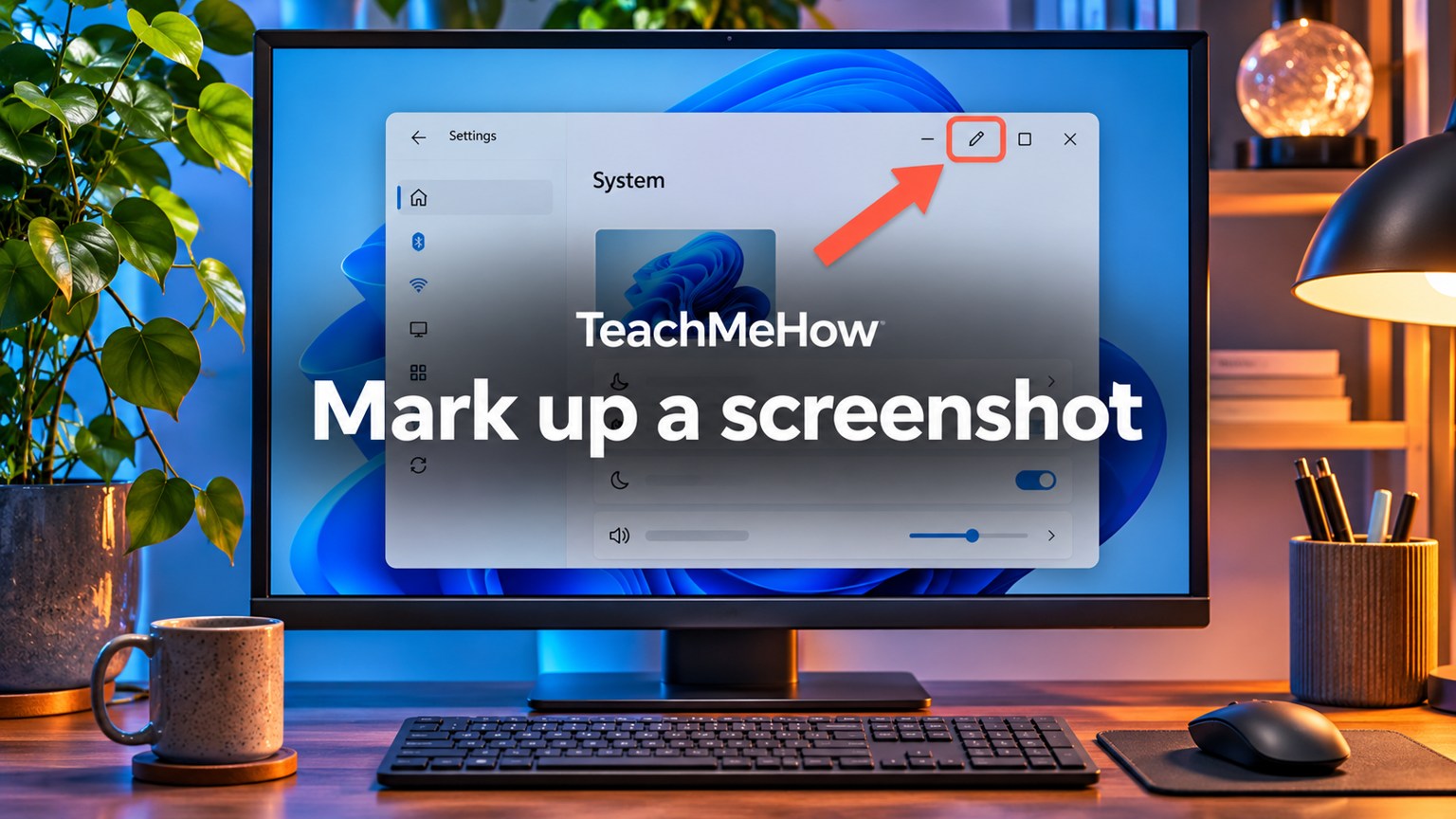
How to Add Arrows and Boxes to a Screenshot in Windows 11
Point to the right button with arrows and outline boxes, preserve readable labels, and save a marked-up screenshot for someone to follow.