How to Prepare for a Virtual Career Fair With Group and One-on-One Sessions
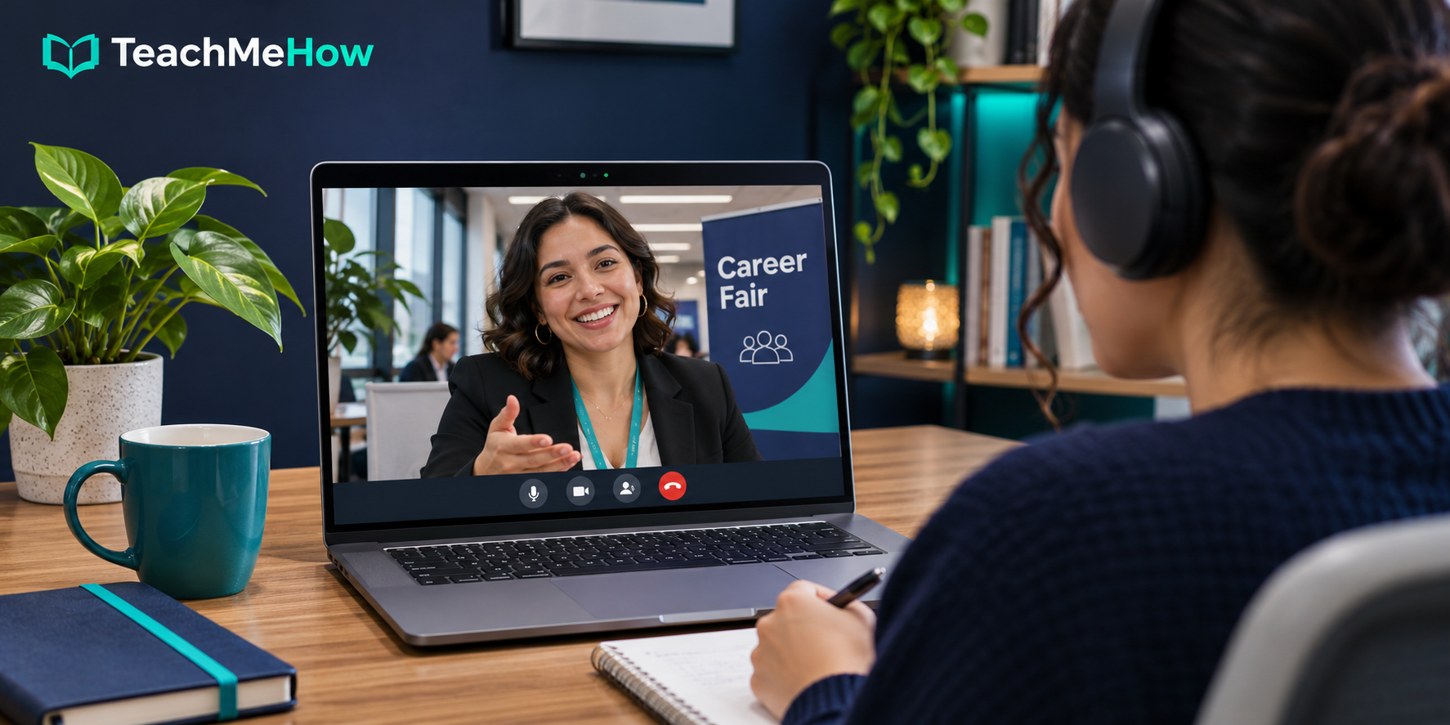
Plan around session types and time zones, test your setup, and recover if a virtual recruiter meeting starts late or disconnects.
Follow these steps at your own pace. Check product terms and prices directly with providers before purchasing.
Quick answer
Build your schedule from confirmed session reservations and check the event time zone. Use group sessions to learn about a team and one-on-one meetings to discuss your own fit. Test the device and account you will actually use.
Prepare differently for each session
| Session | Prepare | A useful outcome |
|---|---|---|
| Group presentation | A question relevant to several candidates, such as how rotations are assigned. | Identify the right hiring team or application window. |
| One-on-one | A short introduction, a relevant example and one question about the opening. | Confirm the right role, next action and any deadline. |
| Open drop-in | A backup booth and the organizer’s queue instructions. | Speak to an available representative without missing a booked meeting. |
Run a practical equipment check
Open the event confirmation with the account you registered under. Compare the time zone in the confirmation with your calendar. Confirm whether joining the fair also reserves individual sessions. Test microphone, camera and headphones in the supported browser or app, then make a short test call if available. Check what the camera sees and close notification previews before screen sharing.
Set up a small note beside the meeting
Keep the requisition, recruiter name if supplied, and two questions visible beside the call. Have your resume available in the requested format. In a group chat, ask about the team’s work or recruiting process and save personal application details for an individual conversation. For a short appointment, ask your main question early enough for an answer.
When a link fails or a recruiter is late
Recheck the date, time zone, session link, and sign-in account. If audio fails, use chat to say you are reconnecting and try the device selector. When two sessions overlap, contact the organizer through the listed event channel and ask about another slot. Record the session name and time so support can locate it.
Leave with a usable next step
Write down the exact role or link and who suggested it. Use your priority employer list to decide which session to attend next, then follow up with the recruiter through the channel they offered.
Comments
Comments are reviewed before they become public.
Sign in with Google to leave a comment.
Sign in with GoogleNo approved comments yet. Be the first to start the discussion.