For Reusable Cable Bundles

Reusable Cable Ties
VELCRO Brand ONE-WRAP Reusable Cable Ties, 8 in., 100 Pack
Use these soft reusable ties to group light cables without making future cable swaps difficult.
Check current price
View on Amazon ↗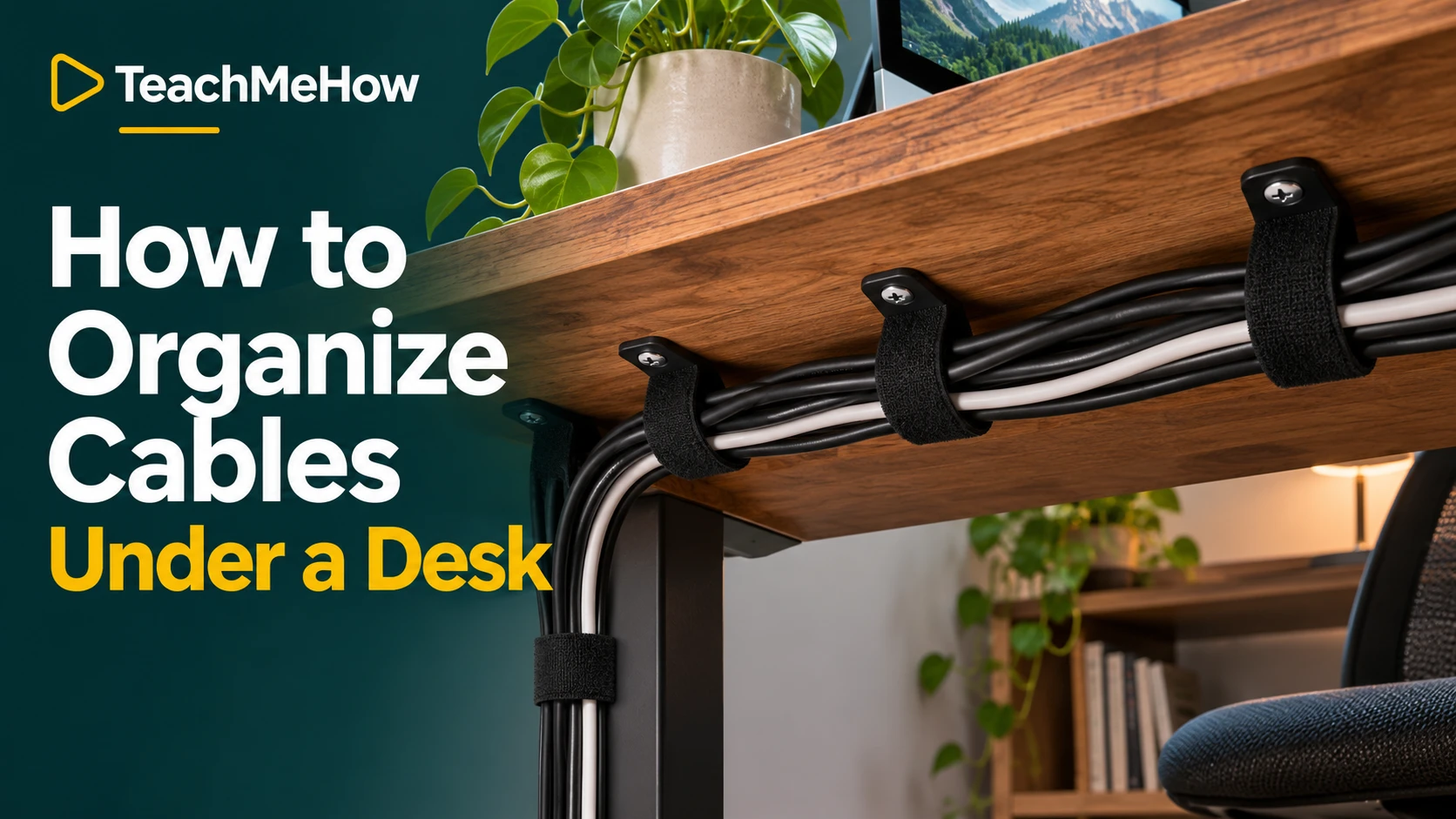
Route desk cables out of the way, keep connectors accessible, and leave enough slack for moving furniture.
Follow these steps at your own pace. Check product terms and prices directly with providers before purchasing.
Quick Answer
Decide where each cable needs to go before attaching anything. Group cords by destination, leave slack at moving parts, and use reusable ties so you can replace a cable later.
| Item | Use |
|---|---|
| Reusable hook-and-loop ties | Hold light cables together loosely. |
| Masking tape and a pen | Label ends before unplugging. |
| Optional cable clips or tray | Support a route along the desk frame. |
Take a photo of the connections, shut down the equipment, and label both ends of cables that look alike. Move unused cables off the desk so you can see what still needs a route.
Group cables going to the same place. Run them away from chair wheels, hinges, and drawer slides. Leave a gentle loop by each monitor arm or docking station so its connector does not carry the pull.
Wrap reusable ties loosely around light groups. Use clips or a tray suited to the desk surface to support long runs. Leave frequently removed chargers easy to take out.
Reconnect the equipment from your photo. Slide drawers and turn the monitor. On a standing desk, check cable slack at both ends of its travel before finalizing the ties.
| Desk setup | Routing choice |
|---|---|
| Fixed desk | Run light cables along the back edge. |
| Standing desk | Keep a flexible drop between the moving desk and the wall. |
| Shared workspace | Label each charger and keep it accessible. |
A good route stays clear of moving parts and makes the next cable swap easy.
Use reusable ties for light cable groups and clips or a tray for support.
Use these soft reusable ties to group light cables without making future cable swaps difficult.
Prices may change. Check the retailer for the current price and availability. We may earn a commission from qualifying purchases at no additional cost to you. Learn more.
Comments
Comments are reviewed before they become public.
Sign in with Google to leave a comment.
Sign in with GoogleNo approved comments yet. Be the first to start the discussion.