How to Choose the Right Smart Doorbell
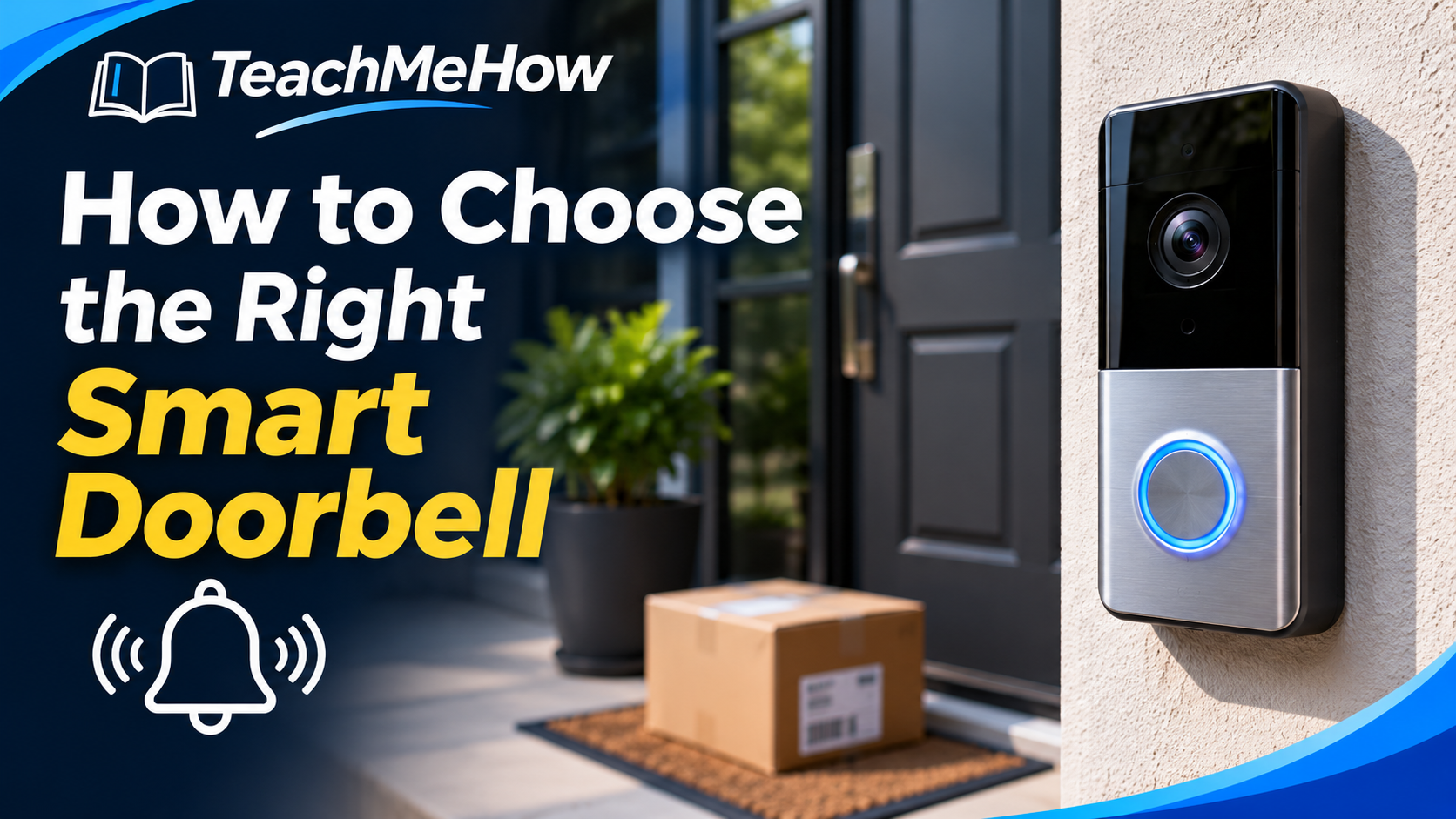
Learn how to choose the right smart doorbell based on power source, video quality, field of view, motion detection, storage options, subscription costs, and smart-home compatibility.
Follow these steps at your own pace. Check product terms and prices directly with providers before purchasing.
How to Choose the Right Smart Doorbell
A smart doorbell can do much more than tell you someone is standing outside. It can show you who is at the door, alert you when a package arrives, record activity around your entrance, and let you speak with visitors even when you are away from home. But choosing the right model involves more than comparing camera resolution.
Power source, field of view, motion detection, storage, subscription fees, night vision, Wi-Fi reliability, and smart-home compatibility can all affect how useful the doorbell is after installation. The best choice is the one that fits your entrance, your existing wiring, and the way you actually want to use it.
Start With Wired Versus Battery Power
One of the first decisions is whether you want a wired or battery-powered doorbell. Wired models can usually operate continuously without needing to be removed for charging, but installation depends on whether your existing doorbell wiring and transformer are compatible.
Battery-powered models are generally easier to install because they do not require existing wiring. They can be especially useful for renters or homes without a traditional doorbell connection. The tradeoff is that the battery eventually needs to be recharged or replaced.
If your front door receives a lot of activity, battery life may be shorter than the manufacturer's ideal estimate because frequent motion events, live viewing, and recordings all use additional power.
Pay Attention to the Field of View
A smart doorbell is mounted relatively close to visitors, so field of view matters. A wide horizontal view helps capture people approaching from the side, while strong vertical coverage can make it easier to see packages sitting near the bottom of the door.
If package monitoring is important to you, look for sample images showing exactly how much of the area directly below the camera is visible.
Video Resolution Is Only Part of Image Quality
Higher resolution can provide more detail, but it does not automatically guarantee better video. Image processing, HDR, lens quality, exposure control, and compression all affect the final recording.
A well-designed camera can produce clearer faces and more useful footage than another model with a larger resolution number but weaker processing.
Whenever possible, look at real daytime and nighttime footage rather than relying only on specifications.
Night Vision Matters
Visitors, deliveries, and unexpected activity do not only happen during daylight. Some smart doorbells use infrared night vision, while others may use surrounding porch lighting or built-in illumination to produce color footage.
Consider the lighting around your entrance. Bright porch lights, streetlights, and reflective surfaces can affect nighttime image quality.
Look for Smarter Motion Detection
Basic motion detection may alert you every time a shadow changes, a tree moves, or a car passes nearby. More advanced doorbells can distinguish between people, packages, animals, and vehicles.
Accurate detection can dramatically reduce unnecessary notifications. Activity zones are also useful because they allow you to tell the camera which areas should trigger alerts.
Understand Storage Before You Buy
Some smart doorbells rely heavily on cloud storage. In these systems, recorded video may require a monthly or annual subscription.
Other models support local storage through internal memory, a memory card, a home hub, or another storage device. Local storage can reduce recurring fees, although remote access and backup options may differ.
Before purchasing, find out what happens if you do not subscribe. Some products still provide live video and basic alerts but restrict recording history or advanced detection features.
Check the Real Cost of the Subscription
A doorbell that looks inexpensive initially can become much more costly after several years of subscription fees. Compare the purchase price and the recurring service cost together.
If you plan to add additional cameras later, check whether the subscription covers one device or an entire household.
Two-Way Audio Should Be Easy to Use
Two-way audio lets you speak with a visitor or delivery driver through your phone. The usefulness of this feature depends on microphone clarity, speaker volume, connection delay, and the reliability of the mobile app.
If you expect to use the doorbell frequently for deliveries, call quality deserves almost as much attention as video quality.
Make Sure Your Wi-Fi Reaches the Door
A smart doorbell can have excellent hardware and still perform poorly if the Wi-Fi signal at the front entrance is weak. Exterior walls, metal doors, brick, and distance from the router can reduce signal strength.
Before permanently installing the device, check Wi-Fi performance near the door. In some homes, improving router placement or adding a mesh Wi-Fi node can make the doorbell much more reliable.
Smart-Home Compatibility
If you already use smart speakers, smart displays, security cameras, or a home automation platform, check whether the doorbell works with that ecosystem.
Useful integrations may include showing the camera automatically on a smart display, announcing visitors through speakers, or triggering other home-automation routines.
Privacy and Account Security
A doorbell camera records an area around your home, so privacy and account security should be taken seriously. Use a unique password and enable multi-factor authentication when the manufacturer supports it.
Review the company's privacy settings and understand whether footage is stored locally, uploaded to the cloud, or shared with additional services.
Common Smart Doorbell Buying Mistakes
One common mistake is choosing entirely by camera resolution while ignoring storage costs and motion detection. Another is buying a battery-powered model without considering how often activity at the front door may require charging.
Buyers also sometimes discover after installation that important features require a paid subscription. Check those details before choosing the product.
Which Smart Doorbell Is Right for You?
If you already have compatible doorbell wiring and want minimal maintenance, a wired model can be an excellent option. If installation flexibility matters more, a battery-powered doorbell may be easier.
Package-heavy households should prioritize vertical field of view and package detection. People who dislike recurring fees should pay close attention to local-storage options. If you already have other smart-home products, compatibility with that ecosystem can make everyday use considerably easier.
What to Compare Before Buying
- Wired versus battery operation
- Video resolution and real image quality
- Horizontal and vertical field of view
- Night vision
- Person and package detection
- Activity zones
- Cloud versus local storage
- Monthly subscription cost
- Two-way audio quality
- Wi-Fi requirements
- Smart-home compatibility
- Privacy and account security
- Warranty and total price
A smart doorbell is most useful when it reliably shows you what is happening without creating constant unnecessary alerts or unexpected recurring costs. Comparing the entire system—not just the camera specification—will usually lead to a better long-term purchase.
Comments
Comments are reviewed before they become public.
Sign in with Google to leave a comment.
Sign in with GoogleNo approved comments yet. Be the first to start the discussion.