Technology · 6 min READ
How to Choose the Right External Hard Drive
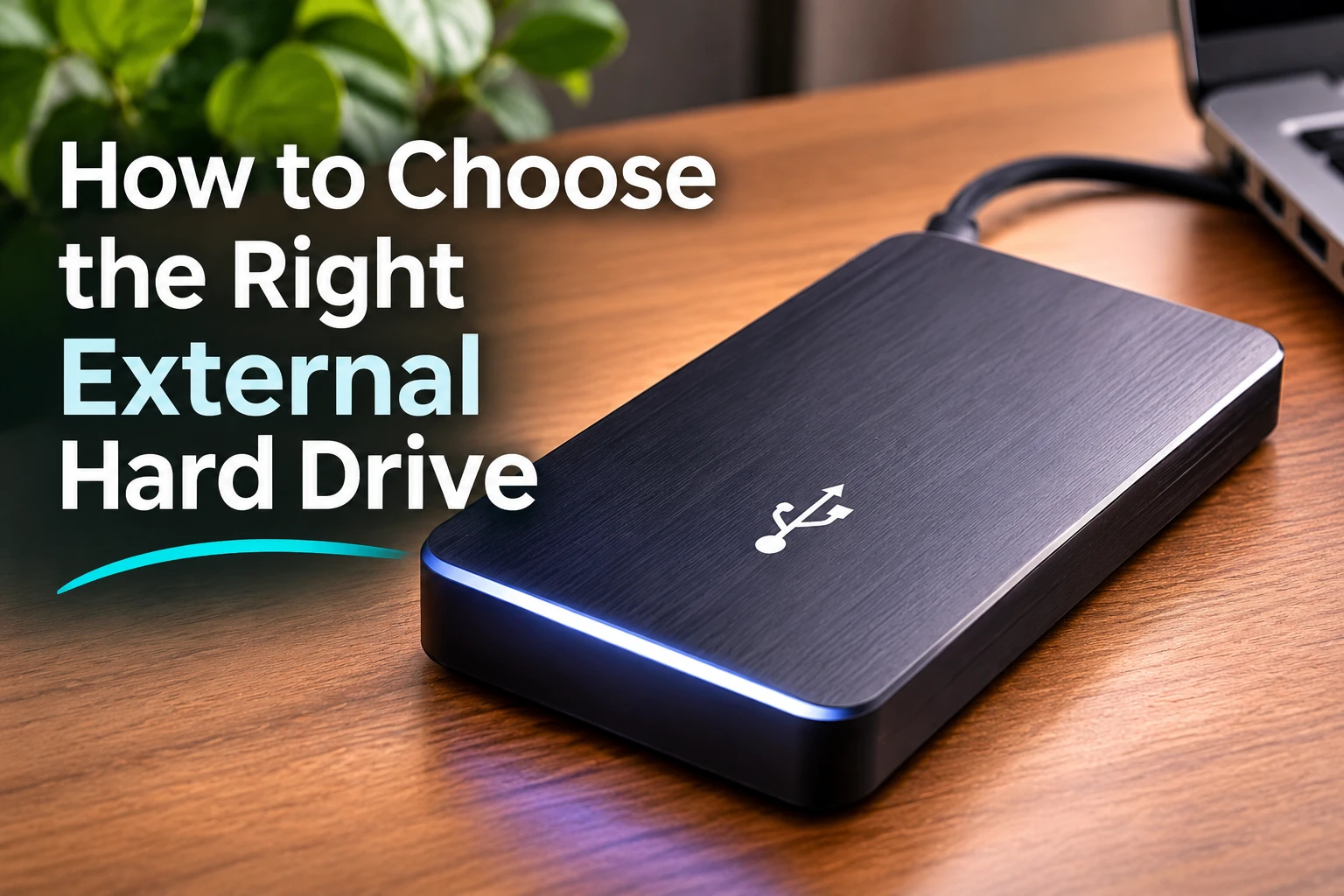
Learn how to choose the right external storage device based on capacity, speed, portability, durability, compatibility, and budget.
Quick note
Follow these steps at your own pace. Check product terms and prices directly with providers before purchasing.
Step-by-step instructions
- Decide how much storage space you currently need.
- Choose extra capacity so you have room for future files.
- Decide between a traditional hard drive and a faster solid-state drive.
- Compare transfer speeds if you regularly move large files.
- Check whether the drive uses USB-C, USB-A, or another connection.
- Make sure the drive is compatible with your computer and operating system.
- Consider a portable model if you need to carry your files with you.
- Look for durability or rugged protection if the drive will travel frequently.
- Consider hardware encryption if you store sensitive files.
- Choose a drive that provides the right balance of storage, speed, reliability, and cost.
Helpful tools to consider
External Hard Drives and SSDs — Compare external storage devices based on capacity, transfer speed, SSD versus HDD design, portability, durability, security features, compatibility, and price.
Product links will appear after our recommendations have been reviewed and affiliate partnerships are approved.
Disclosure: We may earn a commission from qualifying purchases made through affiliate links, at no additional cost to you. Learn more.
Comments
Comments are reviewed before they become public.
Sign in with Google to leave a comment.
Sign in with GoogleNo approved comments yet. Be the first to start the discussion.