How to Fix Headings Missing from the Word Navigation Pane
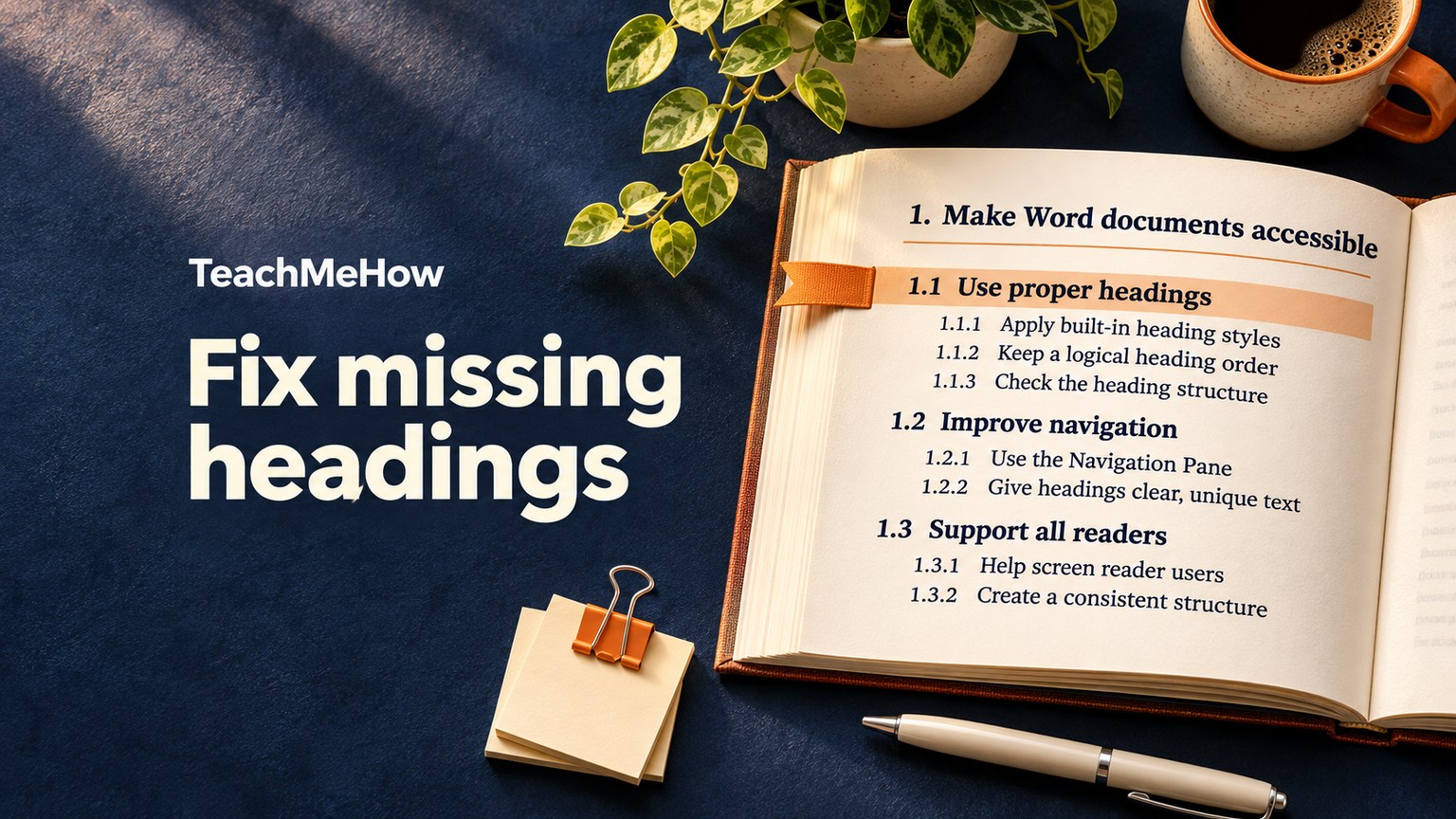
Make missing headings appear in Word for Windows. Fix the paragraph style, check its location, and test the outline without moving sections.
Follow these steps at your own pace. Check product terms and prices directly with providers before purchasing.
Quick answer
In desktop Word for Windows, click in the missing heading and choose the appropriate heading level under Home → Styles. Open View → Navigation Pane → Headings. If the heading still does not appear, check where it lives. Word leaves headings in tables, text boxes, headers and footers out of this pane.
Find out what Word sees
Click once inside the section label and look at the selected style on the Home tab. A line can look exactly like a chapter heading because someone enlarged the font and added bold. If its paragraph style is still Normal, Word has no section level to show in the outline. Clicking inside the paragraph without selecting individual words helps you apply the style to the entire heading.
Repair a section and its subheadings
- Choose one missing section first. In a volunteer handbook, “First shift” might be Heading 1. Its subsections “Arrival” and “Signing out” both belong at Heading 2. Open the Styles gallery if those options are out of view.
- Give the heading its own paragraph. If the first sentence of the instructions becomes part of the heading too, separate the label and body with a paragraph break. Apply the heading style to the label and Normal to the body.
- Open the Headings tab in the Navigation Pane. Expand the arrow beside “First shift.” Click “Arrival” once. The document should jump to that exact section. Dragging an outline entry can move its whole section, so use a single click for this test.
If a correctly styled heading is still missing
| Where the label lives | How to fix the outline |
|---|---|
| In a text box or the first row of a layout table | Move the section name to a regular paragraph above the box or table. Apply its heading level there, then remove the duplicate label if appropriate. |
| In the running page header | Keep the running header for page identification. Add the actual section heading once in the document body. |
| Under a collapsed parent heading | Expand the parent. Check that a sibling such as “Signing out” has the same level as “Arrival.” |
If the repaired heading has the wrong color or size, right-click that heading style in the gallery and choose Modify. This can affect every paragraph using the style in the document. Inspect another section before saving. When the outline works, you can link readers directly to a section or use the headings as bookmarks in a tagged PDF.
Comments
Comments are reviewed before they become public.
Sign in with Google to leave a comment.
Sign in with GoogleNo approved comments yet. Be the first to start the discussion.